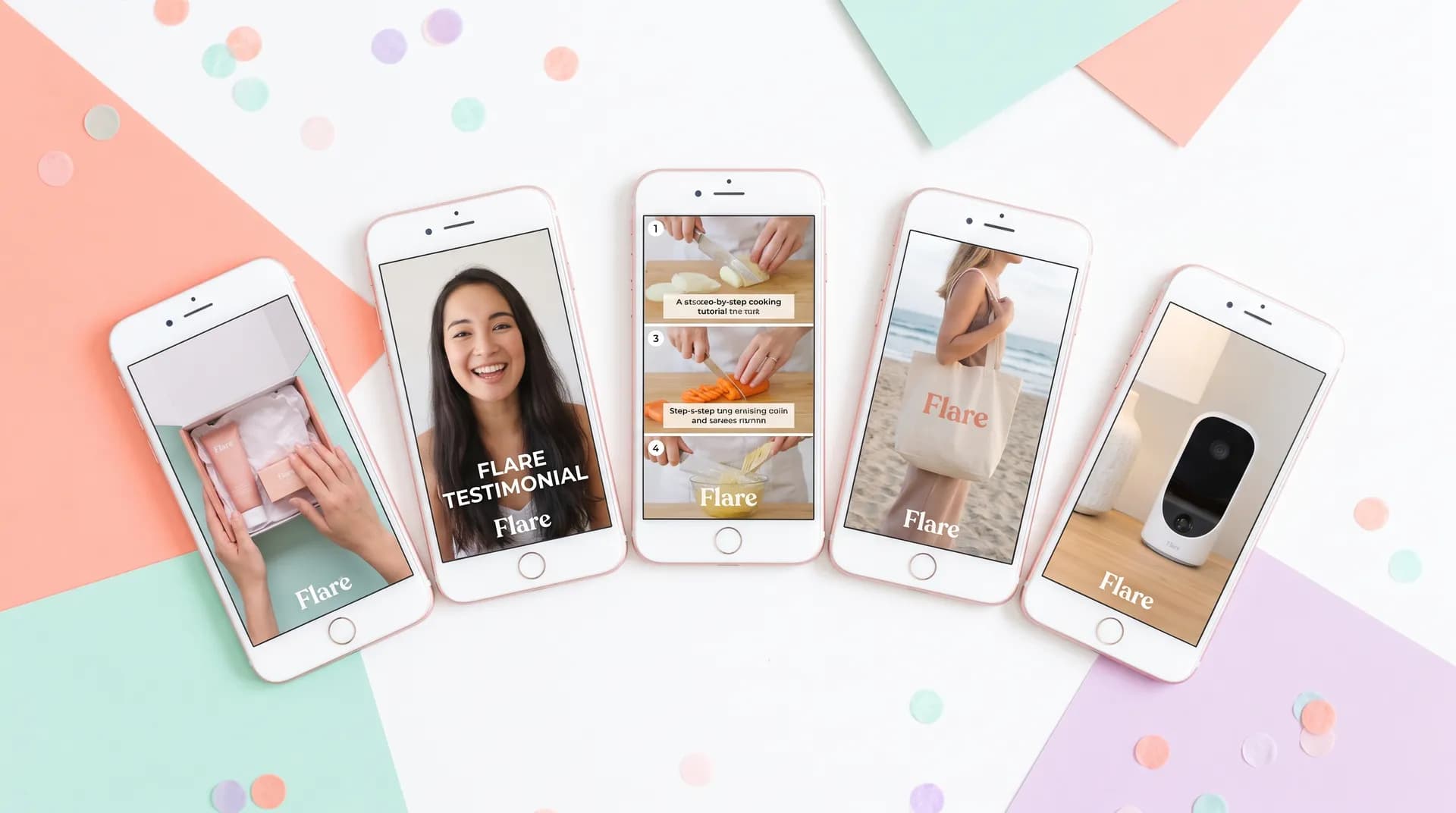
UGC video formats brands actually buy (with examples)
Unboxing, testimonial, tutorial, B-roll, product demo — learn the 5 core UGC video formats brands pay for and exactly how to practice each one.

A brand marketer told me something last year that stuck with me: "We don't have a budget problem. We have a format problem. Creators keep sending us content we can't actually use."
That's the gap nobody talks about when they're telling beginners to "just start creating." You can film all day long, but if you're not producing the right UGC video formats, brands won't buy. Full stop.
After watching hundreds of creator submissions come through Flare, I've seen exactly which formats get approved, which get rejected, and which never even make it past the brief-reading stage. This post breaks down the five formats that actually sell — so you can practice the right things from day one.
If you're still figuring out the broader picture of how UGC creator work actually functions, How to become a UGC creator: the complete guide is where I'd start. But if you're past that and want to know what to film, keep reading.
The five UGC video formats brands actually pay for
Before I get into each one, a quick framing note: brands aren't buying "content." They're buying specific assets they can plug into paid ad campaigns, organic social, product pages, or email flows. The format determines where it gets used. Knowing that changes how you approach every shoot.
1. Testimonial (talking-head) videos
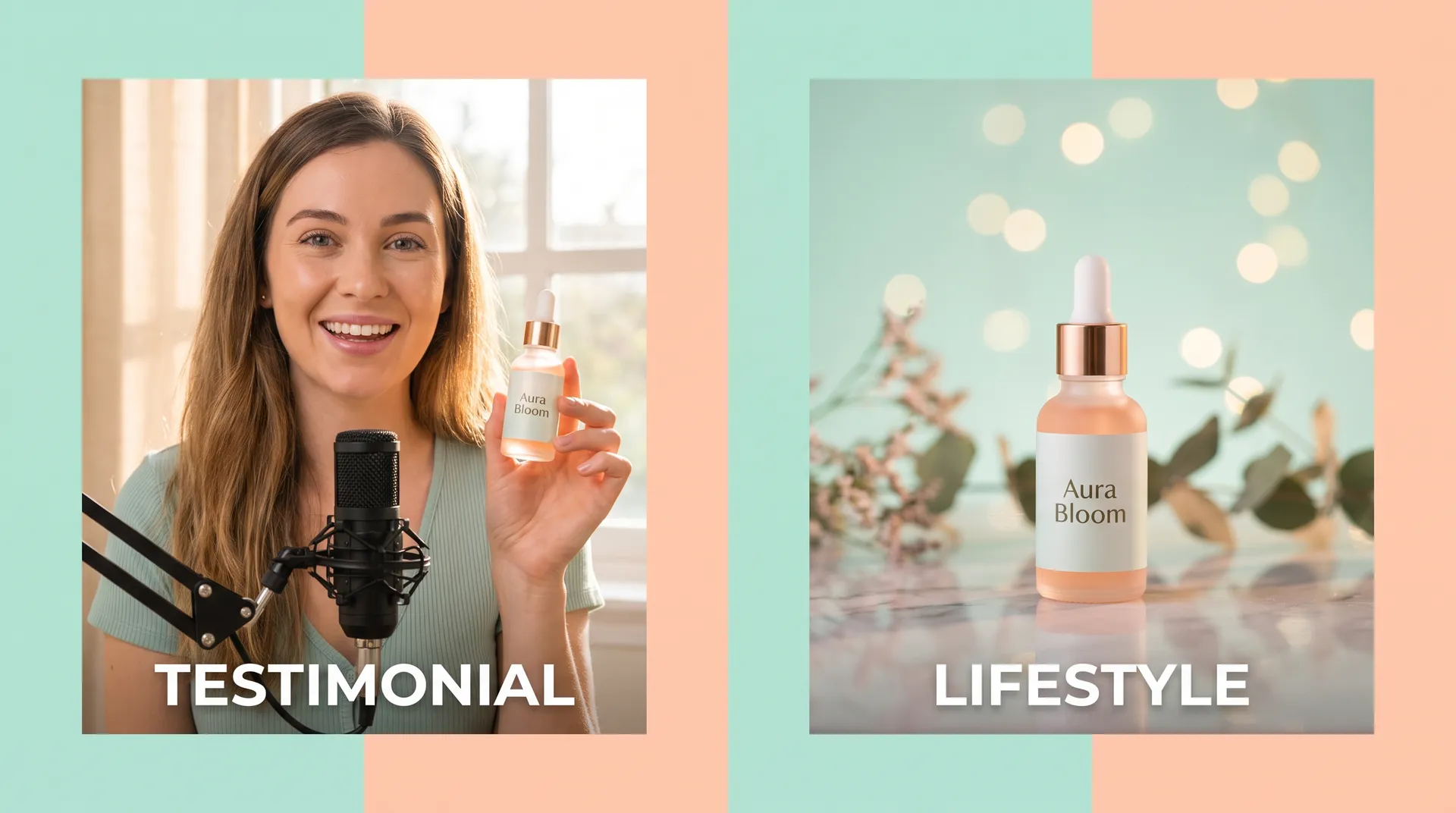
This is the workhorse of UGC. A creator looks into the camera and talks about a product — what problem it solved, how they use it, why they'd recommend it. Simple premise. Brutally hard to do well.
The mistake most beginners make is treating testimonials like they're reading a review aloud. They're not. A good testimonial video feels like you're texting your best friend to rave about something you just tried. The energy is conversational. The pacing is fast. The hook lands in the first two seconds.
Brands use testimonial UGC almost everywhere: Meta feed ads, TikTok ads, landing pages, email campaigns. It's the most versatile format, which is why it's also the most requested. If you can only practice one format right now, practice this one.
What to practice: Film a 30–45 second testimonial for something you already own. Don't script it word for word — use bullet points. The goal is sounding human, not polished.
2. Unboxing videos
Unboxing content works because it taps into something primal: anticipation. The viewer rides along as a real person opens something for the first time. There's no narrated script, just genuine reaction.
For brands, unboxings are particularly valuable for product launches, seasonal campaigns, and subscription box companies. Dollar Shave Club built a good chunk of their early brand awareness on exactly this format. The goal isn't theatrical surprise — it's authentic first impression.
The thing that kills most beginner unboxing UGC is pacing. They go too slow. Brands want a tight 30–60 seconds: quick setup shot of the box, hands opening it, pull out of hero product, one or two reactions about standout details. Done. Keep moving.
What to practice: Order something cheap on Amazon. Film the unboxing with your phone propped at an angle so both your hands and face are in frame. Edit it down to under 60 seconds.
3. Tutorial/how-to videos
Tutorial UGC shows a product in use. Step by step, with commentary. This format converts exceptionally well at the bottom of the funnel because it answers the subconscious objection every buyer has: "But will I actually be able to use this?"
Skincare brands love tutorial UGC ("here's my three-step routine using X"). Kitchen and food brands love it. Tech accessories love it. Basically any product with a learning curve or a process attached to it is a candidate.
The structure is simple: problem → product intro → step-by-step demonstration → result. Keep each step tight. Most tutorial UGC that performs well runs between 45 and 90 seconds. The UGC scripting: the Problem-Agitate-Solve framework post covers this structure in much more depth if you want to get into the mechanics.
What to practice: Pick a skincare product, a kitchen tool, or an app. Film yourself using it, narrating each step out loud as you go. Don't over-edit it — the rough "real person figuring it out" quality is part of what makes it work.
4. Lifestyle B-roll
This one surprises a lot of beginners because there's no talking involved. Lifestyle B-roll is short, cinematic-ish clips of a product existing naturally in someone's life. Coffee cup on a morning desk. Sneakers lacing up before a run. Skincare product next to a towel after a shower.
Brands use B-roll as supporting footage in ads, website banners, social media carousels, and email headers. They're not buying it as a standalone ad — they're buying it as raw material to mix into their own creative. Which means the bar for "good" is different: you need clean shots, good natural light, and authentic lifestyle context. Not perfection, but intention.
This is actually one of the easiest formats for total beginners to start with because you don't have to be on camera. It's about product styling, light, and movement. Our post on how to shoot B-roll for UGC videos gets into the specifics of framing and movement.
What to practice: Pick five products from your bathroom or kitchen. Film three different B-roll angles for each: overhead flat-lay, close-up detail shot, and a "product in environment" lifestyle shot. You'll build a practice library fast.
5. Product demo videos
Different from a tutorial. A product demo is less "here's how you use this" and more "here's what this thing does and why it's impressive." It's showing off the product's features or results in a way that builds desire.
Think of a stain remover ad where someone pours red wine on a white shirt and then cleans it up instantly. Or a blender video that shows it crushing ice in three seconds. Or a skincare serum where you show before/after skin texture. The demo is proof. It answers "does this actually work?"
Product demos tend to perform really well as direct-response ads on Meta and TikTok because they compress the full decision-making cycle into 20–30 seconds. Skeptic walks in, sees proof, wants the product. Done.
The bar for demo UGC is specificity — vague demos don't convert. "This moisturizer makes my skin feel great" is a testimonial. "Watch what happens when I apply it to dry skin versus my normal routine" with visible results on camera is a demo.
What to practice: Find a product with a visible "before and after" effect — a cleaning product, a hair tool, a teeth whitener. Film the entire process. Show the result in the same clip.
What brands actually look for across all five formats
Knowing the formats is step one. Understanding what makes a submission approvable is step two.
Every format brand buyers look at gets evaluated on roughly the same checklist:
Hook in the first two seconds. Doesn't matter which format you're shooting — if the opening doesn't grab attention, the video doesn't get bought. The TikTok UGC hook examples post has a breakdown of exactly what strong hooks look like in practice.
Audio clarity. This kills more UGC than bad lighting does. Background noise, echo, or low volume makes content unusable. Before you worry about camera specs, check your UGC creator equipment setup for audio — it matters more than most beginners think.
Authentic energy, not performance energy. Brands can smell overacting. The person who sounds like they're doing a school presentation doesn't get hired again. The person who sounds like they genuinely tried the product and had a take on it does.
Correct aspect ratio and framing. 9:16 vertical for TikTok/Reels/Shorts. 1:1 for some Meta placements. Heads shouldn't be cut off. Products shouldn't be blurry in frame. Basic stuff, but it gets ignored constantly.
Most UGC briefs will tell you exactly which format they want. But the best creators can identify from context clues — ad placement, product type, campaign goal — which format will perform best even when the brief leaves room for interpretation. That instinct is what separates $75/video creators from $300/video creators.
Which format should you learn first?
My take: start with testimonials. They're the most requested, the most transferable, and the most revealing about whether you have genuine on-camera presence. If you can nail a compelling 30-second testimonial, you can adapt that skill to every other format.
After testimonials, add tutorial UGC to your practice routine. Those two formats alone will cover the majority of what you see in brand briefs on any UGC marketplace.
Layer in unboxing and demo content as you start landing actual campaigns and building products to work with. B-roll can be practiced any day with any product in your house — and it's an underrated differentiator in portfolios because most beginner creators skip it entirely.
When you're ready to start turning that practice content into a portfolio brands will actually look at, How to film your first UGC video (practice shoot guide) walks through the full process from setup to delivery.
FAQ
Frequently Asked Questions
What are the most common UGC video formats brands request?
How long should a UGC video be for ads?
Do I need to show my face in UGC videos?
Can I practice UGC video formats without having brand deals?
Which UGC format pays the most?
How do I know which UGC video format to pitch to a brand?
Related reading
- How to become a UGC creator: the complete guide
- How to film your first UGC video (practice shoot guide)
- UGC creator equipment: what you actually need (and what you don't)
- Best phone settings for filming UGC videos
- How to shoot B-roll for UGC videos that sell
- TikTok UGC hook examples: nail the first 3 seconds
- UGC video production: your complete beginner's guide