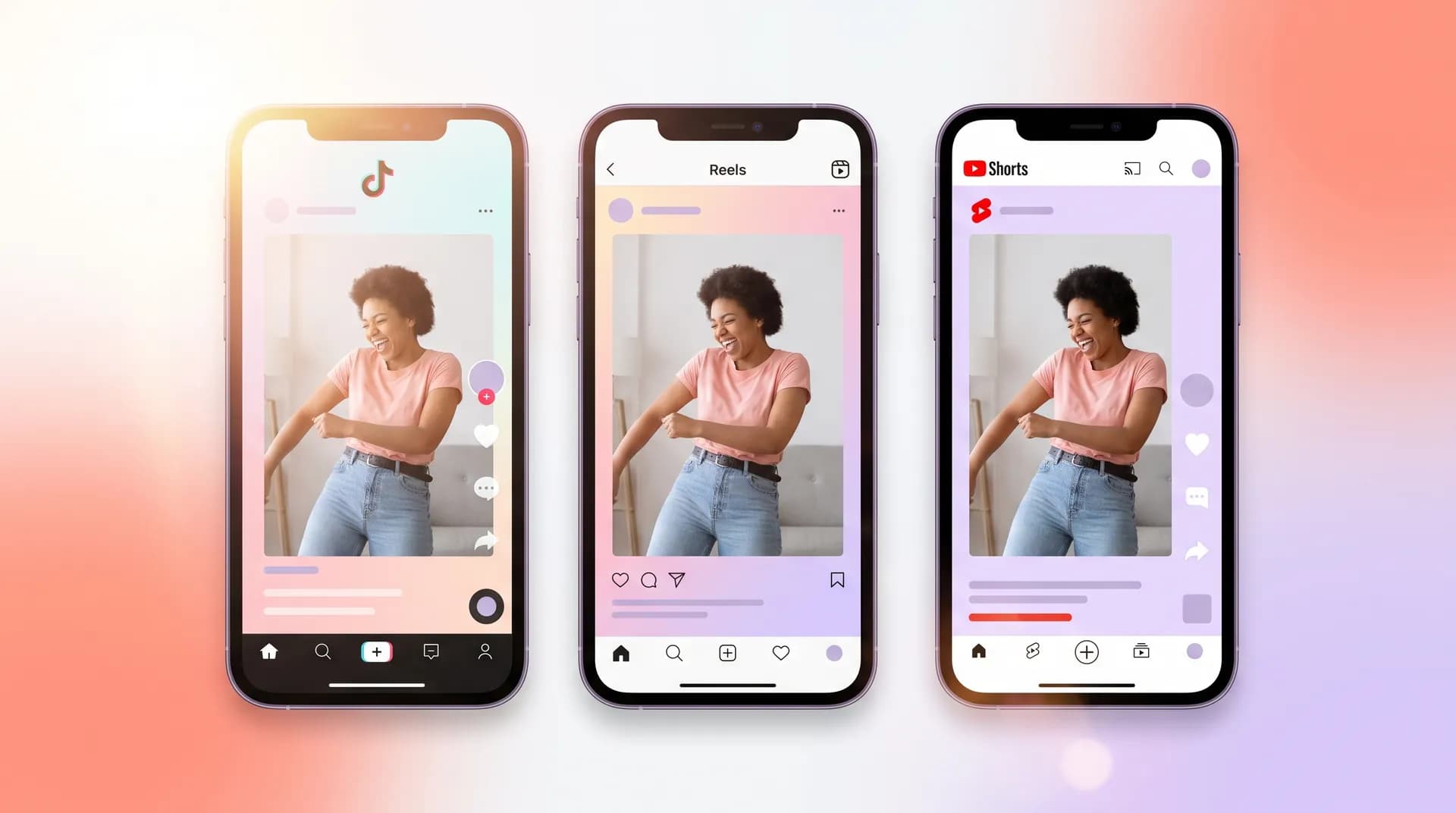
How to cross-post UGC across TikTok, Reels, and Shorts
Step-by-step guide to cross-posting UGC on TikTok, Reels, and Shorts — no watermarks, correct aspect ratios, and zero platform penalties.

A brand sends you a brief, you film three variations, edit everything up, and deliver. Then the brand's media buyer asks: "Can you also send us versions optimized for Reels and Shorts?" That single question is where a lot of creators fumble — not because the work is hard, but because cross-posting UGC across TikTok, Reels, and Shorts without watermarks, wrong ratios, or platform-penalized reposts requires a workflow most people never bothered to build.
I've seen creators just download their finished TikTok and upload it straight to YouTube Shorts. TikTok watermark and all. That's not cross-posting — that's handing the algorithm a reason to suppress your video on day one.
Here's how to do it correctly.
Why cross-posting UGC on TikTok, Reels, and Shorts actually matters
First, let's be clear about what "cross-posting" means in a UGC context. You're not repurposing for organic growth (though that's a bonus). You're delivering a brand asset that can run as paid ad creative — or organic content — on three separate platforms. Each platform has its own algorithm, its own resolution preferences, its own audio rules, and its own tolerance for anything that smells like it was born somewhere else.
Get it wrong and the brand's ad spend is wasted on a suppressed creative. Get it right and you look like a pro who understands the full paid media pipeline.
The three things that kill a cross-post:
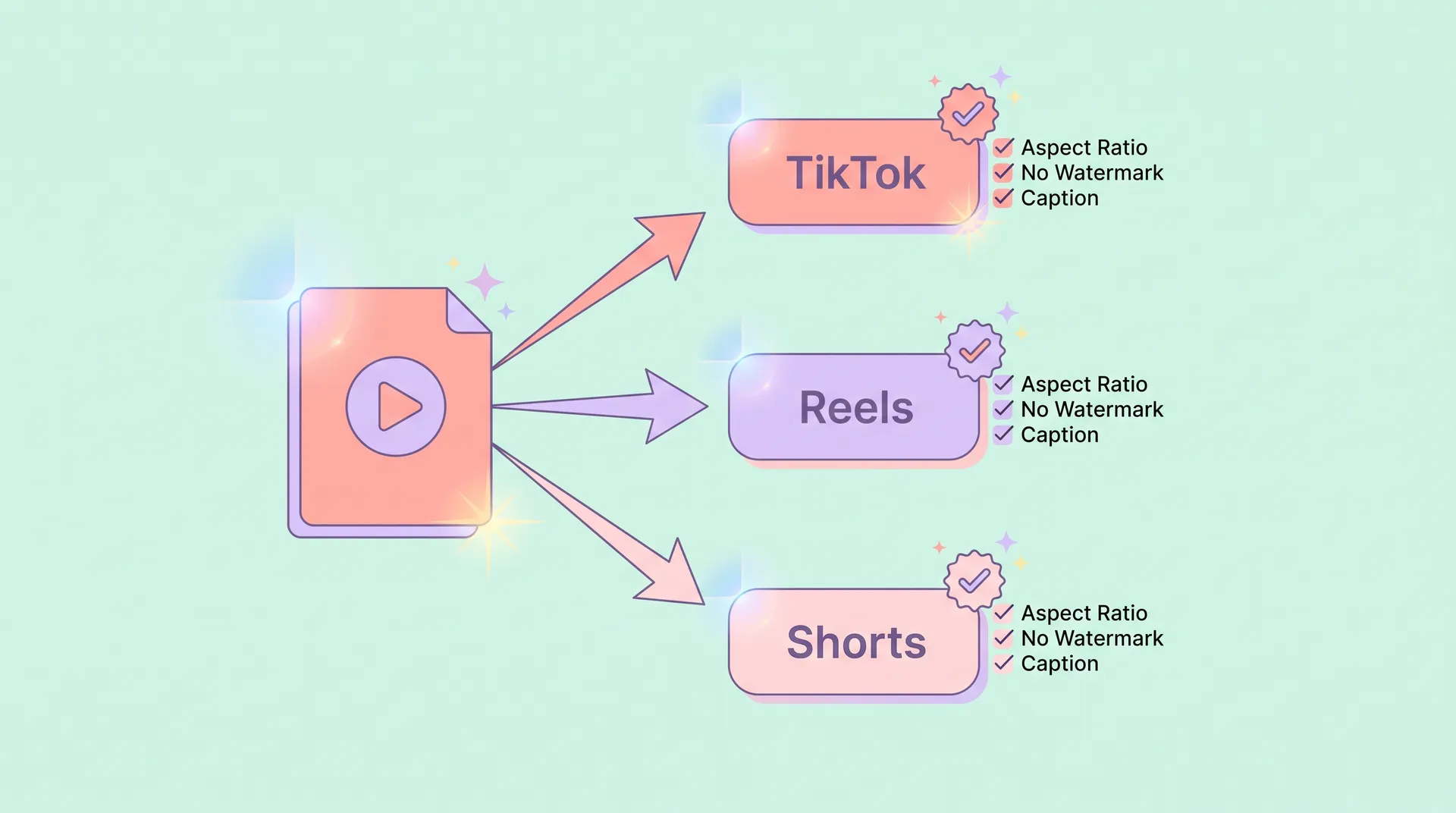
- Watermarks. TikTok's watermark on a Reel or Short signals "recycled content" to both the algorithm and viewers. Instagram has even confirmed it deprioritizes watermarked videos in the Reels feed.
- Wrong aspect ratio or resolution. Each platform has slightly different safe zones for text and UI overlays. A 9:16 video that's fine on TikTok can get its captions clipped on Shorts.
- Duplicate audio detection. Uploading the same audio fingerprint to all three platforms in the same 24-hour window can trip duplicate content filters on YouTube Shorts specifically.
None of these are unfixable. But you have to plan for them before you hit record — not after you've delivered your TikTok draft.
Step 1: Export from source without a watermark
This is the non-negotiable starting point. Never film natively in TikTok's camera and use that as your master file. Always edit in a third-party app — CapCut (outside the TikTok ecosystem version), DaVinci Resolve, Adobe Premiere, or even the native Photos app — and export a clean, watermark-free master.
Your master file specs:
- Resolution: 1080 × 1920 px (9:16)
- Frame rate: 30fps (TikTok) or 60fps if the brand wants a higher-quality Shorts/Reels feel
- Bitrate: at least 20 Mbps for lossless-looking exports
- Format: MP4 (H.264)
- No burned-in captions yet — caption separately per platform
If you already exported with captions baked in, that's a problem. Platform-native captions perform better than burned-in text for accessibility and algorithm signals, and the safe zones are different enough across TikTok, Reels, and Shorts that a one-size text placement will be wrong on at least one of them. My full breakdown on where to place text on each platform is in the UGC text overlay guide: TikTok vs. Reels vs. Shorts — worth reading before you finalize any export.
If a brand sends you a brief asking for "one video for all platforms," push back. Politely explain that you'll deliver one master file plus platform-optimized exports. Brands who know what they're doing will appreciate it. Brands who don't will thank you later.
Step 2: Create platform-specific exports from your master
One master file. Three exports. Here's what changes per platform.
TikTok
TikTok's sweet spot is 1080 × 1920 at 30fps. Keep your video between 21–34 seconds for most ad placements — longer if you're doing a Spark Ad with a storytelling hook. The platform's algorithm rewards watch time and replays, so your edit should feel native: quick cuts, text that appears in the first 2 seconds, and audio that works with the sound on.
Speaking of audio — TikTok is the only platform where trending sounds actively boost organic distribution. If the brand allows it, matching your UGC to a trending sound can multiply reach significantly. I covered this in depth in the TikTok sound strategy for UGC: trending vs. original audio post. For paid Spark Ads, original or licensed audio is your only option.
Safe zone for text: keep everything between 15% from the top and 20% from the bottom of the frame. TikTok's UI (like button, share button, username) sits on the right side and bottom.
Instagram Reels
Reels technically accepts 1080 × 1920, but Instagram compresses aggressively. Export at the highest bitrate you can (I aim for 25+ Mbps) to fight compression loss. Keep your video between 7–90 seconds — though 15–30 seconds is still where most ad-served Reels perform best.
The biggest Reels-specific change: the bottom ~35% of your frame is partially obscured by the caption and action bar on mobile. Any product you're showing off needs to be in the upper two-thirds of frame. If your TikTok master has a key visual moment at the bottom, crop or recompose.
Audio for Reels: Instagram has its own trending audio ecosystem separate from TikTok. Don't assume a trending TikTok sound is licensed for Reels — check Meta's Sound Collection for cleared options, or use the brand's provided audio.
YouTube Shorts
Shorts is the most forgiving in terms of compression, but has the strictest duplicate content sensitivity. YouTube's algorithm will detect if your Shorts upload has the exact same audio fingerprint as a TikTok or Reel uploaded within the same session window. The fix: export Shorts last, and if you're using background music, use a royalty-free track from YouTube's Audio Library specifically. Or, offset the audio slightly — even a 0.5-second trim of silence at the start can change the fingerprint enough.
Shorts also performs better slightly longer than TikTok. 45–60 seconds tends to outperform sub-20-second Shorts in watch-time metrics, according to YouTube's own creator guidance.
Safe zone: Shorts clips the top and bottom ~10% on some mobile displays. Keep all critical text and visual elements in the central 80% of the frame vertically.
Step 3: Caption, hashtag, and post settings per platform
The file is only half the job. How you post matters almost as much.
TikTok:
- Auto-captions are native and algorithm-friendly — turn them on and review for accuracy
- 3–5 hashtags max; a mix of niche (#ugccreator, #skincareugc) and broad (#fyp) still works
- Post as a "Photo Mode" or standard video — not as a "Story" if you want Explore reach
- If it's for Spark Ads, you'll need to generate a Spark Ad code from the brand's TikTok Ads Manager before the post goes live
Instagram Reels:
- Write a real caption — Instagram's algorithm reads caption text for topic signals
- 5–10 hashtags; use a mix of size tiers
- Share to Feed as well as Reels for maximum surface area
- For paid amplification, the brand will boost via Meta Ads Manager using the post URL — make sure your profile is set to Creator or Business account before publishing
YouTube Shorts:
- Add a description with your target keyword — Shorts is indexed by Google and ranks in search
- Use the
#Shortshashtag explicitly in the title or description so YouTube flags it correctly - Don't use more than 3 hashtags; YouTube penalizes hashtag stuffing more aggressively than TikTok does
Stagger your posts. Don't publish all three versions in the same hour. TikTok first, Reels 24 hours later, Shorts 48 hours after that. This gives each platform time to independently index the content without cross-contamination in algorithm signals.
Step 4: What to tell the brand (and what to charge)
This is the part nobody talks about. Cross-platform delivery is additional labor and should be in your contract as an add-on, not a freebie bundled into "one video."
A clean cross-platform delivery workflow — master export, three platform exports, platform-specific caption copy, and staggered posting guidance — realistically adds 1–2 hours to your production time. If you're charging $150–$250 for a single TikTok deliverable, cross-platform exports should add at least $50–$75 per additional platform. Some creators I know charge a flat "platform adaptation fee" of $100–$150 on top of the base video rate.
Document what you're delivering clearly: "1 × master file (1080×1920, no watermark) + 3 × platform-optimized exports + caption copy per platform." That line item in your invoice protects you from scope creep and signals professionalism to media buyers who are used to working with production agencies.
For a deeper look at how platform mechanics differ at the strategy level — not just the export level — the TikTok UGC: the complete platform playbook for creators covers TikTok's full native ecosystem in detail, including how Spark Ads interact with organic posts and what TikTok's algorithm actually rewards in a UGC context.
The checklist I run before every cross-platform delivery
Before I send anything:
- Master file exported from a third-party editor (no TikTok watermark)
- Resolution confirmed at 1080 × 1920
- No burned-in captions in the master
- TikTok export: 30fps, captions via native auto-caption tool
- Reels export: highest bitrate possible, key visuals in upper 2/3 of frame
- Shorts export: audio offset or separate track, #Shorts in title/description
- Caption copy written separately for each platform
- Posting staggered by at least 24 hours per platform
- Spark Ad code (if applicable) requested from brand before TikTok post goes live
One more thing worth flagging: hooks need to be reconsidered per platform, not just reused verbatim. What stops the scroll on TikTok isn't identical to what works on Reels, where users often watch with sound off by default. If you want to go deep on platform-specific hook mechanics, TikTok UGC hook examples: nail the first 3 seconds is a solid starting point — and TikTok vs. Reels vs. Shorts: UGC differences on each platform covers how viewer behavior shifts across all three.
Frequently Asked Questions
Does cross-posting UGC hurt performance on Instagram Reels?
How do I remove the TikTok watermark from my UGC video?
Can I post the same UGC video on TikTok, Reels, and Shorts at the same time?
What aspect ratio should UGC be for all three platforms?
Should I charge extra for cross-platform UGC delivery?
Does YouTube Shorts penalize cross-posted content from TikTok?
Related reading
- TikTok UGC: the complete platform playbook for creators
- TikTok vs. Reels vs. Shorts: UGC differences on each platform
- UGC text overlay guide: TikTok vs. Reels vs. Shorts
- TikTok UGC hook examples: nail the first 3 seconds
- TikTok sound strategy for UGC: trending vs. original audio
- Best time to post UGC on TikTok, Reels, and Shorts