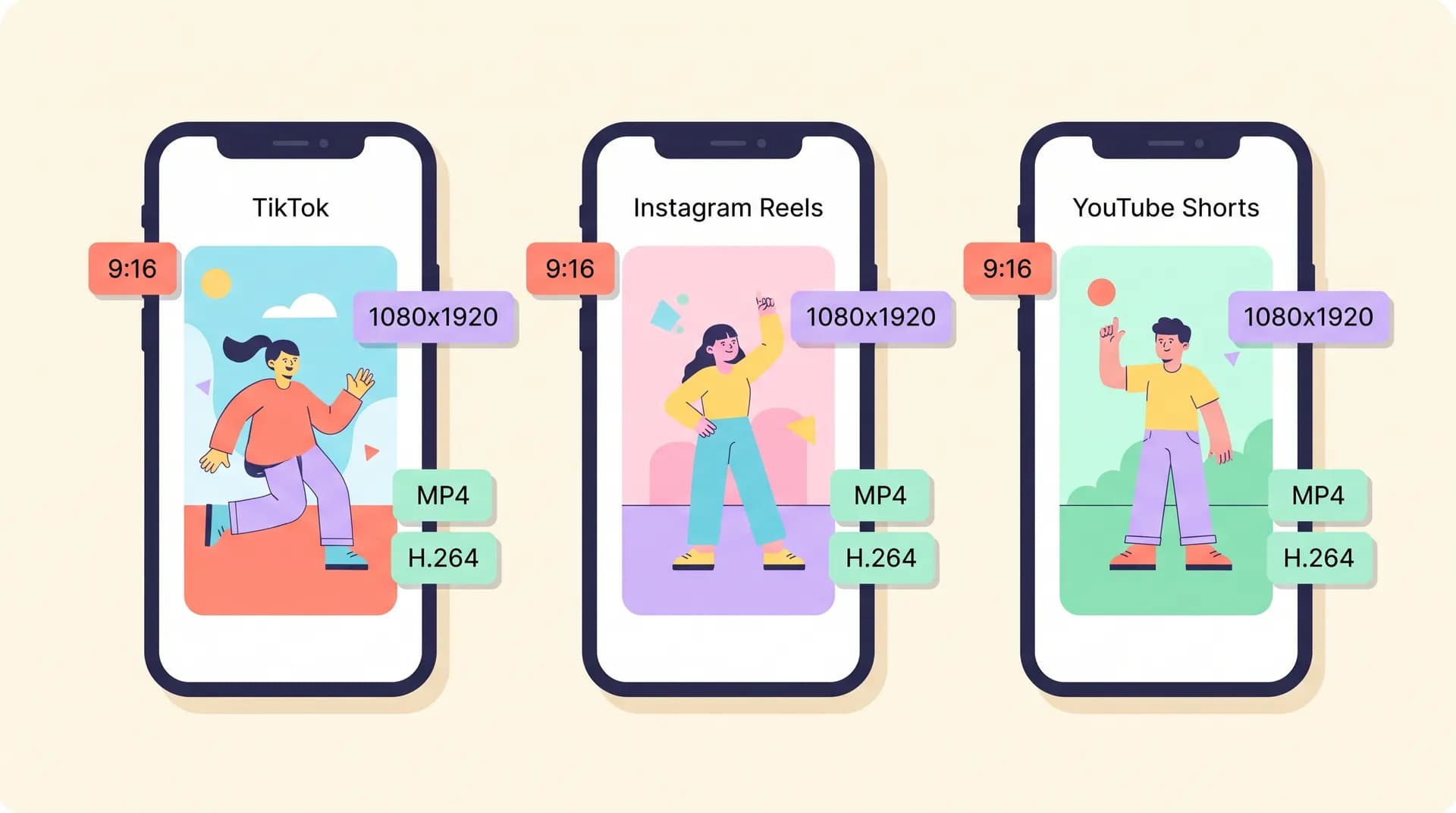
How UGC deliverable specs differ: TikTok vs. Reels vs. Shorts
A breakdown of UGC deliverable specs for TikTok, Reels, and Shorts — resolution, aspect ratio, file format, captions, and watermark rules brands put in briefs.

A creator in our community lost a $1,400 campaign last month over a watermark. Not because she missed the brief, or shot bad footage — she'd edited everything inside the TikTok app, exported it, and sent the file straight to the brand. TikTok slapped its logo on the export. The brand's media buyer rejected the deliverable, and she spent a full unpaid weekend re-exporting everything in CapCut.
That's the whole reason UGC deliverable specs for TikTok, Reels, and Shorts exist as a line item in briefs. Not to annoy you. Because the same video file behaves differently on each platform, and brands are buying files they can actually run as ads — not just files that look good on your phone.
I've reviewed more briefs than I can count since starting Flare. Here's the spec sheet I wish someone had handed me on day one.
The UGC deliverable specs brands actually write into briefs
Let's kill a myth first: most brands don't care about specs because they're picky. They care because ad platforms reject non-compliant files, and a rejected upload burns a launch day.
Every technically-fluent brief I've seen hits the same five buttons:
- Resolution and aspect ratio
- File format and codec
- Captions (burned in or not)
- Watermarks (almost always: none)
- Safe zones (don't put anything where the UI lives)
The values behind those buttons differ per platform. That's where creators get tripped up. They shoot once — smart, batch-friendly, time-efficient — then export one file and send it everywhere. And that one file is technically right for one platform and wrong for two others. If you're cross-posting your own UGC, we cover that workflow separately, but for client deliverables, you need to know the differences cold.
The baseline: shoot once, export per platform
Film in 4K if your phone allows it. Or at minimum 1080p at 30fps, vertical. A 4K source gives you room to punch in, crop, and reframe without quality loss when a brand asks for variations. Storage is cheap. Reshoots are not.
That's the last thing all three platforms share. Everything after that splits.
TikTok deliverable specs: what briefs ask for
TikTok is the most forgiving of the three natively and the most demanding from buyers. Specs you'll see in a TikTok-focused brief:
- Resolution: 1080×1920 minimum
- Aspect ratio: 9:16 (some briefs allow 1:1 for feed placements, but assume vertical)
- Format: MP4 or MOV, H.264 codec
- Frame rate: 24–60fps, 30 is standard
- Captions: Usually burned in, often with specific placement (upper-middle of frame, inside the safe zone)
Here's the catch that burned that creator I mentioned. If a brief says "organic post + Spark Ads," the ad version must not carry a TikTok watermark — TikTok's own ads policy for Spark Ads prohibits watermarked videos, and Meta has explicitly downranked TikTok-watermarked Reels for years. So if you're delivering ad-usage rights, you're exporting a clean master file from your editing app. Never from the TikTok app itself.
If a file has ever touched a platform's export button, it's a platform file — not a deliverable. Deliverables come out of your editor. Platform files are what you post yourself, if you post at all.
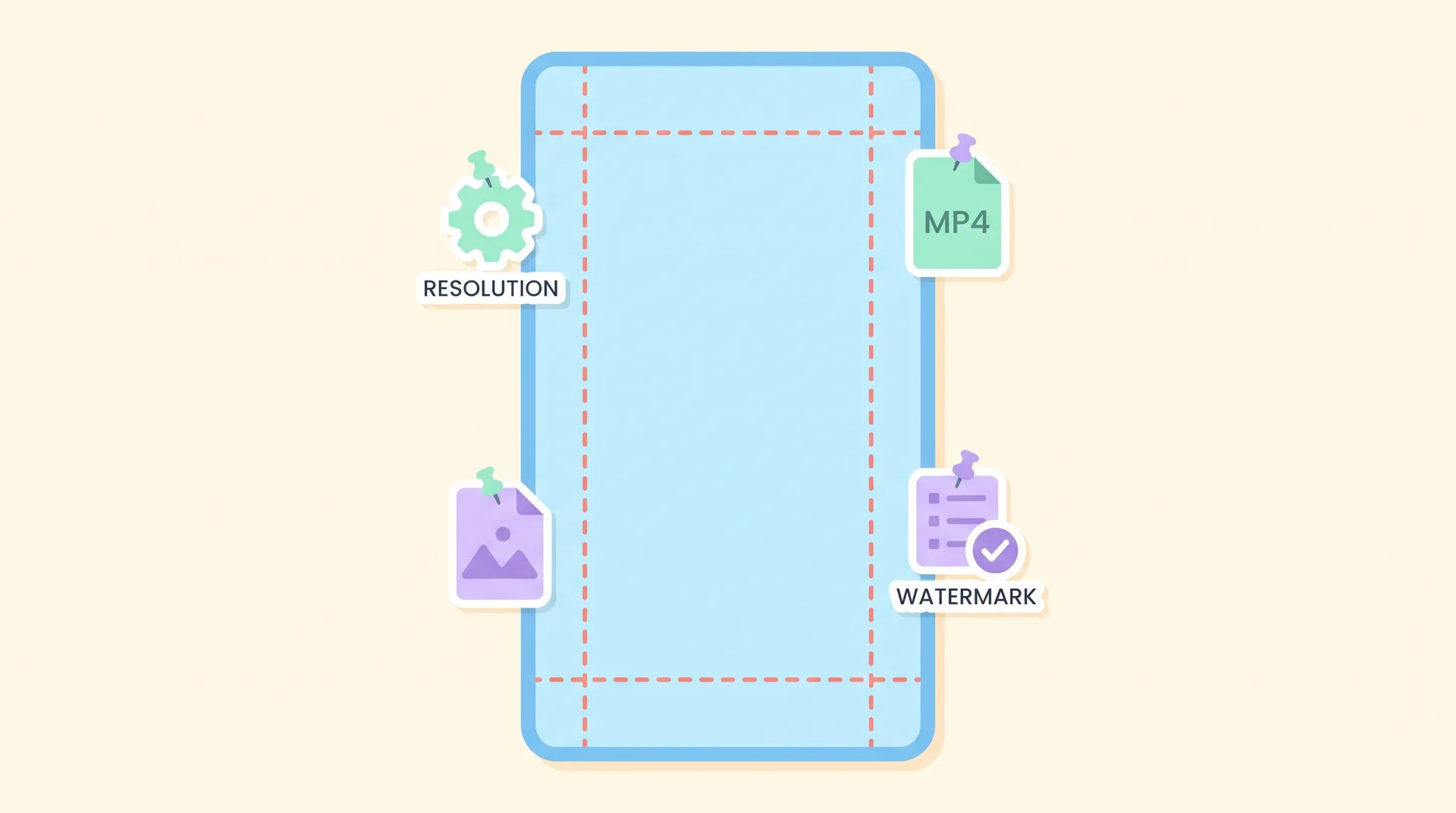
TikTok's UI eats the right edge and bottom of the frame — the caption, buttons, and progress bar live there. Keep text and product away from the bottom 20% and the right 15%. And if you're delivering for Spark Ads, the brand also needs your video posted from your account with the Spark code, which changes what "deliverable" means entirely — that's covered in depth in the TikTok UGC platform playbook, along with hook strategy and the whole native-content mindset.
Length matters too, but it's a creative spec, not a technical one. Buyers running Spark Ads usually want 15–34 seconds. If your brief doesn't say, ask. We break down exactly what performs in TikTok UGC video length.
Instagram Reels deliverable specs: the Meta tax
Reels briefs look 90% identical to TikTok briefs on paper. Then Meta-specific requirements show up.
- Resolution: 1080×1920
- Aspect ratio: 9:16
- Format: MP4 or MOV (MP4 is the safe pick for Meta Ads Manager uploads)
- Frame rate: 30fps standard
- Captions: Almost always burned in — and here's the twist: briefs often specify different caption styling than TikTok, because Reels audiences and buyers overlap but aren't the same
Two things will actually get a Reels deliverable rejected. First, TikTok watermarks. Meta actively detects them. Second, burned-in captions colliding with Meta's auto-captions or the Reels UI, which occupies more bottom real estate than TikTok's. The safe zone on Reels is roughly the middle 80% of the frame — top and bottom get claimed by UI, profile info, and description text.
One more Meta quirk that bites newer creators: if the brand is running your Reel as a whitelisted ad, they may ask for a version with no burned-in captions at all, because they want to A/B test their own headline overlays in Ads Manager. Ask before you burn. We get into styling specifics per platform in the UGC text overlay guide for TikTok, Reels, and Shorts, but the negotiation happens before you export — not after.
YouTube Shorts deliverable specs: the underrated one
Shorts is where most creators get lazy, because they treat it as TikTok's dumping ground. Bad move. Brands running YouTube are often the ones with the biggest budgets — they're buying into Google's ad ecosystem, and they've read YouTube's Shorts product specs.
- Resolution: 1080×1920
- Aspect ratio: 9:16 (Square works, but 9:16 is the standard)
- Format: MP4
- Length: Under 3 minutes if it's going on Shorts at all
- Captions: Burned-in captions perform especially well on Shorts because a huge share of viewing is muted, and YouTube's own caption tools are clunkier for ads
The Shorts-specific trap: aspect ratio enforcement is stricter than you'd think. Upload a 9:16 file with letterboxing baked in — black bars top and bottom because you exported 16:9 footage cropped wrong — and the brand's media team has to fix it or bin it. If you shot horizontal and you're delivering vertical, actually reframe in the edit. Don't fake it.
Also worth knowing: Shorts briefs increasingly ask for a slightly longer cut than the TikTok version — YouTube audiences tolerate 45–60 seconds where TikTok rewards tight 20-second edits. If you're shooting one product, plan two edit lengths from the start. We break down what brands actually buy for YouTube in YouTube Shorts UGC deliverables.
The watermark clause: read it like a contract clause
Because it is one.
Most briefs bury it in the middle: "no platform watermarks, no third-party app watermarks." That second part catches people who export with a CapCut Pro free-trial watermark or an InShot watermark in the corner. Screen recorders leave timestamp overlays. Editing apps leave logos.
Before you deliver anything, watch the full file once at fullscreen. Corners, first three seconds, last three seconds. It takes ninety seconds. It has saved me and creators I know from more re-deliveries than any other habit.
Build your own spec sheet (and put it in your rate card)
Here's the part I'll be blunt about: if you wait for the brief to tell you the specs, you're already behind. The creators who get repeat business deliver platform-correct files the first time, unprompted.
My recommendation — make a one-page internal checklist:
- Master export: 4K 9:16, H.264 MP4, clean (no captions, no watermark) — your source of truth
- TikTok cut: captions burned in, right/bottom safe zones respected, 15–34s if ad usage
- Reels cut: captions repositioned for Meta's UI, MP4, no TikTok watermark anywhere
- Shorts cut: reframed properly, muted-viewer captions, up to 3 min
- Naming convention:
[brand]_[platform]_[v1]_[date]— buyers notice this more than you'd think
Deliver all files in a clean folder link, not chat attachments. It signals you've done this before.
If a brief doesn't specify specs, ask one question: "Are you running these organically, as ads, or both?" The answer changes everything — ad deliverables need clean masters and whitelisting setup, and that's usage-rights territory you should be charging for separately, not bundling into your base rate.
Brands keep getting more technical about this, not less. The creators who treat specs as part of the craft — not an annoying footnote after the creative work is done — are the ones getting the second and third contracts. Make the checklist once. Reuse it forever.