UGC video pacing: edit for watch time and conversions
Learn how to pace UGC video edits for maximum watch time and conversions — cut rhythm, jump cuts vs. b-roll, caption timing, and CTA structure.

I've watched a lot of UGC videos die on the vine. Not because the hook was bad. Not because the product wasn't compelling. Because the edit was exhausting to sit through. Thirty seconds that felt like three minutes. One long, uncut take of a creator talking at the camera with nothing to break the monotony — and the viewer's thumb moved on before the CTA ever hit the screen.
UGC video editing pacing for conversions is the thing most creators get wrong after they nail their hook. The first 3 seconds grab attention. Pacing is what keeps it.
Here's what I've seen work — and what consistently kills retention.
The cut rhythm that actually moves viewers through your UGC video
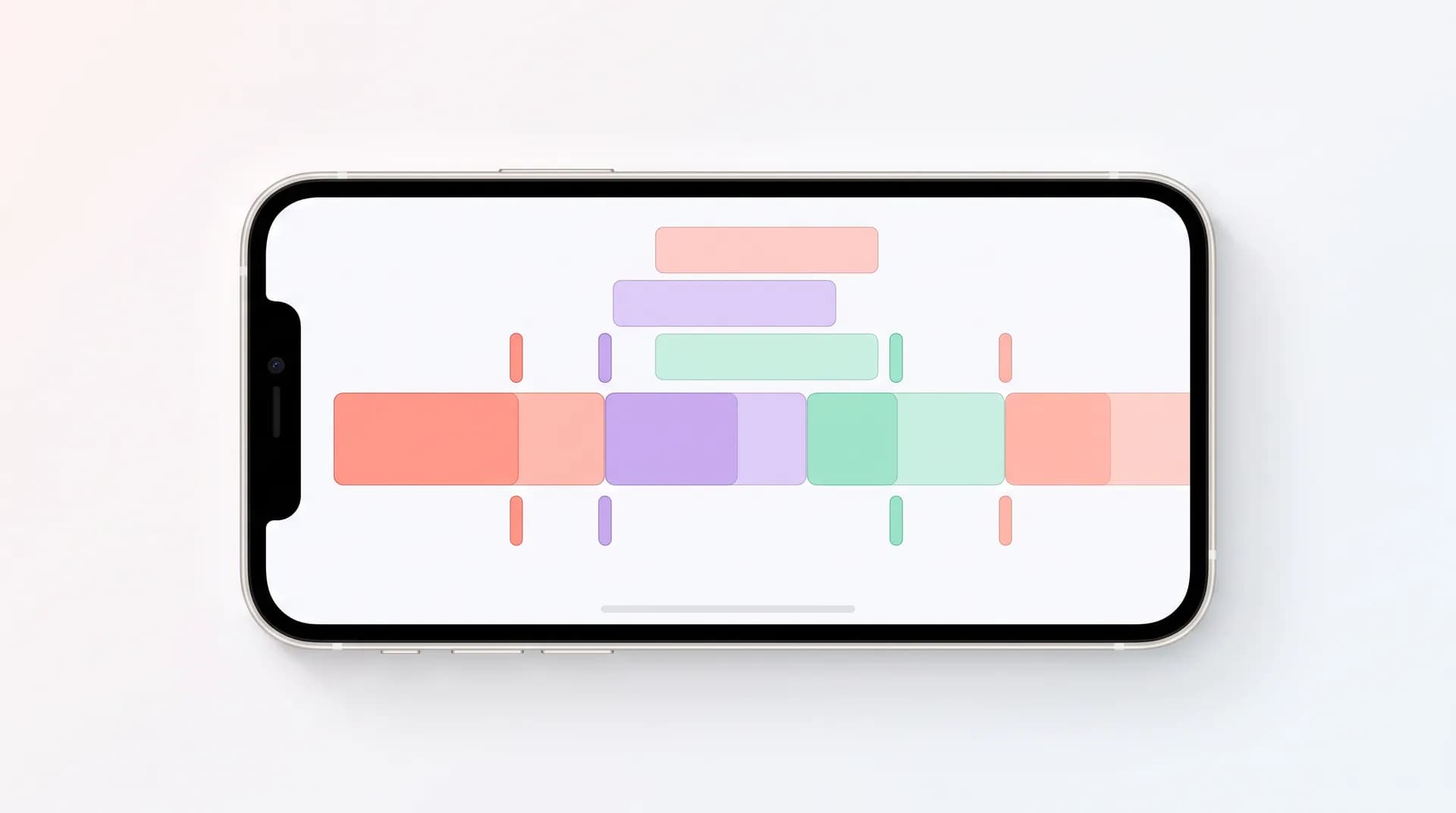
Pacing isn't just about cutting fast. That's a misconception that leads to frenetic edits that feel like a sugar rush — exciting for two seconds, then exhausting. Real pacing is about intentional rhythm: when you cut, when you hold, and how those decisions signal importance to the viewer.
A working rule I use: cut every 2–3 seconds during your hook, then stretch to 4–5 seconds in your body, then compress again heading into your CTA. Think of it like breathing. Fast in, steady middle, fast out. The acceleration into the CTA creates urgency without the creator having to say "hurry up."
For a 30-second UGC ad, that typically means:
- 0–3s (hook): 2–3 rapid cuts. No wasted frames. Start the clip mid-action if you can.
- 4–18s (problem/proof body): 4–5 second clips. Room to breathe, but no filler.
- 19–27s (CTA ramp): Drop back to 2–3 second cuts. Text overlays appearing, b-roll of the product, urgency building.
- 27–30s (close): One clean hold on the creator or product. Don't cut here — let it land.
This structure isn't arbitrary. It mirrors how the TikTok algorithm reads completion rate and how Meta's delivery system scores video quality signals. Videos that hold viewers through key watch-time thresholds (especially 25%, 50%, 75%, and 100%) get better distribution. Your edit controls whether they hit those thresholds.
Jump cuts vs. b-roll inserts: when to use which
This is where I see creators make the biggest tactical mistakes. Jump cuts and b-roll inserts aren't interchangeable — they do completely different jobs.
Jump cuts are for energy and momentum. They work when the creator is delivering lines and you want to strip out dead air, filler words, or pauses that drag. A jump cut keeps the speech tight without changing the visual context. Used well, they feel invisible. Used badly (cutting mid-word, or cutting so tight the frame barely changes), they're jarring.
Use jump cuts when:
- You're trimming "um," "like," or breath pauses between lines
- You want to speed up a list or series of points
- The subject hasn't moved and the background is static
B-roll inserts do the opposite job. They let the words breathe while giving the eye something new to look at. A creator saying "I use this every single morning" hits harder when you cut to an actual shot of the product on a bathroom counter or being picked up — not because the words changed, but because the visual makes the claim feel real.
Inserting b-roll also hides cuts you can't make cleanly. If a creator stumbles in the middle of a sentence and you need to bridge two takes, a 1.5-second b-roll insert covers it without the viewer noticing. It's one of the most underrated editing tricks in UGC work.
Use b-roll inserts when:
- A claim needs visual proof ("this is what my skin looked like after two weeks")
- You're bridging two takes from the same clip
- The talking-head shot has been running for more than 5 seconds and needs a visual refresh
Check out how to shoot b-roll for UGC videos that sell if you're not already coming into the edit with enough b-roll to work with — that's usually where the problem starts. And if your on-camera delivery is choppy to begin with, talking head UGC: on-camera delivery tips that build trust will give you better raw footage to cut from.
Caption timing: the part almost everyone does wrong
Captions in UGC aren't just accessibility — they're an engagement tool. 85% of Facebook video is watched without sound, and that number is still significant even on TikTok. Your captions are often carrying the entire narrative for a big chunk of your audience.
The mistake I see constantly: auto-generated captions dumped onto the video with no timing adjustments. The words appear and disappear so fast — or so slow — that they feel disconnected from the speech. Viewers can't read and process simultaneously when the caption timing fights the audio.
Here's the timing framework I actually use:
Match the caption onset to 1–2 frames before the word is spoken. Not after. The slight lead means the viewer reads it just as they hear it, creating a reinforced impression. This is especially critical for your key claim or CTA line — the one word or phrase you most need to land.
Break long captions at natural breath points, not at character limits. Auto-captions break based on space — they don't care about meaning. Manually adjust so a caption reads as one complete thought before it changes.
Use emphasis styling sparingly. Bold, color, or ALL CAPS on one word per key sentence — not every third word. The moment everything is emphasized, nothing is. A single word popping in a contrasting color does more work than an entire sentence in yellow.
This connects back to a point in the UGC text overlay guide about platform-specific safe zones — captions timed perfectly but placed behind a UI element are still invisible. Caption timing and caption placement need to work together.
Building the edit so viewers actually reach the CTA
Here's the real test of whether your pacing is working: do people who start watching actually reach your call to action?
Most UGC ads front-load everything — the hook, the proof, the emotion — and then deliver the CTA in the last 3 seconds as an afterthought. The viewer has already decided whether to stop watching by the time "link in bio" or "shop now" appears. That's backwards.
The CTA needs to be telegraphed before it arrives. Here's how I structure it in the edit:
Set up the CTA at the 60–70% mark. A line like "and what I've been doing differently is..." or "the thing that actually changed it for me..." is a micro-CTA setup. It signals payoff is coming. Viewers who are on the fence will push through to hear the resolution.
Use a visual transition into the CTA. A zoom-in, a product close-up cut, or even a simple text card ("here's what I switched to") creates a visual gear-shift. The viewer's brain registers: something is changing. Don't scroll.
Make the CTA line the cleanest take in the video. If there's one sentence you re-shoot until it's perfect and you don't jump-cut through, it's the CTA. No stumbles, no pauses, no looking away from camera. Deliver it like you mean it, because it's the only thing standing between watch time and a click.
This is one of the details I cover in the full how to film UGC content that converts guide — because the CTA delivery is a filming decision as much as an editing one. How you shoot it determines what you have to work with in post.
You also need to nail the first 3 seconds before any of this matters — but the hook is only the door. Pacing is what keeps people inside the room.
The 3-second rule for every clip you keep
When I'm reviewing an edit, I apply one test to every clip: does this earn its time?
Not "does this feel fine." Does it actively earn 3 seconds, 5 seconds, however long it's on screen. If a clip is just there because it was in the timeline and nothing seemed wrong with it, it's probably 1–2 seconds too long.
Every second of dead air — a reaction shot that runs slightly too long, a product clip that doesn't add information, a pause before a line that could've been trimmed — is a second the viewer could have scrolled. Research on short-form video retention consistently shows that drop-off is steepest in the first 5 seconds and then again at the transition into the CTA. Both of those are edit problems, not filming problems.
Ruthlessness in the edit is a skill. It gets easier with volume. The more UGC you cut, the faster you develop the instinct for what needs to go.
Once you've locked the edit structure, you're setting yourself up for the next conversation: the UGC scripting framework that feeds good pacing in the first place. An edit is only as strong as the structure it's working from.
Frequently Asked Questions
How fast should I cut UGC videos?
When should I use jump cuts vs. b-roll in a UGC edit?
How do I time captions so they actually help retention?
How do I get viewers to stay through the CTA?
What's the ideal length for a UGC ad video?
Does editing pacing affect how algorithms distribute UGC videos?
Related reading
- How to film UGC content that converts (full guide)
- UGC video hooks: stop the scroll in 3 seconds
- How to shoot b-roll for UGC videos that sell
- Talking head UGC: on-camera delivery tips that build trust
- UGC scripting: the Problem-Agitate-Solve framework
- How to film a UGC product demo that actually converts