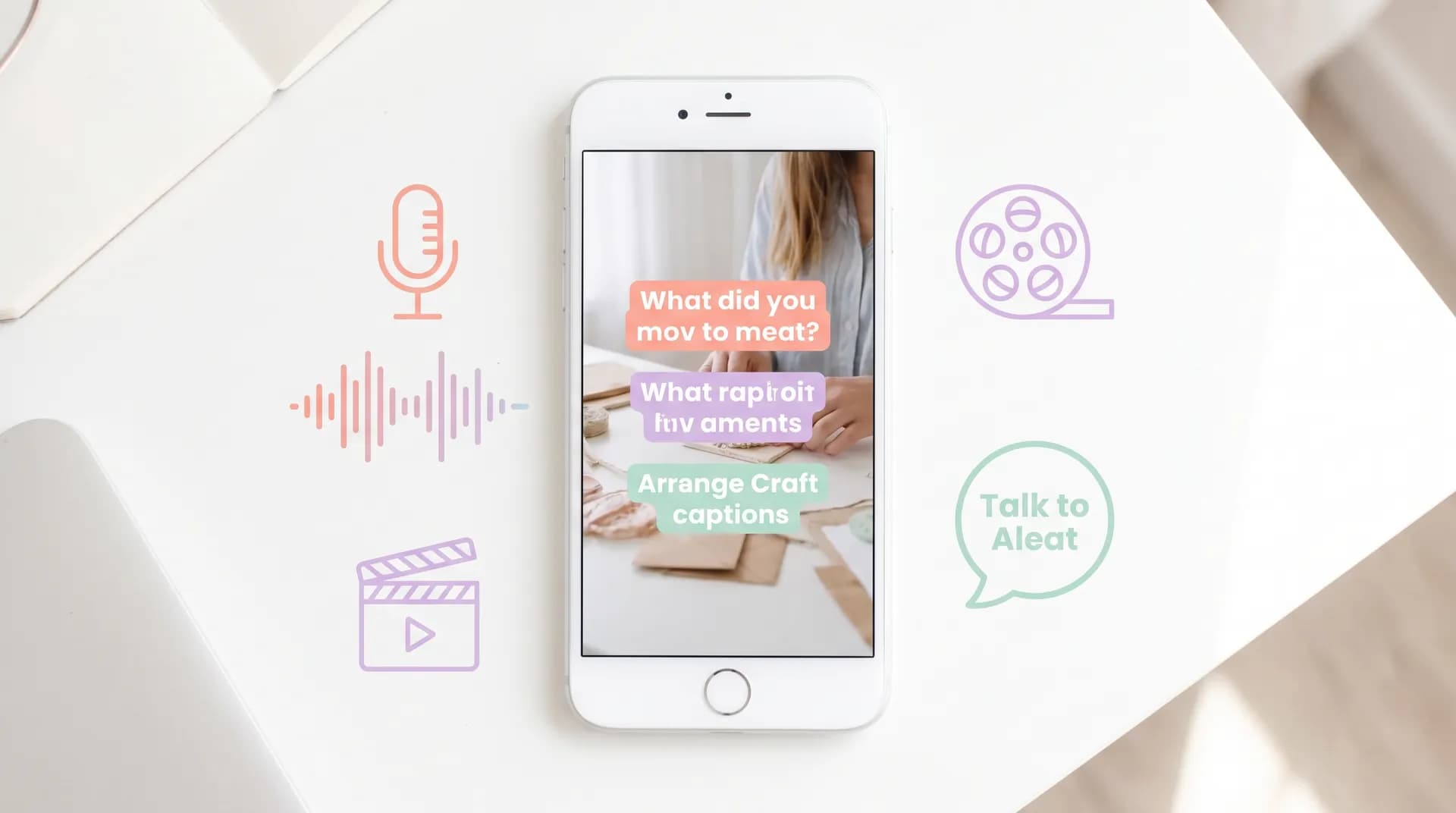
AI tools for faceless UGC creators: what works in 2026
The best AI tools for faceless UGC creators — covering AI voice generators, stock footage, subtitle tools, and B-roll apps that actually deliver results.

A faceless creator I know cleared $4,200 last month from brand deals. No on-camera presence. No personal brand built around her face. Just tight voiceovers, clean B-roll, and text-on-screen that converts. The right AI tools for faceless UGC made that possible — and the stack she's using now costs her less than $80/month combined.
If you've been sitting on the sidelines because you don't want to be on camera, this format is legitimately one of the best entry points into paid UGC right now. Brands don't care about your face. They care about conversion. Faceless content — done well — converts.
Here's what's actually working in 2026.
Why AI tools for faceless UGC are a genuine edge
Most faceless UGC creators hit the same wall early on: they can write a decent script, but then production bogs them down. Recording a natural-sounding voiceover takes 12 takes. Finding usable B-roll costs $30 a clip on premium stock sites. Subtitles get added manually, which takes 45 minutes per video.
AI tools collapse that wall.
The creators doing well with faceless UGC aren't grinding harder — they're producing 3x more content in the same time. A 60-second ad creative that used to take a full afternoon now takes 90 minutes start to finish. That speed advantage directly translates to more pitches, more deliverables, and higher income capacity.
Worth knowing: faceless UGC sits inside a broader shift happening across the creator economy. Why Brands Are Shifting Budgets From Influencers to UGC Creators covers the macro trend well — but the short version is that brands are buying performance, not personality. That's good news for every creator who'd rather stay off camera.
The AI tools that actually matter for faceless creators
Not every AI tool in the creator ecosystem helps faceless UGC specifically. Half of what gets recommended in general "AI tools for content creation" round-ups is built for talking-head video. Here's the stack that's built for your format.
AI voice generators — your most important tool
Your voice is your whole identity as a faceless creator. A robotic AI voice will tank an otherwise great video. This is the one area where you absolutely cannot cut corners.
ElevenLabs is the current gold standard. The voices are indistinguishable from human in most contexts, you get fine-grained control over pacing and emotion, and the Turbo v2.5 model generates audio in near real-time. I've heard faceless UGC with ElevenLabs voiceovers that performed at a 3.8% click-through rate on Meta ads — above category average. Plans start at $5/month for 30,000 characters, which is roughly 25–30 short UGC scripts.
Murf.ai is a solid alternative if you need more voice variety out of the box, with 120+ voices across accents and styles. It's slightly more expensive ($29/month for the Pro tier) but offers a studio-grade interface that's easy to learn fast.
PlayHT is worth knowing about if you want to clone your own voice and then use it for AI generation — useful if you've recorded a few voiceovers and want consistency across a brand's content without re-recording every time.
One thing most creators get wrong: they generate a voiceover and immediately move on. Spend an extra 10 minutes adjusting pauses, emphasis, and speaking rate. That's what separates AI voiceover that sounds produced from AI voiceover that sounds cheap.
AI B-roll and stock footage — stop paying $30 per clip
The old model was buying clips from Shutterstock or Pond5 at $15–$30 each. For a faceless creator building up a library of product verticals, that gets expensive fast.
Pika Labs and Runway ML both generate short AI video clips from text prompts. The quality has improved dramatically — you can generate 4–8 second product-adjacent footage (coffee being poured, hands typing, supplements on a countertop) that looks clean enough for ad creative. Neither is perfect, but for B-roll filler between key shots, they're more than good enough.
Storyblocks (subscription-based, ~$15/month) is still my recommendation for foundational stock footage. It's not AI-generated, but with unlimited downloads at a flat monthly fee, it gives you a huge library to pull from. Use AI generation for specific shots you can't find, and Storyblocks for the rest.
CapCut's AI B-roll generation (built into the app) is worth testing if you're already using CapCut for editing. It's rough around the edges, but it's free and sometimes produces usable clips for simple categories like food, fitness, or beauty.
Don't sleep on filming your own generic B-roll library. Spend one afternoon filming 30–40 clips — hands, products, environments — and you've got reusable footage that costs you nothing and looks more authentic than any stock site.
AI subtitle and caption tools — the engagement multiplier
Captions aren't optional for faceless UGC. Studies consistently show that 69% of people watch video on mute in public, and captions can increase view completion rates by up to 80%. For faceless content especially — where your voice carries the narrative — if viewers can't read what you're saying, they're gone.
Captions.ai is the best dedicated tool here. It auto-generates captions with word-level timing, lets you style them aggressively (big text, colored highlights, animated words), and exports clean vertical video. The AI-styled captions it generates resemble what you see on the highest-performing UGC ads right now. About $7/month.
SubMagic is built specifically for short-form content creators and has excellent templates for the bold-caption aesthetic that dominates TikTok and Reels. Their auto-highlight feature — which bolds and colorizes key phrases automatically — saves a ton of manual work.
CapCut (free) handles auto-captions competently and has expanded its style options significantly. If you're just starting and want zero spend, CapCut's caption feature is good enough. You'll invest more time customizing, but the output is serviceable.
AI script tools — don't skip this step
Even if you nail the voice and visuals, a weak script kills faceless UGC. The hook especially. You don't have eye contact or facial expressions pulling viewers in — your first three seconds of audio and text-on-screen have to do all that work alone.
I've written about this at length in best AI hook generators for UGC creators, but the short version: use AI to generate 8–10 hook variations for every script, then pick the strongest two and test them. That single habit improves your creative output faster than almost anything else.
For scripting, ChatGPT prompts every UGC creator should use in 2026 covers the prompt frameworks that generate tight UGC scripts instead of generic marketing copy. And if you want to go deeper on variation testing — which matters a lot for faceless content since you can swap voiceovers without reshooting — how to use AI to create UGC script variations for split testing is the guide to read next.
For longer scripts, how to use AI writing tools for UGC scripts faster walks through the specific tools and workflows that shave the most time off the scripting process.
AI editing tools — because editing still takes time
Faceless UGC still requires editing. Even with AI voiceover and stock B-roll, you need to cut, sequence, add music, and make the pacing feel intentional.
CapCut (free / Pro at $10/month) is the dominant tool here for a reason. The auto-cut features, beat-sync, and AI-generated transitions are genuinely fast for short-form vertical content. The learning curve is minimal.
Descript is underrated for faceless UGC specifically because it treats audio as the primary editing layer. You edit the transcript, and the video cuts follow. For voiceover-first content — which is exactly what faceless UGC is — that's a huge workflow improvement.
For a full breakdown of what's working on the editing side, AI video editor for UGC: edit faster, deliver more covers the options in detail.
The workflow that ties it together
Here's how a well-optimized faceless UGC workflow looks in 2026:
Script → ChatGPT or Claude with a structured prompt → ElevenLabs voiceover → B-roll from Storyblocks + Pika for custom shots → CapCut or Descript for assembly → Captions.ai for styled subtitles → export.
Total time for a polished 30–60 second deliverable: 60–90 minutes once you know the tools.
Compare that to the traditional workflow — recording yourself 8 times, importing, editing manually, adding captions frame by frame — which runs 3–4 hours minimum. That time difference is what lets the best faceless creators take on 15–20 deliverables a month instead of 5–7.
For everything else that applies to your AI toolkit as a UGC creator (beyond the faceless-specific stack), the best AI tools for UGC creators in 2026 (full guide) covers the full picture including tools for on-camera work, scripting, and repurposing.
The faceless format pairs extremely well with content repurposing. One voiceover script can become a TikTok, a Reel, a YouTube Short, and a Pinterest video with different B-roll cuts. Check out how to repurpose UGC video content for every platform for the workflow that makes this efficient.
What doesn't work (and stops most creators cold)
A few things I see faceless creators waste money on:
Over-investing in AI avatar tools. Apps like HeyGen's avatar feature sound compelling — generate a synthetic talking head so you don't have to be on camera — but brands can tell, and most reject AI avatars in their briefs. Real faceless UGC (B-roll + voiceover) performs better and is more widely accepted.
Using free AI voice generators. The voices on most free tiers are identifiably robotic. One bad voiceover tanks the entire creative. Spend the $5–$10/month on ElevenLabs. It's the easiest ROI decision in your entire stack.
Skipping caption styling. Auto-captions that look like closed-captioning transcripts don't perform. The styled, animated, word-level captions that dominate high-performing UGC ads require a proper tool. Plain white text in the bottom third is a 2019 move.
FAQ
Frequently Asked Questions
Can you do UGC without showing your face?
What is the best AI voice generator for faceless UGC?
How do I add captions to faceless UGC videos?
What AI tools do faceless UGC creators use?
Can brands tell if you use AI voiceover in UGC?
How much does an AI faceless UGC stack cost per month?
Related reading
- Best AI tools for UGC creators in 2026 (full guide)
- AI video editor for UGC: edit faster, deliver more
- Best AI hook generators for UGC creators (+ how to test them)
- How to use AI to create UGC script variations for split testing
- ChatGPT prompts every UGC creator should use in 2026
- How to repurpose UGC video content for every platform
- Faceless UGC portfolio: build one without showing your face