App Benefits Video Script: Sell Outcomes, Not Features
Learn how to write an app benefits video script that leads with outcomes instead of feature dumps, so creator content actually drives installs.

I once watched a creator read a script that listed eleven app features in forty seconds. Eleven. By feature four, I'd already tuned out, and I was the one who wrote the brief.
That video flopped. Install cost was triple what we were used to. The problem wasn't the creator — she nailed the delivery. The problem was the script itself. It read like a changelog, not a reason to care.
Most app benefits video script attempts fail for the same reason: founders and marketers know their product so well that they forget nobody else cares about the product. They care about what changes in their life after they download it. That's the entire game.
Why Feature Dumps Kill App Benefits Video Scripts
Feature lists feel safe to write. You know the app has a dark mode, a streak tracker, cloud sync, and a widget. Listing them feels thorough. It feels like you're giving viewers "enough information to decide."
Except nobody decides to download an app because it has cloud sync. They decide because they're tired of losing their work, or embarrassed about missing workouts, or stressed about forgetting to pay a bill. The feature is just the mechanism. The outcome is the hook.
I've tested this directly. When we ran two versions of the same creator video for a budgeting app — one scripted around "track every transaction, set custom categories, get weekly reports" and one scripted around "I stopped feeling anxious every time I checked my bank app" — the outcome-led version had a 40% lower cost per install in the same ad set, same creator, same hook format. Same everything except the script's spine.
A feature tells the viewer what the app does. A benefit tells them what their life looks like after they use it. Scripts built on the second one convert better because the viewer sees themselves in the story, not a spec sheet.
The Outcome-First Scripting Framework
Here's the structure I give every creator now, and it maps closely to what we cover in Mobile app marketing with creator content: the full guide — benefits-first scripting is one piece of a much bigger acquisition system, but it's the piece most teams get wrong first.
1. Open with the "after" state, not the app name
Don't start with "This is [App Name] and it lets you..." Start with the result already achieved. "I used to spend twenty minutes every morning deciding what to wear. Now I don't." That's a hook. Nobody skips past a sentence that names a problem they personally live with.
2. Name the core promise in one line
Every app has one central promise — the thing it's actually for, stripped of every secondary use case. A meal planning app's core promise isn't "recipe database with 10,000 options." It's "stop wondering what's for dinner." Find that one sentence before you write a single word of script. If you can't compress your app into one outcome sentence, your creator can't either, and the video will wander.
3. Show the moment the benefit lands, not the screens that got there
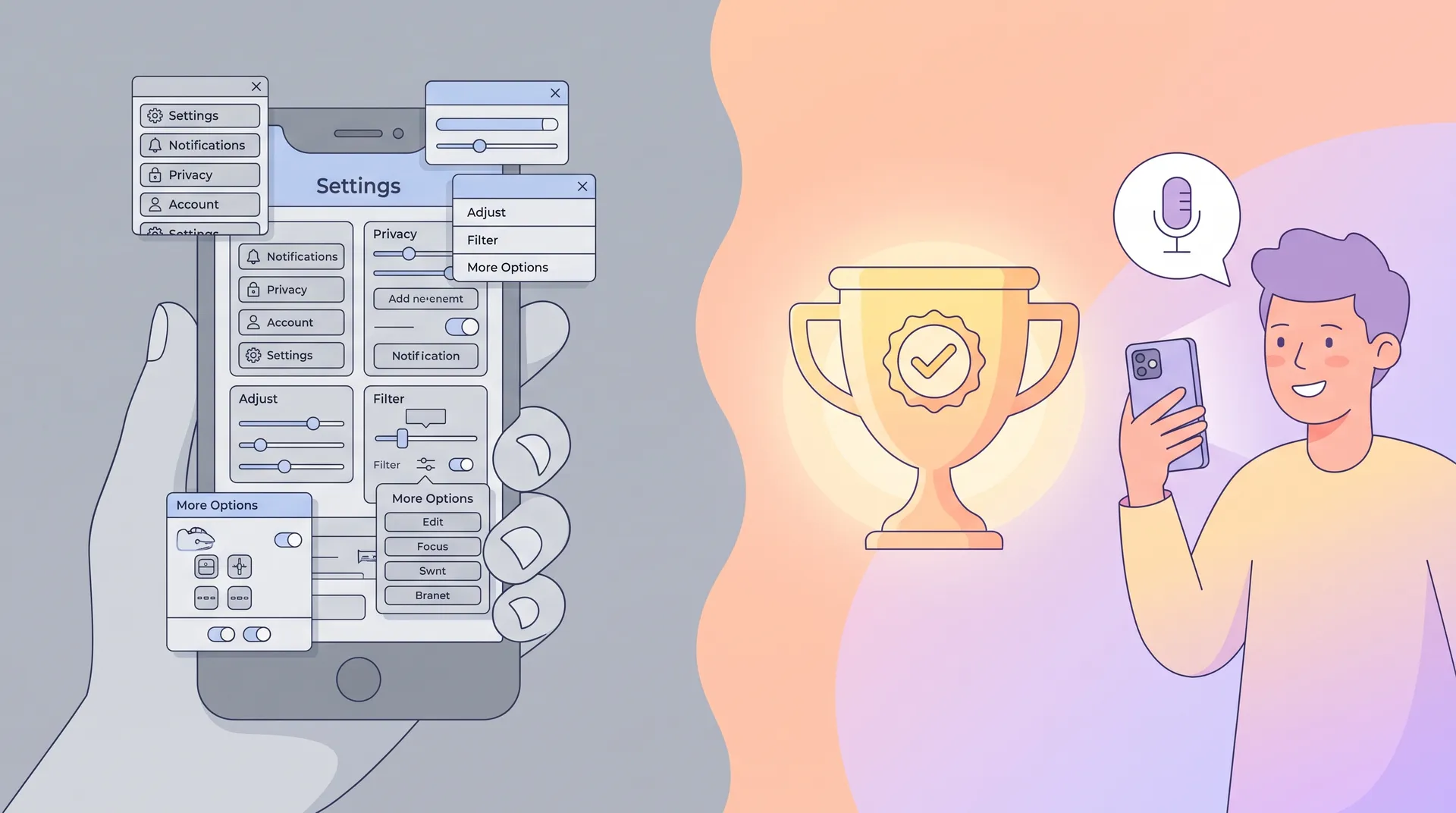
This is where most briefs go wrong. They ask creators to screen-record every tap: open app, tap settings, toggle notification, tap save. Viewers don't care about the path. They care about the payoff. If the app saves someone time, show them relaxed on the couch at 6pm instead of still cooking. If it reduces anxiety, show the moment they check the app and feel calm instead of stressed.
We go deeper on this exact tension in our App Demo Video Creator: Screen Capture vs Human Demo piece — screen capture is great for proof, but it's rarely the emotional center of the video.
4. Use one feature as evidence, not as the headline
You're allowed to mention a feature. One. Use it as proof that the benefit is real, not as the main event. "It reminds me the night before so I never scramble in the morning" — that's a feature (a reminder notification) in service of a benefit (less morning stress). Compare that to "it has a customizable reminder system with five time slot options." Same feature. Only one version makes anyone want to download.
5. Close on the specific outcome, with a number if you have one
Vague claims don't stick. "It'll make your life easier" is forgettable. "I save about 45 minutes every morning" is not. If your data supports a number — time saved, money saved, streaks hit, matches made — put it in the script's closing line. Numbers do more conversion work than adjectives ever will, and I say that as someone who's tested both in paid creative at scale.
A Sample Script Structure You Can Hand to Creators
Here's a skeleton I actually hand creators during briefing calls. It's deliberately loose — good creators adapt tone to their own voice — but the beats stay fixed:
- Hook (0 to 3 sec): Name the problem in first person, present tense. "I kept missing my kid's practice because I never remembered to check the schedule."
- Turn (3 to 8 sec): Introduce the app as the fix, named once, no feature list. "Then I started using the app."
- Proof (8 to 15 sec): One quick glimpse of the app in use, tied directly to the benefit, not a tour. "It just texts me an hour before."
- Payoff (15 to 22 sec): Show or state the after-state clearly. "Now I haven't missed a single one in three months."
- CTA (22 to 25 sec): Simple, no pressure. "Worth downloading if you're as scattered as I am."
Notice there's no settings screen in that outline. No onboarding flow walkthrough. If you need to show onboarding specifically — say, for a tutorial-style asset instead of an acquisition ad — that's a different brief entirely, and we wrote a whole piece on scripting that moment correctly: App Onboarding Video Brief: Script the First Useful Moment.
Give creators the outcome and one proof point, then let them go. Over-specifying every line kills the authenticity that makes UGC outperform polished ads in the first place. Trust the structure, not word-for-word scripts.
Picking the Right Creator for an Outcome-Led Script
A script built around lived outcomes only works if the creator plausibly lives that outcome. If your app is for new parents and your creator is a 22-year-old with no kids, the benefit-first hook falls flat no matter how well it's written — the audience can smell it.
This is why creator fit matters more for benefit scripts than for feature scripts. A feature script can be delivered by almost anyone reading off a card. A benefit script needs someone who can speak to the problem with some real conviction, which usually means they need to actually use the thing. We cover how to find and vet those people in How to Recruit Creators Who Actually Use Your App — it's the step that happens before the script, but it determines whether the script will land.
Audio matters here too, more than people expect. A benefit-first script lives or dies on delivery — pacing, pauses, tone shifts at the "turn" moment. If the audio is muddy or the mic picks up room echo, the emotional beats get lost. Worth a look at UGC audio: how to sound as good as you look before your next shoot.
Common Mistakes When Writing App Benefit Scripts
Writing the benefit as a feature in disguise. "It helps you stay organized" is still vague. What does organized get the viewer? Less late fees? More sleep? Fewer fights with a partner about forgotten chores? Push past the first answer.
Stacking too many outcomes. One video, one promise. If your app genuinely solves five problems, make five videos. Trying to cram them into one script dilutes all of them and confuses the editing pace.
Forgetting the specific audience. A benefit that resonates with a busy parent won't land the same way with a college student. Match the outcome language to who's actually going to watch the ad, not to your broadest possible user base.
Letting the CTA get feature-y again. I see this constantly — a perfect benefit-led script that ends with "so download now and check out our new calendar sync feature!" Don't undo the work in the last three seconds. End on the same emotional note you opened with.
According to Sensor Tower's app marketing research, creative messaging — not targeting — is now one of the biggest levers for install cost efficiency on both Meta and TikTok. Meta's own ad guidance backs this up, pointing advertisers toward emotionally specific creative over spec-heavy messaging. And TikTok's Creative Center shows the same pattern across its top-performing app install ads: outcome-driven hooks consistently beat feature-forward ones. That tracks with what we see across campaigns: the script matters more than almost anything else you control.