Demo Account & Sample Data Setup for Your SaaS Explainer Video
Build a safe SaaS explainer video demo account with realistic sample data. Avoid leaked customer info, broken states, and empty screens on camera.

I once watched a founder demo his SaaS product to 40,000 YouTube viewers with a customer's real email address sitting in plain view on screen for four full seconds. Someone screenshotted it. It ended up on a subreddit within the hour. The product was good. Nobody remembered that. They remembered the leak.
That's the risk every founder takes when they skip the boring part of making a saas explainer video: building a dedicated demo account with sample data that's actually safe to film.
Why your SaaS explainer video needs a dedicated demo account
Using your real production environment for a video shoot is one of the most common mistakes I see founders make. It feels efficient — why build a fake environment when the real one already works? Because "already works" and "safe to show 50,000 strangers" are not the same thing.
Your production account has real customer names, real revenue numbers, real support tickets, maybe even real credit card digits partially masked but still visible if someone pauses the frame. It also has the normal mess of any live account: half-finished projects, that one weirdly named test record your engineer left in 2022, a notification badge showing 47 unread messages.
None of that belongs in a saas explainer video. A dedicated demo account gives you full control over what the camera sees, which means you control the story you're telling. This is the same principle I talk about in how to plan and produce a SaaS demo video that sells — the video is a sales asset, and sales assets don't get built on top of operational risk.
Never film directly in production, even for "just a quick clip." Screen recordings get repurposed, re-uploaded, and outlive your intentions. One leaked customer name in a video that ranks on Google for two years is a liability you can't undo.
Building sample data that actually looks real
Fake data that looks fake kills credibility just as fast as a data leak does. If your demo account shows "Test User 1," "Test User 2," and a company called "Acme Corp" with three lorem-ipsum projects, viewers notice. It reads as a product nobody actually uses.
Good sample data walks a line: realistic enough to feel lived-in, generic enough that nobody can trace it back to an actual person or company.
Use data that matches your ICP
If you sell to e-commerce brands, your demo account should have sample stores named things like "Northbound Coffee Co." or "Rivet & Oak Supply" — not "Company 1." If you sell to agencies, populate it with fictional client names and campaign data that mirrors what a real account manager would see day to day.
I've found the fastest way to do this is to generate a believable persona first. Give your demo company a name, an industry, a rough size (12 employees, $2M revenue, whatever fits your ICP), and then build every data point around that persona. It takes maybe 20 minutes and it pays off in every take you film afterward.
Vary the data enough to look organic
Real accounts are messy in a good way — different date ranges, different completion states, a mix of recent and older activity. If every row in your table has an identical timestamp or round number, it looks staged. Add natural variation: some tasks marked done three days ago, some still in progress, revenue numbers that aren't suspiciously round ($14,320 reads real, $15,000 doesn't).
Tools like Mockaroo or Faker.js are worth setting up if your product handles any volume of records — names, addresses, transaction histories. Running a quick script beats manually typing 30 fake rows, and it scales if you need to refresh the account later for a different video.
Strip anything that could be traced back to a real account
Even "anonymized" data can leak identity if you're not careful. I've seen teams swap out customer names but leave the original email domains, or scrub a name but forget the avatar photo pulled from a real Gravatar. Go through every field — names, emails, phone numbers, avatars, company logos, integration connections — and confirm nothing traces back to an actual human being.
The pre-shoot checklist nobody skips twice
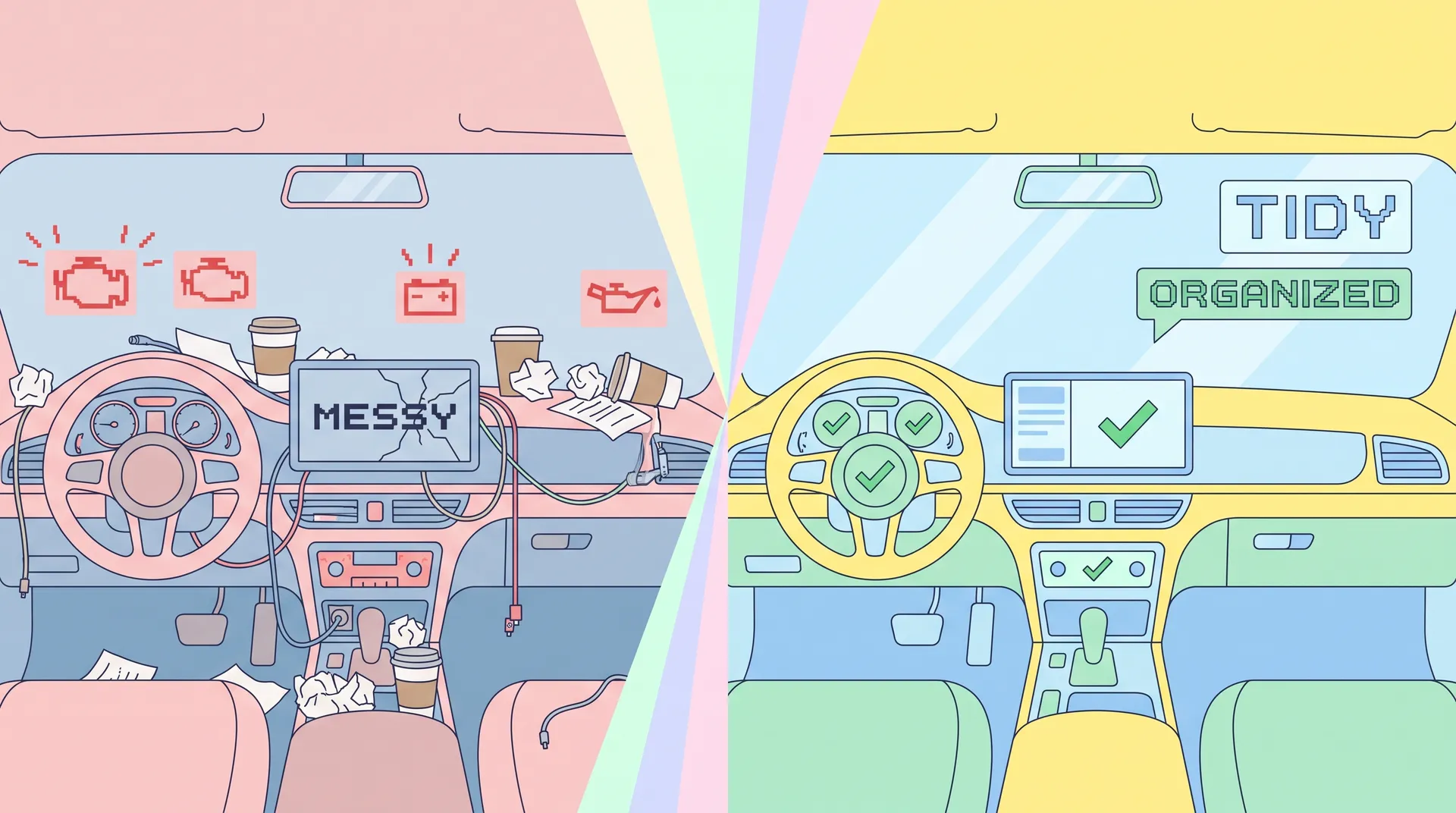
I learned most of this the hard way, after a shoot where we had to reschedule because someone noticed a live Slack integration pulling real messages into a "demo" workspace mid-recording. Here's what I check now, every single time, before a camera turns on.
- No real customer PII anywhere. Names, emails, phone numbers, addresses — all synthetic. Double-check nested views, not just the main dashboard.
- No live integrations pulling real data. Disconnect or sandbox any third-party connection (Stripe, Slack, Gmail, calendar sync) that could surface something unplanned mid-recording.
- Empty states are filled. Nothing looks worse on camera than a chart with "No data yet" or a blank list where a feature should be shining.
- Notification counts are clean. Zero out badges, or set them to a believable number — not 999+.
- Error states are tested, not assumed away. Click through every flow you plan to film at least twice beforehand. Broken buttons and loading spinners that hang for 8 seconds don't edit out easily.
- Account settings match the persona. Billing plan, team size, and company name in settings should all align with whatever story you're telling on screen.
- Browser and OS chrome are clean. Close unrelated tabs, mute Slack notifications, hide the bookmarks bar, turn off desktop pop-ups. One Calendly reminder sliding in during your money shot ruins the take.
Build your demo environment at least a week before the shoot, not the night before. You'll find broken states and missing data you didn't expect, and you'll want buffer time to fix them without rushing.
Matching the demo account to your script
Your demo account only works if it's built around the exact workflow you're planning to film — not a general tour of every feature. If you've already nailed down one workflow and one outcome for your video, work backward from that script and populate only the data needed to support it.
Say your script walks through "import 500 leads, segment them, and launch a campaign in under five minutes." Your demo account needs exactly that: 500 realistic leads sitting there ready to import, segments that make logical sense, and a campaign template that doesn't require you to improvise copy on camera. Don't build out ten other features you're not filming — extra unused functionality is just extra risk for something to look broken or half-finished when the camera pans past it.
This is also where a good demo script that shows real value earns its keep. When your script and your sample data are built together, you never end up filming a take where you're scrolling around trying to find a believable example on the fly.
A sandbox you can reuse
Build the demo account once, document exactly how you set it up, and you've got a reusable asset for every future shoot — product updates, sales enablement clips, onboarding videos, even quick social clips. I keep a simple doc with every fake persona's details, the seed script we ran, and a checklist of what needs refreshing each quarter so stale timestamps don't give it away.
That upfront investment also protects you from a worse outcome than a bad take: a security incident. The OWASP data protection guidelines are written for production systems, but the underlying logic applies here too — minimize exposure of sensitive data anywhere it doesn't need to exist, including a marketing video that lives on YouTube forever.
If you're coordinating this with an outside video team or a freelance creator, give them explicit written confirmation that the account is sandboxed. Don't assume they'll ask. I've had editors reach out mid-project worried they'd filmed something sensitive, simply because nobody had told them otherwise.