How to Write a Software Demo Script That Shows Real Value
Learn how to structure a product demo video script around a real user problem and payoff moment that actually converts prospects into customers.

Most product demo video scripts fail in the first eight seconds, and it's not because the product is bad. It's because the script opens with a feature tour instead of a problem. I've watched this mistake happen on calls with a dozen SaaS teams now, and it's always the same pattern: someone opens with "Welcome to [Product], the all-in-one platform for..." and the viewer is already gone.
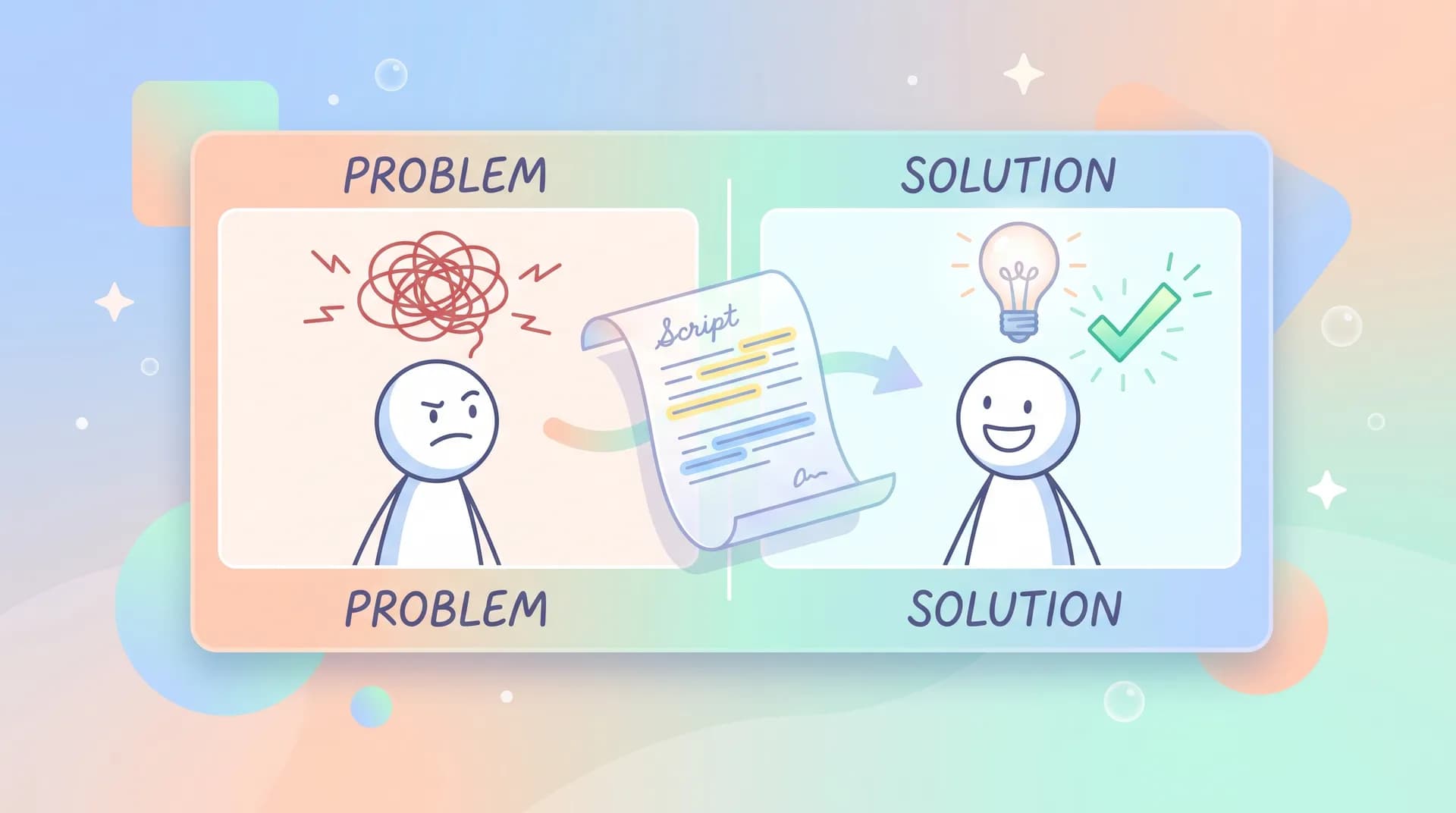
Here's the thing nobody tells founders when they start making demo videos: your product demo video isn't a tour. It's a story with a before and an after. If your script doesn't make the viewer feel the "before" — the actual frustration they're living with right now — the "after" won't land no matter how slick your UI looks.
I run Flare, and we've produced and reviewed hundreds of these scripts for SaaS teams. The ones that convert share a structure. The ones that don't almost always skip straight to functionality.
Why most product demo video scripts skip the problem
Founders know their product inside out. That's the trap. When you've spent two years building a feature, you want to show it off — the automation, the dashboard, the integrations. But the viewer hasn't spent two years with your product. They've spent maybe eleven seconds deciding if this video is worth their attention.
Wyzowl's research on video marketing consistently shows that viewers decide whether to keep watching an explainer or demo within the first 10-15 seconds. If you spend that window describing your product category instead of naming a pain point, you've lost the room.
I think the real issue is that "feature walkthrough" feels safer to write. You know all the features. You don't necessarily know your customer's specific 2 PM Tuesday frustration as well as you think you do. So people default to what's easy to list instead of what's hard to feel.
The fix: open with a sentence your customer could have said
The best openers I've seen in demo scripts read almost like a quote pulled from a support ticket or a sales call. Something like: "Every Friday, someone on your team spends three hours manually reconciling numbers that should already match." That's not a feature. That's a scene. The viewer pictures themselves in it immediately.
If you want a deeper framework for scripting in general — tone, pacing, the basics of writing for voiceover versus on-screen text — we've already covered that ground in our guide to SaaS demo video production, and I'd rather point you there than repeat it. This post is specifically about structuring the narrative arc around the problem and the payoff, which is the piece most generic scripting advice glosses over.
Structuring the script around problem and payoff
A product demo video script, at its core, needs four beats. Not ten, not twenty. Four.
- The problem — named specifically, in the viewer's language, not yours.
- The stakes — what it costs them to keep doing it the old way (time, money, risk, embarrassment).
- The walkthrough — your product solving that exact problem, nothing else.
- The payoff moment — the specific instant where the user sees the result and feels relief.
Most scripts I review get beat three right and completely skip one, two, and four. That's backwards. The walkthrough is the easy part once you know what problem you're solving on screen.
Beat 1: Name the problem like you've lived it
Don't describe the problem category ("inefficient workflows"). Describe the specific moment ("you export the spreadsheet, format it for your manager, and then realize the numbers from finance don't match"). Specificity is what makes a stranger believe you understand their day.
I'd rather see a script that nails one narrow problem for one narrow persona than a script that tries to speak to five different use cases in ninety seconds. We talk about this same discipline in SaaS Demo Video: Pick One Workflow and One Outcome — the instinct to cover everything is the thing that kills conversion, because a diluted demo convinces nobody.
Beat 2: Make the cost of the status quo concrete
This is the beat almost everyone skips, and it's the one that creates urgency. Don't just say the old way is "slow." Say it costs four hours a week, or it means finance catches the error two weeks later, or it means your best rep spent their morning in a spreadsheet instead of on calls. Numbers beat adjectives every time.
I've found that pulling this detail directly from actual customer interviews or support tickets works better than anything a marketing team invents in a conference room. If you haven't talked to five customers about their specific pain in the last month, your script is guessing.
Beat 3: Show the exact moment your product removes the pain
This is where the UI walkthrough happens, but keep it tight. Show the three or four clicks that get the user from problem to resolved, not a tour of every menu. If a viewer can't connect what's on screen to the pain you just named in beat one, you've lost the thread.
Beat 4: Land the payoff moment and let it breathe
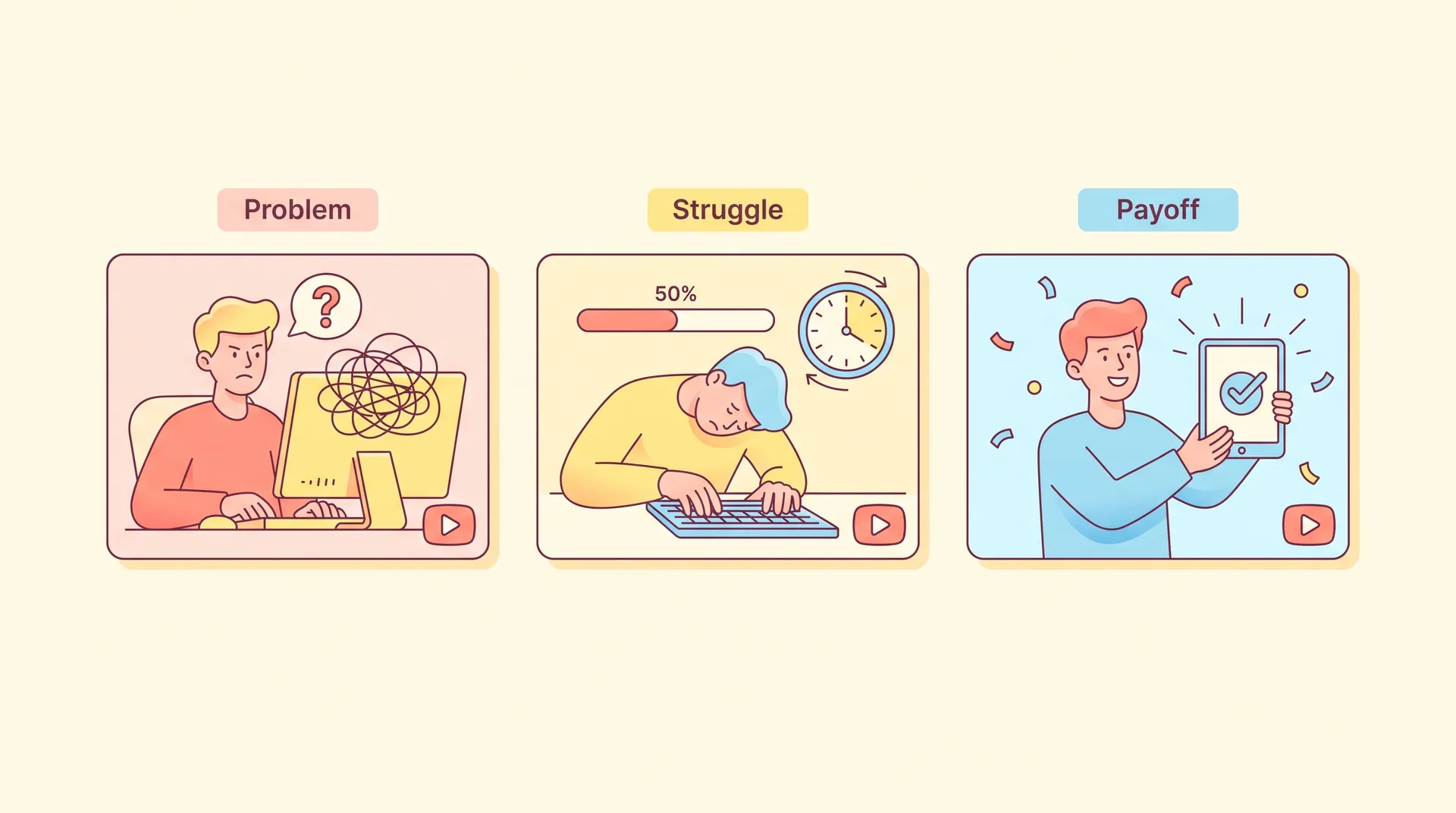
This is the beat I think matters most and gets cut most often, usually because teams are worried about runtime. The payoff is the two or three seconds where the viewer sees the result: the dashboard that now matches, the report that generates itself, the notification that says "done." Don't rush past it. Let the screen sit there a beat longer than feels natural. That pause is doing emotional work — it's giving the viewer time to imagine that relief as their own.
A good trick here: write the payoff line before you write anything else. If you can't articulate in one sentence what the viewer feels at the end, you don't have a script yet, you have a feature list.
Write your payoff sentence first, then work backward. If you can't describe the "after" feeling in one line, your script isn't ready to storyboard yet.
Where this differs from a tutorial or feature tour
A lot of teams confuse demo scripts with tutorial scripts, and the structures really don't overlap much. A tutorial assumes the viewer already bought in and needs to learn the mechanics. A demo script's job is to create the buy-in in the first place, which means the emotional arc (problem → stakes → relief) matters more than exhaustive coverage. We go deeper on that distinction in Software Demo Video vs Explainer vs Tutorial: Pick Right, which is worth a read if you're not sure which format you're actually trying to make.
One more thing worth saying: a product demo video script benefits enormously from sounding like a person, not a brochure. This is part of why founder-led demos tend to outperform polished, over-produced ones for early-stage SaaS — the founder already talks about the problem in plain language because they've heard it from fifty customers. If that's you, our piece on founder-led marketing and the companion piece on prepping a 30-minute founder recording session are useful next reads for getting that voice on camera without overproducing it.
If you're outsourcing the voiceover or on-camera talent, brief them on the problem and payoff beats specifically — not just the script. Delivery changes completely when the performer understands what emotional note each line is supposed to hit.
A quick script skeleton you can steal
Here's the bare structure I hand to teams when they're staring at a blank doc:
- 0:00–0:08 — Name the problem in plain, specific language.
- 0:08–0:15 — State the cost of the status quo (time, money, risk).
- 0:15–0:45 — Walk through the exact feature path that solves it, nothing extra.
- 0:45–0:55 — Land the payoff moment. Let it breathe.
- 0:55–1:00 — One clear next step (trial, demo call, signup).
Sixty seconds is tight on purpose. If your script can't deliver a problem and a payoff in sixty seconds, you probably haven't narrowed the problem enough yet, which loops back to beat one.
Don't pad the script with every feature "while we're already recording." Every extra feature you tack on dilutes the payoff moment and adds runtime without adding conversion.
The mistake that kills good scripts anyway
Even a perfectly structured script can die in production if the footage doesn't match the beats. I've seen scripts with a strong problem-payoff arc get filmed with generic stock footage and flat screen recordings that don't visually reinforce any of it. The script tells the viewer "relief is coming" and the visuals show a cursor clicking around with no energy behind it.
If you're not sure how to bridge the script to actual shot planning — what to capture on screen, how UGC-style creators can add authenticity to a demo, how to brief someone who's filming it for you — that's a production question more than a scripting one, and it's worth reading our complete guide to planning and producing a SaaS demo video before you book a shoot.