
How to Plan and Produce a SaaS Demo Video That Sells
A complete guide to planning, scripting, and producing a SaaS demo video that converts trial signups into paying customers — no agency required.

I watched a SaaS founder spend $40,000 on a demo video last year. Slick motion graphics, a voiceover guy who narrates car commercials, the works. It got 200 views on YouTube and zero attributable signups. Meanwhile, a two-person dev tools startup I advise shot their demo video on a laptop webcam, scripted it in an afternoon, and it's been their top-converting landing page asset for 14 months straight.
The difference wasn't budget. It was whether the video actually showed someone the thing they came to find out: does this software solve my problem, and how fast can I see it working?
That's the whole job of a saas demo video. Not to impress. Not to win a Webby. To get a prospect from "I don't get it" to "I need this" in under two minutes. Most teams get this backwards, and I want to walk through exactly how to not be most teams.
What a SaaS demo video actually needs to do
A demo video isn't a trailer. It's not a hype reel. It's closer to a sales call you get to run on autopilot, at scale, for every visitor who hits your homepage while you're asleep.
That means it has one job: reduce the buyer's uncertainty fast enough that they take the next action — start a trial, book a call, hit "buy now." Everything else is decoration.
I've reviewed probably 150 SaaS demo videos for founders and marketing teams through Flare over the past two years. The ones that convert share three traits:
- They show the product in the first 10 seconds, not the logo animation
- They solve one problem clearly instead of listing ten features
- They end with a specific next step, not a vague "learn more"
The ones that flop almost always lead with company mission, team photos, or a 20-second intro bumper before anyone sees a single screen. If your viewer hasn't seen your UI by second 8, you've already lost half of them. Wistia and Vidyard have both published drop-off data on this — attention craters hard in the first 10-15 seconds of any explainer, and SaaS demos are no exception.
The three demo video formats, and when to use each
Not every SaaS product needs the same kind of demo. I break it into three buckets:
The homepage hero demo (30-90 seconds): Lives above the fold. Job is to answer "what does this actually do" in the time it takes to read a tweet. Mostly screen capture, light narration, no fluff.
The feature-deep-dive demo (2-4 minutes): Lives on a feature page or in a sales deck. Walks through a specific workflow — onboarding, reporting, integrations — in enough detail that a technical buyer trusts it's real.
The full product walkthrough (5-10 minutes): Usually gated or sent post-demo-call. This is for prospects already in your funnel who need the complete picture before they sign a contract.
Most companies only need the first two. The full walkthrough is overkill unless you're selling into enterprise with long sales cycles.
Planning your demo video before you touch a camera
The biggest mistake I see is teams opening a screen recorder before they've answered three questions: who is this for, what's the one thing they need to believe, and what happens right after they watch.
Skip this and you end up narrating a feature tour nobody asked for.
Know your one viewer
Write the demo for one person, not "our customers." If you sell project management software to both agencies and in-house marketing teams, pick one. Trying to serve both in a 90-second video means serving neither. You can always make a second version.
Map the problem before the solution
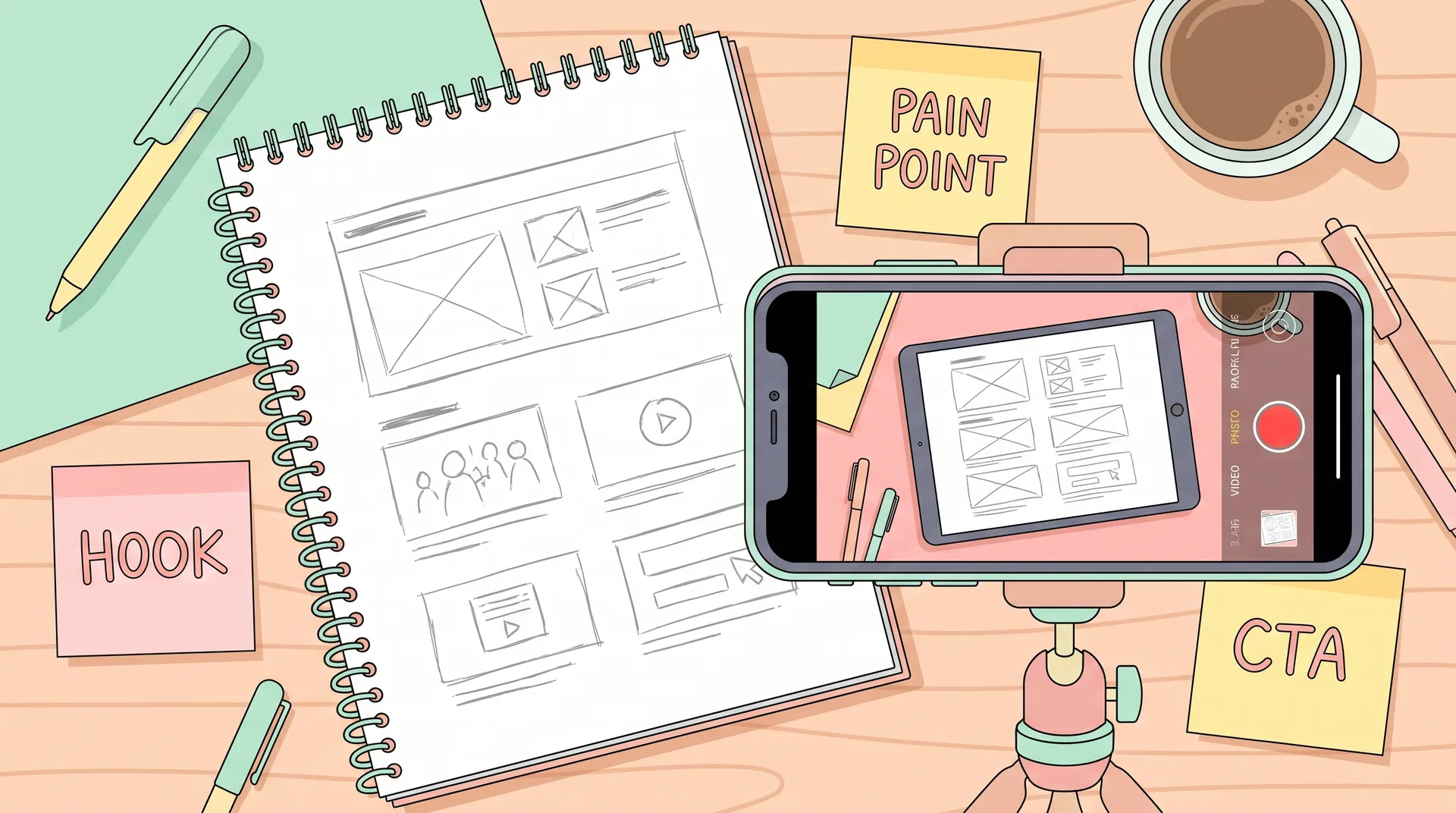
Open with the pain, not the product. I've found the best structure is almost always:
- Name the specific frustration (5-10 seconds)
- Show the moment the product resolves it (the "aha")
- Walk through 2-3 supporting features that reinforce the win
- Close with a clear, low-friction CTA
This is basically the Problem-Agitate-Solve framework that UGC creators use in ad scripts, applied to software. It works for the same reason — people act on relief from pain faster than they act on curiosity about features.
Write a script, even a rough one
Winging it on camera almost always produces a video that's 40% longer than it needs to be, full of "so yeah" and "and then you can also." A script — even five bullet points per scene — keeps pacing tight. I time mine out loud before recording. If reading the script takes longer than your target runtime, something gets cut before filming starts, not during editing.
Record a rough screen capture first, THEN write your final script against the actual footage. It's easier to write tight narration to real clicks than to guess timing in advance.
Scripting and storyboarding the walkthrough
A good SaaS demo script reads more like a monologue than a feature list. You're talking to one skeptical person, not presenting to a boardroom.
Keep sentences short. Cut "in order to" down to "to." Cut "utilize" down to "use." If a sentence takes two breaths to say out loud, it's two sentences, not one.
For the visual side, storyboard loosely — a simple shot list works fine:
- Shot 1: Dashboard load, cursor moves to the pain-point screen
- Shot 2: User performs the action that solves it
- Shot 3: Result/confirmation screen, zoom on the output
- Shot 4: Logo + CTA overlay
You don't need a professional storyboard artist. A Google Doc with screenshots pasted in works just fine for 90% of SaaS teams.
Filming and screen capture: gear, setup, and settings
You do not need a production studio. I've seen demo videos shot entirely with Loom and OBS Studio outperform ones shot with a $15,000 camera rig, because the viewer cares about clarity, not cinematography.
Screen capture basics that actually matter
Record at 1080p minimum, 60fps if your software has any animation or transition states — 30fps makes cursor movement look choppy and cheap. Clean your desktop before recording. Close Slack, mute notifications, hide bookmarks bar. Nothing kills credibility faster than a Slack DM popping up mid-demo.
Use a dummy account with realistic-looking data, not "Test Test" and a blank dashboard. If your software manages customer data, fill it with names, numbers, and activity that looks like a real business using the tool. Blank states make even great software look unfinished.
If you're filming a talking head intro
Plenty of great demo videos open with 5-10 seconds of a real founder or team member on camera before cutting to screen capture. It builds trust fast — faces convert better than pure voiceover for top-of-funnel content. If you're not used to being on camera, the same delivery principles UGC creators use for talking-head videos apply directly here: eye contact with the lens, natural pacing, no reading face visible in your eyes.
If your team is small, don't hire an actor to "play" your founder. Prospects can tell. Authenticity outperforms polish in B2B SaaS demos just as much as it does in consumer UGC ads.
Editing for clarity, pacing, and conversion
Editing a demo video is 80% subtraction. Cut dead air between clicks. Cut repeated explanations. Cut any screen you hold for more than 3 seconds without narration happening over it.
A few specific edits that consistently lift completion rate:
- Speed up slow UI transitions. If a page takes 2 seconds to load in real life, cut it to 0.5 in post. Nobody needs to watch your loading spinner.
- Add cursor highlights or zoom-ins on the exact button being clicked. Viewers shouldn't have to hunt for where the action happened.
- Caption everything. Most demo videos get watched muted, especially on LinkedIn and in-app. If your message only lands with audio on, you're losing most of your audience.
- Keep text overlays short. Three to five words max per overlay. This isn't a case study slide deck.
Tools like CapCut and Descript have made this kind of editing fast even without a video background — the same editing shortcuts that UGC creators use to cut turnaround time apply directly to demo editing. If you haven't tried it, our guide on CapCut editing tips for UGC creators covers shortcuts that work just as well for software walkthroughs as they do for product UGC.
Music and sound
Keep background music subtle and under the narration, not competing with it. A lot of SaaS demos skip music entirely, which is fine — clarity beats ambience here. If you do use music, pick something neutral; this isn't the place for a dramatic swell.
Where to publish and how to use the video
A demo video that sits unpublished on a hard drive converts nobody. Where you place it matters almost as much as how you made it.
Homepage above the fold. This is non-negotiable for most SaaS companies. Visitors should see your product within the first scroll.
Sales enablement. Sales teams should be dropping the feature-deep-dive version into follow-up emails after discovery calls. It answers objections without another 30-minute meeting.
Paid social and app store listings. If you run paid acquisition, your demo video is also your ad creative. The same hook-first, show-the-product-fast principles that make performance UGC ads convert apply directly to paid demo clips — if you're running this across app stores or paid channels, our guide on mobile app marketing with creator content breaks down how creator-style video performs in paid placements.
In-app onboarding. Embedding a short version inside your product's empty states or onboarding flow reduces support tickets and speeds up activation.
Review sites and G2. Upload your demo wherever buyers are already comparing you to competitors. A lot of late-stage research happens on G2 and Capterra, not your own site.
Don't bury your demo video behind a form fill on your homepage. Gating top-of-funnel content kills the conversion rate it's supposed to drive. Save gating for the long-form walkthrough, not the quick hero demo.
Measuring whether your demo video is actually working
Views and watch time feel good but don't pay the bills. The metrics that matter:
- Click-through rate to signup/trial immediately after the video plays
- Play rate — what percentage of homepage visitors actually hit play
- Drop-off point — where in the video people stop watching (use heatmap data from Wistia, Vidyard, or your video host)
- Conversion lift on pages with the video versus without it, via basic A/B test
If your play rate is under 10%, the problem usually isn't the video — it's the thumbnail or placement. If people play it but drop off at second 20, your opening isn't hooking fast enough. If they watch the whole thing but don't convert, your CTA is probably weak or missing.
Run this loop every quarter. Software changes, pricing changes, and a demo video that was accurate last year can quietly become misleading — which erodes trust faster than having no video at all.
Who should make it: in-house, freelancer, or agency
I get asked this constantly, so here's my honest take.
In-house, DIY: Right call for most early-stage SaaS teams. You know the product better than anyone you'd hire, and a rough-but-honest demo beats a polished one that gets the value prop slightly wrong. This is also the cheapest and fastest option — you can go from idea to published video in a week.
Freelance video editor or UGC-style creator: Good middle ground once you've validated the script and structure yourself but need better pacing, captions, and visual polish than you can produce alone. This is where a lot of the creator economy skillset — fast turnaround, platform-native pacing, hook-first thinking — actually transfers well into B2B. Worth brushing up on basic creator economy terms if you're hiring someone from that world; the vocabulary (hooks, b-roll, pacing) carries over directly.
Agency: Makes sense for later-stage companies with budget to spend and a need for consistent output across many product lines or markets. Just don't expect an agency to understand your product's nuance as well as your own team does on the first pass. Budget time for revision rounds.
Whatever path you choose, resist outsourcing the script. The structure and messaging should come from whoever understands the customer's pain best — usually that's someone on your product or marketing team, not an outside production shop.
FAQ
Frequently Asked Questions
How long should a SaaS demo video be?
What's the ideal structure for a SaaS demo video?
Do I need professional equipment to make a SaaS demo video?
Should my SaaS demo video include a person talking on camera?
Where should I publish my SaaS demo video?
How do I know if my demo video is actually converting?
Related reading
- CapCut editing tips for UGC creators that save real time
- UGC creator terms glossary: 30 words you need to know
- Mobile app marketing with creator content: the full guide
- UGC marketing: the brand's complete guide (2025)
- W-8BEN for UGC creators: non-US tax forms explained
For more on demo pacing and attention drop-off data, Wistia's video benchmarks report and Vidyard's video SEO and engagement research are worth bookmarking — both update their data regularly and it's the closest thing to ground truth on how long viewers actually stick around. HubSpot also publishes solid breakdowns on video marketing benchmarks if you want to compare against broader B2B norms.
A demo video you ship this month and iterate on beats a perfect one you're still storyboarding in Q3. Record the rough version today, watch where people drop off, and fix the next cut based on real data instead of guesses.