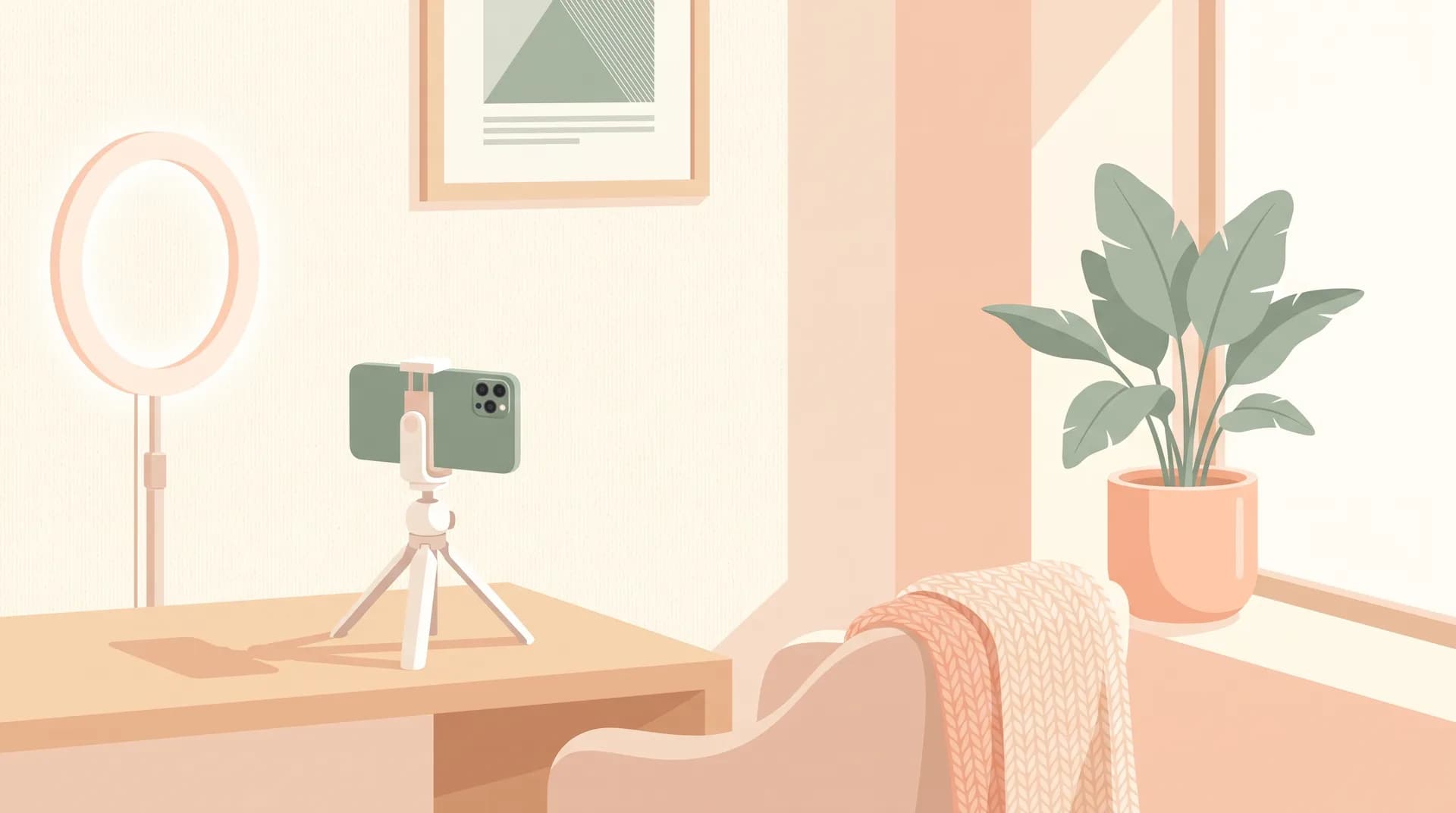
How to Film UGC at Home: Room Setup Tips for Beginners
Learn how to film UGC at home with a clean, brand-friendly setup using natural light and a clutter-free background. No studio, no fancy gear required.

I shot my first "professional" UGC video in my bedroom with a bedsheet pinned to the wall behind me. No studio. No softbox. Just a window, a phone propped on a stack of books, and about 20 minutes of trial and error before the lighting looked right. That video landed me a $400 brand deal two weeks later. The brand had no idea it was filmed in an apartment bedroom, and honestly, they didn't care. They cared that it looked clean, felt authentic, and matched the vibe of their other ads.
That's the thing nobody tells you when you're figuring out how to film UGC at home: brands aren't grading you on production value. They're grading you on whether your video looks like something a real person would post, not something that came out of a studio. A messy background or bad lighting can tank an otherwise great video. But a clean, thoughtful setup? That's 90% of the battle, and it costs you nothing but a little planning.
How to Film UGC at Home Without a Studio
Most beginners assume they need a ring light, a backdrop stand, and a dedicated "content corner" before they can start submitting to brands. I've reviewed hundreds of creator applications and portfolios over the years, and I can tell you the ones that get ignored aren't the ones with cheap gear — they're the ones with distracting backgrounds, harsh shadows, or framing that makes the viewer's eye wander instead of focus on the product.
Here's the honest truth: you can film usable, brand-ready UGC in almost any room in your house. The bathroom, the kitchen counter, a corner of your living room — all of it works if you control three things: light, background, and framing. Get those right and the rest is just practice.
If you haven't shot anything yet, I'd actually recommend starting with our practice shoot guide before worrying about the "perfect" setup. Reps matter more than gear in the beginning.
Why Your Setup Matters More Than Your Camera
Brands are buying a feeling, not a camera spec. UGC works because it looks like something a friend sent you, not a commercial. That said, "looks like a friend sent it" doesn't mean sloppy. It means intentional simplicity. A video with laundry visible in the background, or lighting that makes your face look green under a kitchen bulb, reads as unprofessional — not authentic.
I always tell new creators: your setup should be invisible. If someone watching your video notices the room instead of the product, you've lost.
Choosing the Right Spot in Your Home
Walk through your house at different times of day and pay attention to where the light lands. This sounds simple, but it's the single biggest lever you have.
Look for a spot near a window that gets indirect light. Direct sunlight blasting through a window creates harsh shadows and blown-out highlights. What you want is diffused light — the kind you get an hour or two after sunrise, a few hours before sunset, or any time the sun is behind clouds. If your window faces harsh afternoon sun, hang a sheer white curtain or even a bedsheet over it to soften things.
North-facing windows (in the northern hemisphere) tend to give the most consistent light throughout the day because they avoid direct sun entirely. If you've got one, that's probably your best filming spot, full stop.
Avoid overhead lighting as your primary source. Ceiling lights cast shadows under your eyes and chin, which is not a flattering look for talking-head content. Natural light from the side or slightly in front of you is almost always better than anything coming from above.
Backgrounds That Read as "Brand Safe"
Brands are picky about backgrounds because your video might end up as an ad running next to a $50,000 media budget. A cluttered bookshelf, visible cables, or a pile of mail on the counter behind you signals "amateur" even if your delivery is great.
Stick to these options:
- A plain wall. Cream, white, soft gray, sage green — anything neutral and unpatterned. This is the easiest option and works for almost every product category.
- A tidy kitchen counter. Great for food, beauty, and household product demos. Clear off everything except what's relevant to the shot.
- A made bed with neutral bedding. Works well for skincare, pajamas, or "get ready with me" style content.
- A blurred-out background using portrait mode. If your room has some visual noise you can't remove, shooting with a slight depth-of-field blur (most phones support this natively now) can soften it enough to not be distracting.
What you want to avoid: mirrors (they reveal your filming setup, which breaks the illusion), busy patterns like plaid curtains or floral wallpaper, and anything with visible brand logos that aren't the one you're filming for. That last one trips people up more than you'd think — a competitor's product sitting on a shelf in frame is an easy way to get your submission rejected.
Framing and Composition Basics
Once your light and background are sorted, framing is what separates a scroll-stopping video from one that gets skipped.
Shoot vertical, always. Nearly every platform brands care about — TikTok, Reels, Shorts — is vertical-first. If you're still shooting horizontal video for social content in 2025, stop. It's an instant sign of inexperience.
Keep your eyes roughly in the top third of the frame. This follows the classic rule of thirds and leaves enough headroom without wasting frame space above your head. Too much empty space up top makes the shot feel unbalanced; too little makes it feel cramped.
Position your phone at eye level or slightly above. Shooting from below (phone propped on a table pointing up) creates an unflattering angle and can look amateurish. A stack of books, a small tripod, or even a cereal box can get your phone to the right height if you don't own proper gear yet.
Leave room for the product. If you're holding up a skincare bottle or a snack, make sure there's enough frame around your hands that the product isn't getting cut off or crammed into the corner. Brands need to actually see what they're paying you to promote.
I go deeper on this in our UGC video framing and composition piece if you want more specifics on shot types and angles.
Decluttering Is Not Optional
Before you hit record, do a slow 360-degree scan of what's in frame. I mean an actual, physical turn of your head around the room. It's shocking how much stuff sneaks into a shot that you don't notice until you're reviewing the footage — a charging cable, a stray sock, a half-empty water glass.
Set a habit: every time you set up to film, clear a small "filming zone" of at least a few feet around your subject and camera. Takes two minutes and saves you a reshoot.
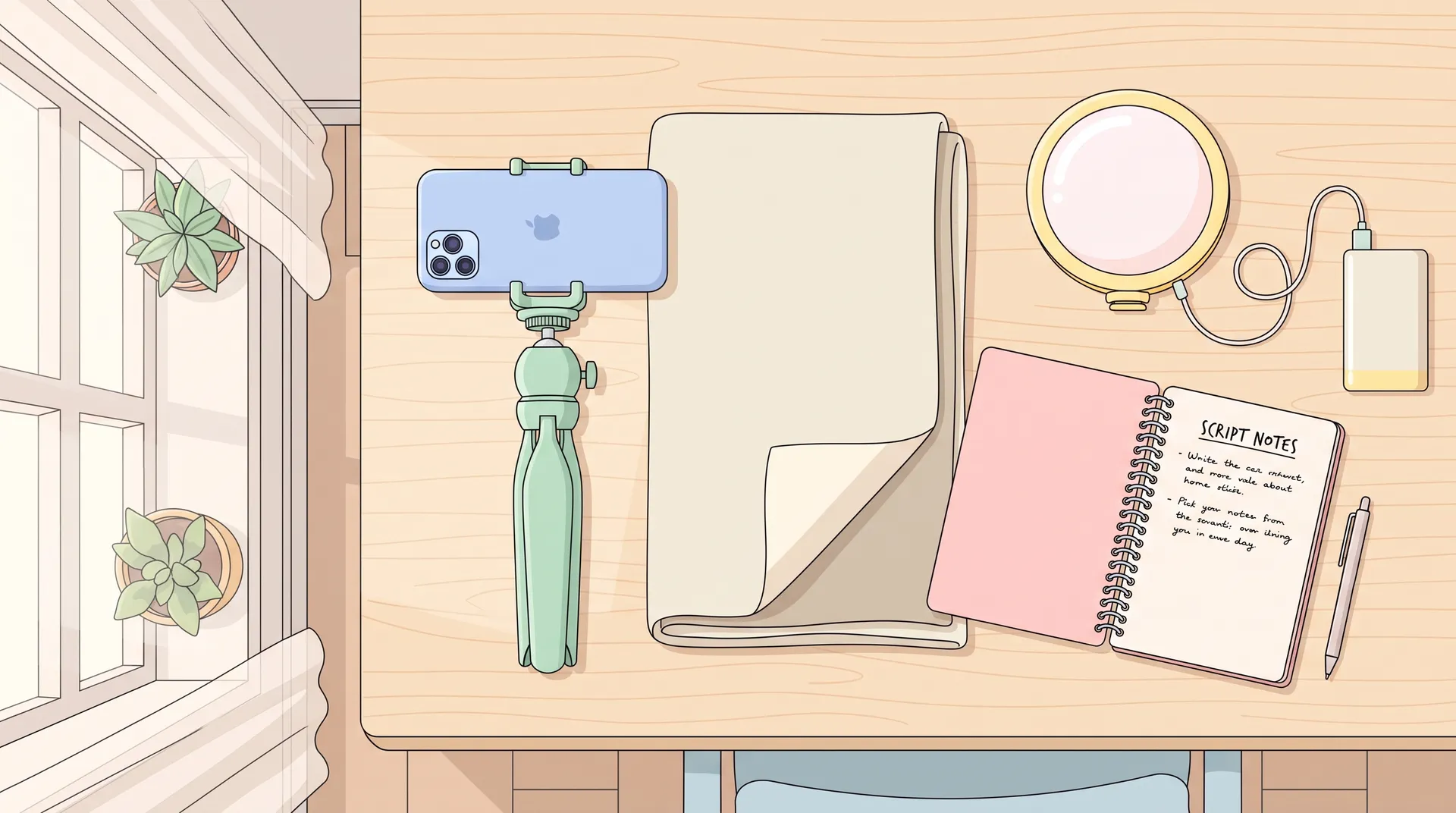
Keep a small filming kit ready to go — a folded neutral bedsheet, a phone tripod, and a portable LED light. When inspiration (or a brand deadline) hits, you can set up a clean shot in under five minutes instead of scrambling to tidy a whole room.
Lighting Tricks That Don't Require Buying Anything
If natural light isn't available when you need to film, here's what's worked for me and creators I've mentored:
- Bounce light with white poster board or foam core. Position it opposite your window to fill in shadows on the darker side of your face.
- Use a lamp with a warm-white bulb (not cool/blue) positioned at face height, angled slightly to the side rather than straight on.
- Turn off mixed lighting sources. Filming with both a warm lamp and a cool overhead light on creates weird color casts that are a pain to fix in editing. Pick one temperature and stick with it.
- Test your white balance before recording a full take. Most phone cameras let you lock exposure and focus with a long press on the screen — use it.
If you're unsure what phone settings actually matter for UGC — resolution, frame rate, exposure lock — check out our breakdown on best phone settings for filming UGC videos. Getting these dialed in matters just as much as your room setup.
A Simple Pre-Shoot Checklist
Run through this before every shoot, even after you've done it a hundred times:
- Is my light source soft, diffused, and hitting my face evenly?
- Is my background plain, tidy, and free of competitor products or personal clutter?
- Is my phone at eye level, shooting vertical, with the product visible in frame?
- Have I done a 360 scan of the room for stray objects?
- Have I locked exposure and focus on my phone camera?
If you check all five, you're ready to film something a brand would actually want to run as an ad. For a broader gut-check before you submit anything, our UGC creator checklist covers a few more things worth reviewing beyond just the room setup.
None of this requires a studio, a ring light kit, or a dedicated content room. It requires attention. That's genuinely the differentiator between creators who get booked repeatedly and creators who send one video and never hear back.
If you're just getting oriented in this space and want the fuller picture — niches, portfolios, pricing, outreach — our complete guide to becoming a UGC creator walks through the whole path from zero to your first paid gig.
For more on lighting specifically, the folks at Adobe's video lighting guide break down three-point lighting basics that translate well even without professional equipment. And if you want to understand how platforms weigh video quality in their algorithms, TikTok's own creator resources are worth a skim.