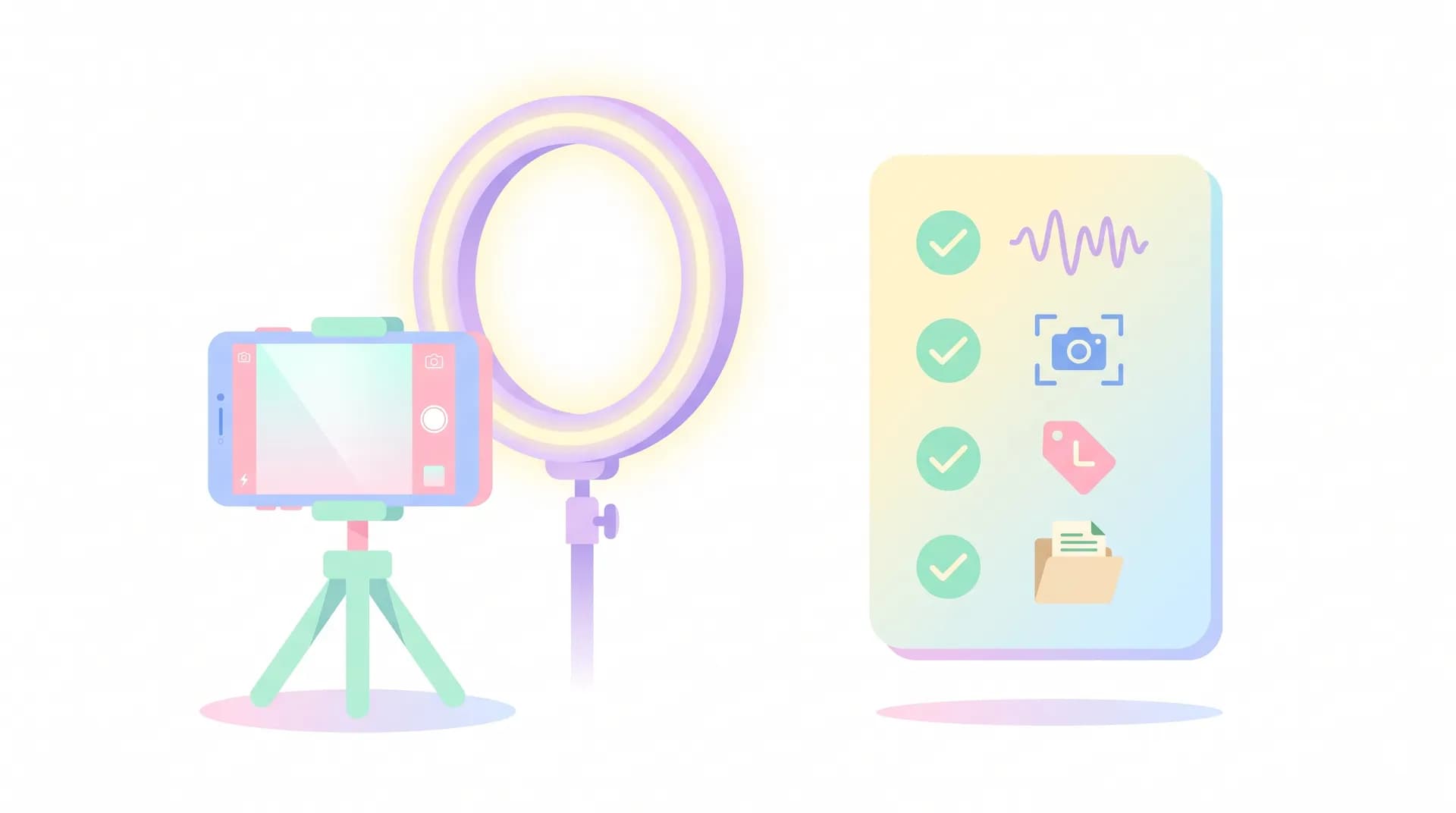
UGC Creator Checklist: What to Check Before You Submit
A pre-delivery UGC creator checklist covering audio, framing, branding, file format, and watermarks so your first paid submission doesn't get rejected.

I once watched a creator get a full revision request on her very first paid UGC deliverable because her phone mic picked up her ceiling fan the entire video. Forty seconds of decent acting, ruined by a $12 problem she could've fixed in thirty seconds. That's the thing about this job — brands don't reject you for being a bad actor. They reject you for rookie technical mistakes that a checklist would've caught.
I've reviewed hundreds of UGC submissions, both as a creator sending them and now building tools for people who do this every day. The pattern never changes. First-timers lose money and trust over the same five or six avoidable errors. So here's the exact ugc creator checklist I'd hand to a friend before their first paid deliverable — the stuff nobody tells you until you've already messed it up once.
The UGC Creator Checklist You Need Before Hitting "Submit"
Before you upload anything to a brand, run through these categories in order: audio, framing, branding, file specs, and rights. Skip one and you're rolling the dice on a revision request — or worse, a client who quietly never books you again.
Think of this less as a formality and more as insurance. A five-minute check saves you a re-shoot, and re-shoots are where your hourly rate goes to die.
Audio: the silent dealbreaker
Bad audio is the number one reason first submissions bounce. Viewers will forgive a shaky frame. They won't forgive a hiss, an echo, or a voice that's drowned out by traffic.
- Record in a room with soft surfaces — carpet, curtains, a couch. Bare walls and tile bounce sound and create an echo that screams "amateur."
- Turn off fans, AC units, and anything with a hum. Check your phone's voice memo app first if you're not sure — record 10 seconds and listen with headphones.
- Use a lavalier mic if you have one. If you don't, get close to the phone — 12 to 18 inches — and speak like you're talking to a friend, not presenting to a room.
- Watch your levels. Clipping (that harsh digital crackle when you're too loud) is nearly impossible to fix in post.
If you're still building your kit, I go deeper on affordable mic setups in best phone settings for filming UGC videos — small settings changes make a bigger difference than people expect.
Framing and composition
Brands are pickier about framing than you'd think, because this footage often gets repurposed into paid ads where cropping matters.
- Shoot vertical (9:16) unless the brief explicitly says otherwise. Most UGC lives on TikTok, Reels, and Shorts.
- Keep your eyes in the upper third of the frame, not dead center. It reads more natural and leaves room for text overlays brands add later.
- Leave headroom and don't crop your hands mid-gesture if you're holding a product — brands need to see the packaging clearly.
- Check your background. A messy room or a distracting piece of art behind you pulls focus from the product every time.
If you haven't done a full test shoot yet, walk through how to film your first UGC video before you ever film for a paying client. Practicing on your own time is free. Practicing on a brand's dime costs you the relationship.
Branding and product visibility
This one trips up beginners constantly: the product isn't a prop, it's the point.
- Show the label or logo clearly at least once, ideally in the first 3 seconds and again near the end.
- Don't let your hand, hair, or a filter obscure the packaging.
- If the brief mentions specific hashtags, handles, or captions, follow the exact spelling and formatting. Brands often paste these straight into ad platforms — typos become their problem too.
- Match the brand's tone. A skincare brand probably doesn't want slang-heavy Gen Z energy if their existing content is calm and clinical. Check their Instagram grid before you film a single take.
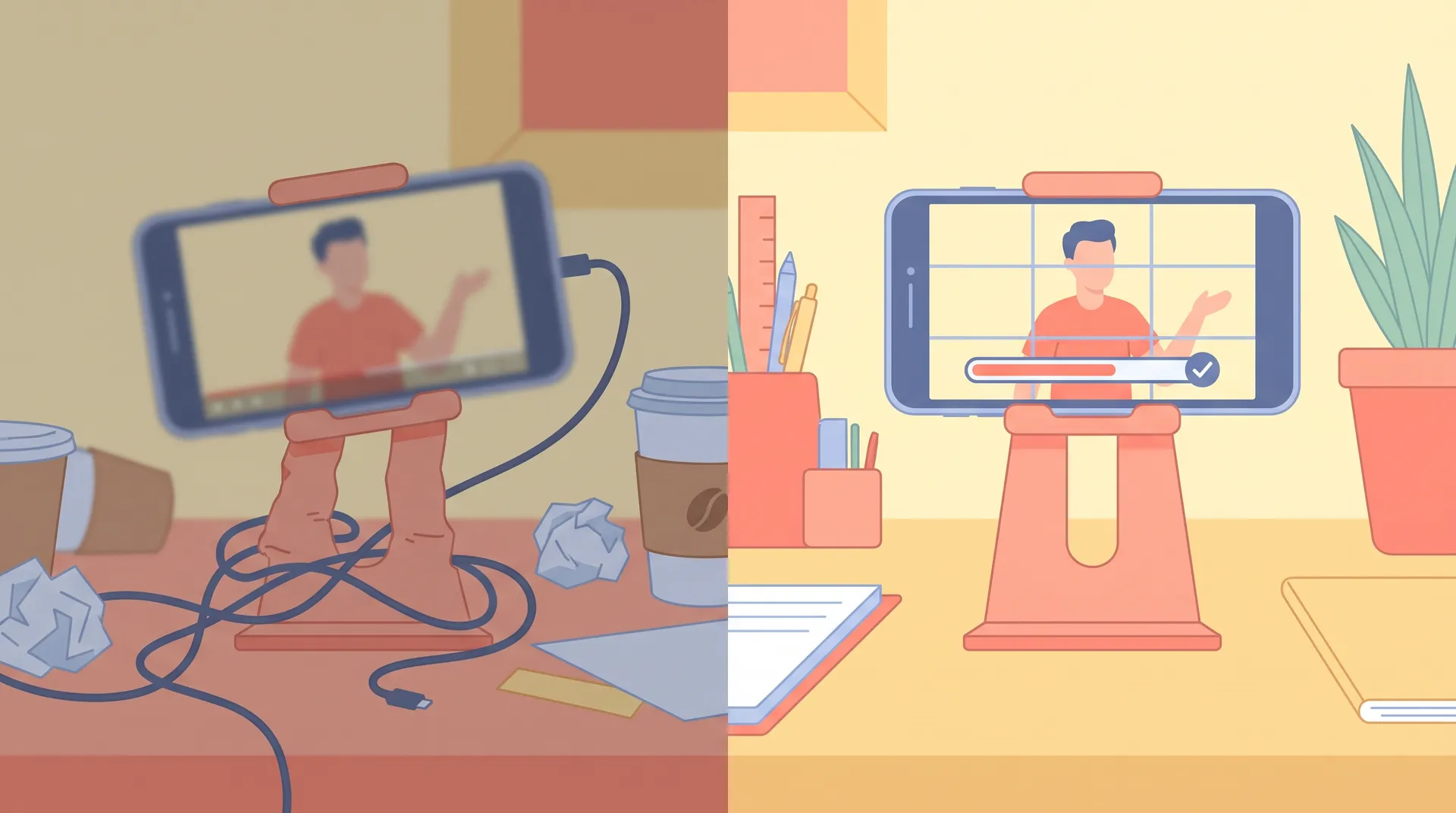
File Format, Delivery, and Rights Checks
Technical specs feel boring until a brand's ad manager rejects your file for the wrong aspect ratio, and now you're re-exporting at 11pm the night before a campaign launches.
File format and export settings
- Export at 1080x1920 for vertical, MP4 format, H.264 codec — this is the near-universal standard brands expect.
- Don't add your own watermark, logo bug, or platform-specific UI overlay (no TikTok logo, no "swipe up" graphics) unless the brief asks for it. Brands need clean footage they can drop straight into their own ad accounts.
- Keep raw, unedited clips if the brand asked for "raw + edited" — some briefs want both so their internal editors can recut.
- Double-check file size limits. Google Drive and Dropbox links expire or get permission-locked more often than people realize — test the link in an incognito window before sending it.
- Name your files clearly: brandname_creatorname_v1.mp4, not IMG_4821.mov. It sounds small. It's not — brands managing 20 creators at once notice who makes their life easier.
Rule of thumb: if you wouldn't want your least tech-savvy friend to get confused opening the file, rename it and re-check the export settings before you send it.
Usage rights and contract details
- Confirm exactly what usage rights you're granting — organic posting only, or paid ad usage too? These are priced differently and matter a lot for your invoice.
- Note the usage window. "In perpetuity" clauses are common and worth pushing back on if there's no bump in your rate to match.
- Save the brief itself. If a dispute comes up later about what was asked for, you want the original doc, not your memory of a Slack message from three weeks ago.
None of this replaces reading the actual contract line by line, but if this is your first deal, this checklist covers 90% of what actually causes friction. For the bigger picture on getting to this point at all, the complete guide on how to become a UGC creator walks through everything from niche selection to your first outreach message.
A Quick Pre-Submission Runthrough
Here's the condensed version — tape this to your monitor if you need to:
- Audio clean, no hum, no clipping, levels checked with headphones
- Vertical framing, eyes in upper third, product clearly visible
- Background tidy, tone matches the brand's existing content
- Logo/product shown clearly at least twice
- Exported 1080x1920 MP4, no watermarks, correctly named
- Raw footage saved separately if requested
- Brief re-read one final time against your actual footage
- Usage rights and delivery deadline confirmed before hitting send
Run this in under ten minutes. It's the cheapest insurance policy you'll ever buy for your creator business.
If a brief doesn't specify export settings, default to 1080x1920 MP4 and mention in your delivery email that you're happy to re-export to their preferred spec — it signals professionalism before they even open the file.
Why This Matters More Than People Think
I've talked to brand managers who told me they keep a private shortlist of creators who "just get it" — meaning their files always open correctly, audio's clean, and nothing needs a re-send. That shortlist is where repeat bookings come from. Nobody puts "followed the checklist" in a testimonial, but it's the quiet reason certain creators get rebooked every month while others get one campaign and vanish.
If you're still working out what brands actually expect from a creator before you even get to the submission stage, what brands look for in a UGC creator is worth a read too — a lot of it starts well before the camera turns on.
For more on the gear side of things, UGC creator equipment: what you actually need breaks down what's genuinely worth buying versus what's marketing fluff aimed at beginners with more budget than sense.
External resources worth bookmarking as you build your workflow: Adobe's guide to video export settings, TikTok's official ad specs, and Meta's creative specs for feed and stories are all good references when a brief doesn't spell out technical requirements.
FAQ
Frequently Asked Questions
What should be on a UGC creator checklist before submitting content?
Why do brands reject UGC submissions from beginners?
Do I need a watermark on my UGC videos?
What file format do brands expect for UGC video deliverables?
Should I send raw footage along with my edited UGC video?
How long should a pre-submission UGC check take?
Related reading
- How to become a UGC creator: the complete guide
- Best phone settings for filming UGC videos
- How to film your first UGC video (practice shoot guide)
- UGC creator equipment: what you actually need (and what you don't)
- What Do Brands Look for in a UGC Creator?
- 10 UGC creator mistakes beginners make (and how to fix them)