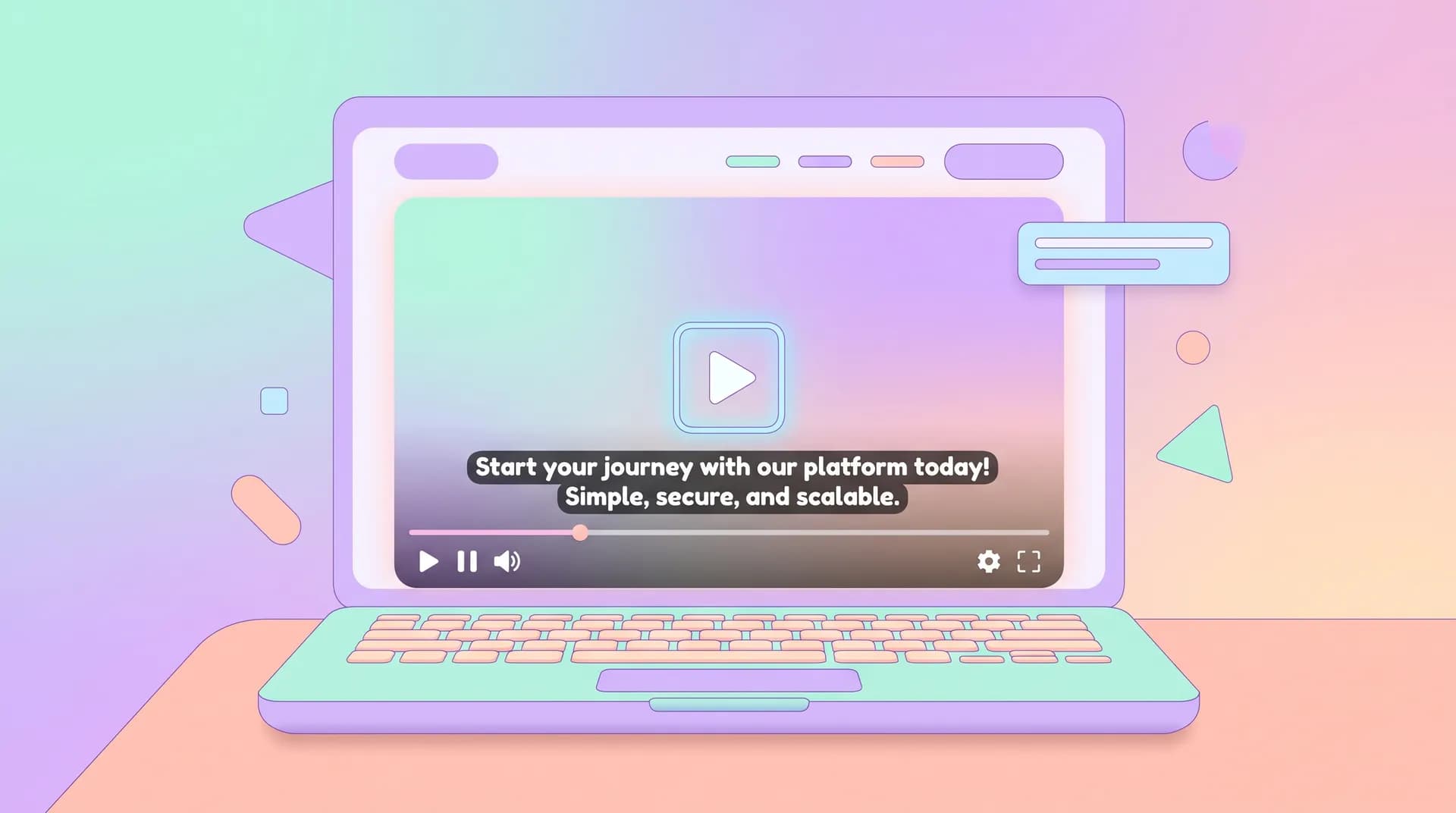
Video Landing Page Accessibility: Captions & Controls That Convert
Video landing page accessibility isn't optional. Learn why captions, visible controls and keyboard support fix sound-off scanning and compliance gaps.

I once watched a founder demo their own landing page video to me on a sales call — and he had to turn his volume all the way up because he couldn't hear it either. No captions. No visible controls. Just a silent thumbnail waiting for someone to click play and hope for the best. That's the moment I realized how many SaaS teams treat video landing page accessibility as an afterthought, right up until a visitor bounces in the first three seconds.
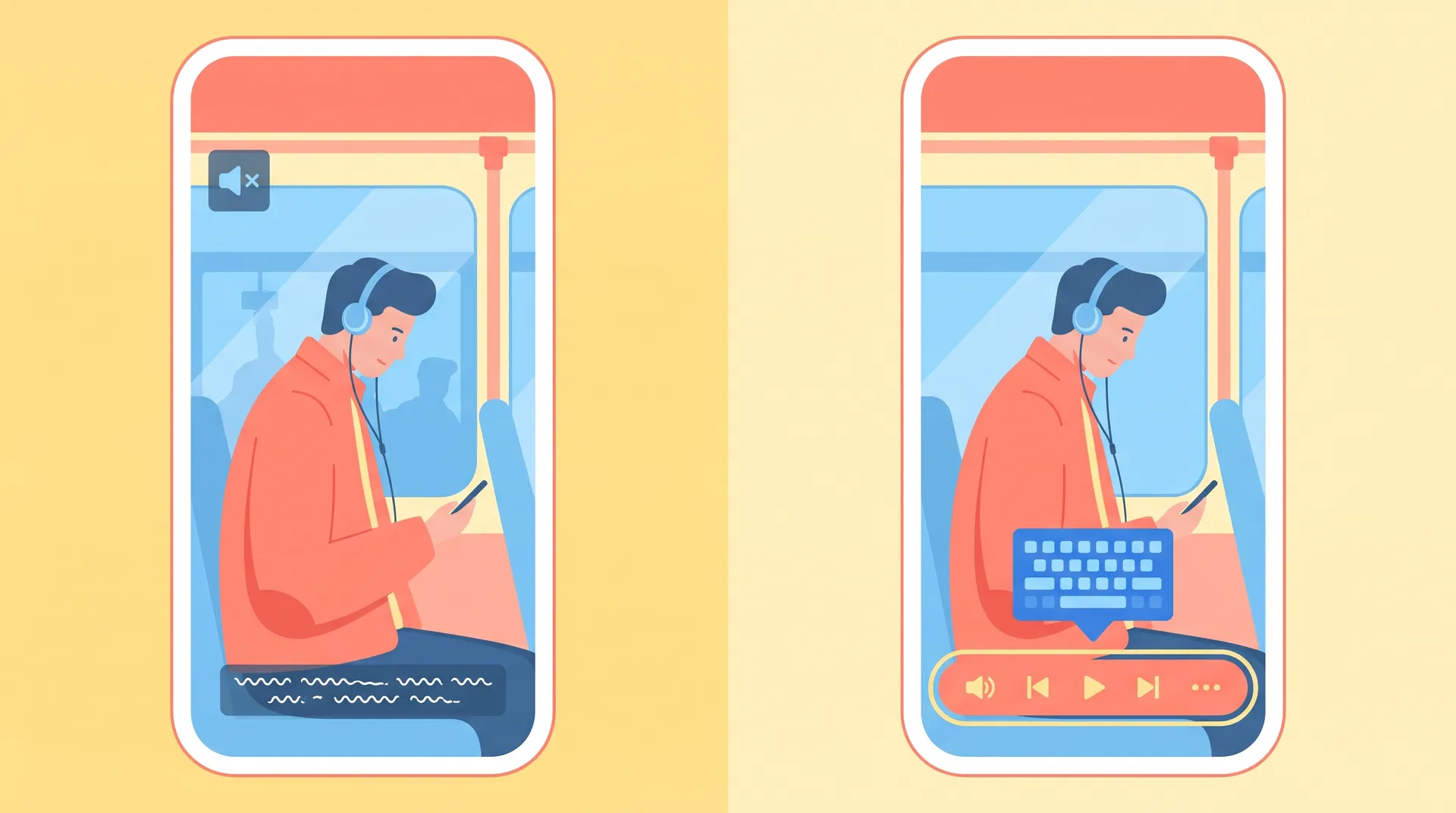
Here's the thing nobody tells you: most of your video views happen with the sound off. Office workers scanning during meetings. People in open co-working spaces. Someone browsing on their phone in a waiting room. If your hero video depends on audio to land the message, you're losing the majority of your traffic before they ever hear your pitch.
Why Video Landing Page Accessibility Isn't Optional Anymore
Accessibility used to get filed under "nice to have, maybe later." That's changed. The ADA has been applied to websites in multiple federal court rulings, and the Department of Justice has explicitly stated that state and local government sites — and by extension, many commercial ones facing legal pressure — must meet WCAG 2.1 AA standards. Plenty of SaaS companies have received demand letters over missing captions and keyboard traps on their marketing pages. That's a real cost, and it's avoidable.
But forget the legal angle for a second, because the conversion argument is stronger anyway.
Research from Verizon Media and Publicis found that 80% of people are more likely to watch a full video when captions are available. Facebook's own data showed caption-enabled video ads increased view time by an average of 12%. If your landing page video is the thing carrying your value prop, captions aren't decoration — they're the difference between someone absorbing your message and someone scrolling past a muted blob of motion.
I've run this test myself with Flare customers. Adding burned-in captions to a 40-second product video on a landing page bumped average watch time by roughly a third. Nothing else on the page changed. Just captions.
The Sound-Off Reality Nobody Designs For
Here's a stat that should change how you brief your next video: most social and web video is watched muted by default. Mobile browsers auto-mute. Office environments demand it. And unless you're forcing someone to tap unmute — which adds friction and kills your view count before it starts — your message needs to work with zero audio.
That means:
- Your opening frame needs to communicate value visually, not just verbally
- Key claims should appear as on-screen text, not rely on narration alone
- Captions need to be legible, properly timed, and not an auto-generated mess full of errors
If you haven't nailed your opening frame for sound-off scanning yet, go read our breakdown on landing page video thumbnails — it's the first three seconds that decide whether anyone sticks around long enough for captions to matter.
What "Accessible Video Controls" Actually Means
A lot of founders hear "accessibility" and think it's just about captions. It's not. Controls matter just as much, and they're where most SaaS landing pages quietly fail.
Visible play/pause controls. Autoplaying video with no visible way to stop it is a WCAG violation (specifically 2.2.2, Pause, Stop, Hide) and it's also just annoying. If your video loops forever with no stop button, you're actively pushing away visitors who find motion distracting — which includes people with vestibular disorders and ADHD, not a tiny edge case.
Volume controls that are actually reachable. Embedding a raw iframe from a video host without a custom player often means volume controls are buried, tiny, or inconsistent across browsers. Test this on mobile Safari. I guarantee you'll find something broken.
Keyboard accessibility. Can someone tab to your video, hit play with the spacebar, and tab to the controls without a mouse? If not, you've locked out every visitor who navigates by keyboard, including a chunk of your power users who just prefer it. This also tends to correlate with broken screen reader support, since both usually come from the same sloppy custom player implementation.
Focus indicators. When someone tabs onto your play button, is there a visible outline showing where focus landed? Most custom video players strip this out for "cleaner" design. That's a usability bug dressed up as aesthetics.
If your video player was built from scratch by a contractor in 2019 and never touched since, assume it fails at least two of these four checks. Most custom players do. Run it through keyboard-only navigation this week — no mouse, just Tab and Enter.
How to Fix This Without Rebuilding Your Whole Page
You don't need a six-week accessibility audit to get the basics right. Here's the order I'd tackle it in.
1. Get real captions, not auto-generated garbage
Auto-captions from YouTube or your video host are a starting point, not a finish line. They mangle product names, miss punctuation, and misread fast speech. Budget 15-20 minutes per minute of video to clean them up, or use a captioning service that guarantees 99%+ accuracy. This is cheap compared to what it costs you in watch time.
Burn captions into the video file itself for your landing page hero, rather than relying solely on a toggle-able track. Toggleable captions are good too — offer both if you can — but burned-in captions guarantee the sound-off majority actually sees them without hunting for a CC button.
2. Use a player that supports keyboard nav out of the box
Don't reinvent a video player. Plyr, Video.js, and most mainstream hosted players (Wistia, Vimeo) ship with WCAG-compliant keyboard support and visible controls by default. If you're hand-rolling a custom player for brand consistency, budget real QA time for keyboard and screen reader testing — not just a visual glance.
3. Add a transcript below the fold
A full text transcript does double duty: it helps accessibility compliance and it's a quiet SEO win, since Google can crawl and index the text your video can't otherwise contribute. It's a 20-minute job once you already have clean captions — just paste the text in.
4. Test with VoiceOver or NVDA once
You don't need to become an accessibility expert. Just turn on VoiceOver (Mac) or NVDA (Windows, free) and try to navigate to and operate your video. If it's confusing for you in five minutes, it's broken for your users. The W3C's Web Accessibility Initiative has a solid quick-start guide if you want a more structured pass.
Run this test on the exact video embed you use on your highest-traffic landing page, not a demo page. Accessibility bugs love to hide in production-only embed configurations.
Where This Fits Into Your Bigger Landing Page Strategy
Captions and controls are a piece of a larger puzzle. They don't matter much if your video is placed where nobody scrolls to it, or if it's answering the wrong question for the traffic hitting your page. I covered the broader framework for getting promise, video, and CTA to line up in our pillar piece on SaaS landing page conversion — worth reading if you haven't locked that down yet.
Placement matters here too. A perfectly captioned video stuffed below three scroll-lengths of marketing copy still won't get watched. If you're not sure where your video belongs relative to your CTA, this breakdown on video placement is a good next read.
And if you're still deciding what kind of video to put on the page in the first place — founder-led, demo, or testimonial — accessibility requirements differ slightly by format. A talking-head founder video leans harder on accurate captions since the message is entirely verbal; a product demo can lean on on-screen UI text to carry meaning even muted. We broke down which format fits which landing page goal here.
Fast fact: captions also help with international visitors whose English comprehension is stronger in reading than listening. One fix, two audiences solved.
The Real Cost of Getting This Wrong
I'll be blunt — most SaaS landing pages I audit fail at least two of the four control checks above, and maybe 1 in 10 has clean, human-reviewed captions. That's not a niche compliance gap. That's most of the market leaving conversion on the table, every single day, for a fix that costs a few hours of work.
You already spent real money producing that video. Captions and controls are the cheapest multiplier you'll ever apply to that spend.