Landing Page Video Embed Speed: What's Slowing You Down
Your landing page video embed could be costing you conversions. Here's what actually slows load speed and how to fix it without killing engagement.

We shipped a hero video on our own landing page that took 4.2 seconds to start playing. Bounce rate on mobile jumped 22% the week it went live. Nobody told us the embed method was the problem — we found out by staring at a waterfall chart at 1am wondering why our "high-converting" video was actively costing us signups.
That's the thing nobody warns you about with landing page video embed decisions: the video itself might be great, but how you load it can quietly wreck the page before anyone even sees the content.
Landing page video embed mistakes that tank load speed
Most teams pick an embed method based on what's easy, not what's fast. That's backwards. The method you choose determines how many requests fire before your visitor sees anything useful, and on mobile connections those requests add up brutally fast.
Here's the ranking I've landed on after testing this across a dozen SaaS landing pages:
Native HTML5 video, self-hosted and optimized — fastest when done right, but you own the compression and CDN work.
YouTube/Vimeo iframe embed — easiest to implement, worst for speed. A standard YouTube embed loads 15-20 third-party requests before the video is even clickable, pulling in tracking scripts, player chrome, and related-video APIs you never asked for.
Embed via a lightweight player SDK (Wistia, Vidalytics, etc.) — middle ground. Faster than raw YouTube embeds, slower than self-hosted, but you get analytics without building your own pipeline.
Google's own PageSpeed documentation flags third-party iframe embeds as one of the top causes of blocked main-thread time on landing pages — see their guidance on third-party JavaScript. If your landing page's only job is converting cold traffic in the first 5 seconds, every one of those blocked milliseconds is a visitor deciding whether to stick around.
The iframe tax nobody calculates
When you drop a YouTube embed on a landing page, you're not loading a video. You're loading YouTube's entire player framework, its ad infrastructure (even if you've disabled ads), and usually a chunk of Google Analytics alongside it. I've seen this add 800KB-1.2MB to page weight before a single frame of your actual video renders.
Compare that to a self-hosted MP4 with a custom lightweight player: often under 150KB for the initial load, with the video file itself streaming progressively after the page is interactive.
If you've already nailed your message match between ad and page — covered in our piece on message match failures — don't let the embed method undo that work before the visitor even reads your headline.
Autoplay: the feature everyone wants that nobody should ship
I get asked constantly: "should we autoplay the hero video?" My answer is almost always no, and it's not an aesthetic opinion — it's a performance one.
Autoplay forces the browser to start fetching and decoding video data immediately on page load, competing for bandwidth with your CSS, fonts, and above-the-fold images. On a fast fiber connection you won't notice. On the 4G connection most of your mobile traffic is actually using, autoplay video is fighting your First Contentful Paint for the same pipe.
There's also a practical wrinkle: Safari and Chrome both require muted autoplay or block it outright, per the Chrome autoplay policy. That means your "cinematic autoplay hero" is silent anyway, which kills most of the emotional impact you were trying to buy with the extra load time. You're paying the speed cost without getting the payoff.
My rule: static poster frame + play button, always. Let the visitor opt into the data cost. It also gives you a chance to design a thumbnail that sells the click instead of relying on motion to do the work.
Autoplaying video with sound is one of the fastest ways to trigger an immediate bounce — and it tanks your Core Web Vitals score by competing for bandwidth during the critical rendering window. Skip it.
File weight and lazy-loading: where most teams leave speed on the table
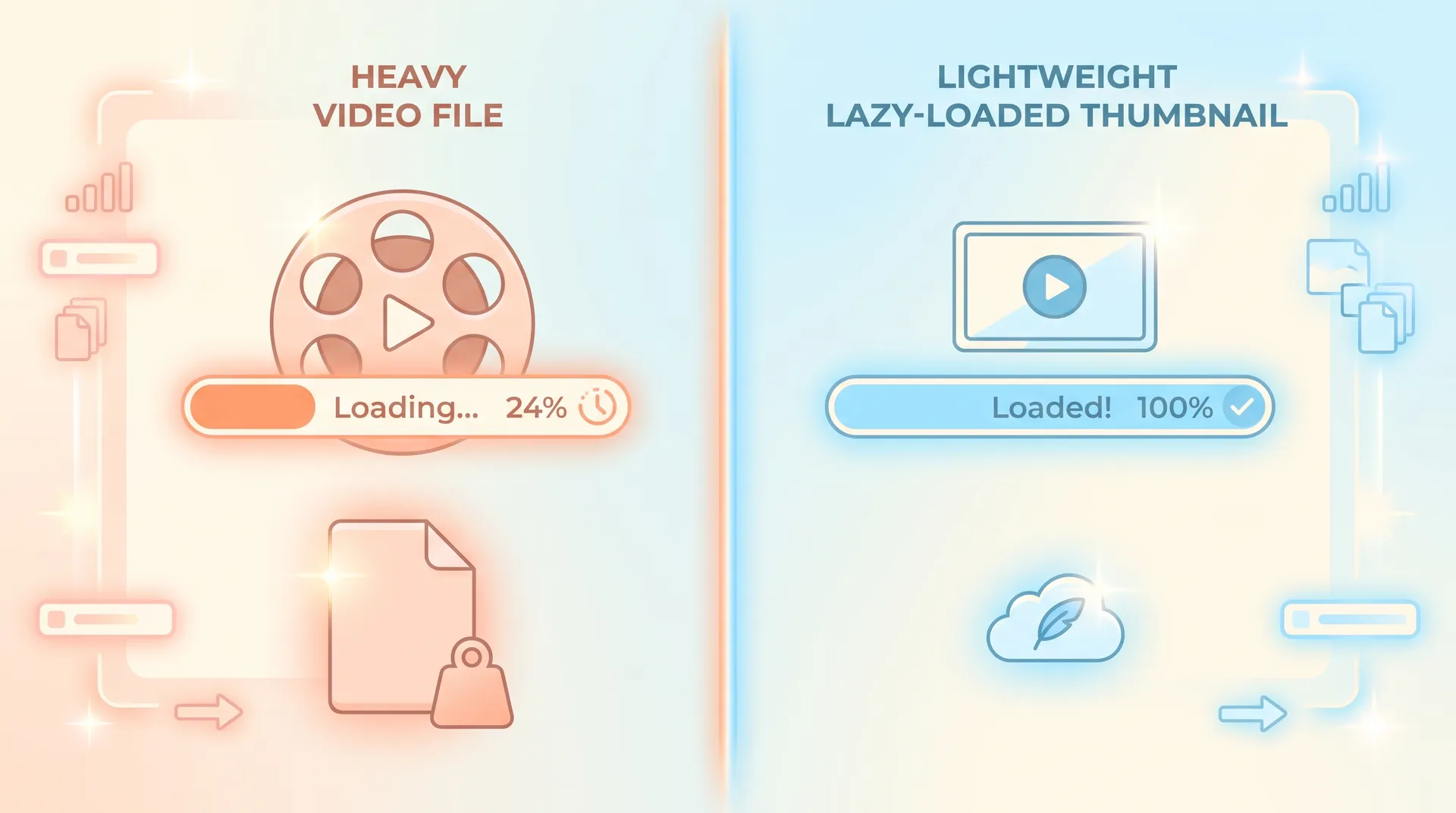
File weight is the part teams actually have full control over, and it's the part most often ignored because "the video looked fine in Premiere."
A few numbers that matter:
- A 90-second landing page video exported at default settings can easily hit 40-60MB. Compressed properly with H.264 at a sane bitrate, the same video should land between 8-15MB.
- Thumbnail/poster images should be served as WebP or AVIF, not a full-res PNG screenshot pulled from your editing software — that alone can shave 200-400KB.
- If you're serving the same video to desktop and mobile, you're wasting bandwidth. Serve a smaller, lower-bitrate version to mobile viewports.
Lazy-loading is the other lever, and it's underused. If your video sits below the fold or isn't the primary hero element, there's no reason to load it on initial page paint. Use loading="lazy" on the iframe or a facade pattern — a static placeholder image styled to look like the player, with the real embed only injecting on click or scroll-into-view.
This is the same facade technique Google recommends in its lazy-loading guidance, and it's genuinely one of the highest-leverage, lowest-effort fixes you can make this week. I've seen it cut Largest Contentful Paint by 1.5-2 seconds on pages where video was previously loading eagerly.
Test the facade pattern before you touch anything else on this list. It's a 30-minute implementation that usually delivers the single biggest speed win on a video-heavy landing page.
Where this fits in your overall page strategy
None of this matters in isolation. A fast-loading video embed on a page with the wrong video entirely — say, a founder video when your traffic is late-stage and wants a demo instead — won't convert better just because it loaded quickly. Speed removes friction; it doesn't replace strategy.
If you haven't already worked through where video should sit relative to your CTA, that's worth doing in parallel — see our breakdown of video placement near the CTA. And if you're building this out as part of a larger conversion overhaul, our pillar guide on SaaS landing page conversion covers how promise, video, and CTA need to line up before performance tuning even matters.
My actual checklist before shipping a landing page video
- Self-host or use a lightweight player — avoid raw YouTube/Vimeo iframes on money pages.
- No autoplay with sound. Static poster frame with a clear play affordance.
- Compress aggressively. Target under 15MB for anything over 60 seconds.
- Lazy-load or facade-load anything not immediately above the fold.
- Serve a mobile-specific, lower-bitrate version if more than 40% of your traffic is mobile.
- Run it through PageSpeed Insights before and after — don't guess, measure.
I run this checklist on every landing page we touch at Flare now. It takes maybe 45 minutes once you've done it a couple of times, and it's saved us from shipping at least three videos that would've quietly bled conversions.
Page speed and video quality aren't actually in conflict — they're both solvable with the right embed method. The conflict only exists when you default to whatever's easiest to paste into your CMS.
FAQ
Frequently Asked Questions
Does embedding a video slow down my landing page?
Should I autoplay video on my SaaS landing page?
What's the best video file size for a landing page?
Is lazy-loading video bad for SEO or user experience?
Should I use YouTube embeds or self-host my landing page video?
Related reading
- SaaS landing page conversion: matching promise, video, CTA
- Demo vs Founder vs Testimonial Video Landing Page Picks
- Where to Place Video on Your SaaS Landing Page Design
- Landing Page Video Thumbnail: Win Visitors Who Never Click Play
- Message Match: Why Your SaaS Landing Page Examples Fail
- Landing Page Copywriting for SaaS That Works Without Video