Best Background for UGC Videos: Choose and Style Your Space
Learn how to pick the best background for UGC videos, declutter small spaces, and style a set that boosts perceived production value without a studio.

I once watched a brand reject a creator's video not because of her delivery, her hook, or her product knowledge — but because there was a half-eaten bowl of cereal visible on the counter behind her. Three seconds of screen time. That's all it took to kill a $400 deal.
That's the thing nobody tells you when you're starting out: your background is doing half the talking. Brands aren't just buying your voice or your face. They're buying the feeling of the room you're in. And if that room feels chaotic, cheap, or staged like a hostage video, no script is going to save you.
I've reviewed hundreds of creator submissions building Flare.app, and the pattern is obvious. The creators who consistently land repeat brand deals aren't necessarily the most charismatic on camera. They're the ones whose filming space looks intentional — relatable, but not distracting. Let's fix that for you.
What makes the best background for UGC videos
Brands want two things at once, and they're in tension with each other: authenticity and polish. Your background needs to say "this is a real person's real home" while also saying "this person knows what they're doing."
Here's the filter I use when I'm judging a background:
- Does it look like someone lives here? A stark white studio wall reads as an ad, not a recommendation from a friend.
- Is there exactly one visual anchor? One plant, one piece of art, one interesting texture. Not five things competing for attention.
- Does it match the product's world? A skincare video in a cluttered garage feels off. A kitchen gadget video in a sterile white box studio feels off too.
- Would I notice anything if I paused the video? If yes, and it's not something you placed on purpose, it's a problem.
The best backgrounds aren't "nice." They're invisible until you look for them. That's the goal.
Why this matters more than people think
A messy or generic background doesn't just look unprofessional — it actively works against your hook. You spend the first three seconds trying to earn attention, and viewers spend those same seconds scanning the frame for context clues about who you are. If the room contradicts your message (say, you're selling a premium candle brand but your background looks like a dorm room), you're fighting yourself before you've said a word.
This ties directly into how brands evaluate footage during review. If you haven't already, read our full guide on how to film UGC content that converts — background styling is one piece of a much bigger system that includes lighting, framing, and delivery, and it doesn't work in isolation.
Choosing the right room (and what to avoid)
You don't need a dedicated studio. You need one wall in your home that photographs well. Walk through your space with your phone camera open and just look at every wall for ten seconds. You're checking for three things: light, texture, and clutter.
Light first. A window with indirect daylight beats every ring light I've ever bought. If a wall gets soft, even light for a few hours a day, that's your spot — full stop. I go deeper on this in our piece on filming UGC videos with natural light at any time of day, but the short version: north-facing windows or bounced light from a white wall are your friends.
Texture second. Flat, plain drywall is fine but forgettable. A slightly textured wall, exposed brick, wood paneling, or even a bookshelf gives the frame depth without adding distraction. Depth is what separates "phone video in a room" from "content that looks shot with intention."
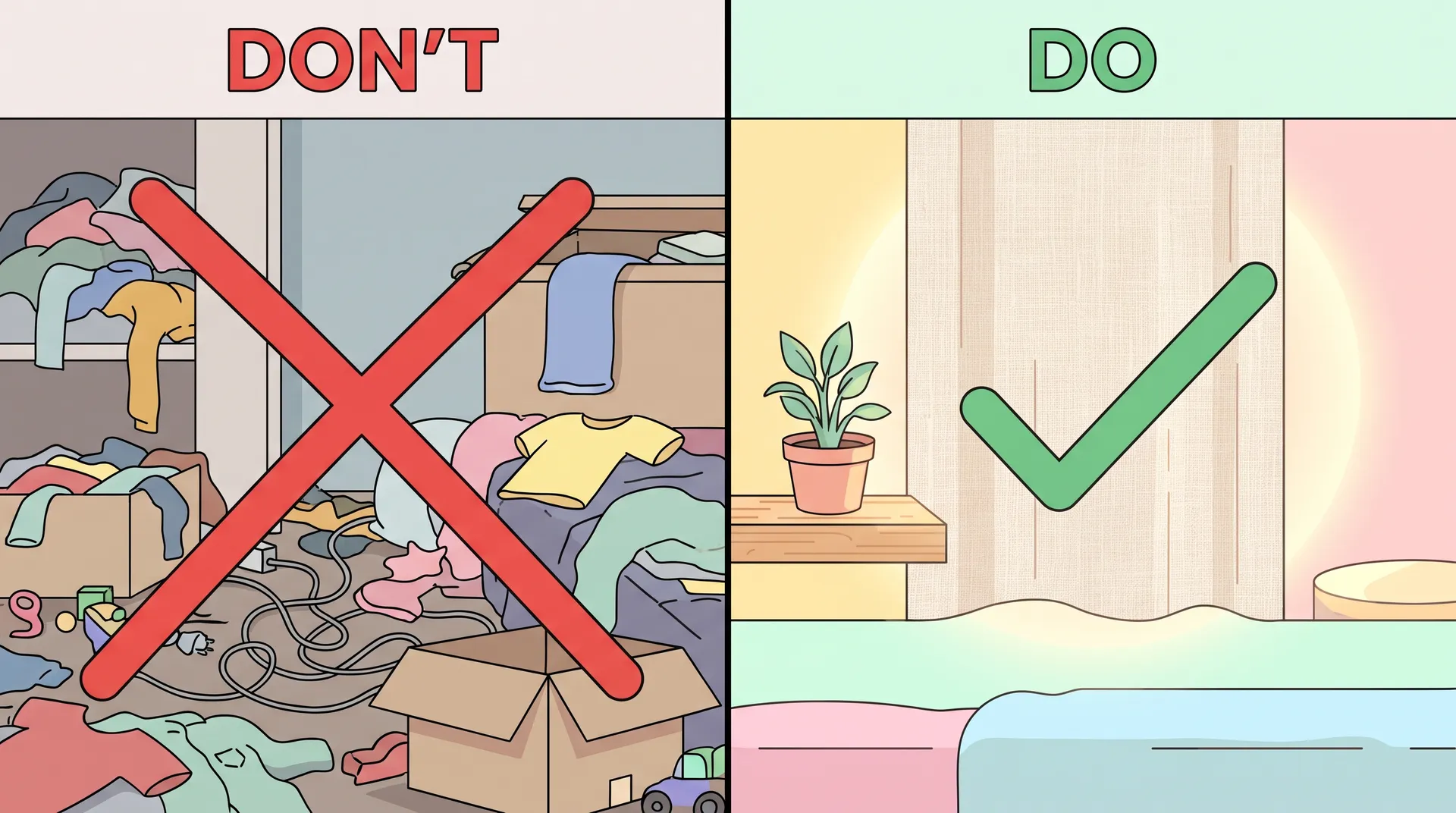
Clutter last, but it's the one people skip. Do a real declutter pass, not a five-minute tidy. Remove:
- Cables and chargers in frame
- Laundry, even folded, in the background
- Anything with visible brand logos that aren't yours (competing products, other companies' packaging)
- Personal photos or documents with identifying info
- Anything broken, mismatched, or half-assembled
I tell creators to physically stand where the camera will be and do a slow 360-degree scan before every shoot. It takes two minutes and saves you from reshoots.
Rooms that consistently perform well
From what I've seen across thousands of submitted videos, these spots convert best for UGC because they read as "normal life" without reading as "messy":
- Kitchen counters near a window (great for food, home, and lifestyle products)
- A corner of a living room with a textured wall and one shelf
- A bathroom vanity with good mirror lighting (skincare, beauty, wellness)
- A bedroom nook with a neutral headboard or curtain backdrop
- A hallway with interesting light and minimal decor
Avoid garages, home offices with visible monitors and cable spaghetti, and anywhere with a TV playing in the background. TVs are a silent killer — they flicker, they change color temperature mid-shot, and they pull the eye away from you every single time.
Styling small spaces without a studio
Most creators I talk to think they need square footage to compete. They don't. A studio apartment corner can outperform a mansion if it's styled right, because styling is about framing, not floor space.
The trick with small spaces is going vertical and using distance to your advantage. Sit closer to the wall and let your camera create separation through depth of field rather than physical room. Even a phone camera at f/1.8 will soften a background six to eight inches behind you just enough to hide minor imperfections while still keeping the space readable.
A few things that punch above their weight in small rooms:
- A single framed print or piece of art. Gives the eye somewhere to land without pulling focus off you.
- A textured throw or tapestry pinned behind you. Cheap, foldable, and instantly upgrades a blank wall.
- One healthy-looking plant. Fake is fine if it's a good fake. Dying real plants are worse than no plants.
- A warm-toned lamp just out of frame. Adds a soft glow that reads as "cozy home" rather than "overhead fluorescent light interrogation room."
I've also seen creators do incredibly well with rented or borrowed backdrop products — collapsible fabric backdrops, portable wall panels, even peel-and-stick removable wallpaper for a single wall section. These run $20 to $60 and can be swapped out between shoots, which matters if you're filming for multiple brands in a week and need variety so your content doesn't look identical across every submission. A rotating set of two or three backdrop options in a small space gives you the appearance of a much bigger production without the square footage or the price tag.
Keep a "shoot mode" version of your room separate from your everyday living version. Move the same three or four items into place right before filming, then move them back. It takes five minutes and means you're never filming your actual messy reality.
Matching background to product category
Not every background works for every product, and this is where a lot of creators lose deals without realizing why.
Beauty and skincare brands generally want soft, warm, bathroom-or-vanity energy — good mirror light, minimal clutter, maybe a plant or two. Tech and gadget brands lean toward slightly more neutral, clean backgrounds with good contrast so the product itself pops. Food and beverage almost always wants kitchen energy — real counters, real light, maybe a hint of a stove or cutting board in frame. Home goods want to feel aspirational but lived-in: a styled but not sterile living room.
If you're building out a demo-style video, background choice pairs directly with how you frame the product itself. Our guide on filming a UGC product demo that actually converts covers how the two work together. Same goes for unboxing content — check how to film a UGC unboxing video that feels real if that's your format, because unboxing backgrounds have their own rules around table surfaces and overhead shots.
Don't try to make one background work for every brand you film for. A background that's perfect for a skincare client can feel wrong for a tech client. If you're filming a batch of videos in one session, plan two or three background variations ahead of time so each brand gets a setting that fits.
Quick pre-shoot background checklist
Before you hit record, run through this in under two minutes:
- Scan the full frame edge to edge, not just the center
- Check for reflections in mirrors, windows, or glass surfaces
- Turn off or move any screens (TVs, monitors, phone screens)
- Confirm your light source is soft and consistent, not flickering
- Remove anything with someone else's face, name, or address visible
- Add one intentional visual element if the wall feels too bare
- Do a 10-second test recording and actually watch it back before shooting the real take
That last step is the one creators skip most, and it's the one that catches the cereal bowl before the brand does.
FAQ
Frequently Asked Questions
What is the best background for UGC videos?
Should I use a plain white background for UGC content?
How do I film good UGC in a small apartment?
Do I need a backdrop or studio setup for UGC videos?
How do I match my background to the brand I'm filming for?
What should I remove from my UGC filming background?
Related reading
- How to film UGC content that converts (full guide)
- Filming UGC videos with natural light at any time of day
- UGC lighting on a budget: natural light vs. ring light vs. LED panel
- How to film a UGC unboxing video that feels real
- How to film a UGC product demo that actually converts
- UGC video framing and composition: rule of thirds tips
For further reading on lighting fundamentals and small-space photography setups, B&H Photo's lighting guide, Adobe's guide to composition, and Meta's creative best practices for UGC ads are worth bookmarking.