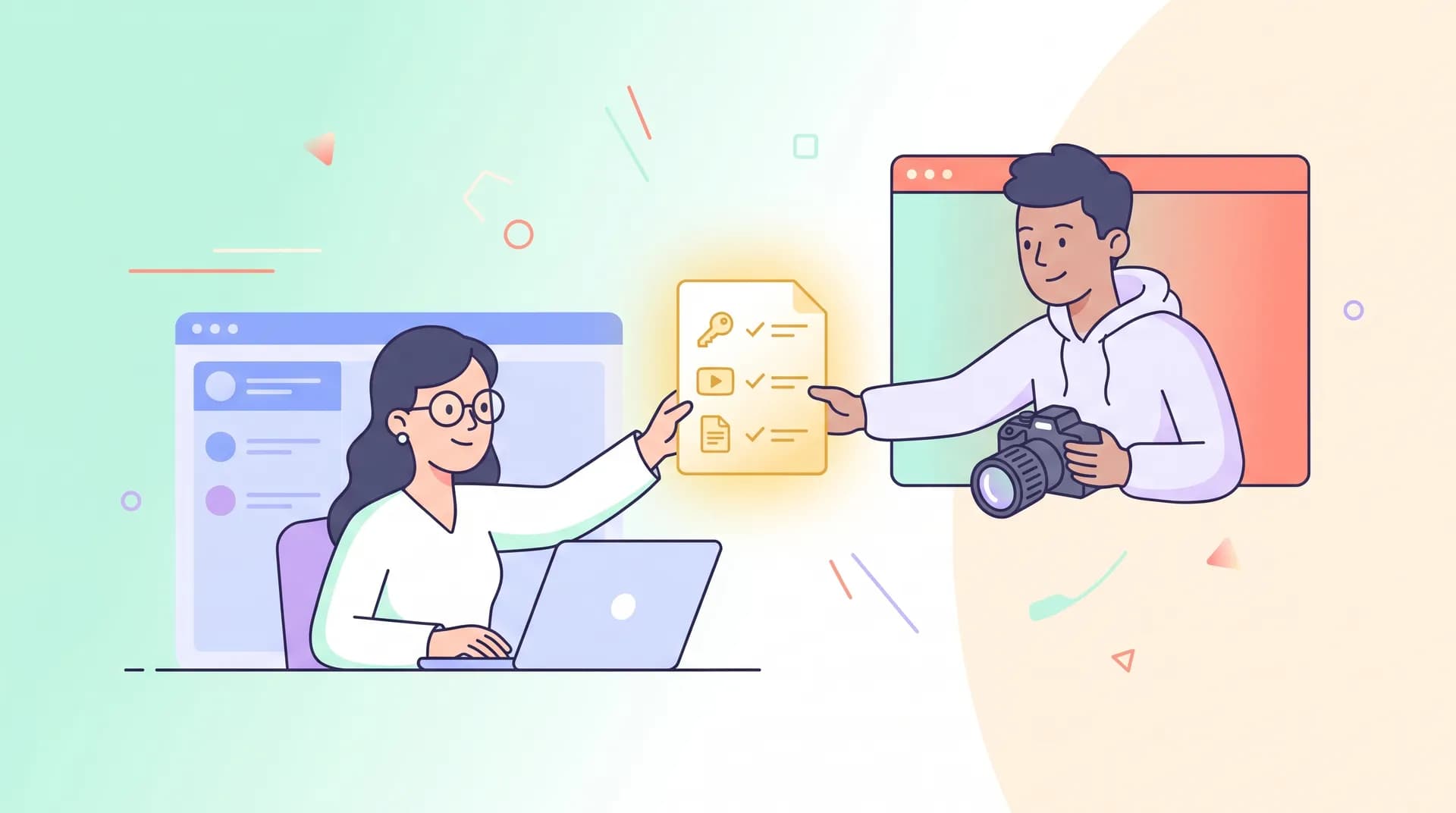
Software Demo Video Creator Brief: Brief a New Creator Right
A software demo video creator brief template for founders working with a creator who's never touched your product. What to send, what to show, what to skip.

I once sent a creator into a demo shoot with nothing but a login and a Slack message that said "just show off the dashboard." Three hours later I had twelve minutes of footage of her clicking around confused, narrating guesses about what buttons did. We reshot the whole thing. That reshoot cost more than the original budget for the video.
That's the tax you pay when you brief a creator new to your software like they're a mind reader. A software demo video creator brief isn't a nice-to-have extra step — it's the difference between a one-take shoot and a day of wasted footage.
Why a software demo video creator brief matters more than you think
Creators who do UGC for physical products can wing it. They open the box, they react, they're done. Software is different. Nobody intuitively understands your onboarding flow, your terminology, or why a feature that looks simple actually took your engineering team six months to build.
A creator who's new to your tool is seeing it the way a cold prospect sees it — except they also have to operate it on camera, in real time, while sounding natural. That's a hard job. If you don't hand them a real software demo video creator brief, you're asking them to improvise a tutorial for a product they met twenty minutes ago.
I've written before about how to write a software demo script that shows real value, and the brief is the input that makes that script possible. Skip the brief, and even a great writer is just guessing at what matters.
What to send before the shoot
Here's the actual packet I send creators now, every time. Not a vibe. A checklist.
1. A one-page product explainer (not your pitch deck)
Don't send your investor deck. Don't send your 40-slide sales deck either. Write one page, plain language, answering three questions:
- Who uses this and why
- What's the single outcome they get
- What makes it different from the obvious alternative
If you can't do this in one page, that's a signal your own positioning is muddy — fix that before the shoot, not during it.
2. A working login, pre-populated with realistic data
Nothing kills a demo faster than empty states. A creator clicking into a dashboard that says "no data yet" has nothing to show, nothing to react to. Set up a demo account with sample data that looks like a real, active user — not three fake rows from 2019. I go deeper on this in demo account and sample data setup, but the short version: treat your demo environment like a film set, not a staging server.
3. A walkthrough recording of you using the product
This is the step founders skip and shouldn't. Record a loose, 10-minute Loom of yourself actually using the software the way a customer would. Narrate out loud. Don't script it, just talk. This gives the creator:
- The actual click path, not your assumption of it
- Your natural vocabulary for features (customers notice when scripts use words nobody actually says)
- A sense of pacing — where you pause, where you speed up
I'd rather send a messy 10-minute Loom than a polished one-pager with no video at all. Creators can watch you use the product once and immediately understand the flow better than any written doc could teach them.
4. A glossary of terms they'll actually need
If your product has internal jargon — and it does — write it down. "Workspace" vs "project" vs "board." What a "pipeline" means in your app versus what it means generically. Creators who are new to your category will mix these up on camera, and you'll catch it in review, and now you're doing a pickup shoot for something a glossary doc would've prevented.
5. Three to five moments you actually want captured
Don't ask for "a demo of the whole product." Pick the specific workflow and specific outcome you want on screen — this is the same discipline I cover in picking one workflow and one outcome. Give the creator a numbered list: show the signup, show the first action, show the result. Numbered beats, not open-ended exploration.
Send the brief at least 48 hours before the shoot, not the morning of. Creators who've had time to click through the demo account once beforehand ask better questions and waste less shoot time fumbling through unfamiliar UI.
What access to actually grant (and what to lock down)
Access is where founders either over-share or under-share, and both wreck a shoot.
Grant:
- A dedicated demo environment, separate from production. Never let a creator film inside your real customer data — that's a legal problem waiting to happen, not just an awkward one.
- Admin-level permissions inside that demo environment so they're not blocked mid-recording by a paywall or permission gate.
- Screen recording software pre-installed and tested (Loom, Screen Studio, OBS — whatever your editor prefers to receive footage from).
Don't grant:
- Access to billing, real customer PII, or internal admin tools unrelated to the demo.
- Your main Slack or support inbox "just in case they have questions." Route questions through one point of contact — you, or whoever owns the shoot.
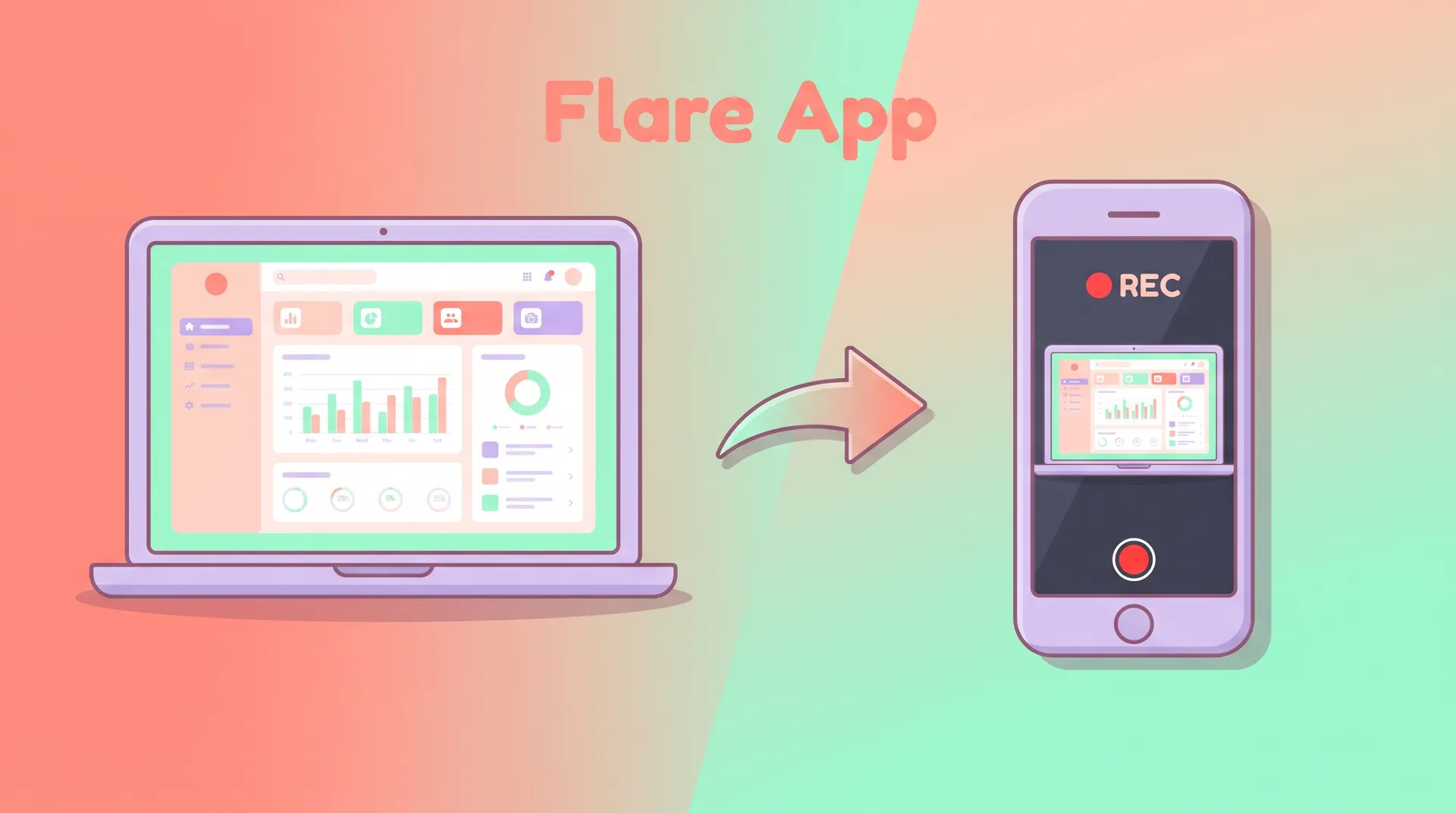
If the recording needs to be screen-share quality and legible, that's a separate production issue worth solving before cameras roll — I wrote a full breakdown on recording readable screen footage for a SaaS demo that's worth sending to your creator or editor alongside the brief.
Don't skip the creative brief fundamentals
Everything above is software-specific. But a lot of what makes any creator brief work is universal — tone, deliverable specs, deadlines, usage rights. If you haven't nailed down those basics yet, read how to read a performance creative brief as a UGC creator from the creator's side, so you know what they're expecting from you before you send anything.
And if this is your first time producing a demo video at all — not just briefing a creator for one — start with the full guide to planning and producing a SaaS demo video that sells. The brief only works when it sits inside a production plan that already knows its goal, its length, and its distribution channel.
A short checklist before you hit send
Run your brief against this before the shoot day:
- One-page plain-language product explainer? Done.
- Demo login with realistic sample data, tested yourself in the last 24 hours? Done.
- A loose Loom walkthrough of you using the product? Recorded.
- Glossary of product-specific terms? Written.
- Three to five numbered moments you want captured? Listed.
- Point of contact for day-of questions named? Assigned.
- Access scoped to demo environment only, no production data? Confirmed.
If you can't check every box on that list, push the shoot date. A rushed brief costs you a reshoot, and reshoots cost more than the delay ever would.
The founder who does this well saves everyone a day
I've worked with founders who treat the brief like busywork and founders who treat it as the actual creative work, with the shoot itself as execution. The second group gets usable footage on the first take almost every time. The first group is still emailing their editor three weeks later asking why the demo "feels off."
Brief like the creator has never seen your product — because they haven't. Give them the walkthrough, the glossary, the sandbox, and the shot list. Then get out of the way and let them do what they're good at: making it watchable.
FAQ
Frequently Asked Questions
What should a software demo video creator brief include?
How much access should I give a creator new to my software?
How far in advance should I send the brief before the shoot?
Should I give the creator a script or just talking points?
What's the biggest mistake founders make when briefing a new creator?
Related reading
- How to Plan and Produce a SaaS Demo Video That Sells
- How to Write a Software Demo Script That Shows Real Value
- Demo Account & Sample Data Setup for Your SaaS Explainer Video
- How to Record Readable Screen Footage for a SaaS Demo
- SaaS Demo Video: Pick One Workflow and One Outcome
- Software Demo Video vs Explainer vs Tutorial: Pick Right