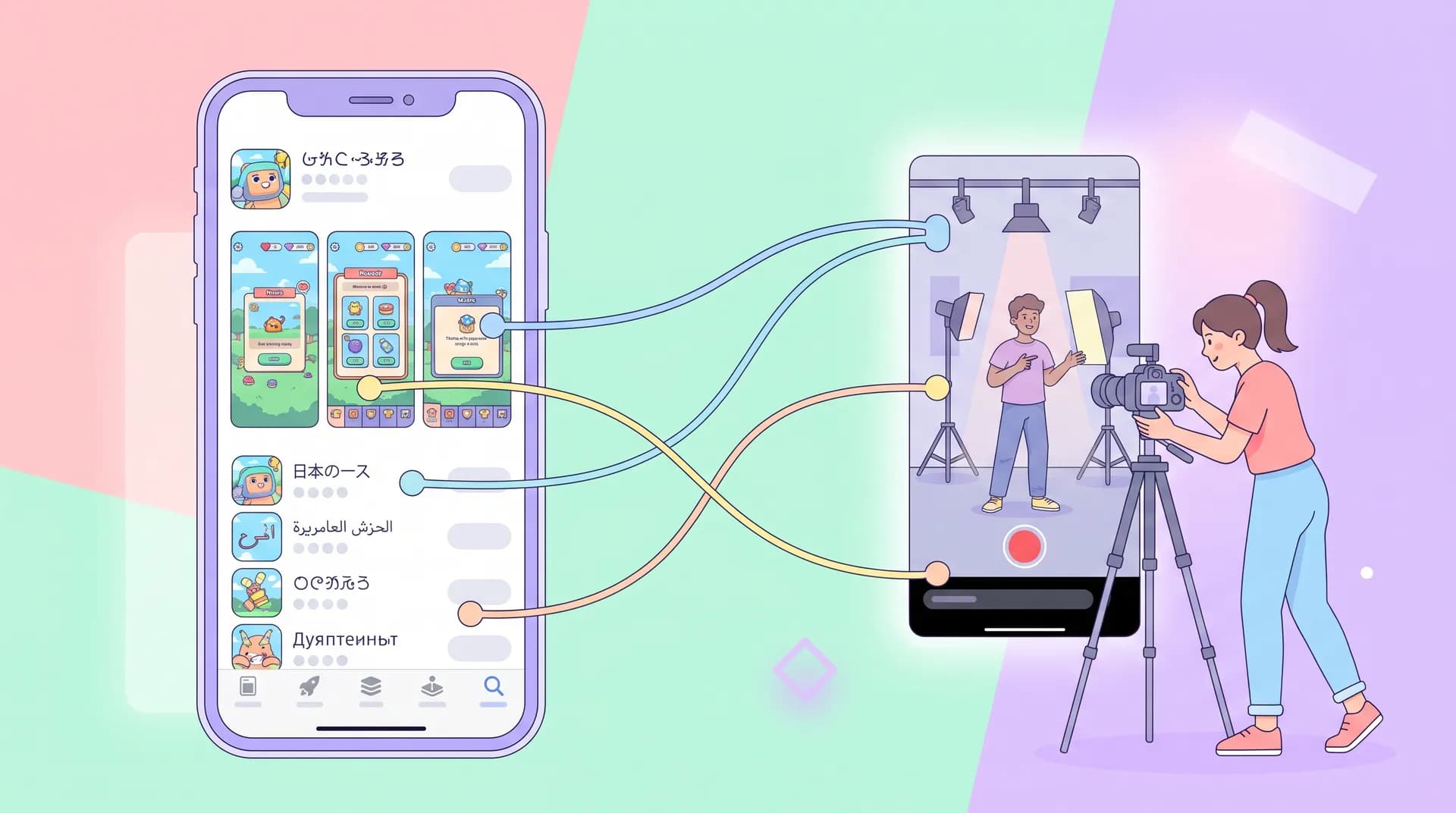
Matching Creator Content to Localized Store Listings
Learn how to align creator content with your localized store listing so screenshots, metadata, and video messaging tell one consistent story.

I once watched a German user bounce off an app within four seconds of installing it — and I know exactly why. The creator video that sold her on the download promised a "simple expense tracker for freelancers." The store listing she scrolled past on her way to install? Screenshots of a corporate budgeting dashboard, in English, with a tagline about "enterprise financial controls." Two completely different products, as far as she could tell. She uninstalled before the onboarding flow even finished loading.
That mismatch cost us a user we'd already paid to acquire. It's one of the most expensive, most avoidable mistakes in international app marketing, and almost nobody talks about it.
Why creator content and your localized store listing need to match
Here's the thing most teams get backwards: they treat the ad and the store listing as two separate projects run by two separate people on two separate timelines. The creator brief goes to your UGC team or agency. The store listing goes to whoever owns ASO. They rarely talk to each other, and the localized version of the listing often lags months behind the English one.
Meanwhile, the user experience is a single continuous moment. Someone watches a TikTok, taps the link, lands on the store page, and decides whether to install — all in under 15 seconds, per data from Apple's own developer guidance on App Store Connect metadata. If the video promises one thing and the listing shows another, you've broken that moment. You're not just losing conversion, you're training users to distrust your ads.
I've run campaigns in six languages at Flare, and the single biggest lift we ever got wasn't a better hook or a bigger budget. It was going back and rewriting creator briefs so the themes matched exactly what was already live in the localized store listing — same value prop, same visual language, same terminology. Install-to-signup conversion in our Spanish-language cohort jumped almost 30% after that single change, with nothing else touched.
The gap is bigger than you think
Most companies localize their store listing screenshots and metadata as a checkbox exercise. They hire a translator, swap the text, maybe reorder a screenshot or two, and call it done. Nobody goes back and asks: does this still match the story our creators are telling in-market?
It usually doesn't. English-market creator content tends to emphasize different features than what ends up translated and prioritized in, say, the Japanese or Brazilian listing. Over time those two assets drift apart, and nobody notices because they're reviewed by different teams on different cadences.
Auditing what's already live before you brief creators
Before you write a single creator brief for a new market, pull up the actual localized listing as a real user would see it. Not the English version with Google Translate running in your head — the actual screenshots, the actual metadata, the actual first three words of your description in that language.
Write down:
- What's the hero screenshot showing? Is it a feature, an outcome, or a lifestyle shot?
- What's the tone of the metadata — formal, casual, playful, clinical?
- Which three features get top billing, in order?
- What terminology does it use for your core actions (sign up, upload, "finish," etc.)?
That audit becomes the foundation of your creator brief. If your store listing leads with "track every expense without lifting a finger" and your creator video leads with "the smartest way to manage enterprise budgets," you've already lost the thread before the user even opens the app.
This is the same discipline I wrote about in our piece on App Localization for International Creator Campaigns — localization isn't a translation task, it's a message-consistency task that spans every touchpoint, including the one people see right after they watch your ad.
Building the brief around what's already proven
Your localized store listing is, in a weird way, already a tested asset. Someone approved that copy. Someone chose those screenshots. There's a decent chance that listing has been live long enough to have real conversion data behind it, even if nobody's looked at it recently.
Use that. If the top-converting screenshot in your German listing shows the onboarding flow finishing in three taps, tell your creator to film exactly that moment and narrate it the same way. Don't reinvent the pitch from scratch just because it's going into a 15-second video instead of a static image.
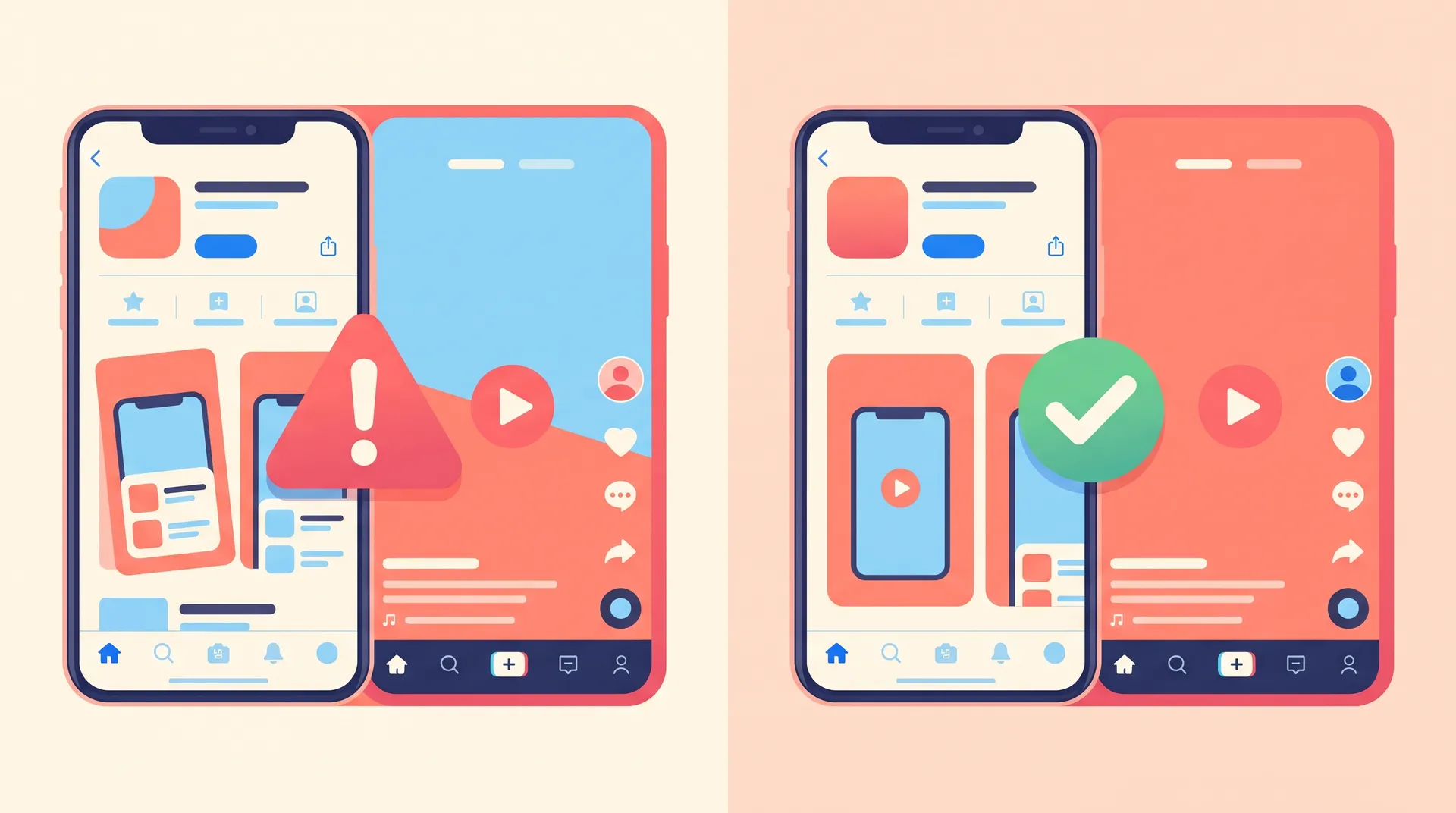
Matching themes, not just translating scripts
A common mistake: teams translate the English creator script word-for-word and assume that's "localization." It's not. The script can be perfectly translated and still clash with what's on the store page, because the underlying theme was built for a different market's priorities.
In the US, our onboarding-speed message tested well because American users are impatient and comparison-shop apps constantly. In France, the same speed message underperformed — French users in our testing cared more about data privacy framing. Our localized store listing had already been rewritten to lead with privacy messaging. The creator brief hadn't caught up. Once we aligned the two, French conversion from creator-driven traffic improved noticeably within two weeks.
This is why I always push teams to treat the localization terminology creative brief as a living document, not a one-time handoff. Every time the store listing changes — new screenshot, new tagline, new feature callout — the creator brief needs a corresponding update. Otherwise you're back to running two disconnected campaigns under one app icon.
Specific things to check before every shoot
A short checklist I now run before any localized creator shoot goes into production:
- Pull the live store listing screenshots for that exact locale (not the English fallback)
- Confirm the feature order mentioned in the video matches the feature order in the metadata
- Match terminology for buttons, actions, and plan names exactly — don't let a creator say "premium" if the listing says "pro"
- Check whether the store listing uses local currency, measurement units, or cultural references the video should echo
- Review whether dubbing or subtitles are used in-market, since that affects how a creator's spoken script should read — our breakdown on subtitles vs dubbing for app videos covers this in more detail
Skipping any one of these creates a tiny inconsistency. Tiny inconsistencies compound. Multiply them across a six-market launch and you've got a brand that feels foreign to the people you're trying to localize for — the opposite of the goal.
Recruiting creators who can actually catch the mismatch
Translation agencies catch language errors. They rarely catch strategic mismatches between your ad and your listing, because that's not their job. The person best positioned to catch this is a creator who actually lives in that market and uses apps like yours daily.
When I'm vetting international creators now, I ask them to pull up our store listing in their own app store before we even discuss the brief. If they flag something — "this screenshot looks outdated" or "nobody here calls it that" — that's a green flag, not a red one. It means they're paying attention to the full user journey, not just hitting their deliverables.
Our guide on local creator recruitment for app marketing goes deeper on vetting for this kind of market fluency, but the short version: ask every international creator candidate to react to your actual live listing before you send a brief. Their answer tells you more than their portfolio does.
Before approving any localized creator video, screen-record yourself opening the actual store listing right after watching the ad. If anything feels like a surprise or a letdown, your users will feel it too.
Screenshots and video should borrow from each other
The best-performing localized campaigns I've run use literal visual continuity. If the third screenshot in the store listing shows a specific screen — say, a completed goal celebration — the creator video ends on that exact screen, filmed the same way. Same colors, same UI state, same emotional beat.
This isn't about making things boring or repetitive. It's about reducing the cognitive gap between "what convinced me to tap install" and "what I see once I'm here." Every bit of friction you remove from that handoff improves activation, and research on mobile app first-session behavior consistently shows the first session is where most churn happens — often before a user even completes onboarding.
Don't let your creative team treat the store listing as "done" once it's translated. If a creator brief changes core messaging and the listing doesn't get updated too, you've reintroduced the exact mismatch you were trying to avoid.
A simple workflow that actually sticks
What's worked for us at Flare is dead simple: whoever owns ASO and whoever owns creator briefs sit in the same weekly sync for every active market. Fifteen minutes, every market, every week. The listing owner shows what's live. The creative owner shows what's in production. Mismatches get caught before filming, not after launch.
It sounds almost too basic to write down. But most teams never do it, and it's the single highest-leverage habit I've seen for keeping creator content and localized store listings aligned across markets. If you're earlier in the process and haven't picked your first international market yet, our guide on app localization market selection is worth reading before you build out this workflow — it's a lot easier to keep things aligned in one market before you're juggling six.
And if you're not sure your whole localization program is ready for creator campaigns yet, run through our app localization readiness checklist first. Matching creator content to your store listing only matters once the store listing itself is actually solid.
FAQ
Frequently Asked Questions
What does it mean to match creator content to a localized store listing?
Why do creator videos and store listings end up mismatched?
Should creators translate the same script used in the home market?
How often should I re-check alignment between creator content and store listings?
Does this matter more for certain app categories?
Related reading
- App Localization for International Creator Campaigns
- App Localization Market Selection: Pick Your First Market
- App Localization Readiness Checklist Before You Launch
- Localization Terminology Creative Brief: Brief Creators Right
- Local Creator Recruitment App Marketing: Vet for Fluency
- Subtitles vs Dubbing App Videos: What Actually Converts