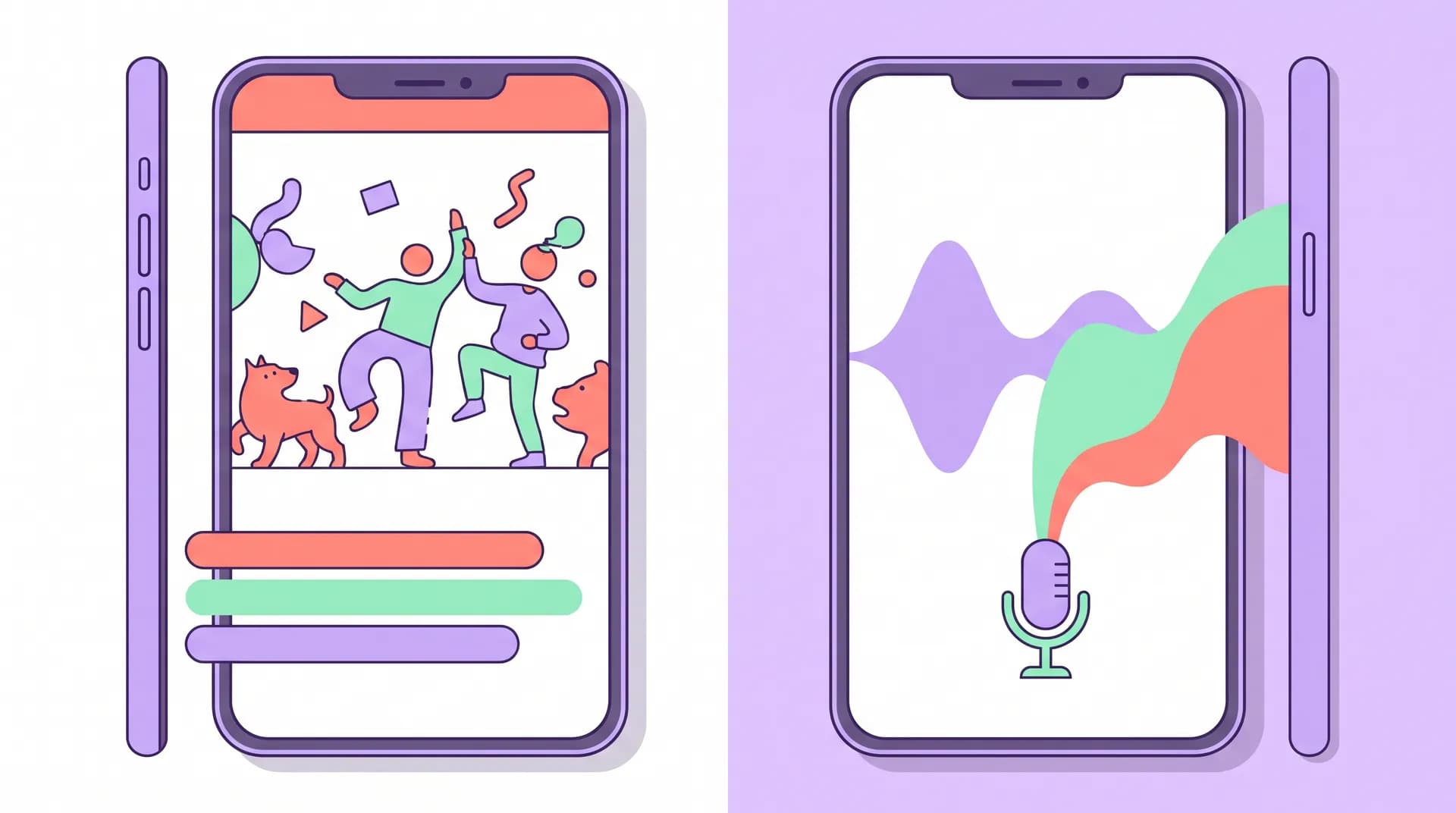
Subtitles vs Dubbing App Videos: What Actually Converts
Subtitles vs dubbing app videos compared on cost, authenticity, and turnaround — plus when native recording beats both for creator campaigns.

I once watched a founder burn $40,000 dubbing a single app demo video into nine languages. Three of those markets never converted a single install from the campaign. Meanwhile, a competitor shipped the same video with simple burned-in subtitles in six languages for less than $2,000 and outperformed them in four of those markets. That's the thing nobody tells you about subtitles vs dubbing app videos — the "more polished" option isn't automatically the better investment.
I've run creator campaigns across a dozen markets at Flare, and the subtitles-vs-dubbing-vs-native-recording decision comes up on nearly every international launch. There's no universal right answer, but there is a wrong way to pick: choosing based on what feels more "premium" instead of what your audience, budget, and timeline actually need.
Subtitles vs dubbing app videos: the real tradeoffs
Let's get specific about what each option actually costs you in money, time, and trust.
Subtitles: cheap, fast, and more trusted than you'd think
Subtitles are the default for a reason. You keep the original creator's voice, tone, and energy, and you just overlay translated text. A solid translation agency or even a sharp freelancer on Upwork can turn around subtitles for a 30-second demo video in 24-48 hours for $50-150 per language, depending on the complexity of your app's terminology.
The authenticity angle matters more than people assume. Gen Z audiences in particular have grown up watching subtitled content — K-dramas, anime, TikTok trends from other countries. A 2023 Pew Research study found that younger viewers are significantly more comfortable with subtitled video than older demographics, and streaming platforms have trained an entire generation to read while they watch. Subtitled UGC doesn't feel foreign anymore. It feels normal.
The downside: subtitles ask something of the viewer. They have to read while watching a tiny phone screen, often with sound off in public. If your demo video relies on fast cuts or dense on-screen text already, cramming subtitles into that same frame gets messy fast. Test it before you scale it.
Dubbing: expensive, slower, but removes all friction
Dubbing replaces the original audio entirely with a voice actor speaking the target language. Done well, it's seamless. Done badly — mismatched lip sync, flat line reads, an accent that doesn't match the region — it reads as fake instantly, and fake is the one thing that kills creator-style content.
Professional dubbing runs $300-800 per minute of finished video once you include voice talent, direction, and audio mixing. Turnaround is typically 5-10 business days per language if you're doing it right, longer if you need multiple takes to nail tone. AI dubbing tools have compressed that cost and timeline dramatically over the past two years, but quality still varies wildly by language pair. English-to-Spanish AI dubbing is decent today. English-to-Japanese or English-to-Arabic? I'd still get human ears on it before you ship.
Dubbing works best for voiceover-style or screen-recording demo videos where there's no visible mouth movement to sync. Talking-head UGC with dubbed audio over visible lip movement is a trust-killer — viewers notice the mismatch even if they can't articulate why.
Native recording: the most authentic, the most expensive, the slowest
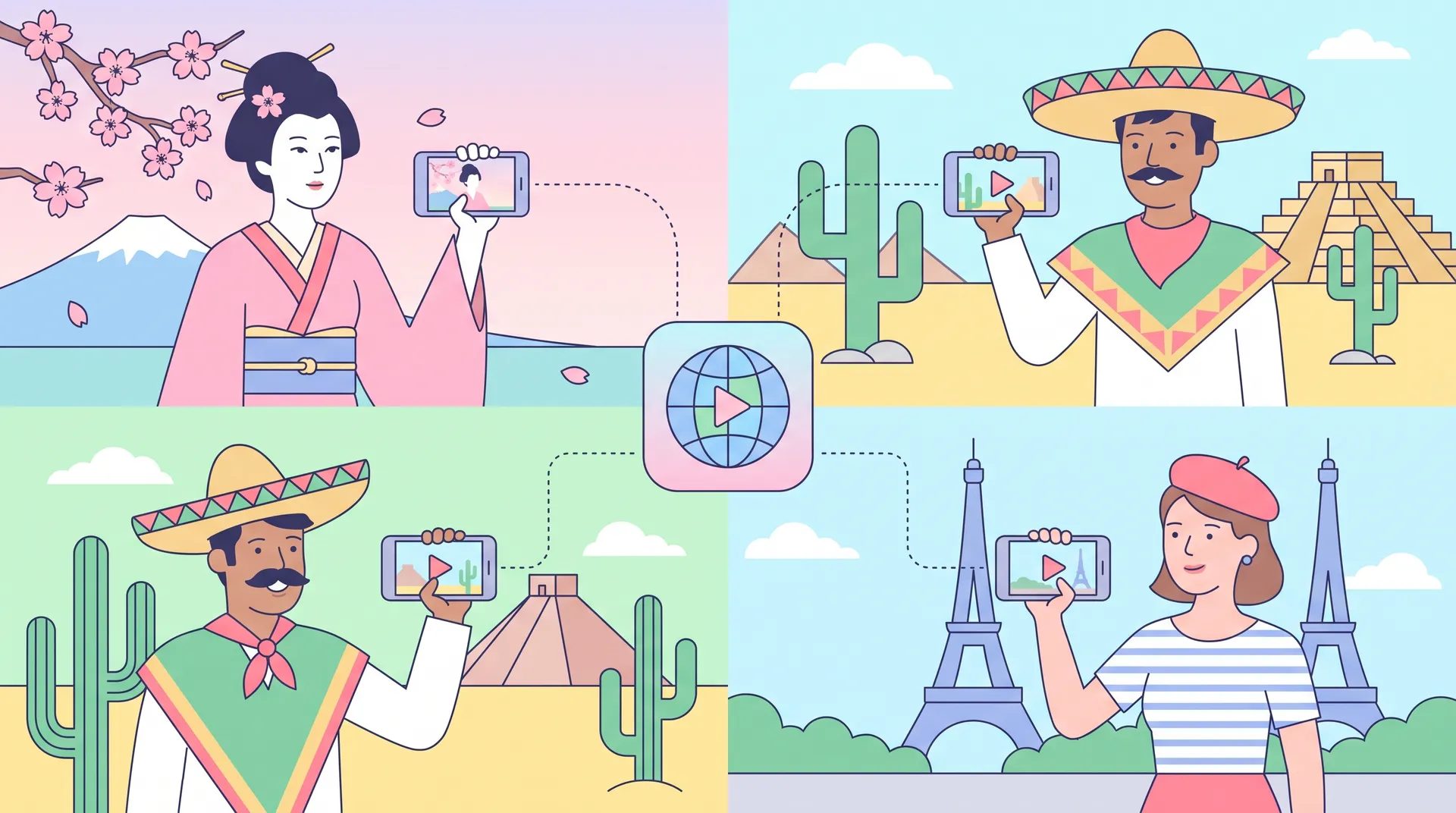
This is where you skip translation entirely and have a creator in the target market record an original video in their own language, reacting to your actual app, in their own cultural context. No dub, no subtitle overlay — just a native speaker talking about your product the way they'd talk about it to a friend.
The authenticity ceiling here is the highest of all three options. A creator in São Paulo talking naturally about your app in Brazilian Portuguese, using local slang and referencing local pain points, will always outperform a dubbed version of a script written for a US audience. The jokes land. The pacing feels right. The cultural references actually mean something.
But it's also the most expensive and slowest path if you're trying to localize into 8-10 markets at once. You need to source, vet, and brief a creator in every single market — which is a different skill set than finding domestic UGC talent. I wrote a longer breakdown of that vetting process in local creator recruitment for app marketing, because fluency on a resume and fluency in front of a camera are not the same thing.
How to actually choose (a simple framework)
I use a rough mental model when a brand asks me which format to pick, and it comes down to three questions.
How many markets are you testing vs. scaling? If you're validating 5-6 new markets to see which ones are worth real investment, subtitles win every time. Low cost, fast turnaround, and you can kill underperforming markets without having sunk real money into dubbing or native shoots. Once a market proves itself — say, you're seeing install costs 20% below your blended average — that's when native recording earns its keep.
What's your creative format? Fast-cut UGC with punchy text overlays doesn't play nice with subtitles; you're fighting for screen real estate. Slower-paced demo or tutorial-style content handles subtitles fine. Pure voiceover/screen-record demos are dubbing's best use case because there's no lip sync problem to solve.
What's your actual budget per market? Be honest here. If you've got $500 per market, you're doing subtitles, full stop. If you've got $3,000-5,000 per market and this is a priority region, native recording usually pays for itself through higher conversion and content you can reuse across multiple campaigns.
Run a quick A/B test before committing: take your best-performing domestic UGC video, subtitle it into your target language, and run it alongside a modest-budget native creator video in the same market. Three weeks of ad spend will tell you more than any amount of theorizing about which format your audience actually prefers.
This decision doesn't happen in a vacuum — it should be one piece of a broader localization plan. I go deeper into sequencing markets, budget allocation, and testing order in the pillar guide on app localization for international creator campaigns, which is worth reading before you commit budget to any single format.
Mixing formats by funnel stage
One thing I've learned the hard way: you don't have to pick one format and stick with it across your entire funnel.
Top-of-funnel awareness content, where you're casting a wide net across a new market, is a great place for cheap subtitled content. You're optimizing for reach and learning, not peak conversion. Save your dubbing and native-recording budget for mid-funnel retargeting and your App Store preview video, where the extra polish and trust actually move the needle on someone who's already considering downloading.
I've also seen teams dub their App Store listing video (since that's evergreen and gets seen thousands of times) while keeping their paid social creative subtitled and constantly refreshed, since ad creative fatigues fast and you don't want to re-dub every two weeks. If subtitle quality or translation accuracy is holding you back on either front, it's worth revisiting your app localization readiness checklist before you scale spend in a new market — a lot of "dubbing didn't work" problems are actually "the underlying translation was off" problems.
And if you're still deciding which markets deserve this investment at all, start with how to pick your first market for app localization — the format decision is secondary to picking the right market in the first place.
Don't confuse localization with translation
A mistake I see constantly: teams treat subtitles and dubbing as a translation exercise instead of a messaging exercise. A literal translation of your English hook rarely lands the same way in another language — jokes don't translate, urgency phrases don't translate, and cultural reference points definitely don't translate. I wrote about this trap in more detail in localized ad hooks vs translation, but the short version: fix the message for the market first, then decide whether subtitles, dubbing, or native recording is the right delivery vehicle for that fixed message.
Getting the format right doesn't save a weak hook. Getting the hook right is what makes the format choice matter.
A good rule of thumb from running dozens of these tests: budget for subtitles in every market by default, upgrade to dubbing only for evergreen assets (App Store videos, top ad spenders), and reserve native recording for your top 2-3 priority markets where you're committing real, sustained spend.
FAQ
Frequently Asked Questions
Are subtitles or dubbing better for app demo videos?
How much does dubbing an app video cost per language?
Is native-language creator recording worth the extra cost?
Do subtitles hurt conversion on short-form video ads?
Can I mix subtitles, dubbing, and native recording across one campaign?
Related reading
- App Localization for International Creator Campaigns
- App Localization Market Selection: Pick Your First Market
- App Localization Readiness Checklist Before You Launch
- Localized Ad Hooks vs Translation: Fix the Problem, Not Words
- Local Creator Recruitment App Marketing: Vet for Fluency
- TikTok UGC rates: how to price your ad creatives