
How to Script a Single-Task Onboarding Video People Watch
Learn how to script onboarding video SaaS content that drives action: one task, one script structure, zero wasted seconds. Real framework inside.

I once watched a SaaS team spend three weeks scripting a two-minute onboarding video that tried to cover eight features. Feature tour, settings panel, integrations, team invites, billing — all of it crammed into one "welcome" video. The completion rate was 11%. Eleven.
We cut it down to one task — connecting a single data source — and completion jumped to 68%. Same product. Same voiceover artist. The only thing that changed was we stopped trying to do everything at once.
That's the whole lesson behind how to script onboarding video saas content that actually works: pick one action, script backwards from it, and cut everything that doesn't serve that action. Easier said than done when your product manager wants to show off the whole roadmap in one clip, but it's the difference between a video people finish and one they skip.
How to script onboarding video SaaS teams actually finish
Most onboarding videos fail because they're scripted like movie trailers — trying to generate excitement about everything the product can do. That's backwards. Excitement doesn't activate users. Completed actions do.
A single-task script has exactly one job: get the viewer to do one specific thing after watching. Not "understand the product." Not "feel inspired." Do the thing. Click the button, fill the field, invite the teammate, whatever that one next step is in your activation flow.
If you haven't already nailed down what that one step should be, stop here and go figure it out first. I wrote a whole piece on picking that first milestone because scripting a great video around the wrong task is still a wasted video. The script structure below assumes you already know your target action cold.
Why multi-task videos kill completion
Every additional task you add to an onboarding video doesn't just add length — it adds cognitive load and decision fatigue. Viewers start calculating whether finishing the video is worth their time, and most decide it isn't.
Nielsen Norman Group's research on video content consistently shows that attention drops off a cliff once the viewer loses a clear sense of "why am I still watching this." A single-task video never loses that thread because there's only one thread to begin with. You can read their broader usability findings at nngroup.com.
There's also a practical production reason. Multi-task videos require re-scripting every time one of those features changes. I've seen teams let onboarding videos go stale for over a year because updating them felt like a whole project. A one-task video takes 20 minutes to refresh.
The five-beat script structure
Here's the structure I use for every single-task onboarding video we produce. It's not clever. It doesn't need to be.
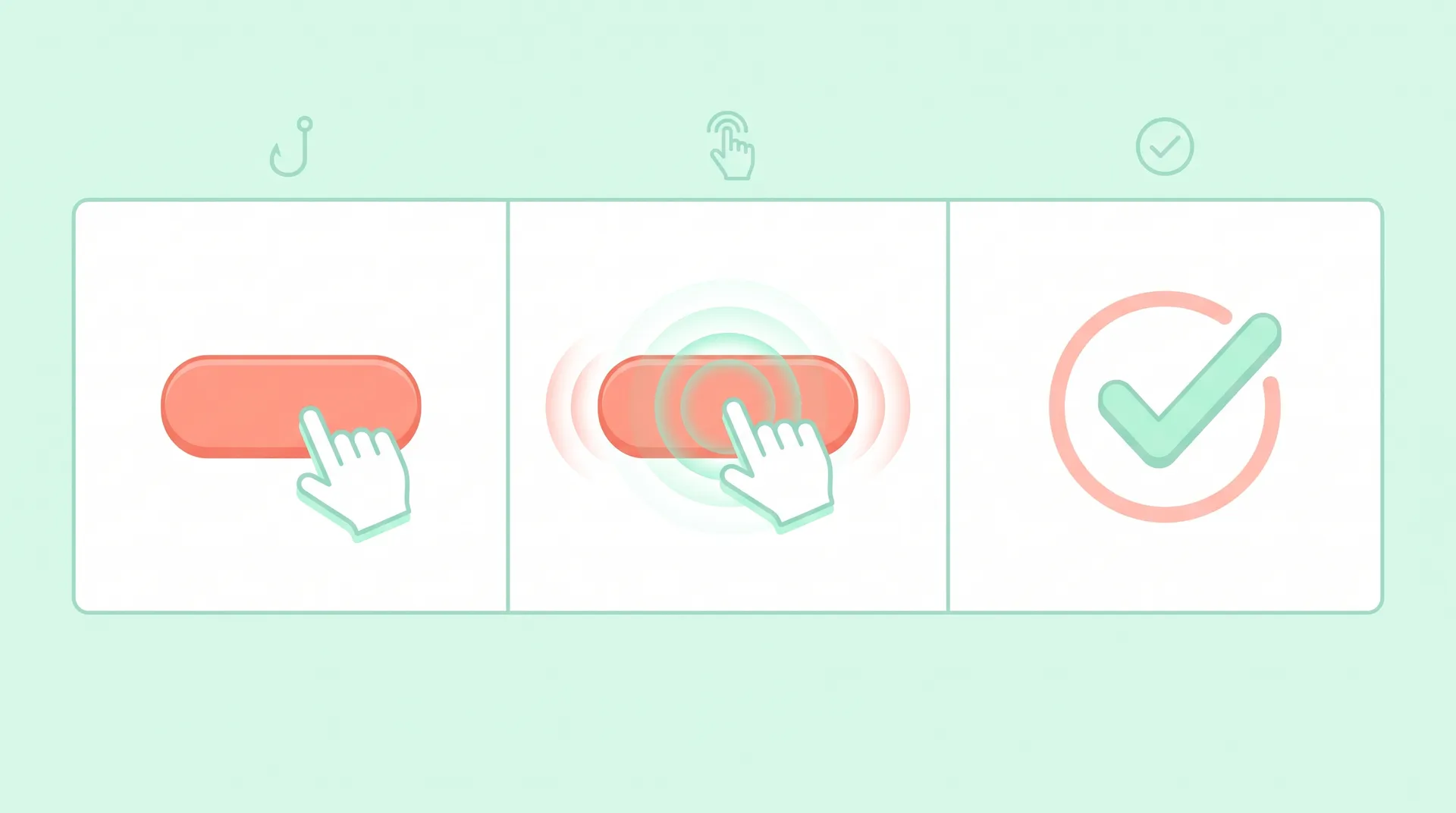
1. Name the task in the first 5 seconds. No branding intro, no "welcome to our platform" fluff. Say exactly what the viewer is about to do: "In the next 60 seconds, you'll connect your first data source." That's the whole hook. Clarity beats cleverness here every time.
2. State the payoff immediately after. One sentence on why this specific task matters — not the product's full value prop, just this task's outcome. "Once it's connected, your dashboard updates automatically, no manual uploads." This is the line that makes someone sit through the next 40 seconds instead of bailing.
3. Show the exact path, nothing adjacent. Screen recording or UI walkthrough showing only the clicks required to complete the task. If there's a settings menu with 12 options and they only need to touch one, don't even pan across the other 11. Resist the urge to point out "and while you're here, you can also..." Every adjacent mention is an exit ramp for attention.
4. Call out the one moment of friction. Every task has a spot where users get stuck — a field that's easy to miss, a permission prompt, a naming convention. Name it explicitly in the script. "You'll see a popup asking for API access — click Allow, that's expected." This single callout prevents more support tickets than anything else in the video.
5. Confirm what success looks like. End with the exact visual or message that tells the viewer they did it right. Not a generic "great job!" — show the actual confirmation state. If a banner turns green or a checkmark appears, show that specific thing so they know their work matches the demo without second-guessing.
Five beats, usually 45-90 seconds total. No fade-outs, no "learn more" cards, no end screen pitching five other features. If you want them to do something else next, that's a different video.
Writing the actual lines
Script structure is only half of it — the words matter just as much. A few rules I enforce on every script before it goes to voiceover or on-camera talent:
- Use "you" and imperative verbs. "Click Connect" beats "the user should then select the connect option." Direct address keeps pacing tight and makes the viewer feel like they're being guided, not lectured.
- Cut every sentence that starts with "Also" or "You can also." These are where scope creep sneaks back in. If a line starts that way, it almost always belongs in a different video.
- Match script pacing to the actual click speed. Read your script out loud while performing the task on screen. If the voiceover finishes a sentence before the screen catches up, you've either written too much or the UI step is slower than your script accounts for.
- Avoid naming features by their internal names. If your team calls it "the ingestion pipeline" internally but your UI says "Import Data," script to the UI label. Mismatches here are a surprisingly common source of confusion in first-run videos.
Read your draft script out loud and time it. If it runs past 90 seconds for a single task, you're probably describing more than one action. Split it rather than trimming adjectives.
A real example script
Here's a simplified version of a script we wrote for a project management tool's "create your first task" video:
"In the next 45 seconds, you'll create your first task — this is what turns your to-do list into something your team can actually see. Click the plus icon in the top left. Give the task a name — anything specific works better than 'Task 1.' You'll notice a due date field appear automatically; that's optional, skip it if you're not ready. Click Save. See that green checkmark next to your task? That means it's live on your team's board right now."
Four actions, one task, one confirmation. No mention of labels, assignees, subtasks, or the mobile app. Those get their own videos if they're worth making at all.
Where this fits into your bigger onboarding video strategy
A single-task script doesn't exist in isolation — it's one piece of a broader activation sequence. If you're building out a full onboarding video library, it helps to decide upfront when a welcome video makes sense versus a tutorial, since those serve completely different jobs and shouldn't share a script template.
It's also worth checking your analytics before you script anything. I've written before about how to find exactly where users stall in onboarding — that stall point is usually your best candidate for the next single-task video, not whatever feature your team is proudest of shipping.
And if you're still deciding between video and an interactive product walkthrough for a given step, that choice affects your script too — a video script assumes the viewer can't pause and poke around the way they can in a live walkthrough, so your five-beat structure needs to work without any interactivity. I go deeper on that comparison in onboarding video vs. product walkthrough.
For the bigger picture on why activation-focused video outperforms generic product tours at the top of your onboarding flow, our pillar guide on SaaS onboarding videos and user activation breaks down the full framework these single-task scripts plug into.
Treat each single-task script as disposable. Products change fast, and a tightly scoped 60-second video is cheap to re-record. That's a feature of this approach, not a limitation.
Testing your script before you film
Before any script goes into production, I run it through three quick checks:
- The stranger test. Hand the script to someone outside the product team. If they can't tell what single action they'd take after watching, rewrite it.
- The timer test. Read it aloud at a natural pace. Anything over 90 seconds gets split or cut.
- The "so what" test. After the payoff line, ask "so what?" If the answer isn't obvious within one more sentence, the payoff isn't specific enough.
This isn't a creative exercise — it's closer to the kind of structured testing you'd see in conversion copywriting. CXL has solid research on how decision fatigue tanks completion rates the moment a user senses a task is open-ended rather than bounded, which is exactly what multi-task onboarding videos trigger. You can find their work on friction and conversion at cxl.com. HubSpot's research on video marketing benchmarks also backs this up — shorter, single-purpose videos consistently outperform longer explainer-style content for action-driven goals, as covered at hubspot.com.
One more thing worth saying: don't let your scripting process become a committee exercise. The more stakeholders who get a pass at "just adding one more mention," the more your single-task video drifts back toward the eight-feature monster it started as. Protect the single task like it's the only thing that matters in that video — because for those 60 seconds, it is.