Contextual Help Video in App: Teach at the Moment of Need
Learn how to deploy a contextual help video in app at the exact feature moment, not during onboarding — and why timing beats front-loaded tutorials.

Most SaaS teams dump their entire video library into a welcome modal on day one, then wonder why activation still sucks. I've watched this happen at three different companies I've advised. A new user signs up, gets hit with six tutorial videos before they've even seen the dashboard, and closes the tab. The problem isn't the content. It's the timing. A contextual help video in app — one that shows up exactly when someone reaches a feature, not before — changes the entire activation math.
I'm Ronny, founder of Flare.app. We build creator-made video content for product teams, and the single biggest pattern separating high-activation apps from leaky ones is where and when they surface education. Not how polished the video looks. Not how good the script is. Timing.
Why front-loading contextual help video in app content fails
Here's the thing nobody wants to admit: users don't want to learn your product. They want to finish a task. When you force five minutes of video before they've clicked a single button, you're asking them to invest trust before you've earned it.
I've seen onboarding flows with a "watch these 4 videos to get started" checklist sitting right after signup. Completion rates on that checklist average somewhere around 15-20% in my experience working with SaaS teams. The other 80%? They skip straight to the dashboard, get lost, and churn within the trial window.
Front-loading assumes users retain information they don't need yet. They don't. Cognitive load research has shown for decades that people forget instructions they can't immediately apply — this is the entire premise behind just-in-time learning design, something Nielsen Norman Group has written about extensively for interface design generally, not just video.
So if someone signs up for a project management tool and the first video explains "how to set custom automation rules," that's wasted. They haven't created a project yet. They don't have a use case for automation. The video plays to an empty room.
The fix: match video to feature arrival, not account creation
Contextual help video in app means the video shows up when the user physically reaches the part of the product it explains. Someone opens the automation builder for the first time? That's when the 45-second clip on automation appears. Not before. Not during a generic tour.
This single change is the difference between education that gets ignored and education that gets watched. We cover the foundational version of this idea — matching any onboarding asset to a single milestone — in our SaaS Onboarding First Useful Outcome piece. The principle holds for contextual video too: pick one moment, serve one answer.
A contextual help video should answer exactly one question: "What do I do right here, right now?" If your script tries to cover three features, you've built a tutorial, not a contextual help video.
How to decide which moments deserve a video
Not every click needs a video attached. That's a trap teams fall into once they realize contextual triggers work — they start bolting a video onto every tooltip, and suddenly you've rebuilt the front-loaded problem, just spread across the app instead of concentrated at signup.
I use three filters before greenlighting a contextual video for a specific step:
- Drop-off data says people stall here. Pull your funnel. If 40% of users who reach the integrations page never connect anything, that's a candidate. If a step has 95% completion with text alone, skip the video.
- The feature isn't self-explanatory from the UI. A big red "Connect Stripe" button doesn't need a video. A multi-field mapping screen for CSV imports probably does.
- The task is high-value but low-frequency. Things users do once (initial setup, first integration, first export) benefit more from video than things they'll repeat daily and learn by muscle memory.
If you haven't mapped your stall points yet, that's step one before you storyboard anything. We go deep on finding those exact points in SaaS User Onboarding Drop-Off: Find the Exact Stall Point — don't skip that analysis to jump straight to video production. I've watched teams spend three weeks producing a beautiful video for a step that had a 92% completion rate already. That's effort with zero payoff.
Length and format matter more at this stage than people think
A contextual help video in app context should run 20-60 seconds. Anything longer and you've drifted back into tutorial territory, which belongs somewhere else entirely — compare that choice in our breakdown of onboarding video vs product walkthrough if you're unsure which format fits a given step.
Screen recording with a voiceover usually beats a talking-head presenter for this specific use case. The user is already looking at the UI; a face in the corner competing for attention adds friction instead of removing it. Save human presenters for moments that need trust-building, not mechanical how-to — we unpack that trade-off in Human Presenter Product Video Onboarding.
Where contextual videos actually live in the product
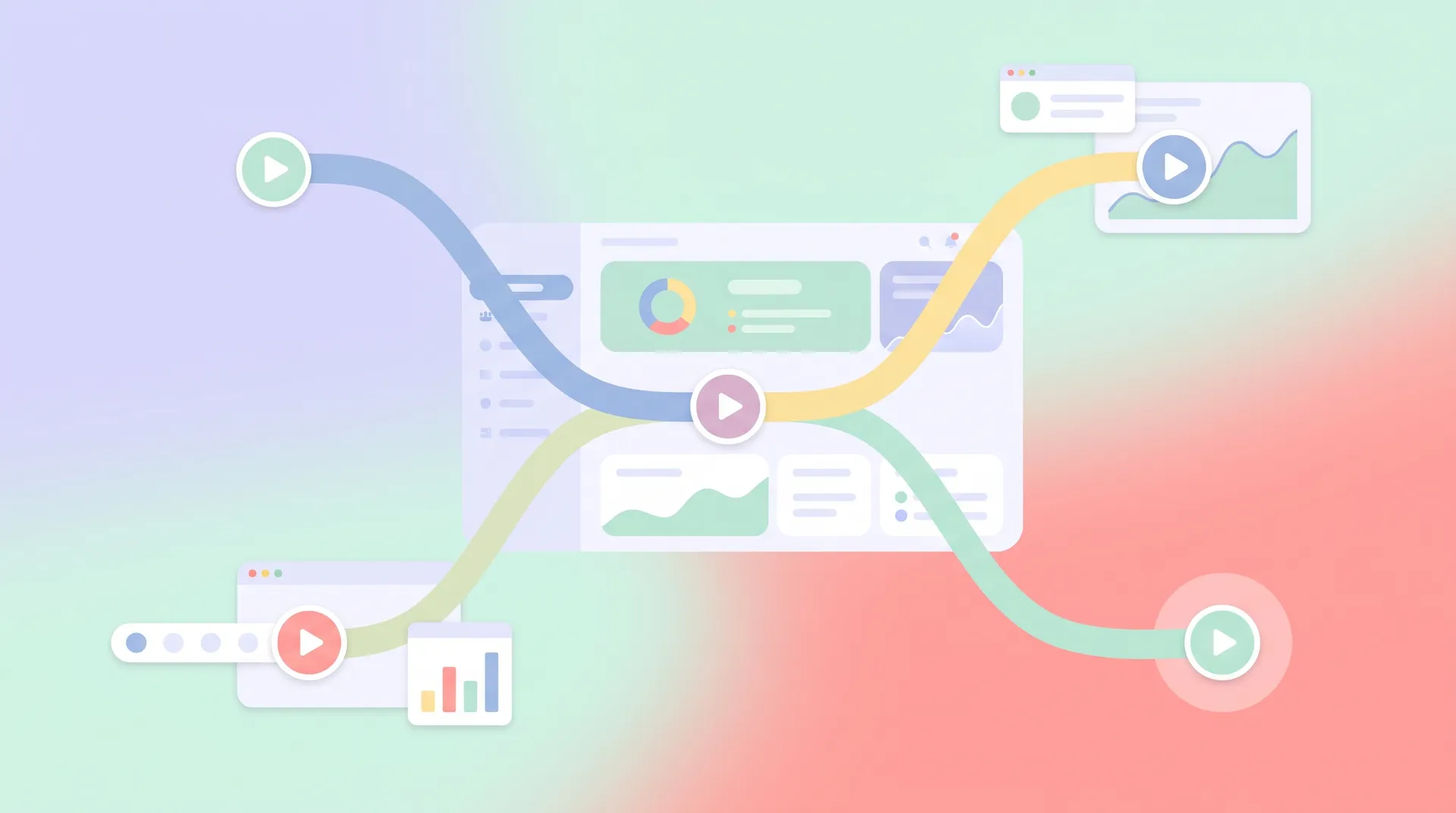
Surfacing a video "at the right step" sounds simple until you try to build it. There are really four placement patterns, and most products end up using a mix:
- Inline tooltip trigger. A small play icon sits next to the feature itself, visible but not forced open. User clicks it when curious. Lowest friction, lowest forced-viewership — which is fine, because the goal is availability, not mandatory watching.
- First-visit auto-play. The video opens automatically the very first time a user lands on a specific screen, then never auto-triggers again. This works well for genuinely confusing screens but gets annoying fast if you overuse it across the app.
- Empty-state embed. If a page has zero data yet (no projects created, no team members invited), embed the video directly in the empty state instead of a generic "nothing here yet" graphic. This is probably the single highest-converting placement I've seen because the user has nowhere else to look.
- Help-panel search result. User opens the in-app help widget, types a question, and the contextual video for that exact feature surfaces instead of a wall of docs. Tools like Intercom and Pendo have built entire product tiers around this pattern because it works.
The empty-state embed deserves more attention than it gets. I've run this test myself: swapping a flat "no automations yet" screen for a 30-second embedded video walking through creating the first one lifted completion on that step by a meaningful margin in every case I've seen it tried. People are staring at a blank canvas wondering what to do — that's the most receptive moment in the entire product.
Don't forget video has to earn its placement outside the app too
Contextual timing isn't just an in-app concept. If you're still relying on a single onboarding email to carry your video content, you're making the same front-loading mistake in a different channel. We talk through sequencing that correctly in Onboarding Email Video Placement When You Don't Own the Flow — the logic transfers directly.
And if you're building this whole system from scratch, it's worth stepping back and reading the broader framework in SaaS Onboarding Videos: Driving Real User Activation before you commit engineering time to triggers and placement logic. Contextual help video is one tactic inside that larger activation strategy, not a replacement for it.
Tag every contextual video with the feature flag or screen ID it's tied to. When you redesign that screen six months later (you will), you need to know instantly which videos are now orphaned.
Measuring whether it's actually working
Watch two numbers, not one. Play rate tells you if the video is discoverable and the moment is well-chosen. Completion rate tells you if the content itself holds attention once someone starts. If play rate is low, your trigger placement is wrong — move it closer to the point of confusion. If play rate is fine but completion craters, your script is too long or front-loaded with fluff before getting to the point.
Track the downstream action too. A contextual video on connecting an integration is only working if integration-connection rate for people who watched it beats the rate for people who didn't. Vanity metrics like "video views" without a tie to feature adoption tell you almost nothing. HubSpot's own research on in-product guidance backs this up — engagement without an activation tie-back is just noise.
Resist the urge to A/B test every contextual video against no-video at all. You already have the drop-off data proving the step is a problem. Test placement and length instead — that's where the real optimization lives.
Production reality: you don't need a huge video library
Here's the part that surprises founders: contextual help videos are some of the cheapest content you'll ever produce relative to their activation impact. A screen recording with a clean voiceover, cut to 30-45 seconds, costs a fraction of a polished brand video. You don't need an agency. You need someone who knows the product cold and can narrate a workflow without rambling.
That's exactly the kind of work we match SaaS teams with at Flare — creators who can sit inside your actual product, record the real screen, and hand back a tight contextual clip within days, not weeks. Start with your three or four worst stall points from the drop-off data, get video live there first, then expand once you can prove the lift.
FAQ
Frequently Asked Questions
What is a contextual help video in app?
How long should a contextual help video be?
Should contextual videos auto-play or wait for a click?
How do I know which features need a contextual video?
Does contextual video replace written documentation?
What tool should I use to trigger contextual videos in-app?
Related reading
- SaaS Onboarding Videos: Driving Real User Activation
- SaaS Onboarding First Useful Outcome: Pick One Milestone
- SaaS User Onboarding Drop-Off: Find the Exact Stall Point
- Onboarding video vs product walkthrough: pick per step
- Human Presenter Product Video Onboarding: Worth It?
- Onboarding Email Video Placement When You Don't Own the Flow