Human Presenter Product Video Onboarding: Worth It?
Should a human presenter product video onboarding approach beat a pure screencast? I break down when a face builds trust and when it just slows people down.

I watched a heatmap of our own onboarding video last year and almost closed my laptop. Forty percent of viewers dropped off in the first eight seconds — right when our presenter was still saying hello. The screencast-only version of the same tutorial, no face, no "hey there," kept 71% of viewers past the ten-second mark. That one data point changed how I think about human presenter product video onboarding, and it's the reason I'm writing this instead of just assuming a friendly face always wins.
Everyone in the SaaS content world has an opinion on this. Agencies love presenter videos because they're expensive to produce and easy to upsell. Growth teams love pure screencasts because they're cheap and fast to update. Neither side is fully right. The real answer depends on what moment in your onboarding you're trying to fix, and I've now tested both formats enough times across different products to have a real point of view instead of a vibe.
Human Presenter Product Video Onboarding vs. Pure Screencast: What Actually Changes
A screencast is just your product. Cursor, clicks, UI. A human presenter video adds a person — usually in a corner bubble or full-frame intro — talking the viewer through the same steps. Same information, different delivery.
The presenter adds three things a screencast can't: tone of voice, facial expression, and the sense that a real person built this thing and cares if you succeed. Those are powerful levers when trust is the bottleneck. If your product asks for sensitive data, a credit card, or access to someone's calendar before they've seen any value, a face at the start does measurable work. People extend more patience to a human than to a cursor.
But the presenter also adds friction. A talking head means a slower intro, more seconds before the viewer sees the actual interface, and a performance that can feel scripted if it's not done well. I've seen presenter videos where the host over-explains obvious UI elements because they're filling air time, which is the opposite of what you want in an activation flow. Screencasts force discipline — there's no voice to pad, so every second has to earn its place by showing something useful.
When the Presenter Wins
Early-stage trust moments are where a face pays off. Think about the first 15 seconds of a signup flow, a "welcome to your trial" video, or anything where you're asking the user to believe you before they've touched the product. A 2023 Wistia study on video engagement found that videos opening with a human face held attention longer in the first five seconds than videos opening on a UI screen — the exact window where most SaaS onboarding gets abandoned (Wistia, 2023).
Complex or unfamiliar workflows also benefit. If your product does something genuinely novel — not "another project management tool" but something the user has never seen a category for — a presenter can frame the "why" before the screencast shows the "how." That framing is hard to do with on-screen text alone without feeling like a wall of captions.
High-touch, high-price products lean presenter too. If you're selling a $500/month tool, a founder or team member on camera signals that there's an actual company behind the software, not just a UI someone spun up over a weekend. We leaned into this ourselves at Flare — our higher-tier onboarding includes a 20-second founder clip before the screen capture starts, and trial-to-paid conversion on that cohort runs about 6 points higher than the screencast-only version we used before.
When the Screencast Wins
Any step past the first one, honestly. Once someone trusts you enough to start clicking, they want speed, not personality. I'd argue the entire middle of an onboarding sequence — the part covered in our piece on how to script a single-task onboarding video people watch — should almost always be screencast-only. One task, one outcome, no preamble.
Returning users and power-user tutorials are screencast territory too. Nobody wants a presenter reintroducing themselves for the fifth feature tutorial in a row. At that point a face reads as padding, not trust-building.
And if your onboarding is already long, cutting the presenter is often the fastest fix. We wrote about exactly this problem in our piece on finding the exact stall point in SaaS onboarding drop-off — a surprising number of teams discover their biggest leak is a 45-second presenter intro nobody asked for, sitting in front of a two-minute task that should take 20 seconds to explain.
The Hybrid Approach I Actually Recommend
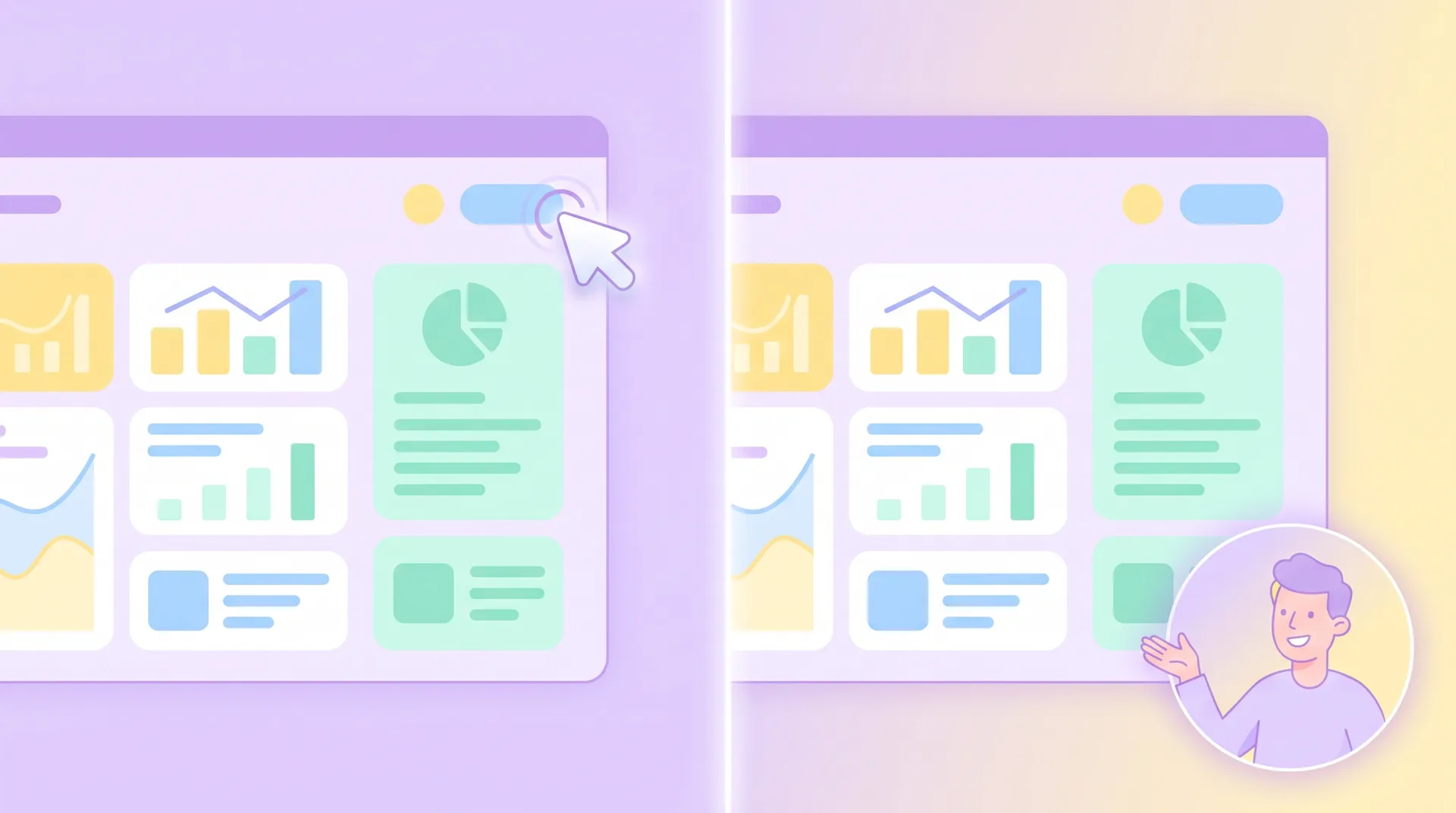
Most of the best onboarding videos I've reviewed don't pick a side. They open on a presenter for 5-10 seconds — just enough to establish "a real person made this and here's what you'll get" — then cut to pure screencast for the actual task. The presenter might return for 3-5 seconds at the end to confirm the outcome and point to the next step.
This structure respects the psychology of trust-then-speed. You get the credibility boost of a face without paying the attention tax for the whole video. It's the same logic we lay out in our pillar guide on SaaS onboarding videos and driving real user activation — match the format to the job the moment needs to do, not to a single house style you apply everywhere.
A few production notes if you go this route:
Keep the presenter segment under 10 seconds unless you're solving a genuine trust problem (security, payment, compliance-heavy product). Longer than that and you're spending attention budget you'll need later in the flow.
Don't use a floating head bubble over the screencast for the entire video. It's distracting, it covers UI elements at the worst moments, and it signals the editor didn't make a real choice about when the presenter matters.
Match energy to task complexity. A simple toggle doesn't need a presenter explaining it. A workflow that touches three different parts of your app probably does, at least for the setup step.
If you're not sure which moments need a presenter, pull your onboarding funnel data first. Compare drop-off at steps with presenter intros vs. pure screencast steps. The pattern usually tells you where the face is helping and where it's just slowing people down.
Production Reality: Why Most Teams Default to Screencast
I'll be honest about the practical side too. A pure screencast with voiceover is dramatically cheaper and faster to update than a presenter video. When your UI changes — and it will, constantly, if you ship fast — re-recording a screencast takes an hour. Re-shooting a presenter segment means scheduling a person, redoing hair and lighting, and hoping the energy matches the old take.
This is part of why most high-growth SaaS companies default to screencast for anything past the welcome moment, and save presenter budget for the handful of videos that actually move a trust metric: landing page demos, the very first onboarding touch, and maybe a "meet the founder" moment buried in settings or a help center.
If you're deciding between formats at the page level rather than the onboarding-sequence level, our piece on matching promise, video, and CTA on SaaS landing pages covers a similar tradeoff — the context where the video lives changes which format actually converts.
One more thing worth testing: AI-generated or synthetic presenters are getting good enough to use for this exact use case. HeyGen and Synthesia both publish case studies on this, and the honest read is that synthetic presenters work fine for consistency-heavy needs (localization, frequent updates) but still read as slightly uncanny for first-trust moments. Use real humans for the first 10 seconds; consider synthetic for the rest if budget's tight.
What I'd Test First
If you've only got budget to test one thing, test the opening. Record two versions of your very first onboarding video — one opening on a presenter, one opening straight on the screencast — and watch the eight-second mark in your analytics. That single data point will tell you more about your audience's trust threshold than any amount of debate about which format is "better."
The format isn't the strategy. The moment it's serving is. Get that part right and the rest is just execution.
Frequently Asked Questions
Does a human presenter improve SaaS onboarding video completion rates?
Should every onboarding video have a human presenter?
Is a screencast-only onboarding video less effective than one with a presenter?
Can AI-generated presenters replace real humans in onboarding videos?
How long should a presenter segment be in an onboarding video?
Where should I place the presenter clip in an onboarding sequence?
Related reading
- SaaS Onboarding Videos: Driving Real User Activation
- SaaS User Onboarding Drop-Off: Find the Exact Stall Point
- How to Script a Single-Task Onboarding Video People Watch
- SaaS Welcome Video vs Tutorial Video: When to Use Each
- Onboarding video vs product walkthrough: pick per step
- SaaS landing page conversion: matching promise, video, CTA