Customer Testimonial Videos: Editing Without Changing Meaning
Learn how to cut customer testimonial videos into short proof clips without distorting what customers actually said. Practical rules from real editing sessions.

I once watched a marketer cut a 12-minute customer interview down to 40 seconds and accidentally reverse the customer's entire point. The customer said "we almost didn't buy because the price seemed high, but then we saw the ROI in month two." The edited clip kept only "we almost didn't buy" and "ROI" — cut together to sound like a complaint. The customer saw the final cut before it went live and asked us to pull it. We missed our launch date by a week. That's the risk every team runs when they turn raw footage into customer testimonial videos without a real process for protecting meaning.
Editing testimonial footage isn't like editing a highlight reel or a vlog. You're not just picking the best-sounding sentences — you're acting as a custodian of someone else's words, in public, forever (or at least until the campaign ends). Get it wrong and you don't just have a bad video. You have an angry customer, a potential churn risk, and in some cases a legal problem.
Why customer testimonial videos get edited into something untrue
Most distortion in testimonial editing isn't malicious. It happens because of three very normal production pressures.
First, time. Raw interviews run 15-40 minutes. The final clip needs to be 30-90 seconds. That's an 80-95% reduction, and every cut is a decision about what matters.
Second, pacing. Editors are trained to cut dead air, filler words, and pauses — which is good — but the same instinct that removes "um" can accidentally remove a qualifier like "mostly" or "in our case" that changes the whole claim.
Third, the hunt for a soundbite. Everyone wants that one crisp, quotable line. The temptation to stitch two unrelated sentences together to manufacture that line is strong, especially under deadline pressure. Resist it.
If you haven't yet nailed down who you're interviewing and why, back up a step — our guide on how to choose the right customers for video testimonials covers that groundwork, and the questions you ask shape how easy or hard the edit will be later. Good interview questions, like the ones in our testimonial questions guide, produce footage that's already closer to soundbite-ready, which means less risky editing downstream.
The rules I actually follow when editing testimonial footage
Rule 1: Never combine two answers to form a new sentence
This is the big one. If a customer answers question three with "the support team is incredible" and answers question seven with "that's why we renewed," don't cut those together to make it sound like one continuous thought unless it genuinely was one. If you need a transition, use a text card or a natural pause — don't fake continuity that didn't exist.
Rule 2: Qualifiers are not filler
"Usually," "for our team," "in the beginning," "compared to our last tool" — these words limit a claim to a specific context. Cutting them out turns a reasonable, specific statement into an unqualified universal one. "It usually saves us two hours a week" is honest. "It saves us two hours a week" sounds like a guarantee. Small edit, big difference in what you're implying to a prospect.
Rule 3: Preserve the setup for any negative-turned-positive
Customers love the "I was skeptical, but..." structure. It's genuinely persuasive. But you have to keep enough of the skepticism intact that the turn makes sense. Cutting straight to the positive and dropping the skepticism isn't more efficient — it's a different, flatter story, and it often sounds less credible because it loses the honesty that made it convincing in the first place.
Rule 4: If you trim mid-sentence, the meaning has to survive independently
A good test: read the final transcript of your clip out loud, with zero context from the original interview. Does it still sound like something a reasonable person would say unprompted? If it only makes sense because you know what was cut around it, it's not ready.
Rule 5: Run final cuts past the customer before publishing
This isn't just an editing rule, it's a trust rule. Even a tight 30-second clip should get a quick "here's the final cut, mind giving it a thumbs up before we post?" email. Most customers say yes within a day. The ones who ask for a change are telling you something you needed to know before a prospect saw it. This single step has saved us from publishing at least four clips that technically weren't wrong but felt off to the customer who said them.
A practical workflow for cutting long interviews into short clips
Here's the process we use at Flare.app for turning a 20-minute Zoom interview into three or four short, trustworthy clips.
-
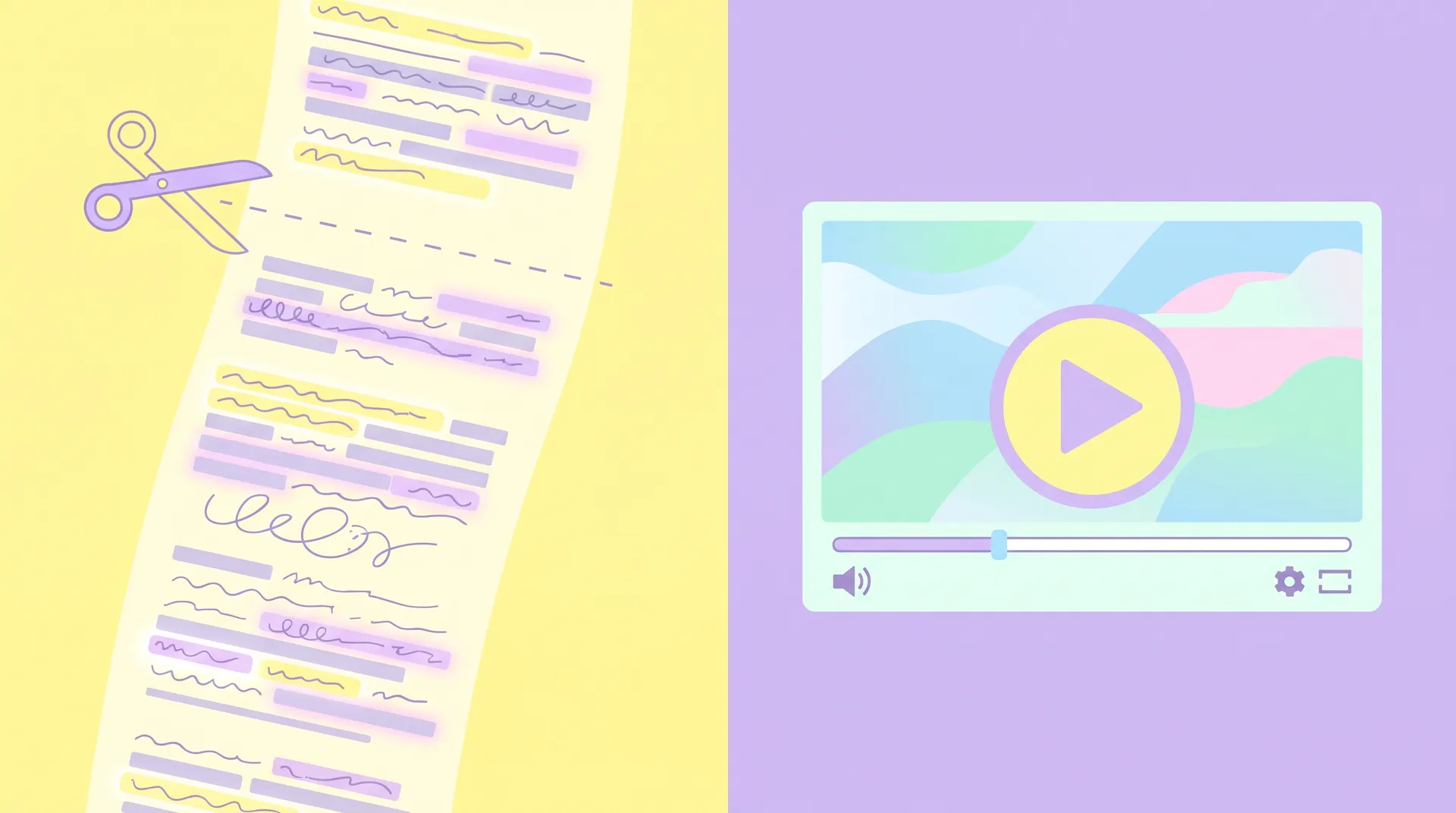
Transcribe the whole thing first. Don't start cutting video before you have a clean, timestamped transcript. Tools like Otter or Descript make this fast, and editing text is much safer than editing raw video because you can see full sentences at once.
-
Highlight complete thoughts, not just good lines. Go through the transcript and mark full sentence units — subject, context, claim — not isolated phrases. A "good line" that's half a sentence is a trap.
-
Group by theme, not by timestamp. Customers often return to the same idea three different times in an interview, phrased slightly differently each time. Pick the clearest version, not the first one chronologically.
-
Draft a shot list of 3-5 candidate clips. Each one should stand alone as a complete, honest statement. If a clip needs a caption explaining "what they really meant," it's not ready.
-
Cut video to match the marked transcript exactly. No improvising in the edit bay. If you find a better cut while editing, go back to the transcript and re-approve it there first — it keeps you honest about what you're actually changing.
-
Send to the customer for sign-off. One email, one Loom link, one question: "good to post?"
-
Caption accurately. Don't add a headline claim the customer didn't make. If the clip shows them saying they saved time, don't caption it "cut costs by 50%" because it tested better.
This whole workflow sits inside a bigger system — if you're building this out for the first time, our full customer video testimonial program guide for SaaS walks through how editing fits alongside sourcing, incentives, and distribution.
Never use a jump cut to remove a customer's hesitation or disagreement and then imply they fully endorsed something they only partially endorsed. Even if no one catches it, the customer will, and you'll lose them as an advocate for every future campaign.
What "changing meaning" actually looks like in practice
It's rarely as obvious as faking a quote. It's usually small compounding edits:
- Removing "for us" so a specific result reads as a universal claim
- Cutting a negative aside ("the onboarding took longer than I'd like") so the whole segment feels more polished than it should
- Reordering answers so the strongest praise comes right after a question it wasn't actually answering
- Adding background music or a confident voiceover that implies more certainty than the customer's tone conveyed
None of these are illegal. Most won't get you sued. But they erode the one thing a testimonial is supposed to deliver: proof that's more trustworthy than your own marketing copy. The FTC's endorsement guidelines exist partly because misleading editing of real customer statements is common enough to regulate — worth a skim if you're running testimonials at scale (FTC Endorsement Guides).
Keep an internal "edit log" for every testimonial clip — note every sentence you cut and why. It takes five extra minutes and it's the fastest way to defend an edit if a customer or a teammate ever questions it.
Tools that make this easier (and ones that make it riskier)
Descript's overdub and word-based editing are genuinely useful for tightening pacing, but the same feature that lets you delete "um" in one click also lets you delete "but" in one click — and that word often carries the whole meaning of a sentence. Riverside and Zoom both auto-transcribe now, which is good for the groundwork, but auto-transcripts are notoriously bad at punctuation, and punctuation is exactly what signals where one thought ends and another begins. Always proofread the transcript against the audio before you start cutting.
If your customers are recording themselves rather than sitting for a live interview, the editing risk is actually lower, because there's no interviewer cutting across their answers. Our guide to remote self-recorded testimonial setups covers how to get usable raw footage that way, and timing the ask right — covered in when to ask for a video testimonial — also tends to produce more confident, complete answers that are easier to cut honestly.
Frequently Asked Questions
How short should a customer testimonial video clip be?
Is it okay to cut filler words like 'um' from a testimonial?
Should customers approve the final edited testimonial before it's published?
Can you combine two separate answers into one testimonial clip?
What's the biggest legal risk with editing customer testimonials?
What tools help transcribe testimonial interviews before editing?
Related reading
- How to Build a Customer Video Testimonial Program for SaaS
- How to Choose the Right Customers for Video Testimonials
- Testimonial Questions That Get Quotable SaaS Answers
- How to Ask for Testimonials: Timing by Lifecycle Stage
- Video testimonial examples: remote self-recording setup
- Testimonial Request Email Templates That Get a Yes
Next time you're staring at a 20-minute transcript trying to find your 30-second clip, read it back without the footage. If it still sounds like something your customer would actually say to a stranger, you're ready to cut. If it doesn't, you're not done yet — you're just done faster.