Video testimonial examples: remote self-recording setup
See video testimonial examples and a send-ready instruction sheet that gets customers to self-record great footage on the first try, no camera crew needed.

I've sent probably 200 self-recording instruction sheets to customers over the years. The first 20 were a mess — vague asks like "just film yourself talking about your experience" that came back as dark, muffled, 9-second clips shot sideways. The next 180 came after I started treating the instructions like a product spec, not a favor I was asking for.
That's the real lesson here. Good video testimonial examples don't happen because your customer is a natural on camera. They happen because you removed every decision they'd otherwise have to guess at. Lighting, angle, length, what to say — all of it, spelled out before they hit record.
This post is the instruction sheet itself. Copy it, tweak it, send it. If you want the broader strategy on who to approach and why remote capture works better than scheduling a call, I cover that in how to build a customer video testimonial program for SaaS — this piece is the tactical companion to that.
Why remote self-recorded testimonials beat scheduled calls
Scheduling a live Zoom testimonial sounds more controlled. In practice it's slower and the footage is often worse. You're coordinating calendars across time zones, the customer feels "on the spot," and you get one take with no do-overs if the lighting's bad or their kid walks in.
Self-recording flips that. The customer records on their own time, in a spot they already feel comfortable in, and can redo a flub without anyone watching. I've found completion rates are noticeably higher when you send instructions and a deadline instead of a calendar link. People procrastinate on meetings. They don't procrastinate as much on a 5-minute task they can knock out between calls.
The tradeoff is you lose real-time coaching. That's exactly why the instructions need to do the coaching for you, upfront, in writing.
What makes a video testimonial example actually usable
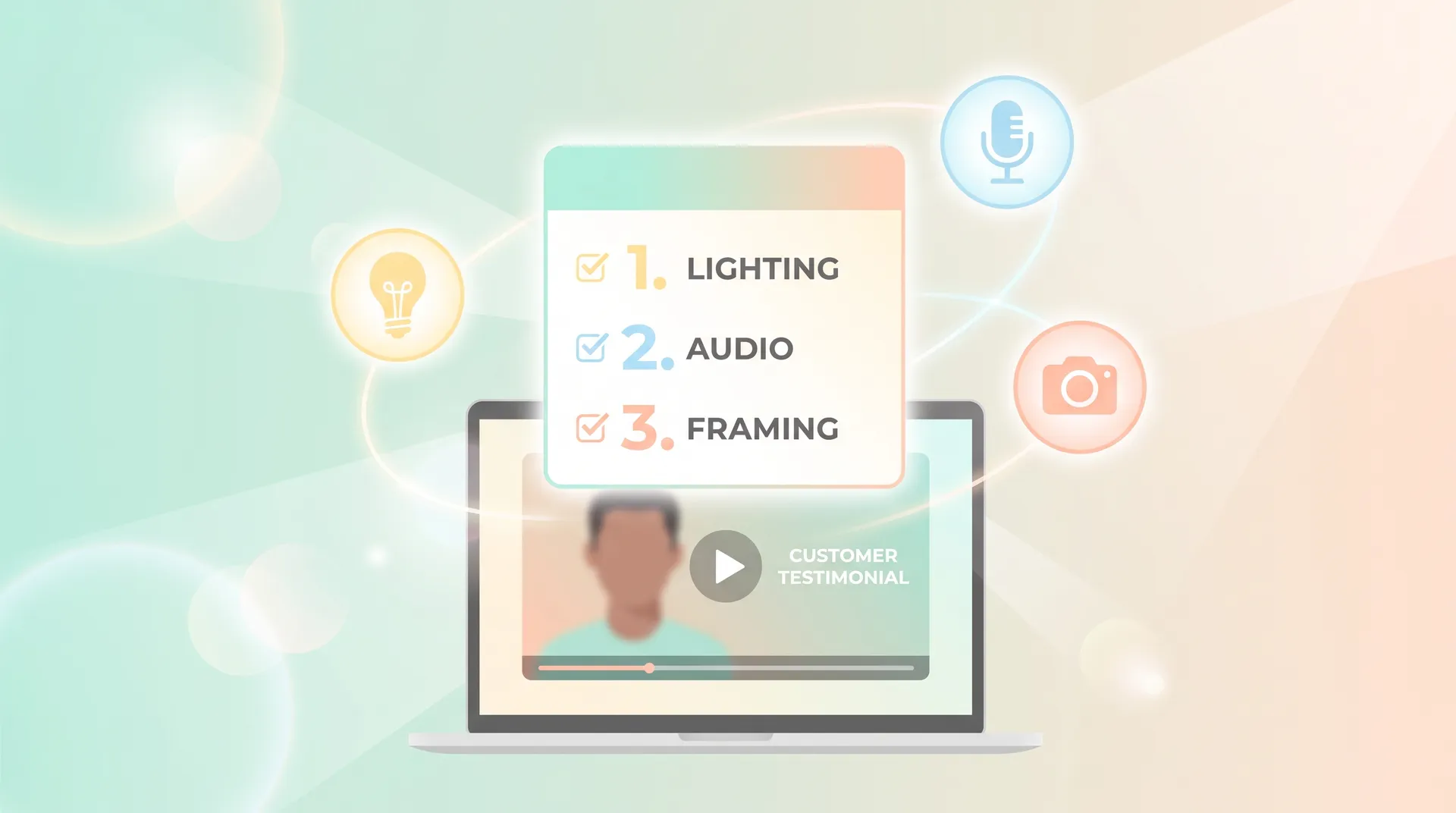
Before you send anything, know what you're optimizing for. The best video testimonial examples I've collected share three traits:
- Audio you can actually hear. Not studio-quality — just no echo, no wind, no background hum drowning out the words.
- A face lit from the front, not a silhouette against a bright window.
- One clear answer per question, not a rambling monologue that needs three edits to find the usable 15 seconds.
None of these require expensive gear. They require instructions specific enough that the customer doesn't have to make a single creative choice.
The send-ready instruction sheet
Here's the actual template I use. Copy this into an email or a Notion doc and send it along with your testimonial request email and the questions you want answered.
Subject: Quick setup guide for your testimonial video (5 minutes, tops)
Thanks again for agreeing to do this — here's everything you need to make it easy.
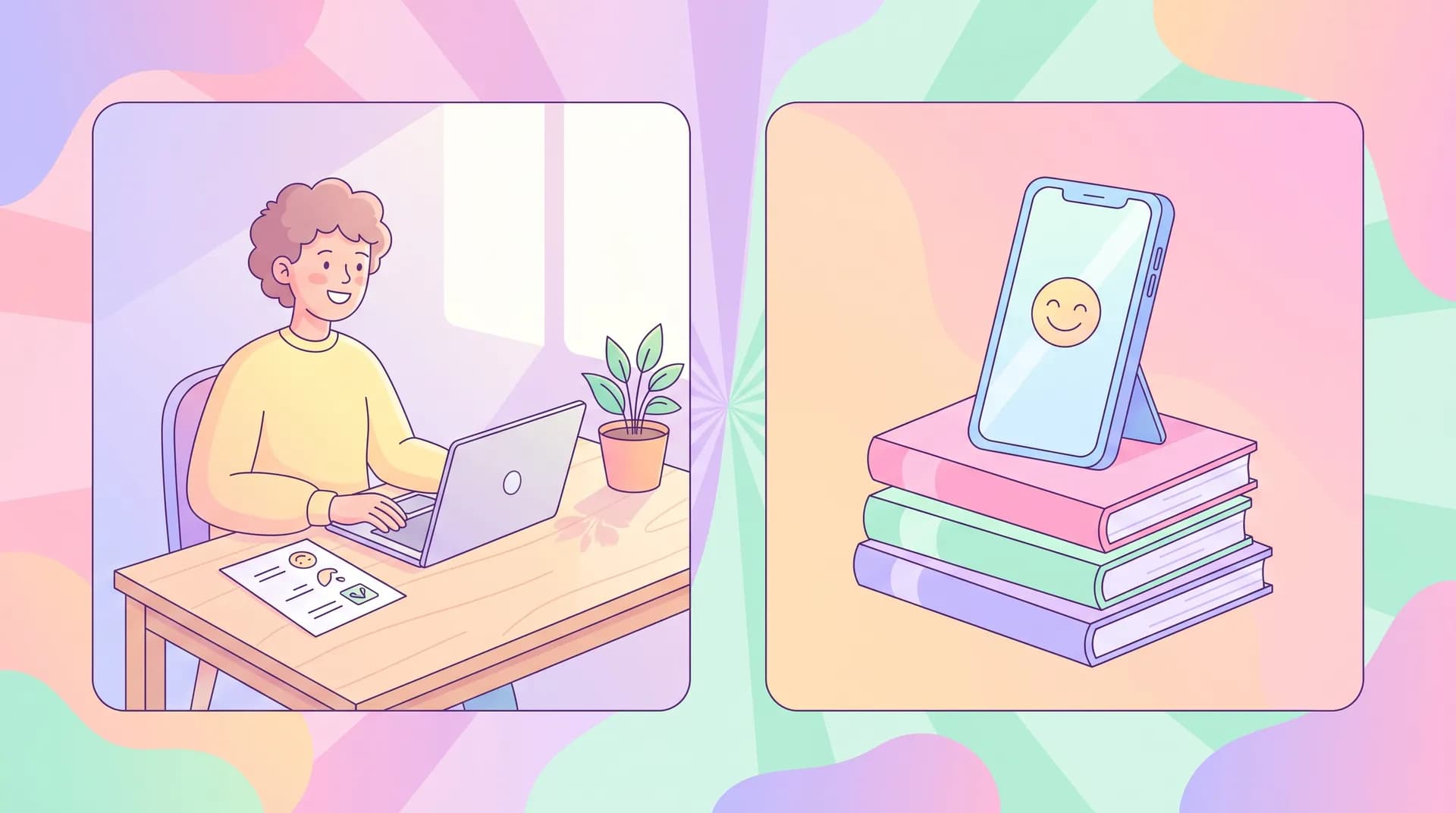
1. Use your phone, held horizontally (landscape). Vertical video looks fine on TikTok, but we need horizontal for the website and ads. Prop the phone against a book or stand it in a stand if you have one. Don't hold it in your hand — shaky footage is the #1 thing we have to cut.
2. Face a window or lamp — don't sit in front of one. Light should hit your face, not come from behind you. If you're near a window, face it. If it's dark out, put a lamp in front of you, slightly above eye level. Overhead ceiling lights alone tend to leave shadows under your eyes.
3. Find a quiet room and close the door. You don't need a soundproof booth. You need no dishwasher running, no open window to the street, no coworkers talking in the background. If you've got headphones with a built-in mic (even basic earbuds), use them — phone mics pick up more room echo than people expect.
4. Frame yourself from the chest up, centered. Leave a little space above your head — don't crop too tight. Sit about arm's length from the camera. If you can see your whole face and shoulders without leaning in or out, you're set.
5. Record each answer as its own clip. Don't try to do one continuous take covering everything. Record a separate video for each question below, even if it's just 15–30 seconds. Shorter clips are easier for you to redo if you mess one up, and easier for us to edit cleanly.
6. Look at the camera lens, not the screen. It feels unnatural at first, but looking at the lens (not your own face on the screen) is what makes eye contact feel real to the viewer. Tape a small sticky note next to the lens if that helps you remember where to look.
7. Say the question back before you answer. Instead of just answering, start with something like "One thing that surprised me about [Product] was..." That way the clip makes sense without us having to show the question on screen.
8. Do two takes if the first one feels off. No pressure to be perfect. If you flub a sentence, just pause, take a breath, and start that answer over. We'll only use the good parts.
9. Send the raw files, unedited. Don't trim or filter anything — just upload the original clips. We'll handle editing on our end.
Attach your specific interview questions after this — I wrote a full set of prompts in testimonial questions that get quotable SaaS answers if you need a starting point.
Common mistakes customers make (and how to head them off)
Even with good instructions, a few mistakes show up again and again. Flag these proactively and you'll cut your reshoot rate in half.
Filming in a car. People do this because it's private and quiet, which I get — but road noise and window glare wreck the footage almost every time. Tell them upfront: no cars.
Using a laptop webcam from across the room. It technically works, but the audio is thin and the framing is usually terrible. Phone, held close, always wins.
Answering in one giant take. This is the one that costs you the most editing time later. If someone sends an unbroken 6-minute ramble, you're stuck scrubbing for the 20 seconds that are actually usable. The "one clip per question" instruction above solves this before it happens.
Reading from a script on screen. It shows. Eyes dart, delivery goes flat, and it reads as rehearsed instead of genuine — which defeats the whole point of a customer testimonial versus a SaaS demo video your own team scripted. Tell customers to glance at bullet points beforehand, then speak naturally, not read word for word.
Send the instruction sheet as a short Loom or screen recording too, not just text. Watching someone hold a phone the right way for ten seconds does more than three paragraphs of explanation. I started doing this after noticing text-only instructions got misread about a third of the time.
What to send alongside the instructions
The sheet above handles the "how." You still need to nail the "who" and "when" separately. A couple of things worth checking before you hit send:
- Make sure you're asking the right customer in the first place — not every happy user makes a compelling on-camera testimonial. I go deeper on selection criteria in how to choose the right customers for video testimonials.
- Timing matters more than most teams think. Asking right after a big win (a renewal, a milestone hit inside the product) gets dramatically better energy on camera than a random cold ask. More on that in how to ask for testimonials: timing by lifecycle stage.
- Keep the ask small. One instruction sheet, 3–5 questions, a rough 10-minute time estimate. The moment it feels like homework, response rates drop.
Don't send more than five questions. I've tested longer lists and the completion rate drops fast past question five — customers either abandon halfway or send rushed, low-energy answers for the back half.
A note on gear (you really don't need much)
I get asked constantly whether customers need a ring light or a lav mic. They don't. Most phones from the last five years shoot video good enough for a web testimonial, and natural window light beats most consumer ring lights anyway. If a customer happens to have wired earbuds with a mic, great — have them use it. If not, a quiet room is fine.
If you want the deeper filming craft — composition, framing, how to direct delivery on camera — that's a different layer of the problem and I'd point you to general resources like Wistia's video production guides or Vidyard's testimonial playbook for more on the editing and distribution side. For audio specifically, this breakdown on microphone basics from B&H is a decent primer if you ever want to equip a handful of top advocates with a $30 lav mic.
FAQ
Frequently Asked Questions
What's the ideal length for a self-recorded customer testimonial clip?
Should I give customers the exact questions in advance?
What video format should customers use to record?
Do customers need special equipment to record a good testimonial?
How do I stop customers from sending one long rambling take?
What's a realistic response rate for self-recorded testimonial requests?
Related reading
- How to Build a Customer Video Testimonial Program for SaaS
- How to Choose the Right Customers for Video Testimonials
- How to Ask for Testimonials: Timing by Lifecycle Stage
- Testimonial Questions That Get Quotable SaaS Answers
- Testimonial Request Email Templates That Get a Yes
- UGC audio: how to sound as good as you look