How to invoice a brand as a UGC creator (step-by-step)
Learn exactly how to invoice a brand as a UGC creator — line items, license fees, net-30 terms, late fees, and the tools that get you paid on time.

A brand loved your content, said yes to the deal, and now they're asking you to send an invoice. Suddenly you're staring at a blank Google Doc wondering what on earth goes on this thing. Knowing how to invoice a brand as a UGC creator is one of those business skills nobody teaches you — and getting it wrong means delayed payments, underpayment, or awkward back-and-forth emails that make you look inexperienced.
I've seen creators send invoices with nothing but a total dollar amount and their Venmo handle. Brands have no idea how to process that. Their accounts payable team needs specific line items, a proper payment reference, and terms they can actually enter into their system. Do it right and you get paid faster. Do it wrong and you're chasing someone's AP department for six weeks.
Here's exactly what to put on your invoice, in what order, and which tools make it simple.
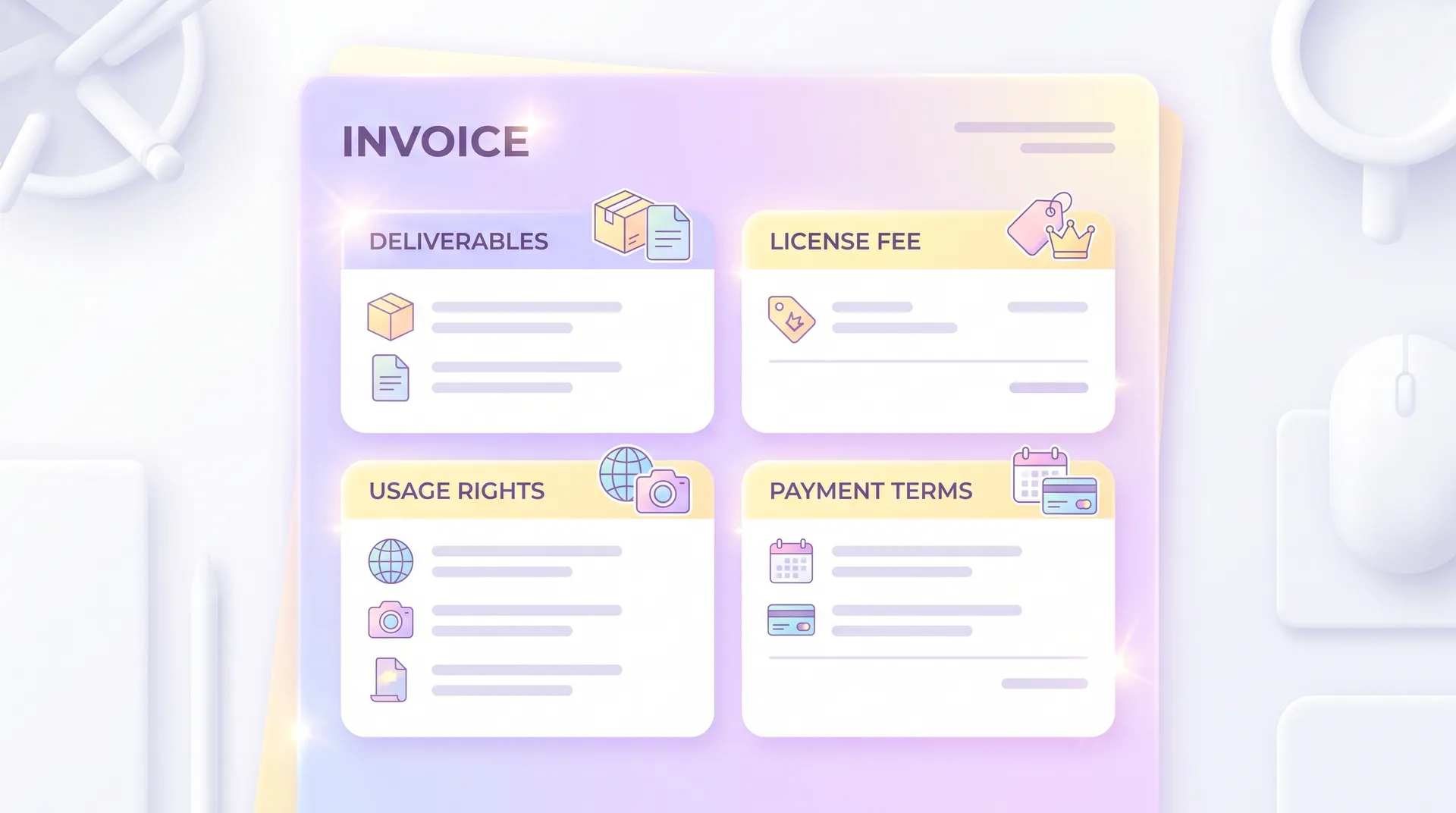
What to include on every UGC invoice
Before you touch any invoicing software, you need to know what information actually belongs on the document. Miss any of these and you're creating friction for the brand — and friction means delayed payment.
Your business details. Your full legal name or business name, your address (even a general city/state works), and your email. If you have an EIN, include it. If you're operating as a sole proprietor under your own name, your SSN-linked info is fine — brands will often need it for a W-9 anyway.
The brand's details. The company name, their billing contact's name, and the billing email address. Always ask for the billing contact specifically — it's rarely the same person as your campaign manager.
Invoice number. Start at 001 and go up. Brands and their accounting teams use this to track payments. Without it, your invoice gets lost in a pile.
Invoice date and payment due date. The invoice date is today. The due date depends on your agreed terms — more on that in a moment.
Itemized line items. This is the part most creators skip, and it's the most important. Break everything out individually. Never send a single lump sum.
Line items for a UGC invoice — exactly what to write
Each line item needs a description, quantity, unit price, and total. Here's how I'd structure a typical deal:
| Line Item | Description | Amount |
|---|---|---|
| UGC Video Production (x3) | 3 x 30-second UGC videos, vertical format | $600 |
| Usage Rights License — Paid Social | 90-day license, Meta + TikTok paid placements | $300 |
| Whitelisting / Creator Authorization | TikTok Spark Ads authorization, 90 days | $150 |
| Rush Delivery Fee | Delivery within 5 business days | $100 |
| Total | $1,150 |
Separating production from licensing isn't just good practice — it's legally meaningful. When you bundle everything into one number, you've implicitly agreed that they own unlimited rights to that content forever for that price. Itemizing the license fee makes it clear that the rights are time-limited and tied to a specific fee. This matters enormously when they come back wanting to extend — which they will if the content performs.
For a deeper look at how to price that license line item specifically, check out UGC licensing fee: how to calculate what to charge. And if you want to understand exactly what rights you're granting when you write "paid social license," the UGC usage rights: the complete creator guide breaks down every license type in plain language.
Payment terms: net-30, net-15, and why you should push back
Net-30 is the corporate default. It means they have 30 days from invoice date to pay you. For big brands running through a proper AP department, this is normal. For smaller brands or DTC startups, I'd push for net-15 — or even payment on delivery for first-time clients.
My standard terms for new clients: 50% upfront, 50% on delivery. That structure protects you if the brand ghosts after receiving the content. It also filters out low-intent brands immediately — anyone who won't pay a deposit is a red flag.
If you're invoicing after the fact (no deposit), always include a late fee clause. Something like: "Invoices unpaid after the due date are subject to a 1.5% monthly late fee." Is 1.5% a huge amount? No. But it signals that you run a real business and that late payment has consequences. Most brands will pay on time just to avoid the conversation.
Some creators also add a kill fee clause in their invoice notes — if a project is cancelled after work has begun, a percentage of the fee is still owed. I have a full breakdown of how that works in kill fee for UGC creators: how to use them.
Tools that make UGC invoicing fast
You don't need expensive accounting software. Here's what actually works:
Wave — free, and good enough for most creators. Wave lets you create professional invoices, track payments, send automatic payment reminders, and accept credit card or bank transfer payments. The free tier handles everything a UGC creator needs. Their paid plan adds payroll if you ever get there.
PayPal Invoicing — good for brands that prefer PayPal. Some brands, especially smaller ones, find it easier to pay via PayPal. The invoice feature is built in and free. Downside: fees on the receiving end (around 3.49% + $0.49 per transaction for card payments).
Invoice Simple — cleanest mobile experience. If you're sending invoices from your phone between shoots, Invoice Simple is the fastest option. Templates look professional without any setup.
Bonsai — best for creators who want contracts + invoices in one place. Bonsai lets you send a contract, get it signed, and then trigger an invoice from the same platform. It also handles payment schedules (so your 50/50 deposit structure is automated). Not free, but worth it once you're doing consistent volume.
Whichever tool you use, make sure it can:
- Accept online payments (ACH or card)
- Send automatic payment reminders
- Generate a PDF copy for your records
- Track whether the invoice has been viewed
That last one matters more than you'd think. If a brand claims they "never received" your invoice, you can confirm whether they opened it.
What to do when a brand wants a W-9
Most US brands will ask for a W-9 form before processing your first invoice. This is completely normal. The W-9 gives them your tax information so they can issue you a 1099 at year-end (if they pay you more than $600).
Fill it out with your legal name, address, and either your SSN (sole proprietor) or EIN (if you've set up an LLC). Send it back before or alongside your first invoice. Don't wait for them to chase you — it just delays your payment.
If you're making serious income from UGC, talk to an accountant about setting up an LLC and getting an EIN. Separating business income from personal finances becomes important fast, and an EIN means you're not handing out your SSN to every brand you work with.
Common invoicing mistakes UGC creators make
Vague line items. "Content creation — $800" tells their AP team nothing. They'll kick it back for clarification.
No payment terms. If you don't specify a due date, they'll pay whenever. I've seen creators wait 90+ days because there were no terms on the invoice.
Sending to the wrong person. Always ask: "Who should I send the invoice to?" Your campaign contact is usually not the billing contact. Sending to the wrong inbox adds 1-2 weeks to your payment timeline.
Not separating usage rights. This one has financial consequences beyond the current deal. If you invoice everything as a flat "video fee," you've made it much harder to charge for rights extensions later. Brands will reasonably point to the original invoice and say they already paid for the content. Itemizing your UGC license types upfront prevents this argument entirely.
No late fee clause. Include it. Always. Even if you never enforce it.
How to handle late payments
Send a reminder on the due date — politely, just a quick nudge. If payment doesn't arrive within a week, send a firmer follow-up that references the late fee clause.
If you're still chasing them after 30 days past due, send a final notice in writing that outlines the total owed including any accrued late fees, and state a specific deadline (usually 7 days) before you escalate. Escalation options include filing a small claims case or using a collections service — though it rarely comes to that with legitimate brands.
The best protection is the 50% deposit. It won't eliminate late payment risk, but it means you're never owed your entire fee at once.
Frequently Asked Questions
What should a UGC creator include on an invoice to a brand?
What payment terms should UGC creators use?
Should UGC creators charge a separate licensing fee on their invoice?
What invoicing tools are best for UGC creators?
What is a W-9 and why do brands ask for it?
Can I charge a late fee if a brand pays late?
Related reading
- UGC usage rights: the complete creator guide
- UGC licensing fee: how to calculate what to charge
- UGC license types: what every creator must know
- Kill fee for UGC creators: how to use them
- UGC whitelisting rights: what they are & what to charge
- How to read a UGC contract before you sign
- UGC contract red flags: 9 clauses to reject or edit