
Role Based Onboarding Video Examples That Actually Convert
See role based onboarding video examples for admins, managers, and end users built from one reusable script — no need to film three separate videos.

We filmed three separate onboarding videos for three user roles once. Burned two weeks and about $4,200 in editor time. Then I realized 80% of the script was identical — same product, same core workflow, same voice. The only thing that changed was which screen we clicked into and which outcome we named at the end.
That's the mistake most SaaS teams make with role based onboarding video examples: they treat "admin," "manager," and "end user" like three different products that need three different productions. They don't. They need one spine and three different skins.
Why one script beats three separate productions
If you've got multiple user roles hitting your product — which is basically every B2B SaaS tool with more than one seat type — you're tempted to build a bespoke onboarding video for each persona. Admin gets a video about permissions and billing. Manager gets one about team dashboards. End user gets one about daily tasks.
The problem isn't the idea. It's the cost and the maintenance tax. Every time you ship a UI change, you're now updating three videos instead of one. Every time marketing wants a new CTA, that's three re-renders, three approval cycles, three sets of captions to redo.
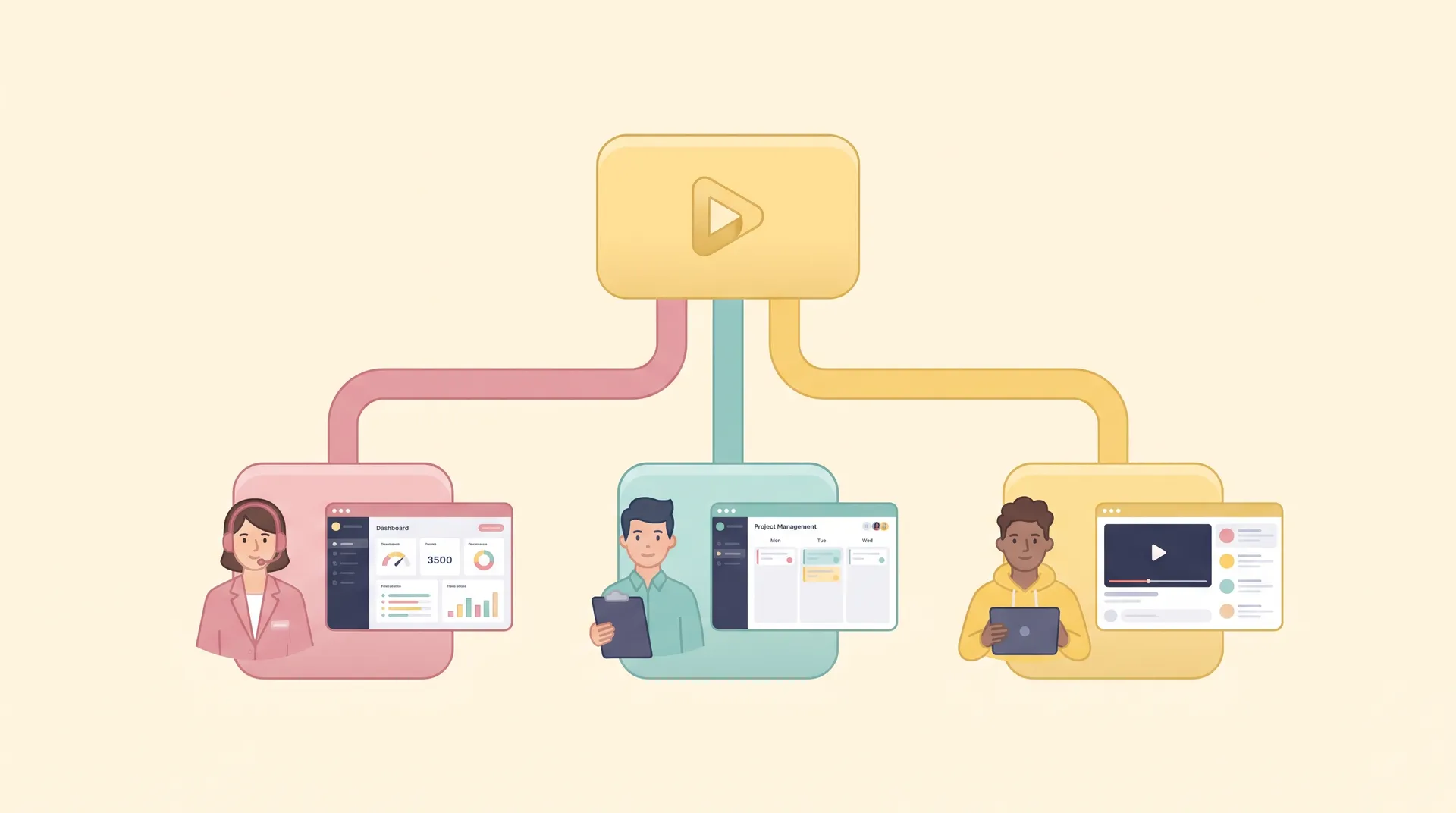
I've found the smarter move is writing a single narrative arc — the problem, the first action, the outcome — and then slotting role-specific examples into the same structural beats. The voiceover stays mostly constant. The screen recording and a few lines of dialogue change. You shoot once, edit three cuts.
This isn't just a production hack. It also keeps your messaging consistent. When the admin, manager, and end user all hear the same framing of "here's the one thing you need to do first," your support team gets fewer "wait, is this the same tool?" tickets from cross-functional teams who compare notes.
If you haven't nailed down what that single most important first action even is, back up and read SaaS Onboarding First Useful Outcome: Pick One Milestone before you storyboard anything. Picking the wrong milestone is the thing that actually tanks activation — not whether you made one video or three.
The shared spine every role-based script needs
Here's the structure I use on every onboarding script, regardless of how many roles we're adapting it for:
- Cold open with the pain — a one-sentence description of the exact frustration this role has before using your tool. Admins fear security gaps. Managers fear invisible team performance. End users fear wasted time on busywork.
- The single first action — the one thing this role needs to click, configure, or do in the first session. Not five things. One.
- The payoff moment — show the result on screen within 10-15 seconds of the action, not after a scene transition and a logo bump.
- The next step prompt — a soft nudge to the second action, usually delivered as on-screen text rather than more narration.
That's it. Four beats. Everything role-specific gets slotted into beats two and three. Beats one and four barely change.
Building the role variants: admin, manager, end user
Let's get concrete. Say you're a project management SaaS tool. Here's how the same four-beat script becomes three distinct, relevant videos.
Admin variant. Cold open: "Nobody wants to be the person who finds out about a security hole after the fact." First action: invite three teammates and set a default permission tier. Payoff: show the team roster populate live with role badges. Next step: point to the audit log tab.
Manager variant. Cold open: "You shouldn't have to ask five people for a status update to know where a project stands." First action: open the team dashboard and filter by this week's deadlines. Payoff: show the red, yellow, green status grid update in real time. Next step: point to the weekly digest email setting.
End user variant. Cold open: "Your task list shouldn't be scattered across four different tabs." First action: create your first task card and assign a due date. Payoff: show it appear instantly in the shared board view. Next step: point to the keyboard shortcuts panel.
Notice what stayed the same: the narrator's tone, the pacing, the length (all three run 45-60 seconds), the visual style of the screen recording, even the music bed. What changed: the specific pain sentence, the specific click sequence, and the specific payoff screen. That's maybe 30% of the total runtime that's actually unique per role.
Record your voiceover narrator reading all three variants back to back in one session. Same mic setup, same energy level, same day. It keeps the tone identical across roles and saves you a second booking with your voice talent.
One thing I'd flag: don't just swap screen recordings and call it done. If your end-user script talks about "assigning a due date" and your admin script talks about "configuring permission tiers," those are genuinely different vocabularies. Each role needs its own glossary of terms baked into beats two and three, even while the emotional arc stays constant.
Where this fits inside your activation funnel
Role-specific videos aren't a nice-to-have add-on. They're a direct response to a real activation problem: generic onboarding videos that try to serve everyone end up serving no one. An admin watching a video about creating tasks tunes out in the first eight seconds because it's not their job. A manager watching a video about inviting teammates skips it because someone on the eng team already did that.
If you're still running a single, one-size-fits-all onboarding video across every signup, it's worth reading SaaS Onboarding Videos: Driving Real User Activation for the bigger picture on how video placement and timing affect activation rates. The role-split tactic I'm describing here is one layer inside that broader strategy — it doesn't replace getting the milestone or the timing right, it just makes the content land for each role once you've got those fundamentals sorted.
It also connects to a decision I see teams get wrong constantly: whether a given onboarding moment even needs video at all, or whether an interactive walkthrough tool does the job better and cheaper. I wrote about that tradeoff in Onboarding video vs product walkthrough: pick per step — the short version is that role-specific video works best for the emotional, first-session moments, while repetitive feature tours are often better served by click-through product tours.
How to route the right video to the right role
The script is only half the job. You need a trigger that actually shows the admin video to admins. A few approaches, ranked by implementation effort:
- Role field at signup — ask "What's your role?" during account creation and route accordingly. Cheapest to build, but adds friction to signup.
- Invite-based detection — if someone is invited by an existing admin, they're almost certainly an end user or manager, not the account owner. Use invite metadata to route.
- Permission level at first login — check what permissions the account actually has once it's provisioned, then serve the matching video. This is the most accurate and the least annoying for the user.
- Self-select inside the player — show a 3-second chooser overlay ("I'm an admin, manager, or team member") before the video plays. Works well when your signup flow doesn't naturally capture role.
I'd lean toward permission-level detection if your onboarding flow already provisions accounts with roles attached — it's invisible to the user and it's accurate. Self-select is the fallback when you don't have that data yet.
Don't over-segment. Three roles is manageable. If you're tempted to build seven variants for seven job titles, stop — you'll spend more time maintaining video forks than you'll gain in relevance. Group similar roles (admin and super-admin, manager and team lead) under one variant.
Measuring whether the split actually helped
Before you roll this out broadly, run it as a test. Track activation rate — completion of that single first action from your script — segmented by role, for both the generic video and the role-specific cut. If you don't see a lift within two weeks of comparable signup volume, the split isn't the bottleneck; something earlier in the flow probably is. That's usually a sign to check SaaS User Onboarding Drop-Off: Find the Exact Stall Point before you invest more production budget into additional variants.
Also watch video completion rate per role. If admins are dropping off at second 20 but end users are watching to the end, that tells you the admin cold-open line isn't resonating — not that video doesn't work for admins at all. Iterate on beat one before you touch the rest of the script.
For teams weighing whether a founder or a hired presenter should deliver these lines, I've got a separate breakdown in Human Presenter Product Video Onboarding: Worth It? — short answer, role-specific scripts actually work better with a consistent human presenter because viewers subconsciously trust repetition of the same face across variants.
Data from product adoption research points in the same direction: segmented onboarding content consistently beats generic content on completion and feature adoption, though the lift size varies a lot by product complexity (source: Pendo). Nielsen Norman Group's research on contextual help also backs the idea that relevance beats polish — a slightly rougher video that matches the viewer's actual task outperforms a beautifully produced generic one (source: Nielsen Norman Group). And HubSpot's own onboarding research found segmented welcome flows improved trial-to-paid conversion in some cohorts (source: HubSpot Blog).
FAQ
Frequently Asked Questions
How many role-based onboarding video variants should I make?
Do I need to reshoot the whole video for each role?
How do I know which video to show which user?
Is role-based onboarding video worth it for a small SaaS team?
Should the role-specific video replace a generic product tour?
Related reading
- SaaS Onboarding Videos: Driving Real User Activation
- SaaS Onboarding First Useful Outcome: Pick One Milestone
- Onboarding video vs product walkthrough: pick per step
- SaaS User Onboarding Drop-Off: Find the Exact Stall Point
- Human Presenter Product Video Onboarding: Worth It?
- How to Script a Single-Task Onboarding Video People Watch