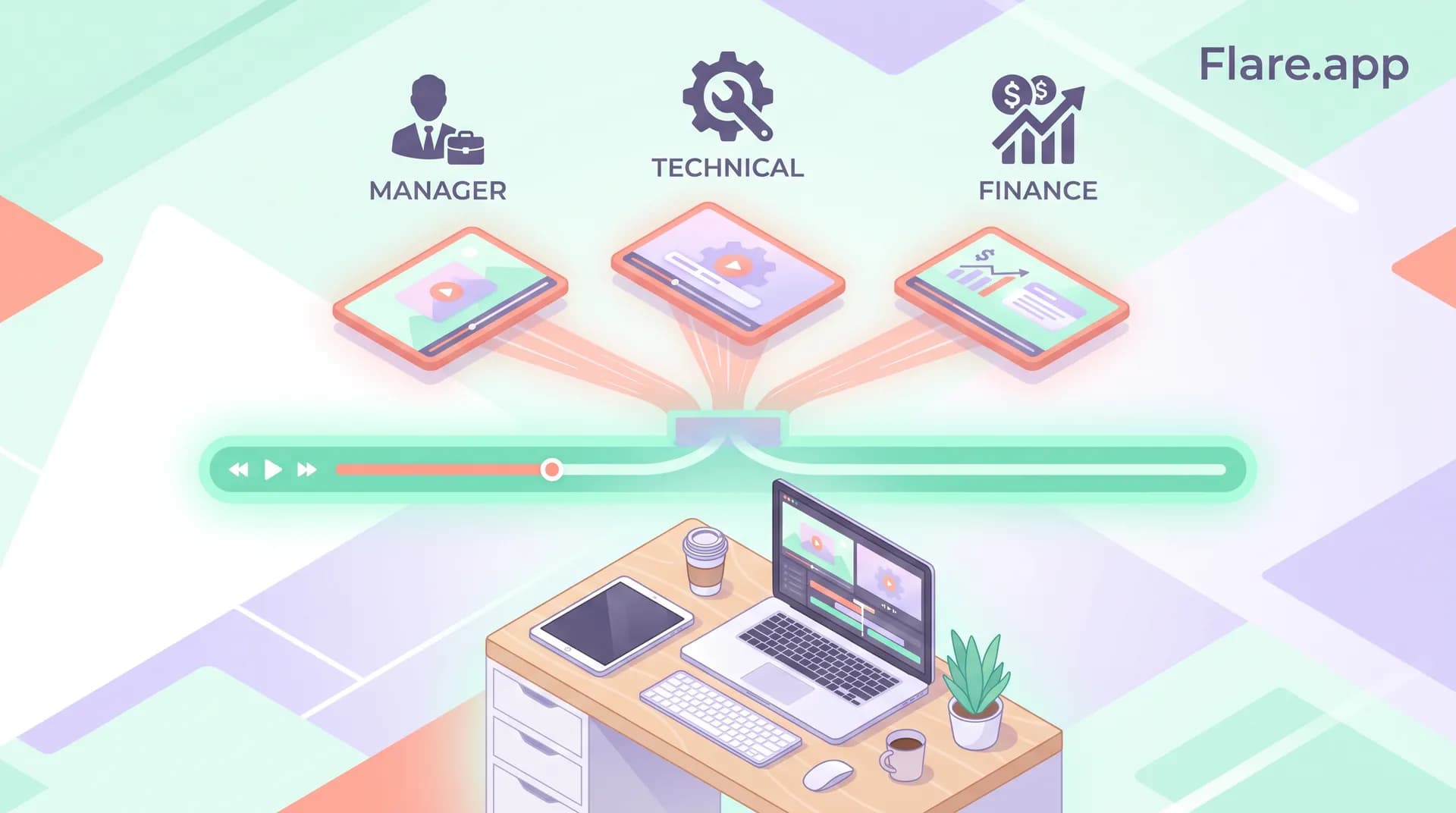
SaaS Demo Video for Different Personas: One Shoot, Many Cuts
Learn how to re-edit one SaaS demo video shoot into persona-specific cuts for buyers, admins, and execs without reshooting a thing.

We filmed one demo for our project management tool. Forty minutes of screen recording, one presenter, one workflow. Then we cut it into five different videos — and the version aimed at ops managers converted 3x better on its landing page than the generic "one size fits all" cut we'd been running for eight months.
Same footage. Same product. Completely different results. That's the whole argument for building a saas demo video for different personas instead of chasing one perfect universal cut.
Most SaaS teams treat the demo video like a single artifact. Record it once, publish it once, link it from every page on the site. I get why — producing video feels expensive and slow, so the instinct is to make one thing and stretch it everywhere. But a demo that tries to speak to a VP of Sales, a sales ops admin, and a CFO all at once usually ends up speaking to none of them clearly. Each of those people cares about a different five minutes of your product and tunes out the rest.
Why One Demo Video Can't Serve Every Buyer
Buying committees for B2B software routinely include three, four, sometimes six distinct roles. Gartner's research on B2B buying groups has found that typical deals now involve six to ten decision-makers, each weighing different criteria. Your economic buyer wants ROI and risk reduction. Your technical evaluator wants to see integrations and edge cases. Your end user wants to know if it'll make their Tuesday easier or harder.
A generic demo video tries to hit all three audiences in one script. The result is a video that spends 90 seconds on something the economic buyer doesn't care about, then rushes past the one feature that would've closed the technical evaluator. I've watched this happen with our own early videos — the completion rate was fine, but the people who finished watching weren't converting at the rate we expected, because they weren't the right people sticking around.
The fix isn't filming three separate demos. It's filming one well-structured shoot and editing it into persona-specific cuts.
The Economics of Reusing One Shoot
Here's the part that makes this approach worth your time: production is the expensive part, not editing. Booking a presenter, setting up readable screen footage, prepping demo data, getting lighting and audio right — that's where most of your budget and calendar time goes. If you've already nailed down how to record readable screen footage for your SaaS demo, you've done 70% of the hard work. Editing three or four variants from that same source material costs a fraction of what a reshoot would.
I'd rather spend an extra day in the edit bay than book a presenter for three more half-days of filming. The math isn't close.
How to Structure the Shoot So It Cuts Well Later
You can't just film a generic walkthrough and hope the footage happens to break apart nicely. You need to plan the shoot with the cuts in mind — this is the single biggest thing people get wrong.
Before you ever hit record, map out which workflow moments map to which persona. For a project management tool, that might look like:
- Ops/admin persona — setup, permissions, integrations, bulk actions
- Manager/team lead persona — reporting dashboards, approvals, visibility into team workload
- Individual contributor persona — task creation, notifications, daily usage
- Economic buyer/exec persona — ROI metrics, time saved, adoption data
Film each of these as a distinct, self-contained segment with its own clean start and stop. Don't blend transitions between them in a way that makes them hard to separate later. If you're following the workflow-first approach we cover in SaaS Demo Video: Pick One Workflow and One Outcome, you're already structuring things around discrete outcomes — which happens to be exactly what makes a shoot easy to re-cut.
Record a few extra seconds of "dead air" before and after each segment too. Nothing kills a re-edit faster than a hard cut mid-sentence because you didn't leave handles.
Script for Modularity, Not Just Flow
Your script should read fine end to end, but each section needs to survive being lifted out on its own. That means:
- Each segment should re-establish context in its opening line (don't rely on a callback to something said four minutes earlier)
- Avoid phrases like "as I mentioned" or "going back to" that only make sense in sequence
- Keep CTAs modular — record a few different sign-off lines so each persona cut ends with language that matches where that buyer is in their journey
This is an extension of the thinking in How to Write a Software Demo Script That Shows Real Value — if your script already centers on a real user problem rather than a feature tour, modular editing becomes a lot easier because each section already stands on its own.
Building the Actual Persona Cuts
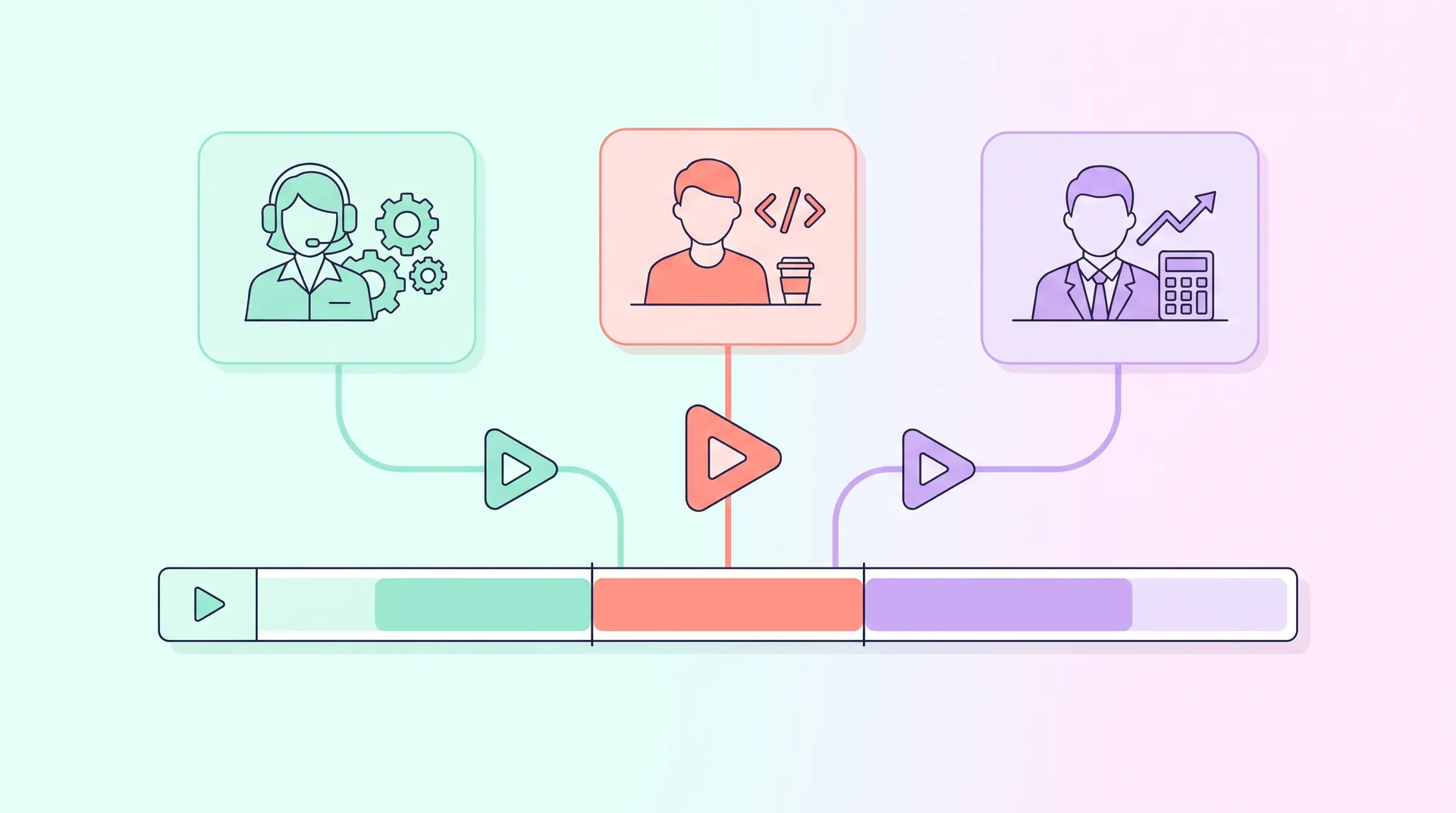
Once you have your raw footage organized by segment, building the cuts is mostly a matter of sequencing and framing, not reshooting.
1. Start with the persona's pain, not the product. Open each cut with 5-10 seconds that names the specific problem that persona has. For the ops manager cut, that might be "tired of chasing status updates across four tools." For the finance persona, it's "tired of guessing what your team actually shipped this quarter."
2. Pull only the segments relevant to that role. A CFO-facing cut might run 90 seconds and show almost no UI — mostly dashboards and outcome numbers. A technical evaluator cut might run three minutes and go deep on integrations and API behavior.
3. Swap the voiceover or lower-thirds, not the whole video. You don't need a new presenter take for every persona. Record a flexible VO track with persona-aware framing lines, and reuse the same screen capture underneath. This is a huge time saver and something a lot of teams miss.
4. Match length to intent. A cold-traffic exec cut should be short — under 60 seconds if you can manage it. Check out SaaS Demo Video Length: Matching Pacing to Buyer Stage for more on this, because pacing expectations differ wildly depending on where someone is in the funnel. Someone already in a sales cycle will sit through a 4-minute technical deep dive. Someone scrolling LinkedIn won't give you 20 seconds.
5. Different CTA, same product. The ops cut ends with "Start your free trial." The exec cut ends with "Book a call with our team." Same demo, different next step, because these two people are making different kinds of decisions.
Where to Deploy Each Cut
Persona-specific cuts aren't just a nice-to-have for your homepage — they're built to live in very specific places:
- Exec cut → sales deck, email sequences to economic buyers, retargeting ads
- Technical cut → developer docs, integration pages, trial onboarding
- Manager cut → LinkedIn ads, case study pages, mid-funnel nurture emails
- IC/end-user cut → in-app tooltips, onboarding flows, help center
If you're also running onboarding content, there's real overlap here — our piece on SaaS Onboarding Videos: Driving Real User Activation covers how role-specific framing inside the product itself drives activation, which is basically the same principle applied post-signup instead of pre-signup.
A Few Things That Go Wrong
Teams usually screw this up in one of two ways. Either they try to make too many variants and burn weeks in the edit bay chasing diminishing returns, or they slap a different intro on the same five-minute video and call it "personalized" when the body of the video never actually changes.
Three or four cuts is usually the sweet spot. More than that and you're maintaining a library nobody updates when the product changes. HubSpot's research on video marketing consistently shows shorter, targeted videos outperform longer generic ones on completion rate — that's the whole bet here.
Tag your raw footage by persona relevance the day you shoot it, not weeks later when you're scrambling to find the right clip. A simple spreadsheet mapping timecodes to personas saves hours in the edit.
If your product is genuinely complex — multiple modules, different user types with wildly different permissions — don't try to cram that into one master shoot either. Our guide on Complex Software Demo Video: Simplify Without Lying has more on when you actually need separate demo environments rather than just separate cuts.
If you haven't planned the original shoot yet, start with our full guide: How to Plan and Produce a SaaS Demo Video That Sells. Getting the source shoot right is what makes everything in this article possible.
What I'd Tell You to Do This Week
Pull your current demo video. Watch it and ask honestly: who is this actually for? If the answer is "everyone," it's probably converting nobody particularly well.
You don't need a bigger production budget to fix this. You need a better outline before your next shoot, and an afternoon with your editor to carve what you already have into something that actually speaks to the three or four people in the room making the decision.
FAQ
Frequently Asked Questions
How many persona-specific demo video cuts should I make?
Do I need to reshoot footage for each persona cut?
What's the ideal length for a persona-specific SaaS demo video?
Should each persona cut have a different call to action?
Where should I publish each persona-specific demo cut?
Related reading
- How to Plan and Produce a SaaS Demo Video That Sells
- SaaS Demo Video: Pick One Workflow and One Outcome
- How to Record Readable Screen Footage for a SaaS Demo
- How to Write a Software Demo Script That Shows Real Value
- SaaS Demo Video Length: Matching Pacing to Buyer Stage
- SaaS Onboarding Videos: Driving Real User Activation