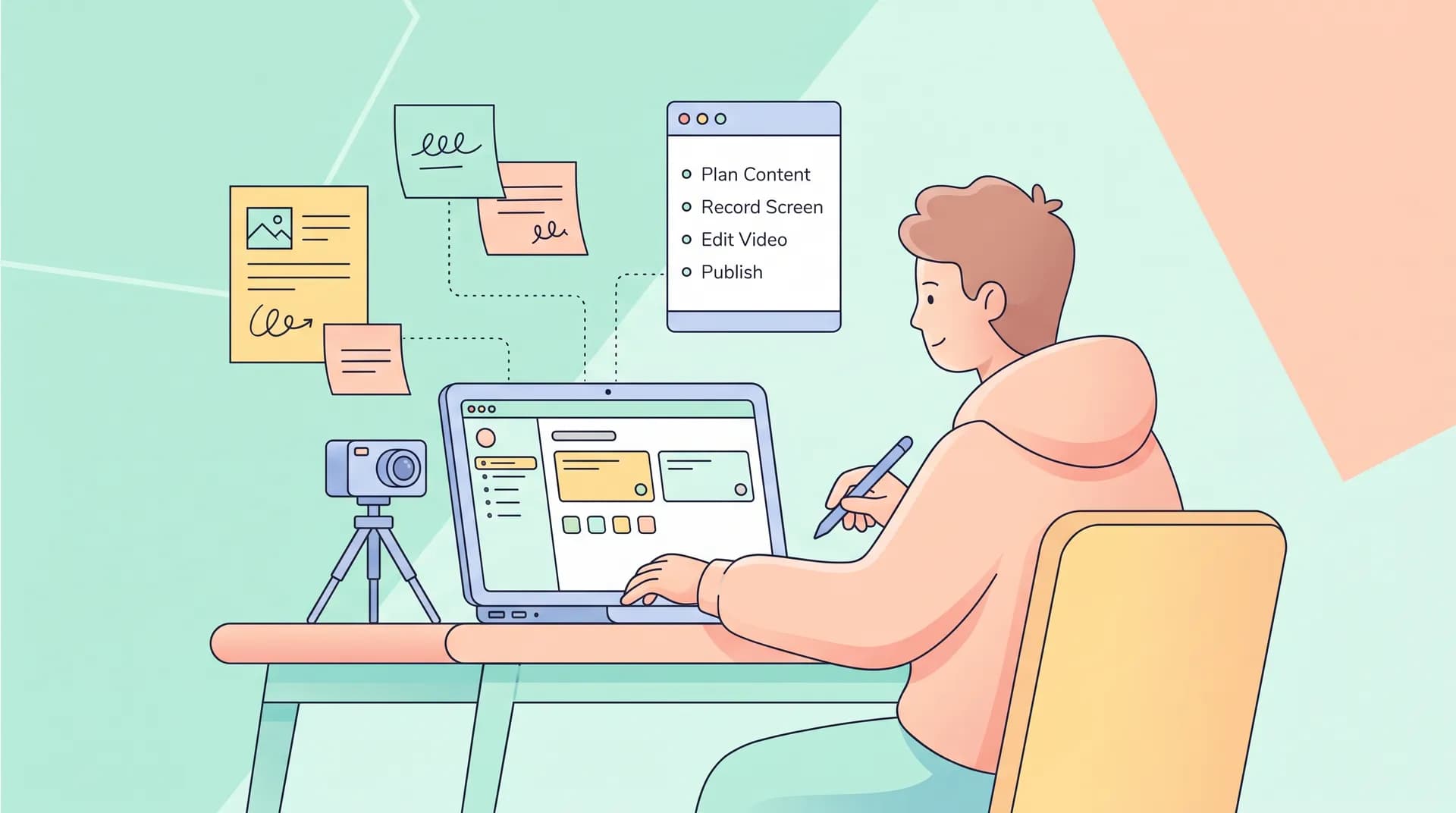
Software Workflow Demo Brief: Brief Workflows, Not Scripts
Learn how to write a software workflow demo brief that hands creators a real product flow to film instead of a scripted ad that sounds fake.

I once watched a creator read a script that said "and then you'll just effortlessly sync your data across platforms" while staring blankly at a loading spinner that had been stuck for eleven seconds. That clip got cut, obviously. But it's a perfect snapshot of what happens when you hand a creator words instead of a workflow.
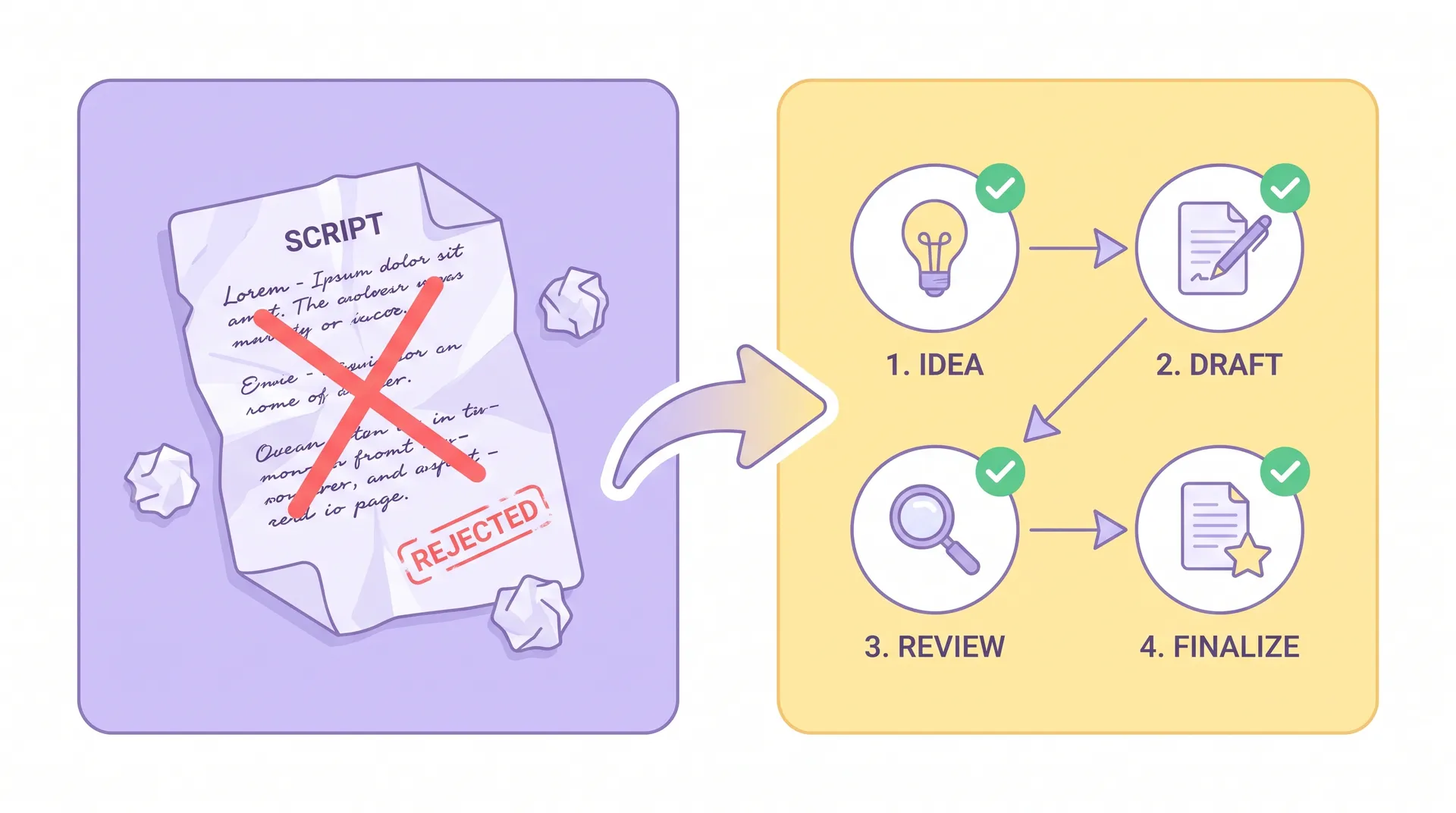
Most B2B teams write briefs the way they'd write a TV commercial. Opening line, pain point, feature callout, CTA. It reads great in a Google Doc. It falls apart the second a creator opens your actual product and nothing matches what the script says should happen. A real software workflow demo brief does something different: it hands the creator a task to complete inside your product, not a monologue to perform in front of it.
What a software workflow demo brief actually is
A software workflow demo brief is a document that tells a creator which real task to complete inside your product, in what order, and what outcome to show at the end — instead of giving them a word-for-word script to read on camera.
Think of it like an onboarding doc for a new employee's first task, not a teleprompter feed. You're not telling them what to say. You're telling them what to do: "Create a new project, invite a teammate, assign the first task, mark it complete." The creator narrates their own experience of doing that, in their own words, with their own reactions.
This matters more in B2B SaaS than almost anywhere else. Your buyer is evaluating whether the tool solves a specific job. A scripted testimonial about "seamless collaboration" tells them nothing. Watching someone actually drag a card across a Kanban board and say "okay that's annoyingly easy" tells them everything.
I wrote about this exact tension in our pillar piece on B2B influencer marketing — the whole thesis is that B2B audiences smell scripted enthusiasm from a mile away. A workflow brief is the tactical fix for that problem.
Script-based briefs vs workflow-based briefs
Here's the difference laid out plainly:
A script-based brief gives the creator:
- Exact lines to read
- A feature list to mention in order
- Zero context on why the feature matters to a real user
A workflow-based brief gives the creator:
- A starting state (a demo account, a blank dashboard, a specific data set)
- A sequence of actions to perform
- An end state that proves the task got done
- Freedom to react honestly to friction, speed, or surprises along the way
The second kind produces footage that looks like someone actually using software. Because it is.
How to build the brief around one real workflow
Pick one. Not three, not "a general tour." One workflow, start to finish. If your product does five things well, that's five separate briefs and five separate videos, not one Frankenstein demo trying to cover everything in 90 seconds.
1. Define the job-to-be-done. What is the user trying to accomplish? "Set up automated invoicing for a new client" is a job. "Explore the billing section" is not. Vague tasks produce vague footage.
2. Set up a clean demo environment. This is where most briefs fail before the creator even logs in. If your demo account has test data from six months ago, broken integrations, or a UI that's mid-redesign, the creator either has to work around the mess on camera or you end up reshooting. I go deeper on getting this part right in our guide to demo account and sample data setup — it's worth doing before you send a single brief.
3. Write the workflow as numbered steps, not prose. Something like:
- Log into the demo workspace
- Create a new client record with the provided sample data
- Generate an invoice from the client's open project
- Send the invoice and show the status update
That's it. No adjectives, no marketing language. Just the path.
4. Flag the moment that matters most. Every workflow has one beat that's the actual payoff — the moment the software does the thing competitors can't, or does it faster than expected. Tell the creator explicitly: "This step right here, step 3, is the one to slow down on. That's the thing people don't believe until they see it."
5. Leave the reaction unscripted. Tell the creator to say what they'd actually say. If step 3 is slow, they can say it's slow. If it's surprisingly fast, let them react to that. Authentic friction builds more trust than fake polish — buyers have been burned by vaporware demos before.
Why this works better for conversion
Scripted B2B ads have a trust problem. Viewers have seen a thousand "I was skeptical but then—" testimonials and they've learned to discount every one. A workflow demo sidesteps that because it's structurally different. You're not asking the audience to trust a claim. You're showing them a sequence of actions and letting them judge the result themselves.
This also solves a practical production problem. When a creator is given a script, they have to memorize lines while also clicking through an unfamiliar interface. That split attention is exactly why you get stilted line reads and awkward pauses while someone hunts for a button. When the brief is a workflow instead, the creator's full attention goes to the task, and the narration comes out naturally because they're describing something they're actually doing in real time.
There's a vetting angle here too. A workflow brief doubles as a soft skills test. If a creator can't follow a numbered sequence inside your product without hand-holding, that's useful information before you pay for a full shoot. We cover this more in our B2B creator vetting process piece — product fluency should be checked before cameras roll, not during editing.
Matching the creator to the workflow
Not every creator should get every workflow brief. If the task involves API setup or admin-level configuration, you want someone with actual technical chops, not just a charismatic presenter. This is the "job roles over follower counts" principle — we go deep on it in our piece on casting B2B creators by role, not reach. A marketing ops manager will narrate a CRM workflow differently — and more credibly — than a generalist creator reading the same steps cold.
It also helps to find people who've used tools like yours before. Our guide on finding practitioner creators covers how to source people who already speak the language of your product category, which makes the unscripted narration even stronger.
Send the workflow brief at least 48 hours before the shoot and ask the creator to do a dry run in the demo environment first. The first pass through any new software is clumsy — you don't want that clumsiness to be the one you publish.
What to include in the written brief
Keep the document itself short. One page, maybe two. Here's the skeleton I use:
- Context: one sentence on who the end user is and what problem they're solving
- Demo environment access: login details, sample data notes, anything pre-loaded
- The workflow: numbered steps, no fluff
- The payoff moment: which step to slow down on and why
- Tone guidance: not a script — just "casual," "direct," "skeptical-turned-convinced," whatever fits
- What NOT to say: compliance language, claims you can't legally make, competitor comparisons if that's off-limits
- Asset specs: resolution, orientation, length range, and how the footage will be used downstream in demo-video production — whether it's getting cut into a longer explainer or used as raw b-roll matters for how they should frame shots
The "what NOT to say" section is the one teams skip and regret. Creators will improvise commentary around the task you give them, and improvisation near legal or compliance topics needs guardrails up front.
Common mistakes with workflow briefs
Giving too many steps. If your workflow brief has 15 steps, it's not a demo, it's a tutorial. Tutorials are great, but they're a different asset with different pacing. Keep it to the 4-7 steps that show the core value.
Forgetting to test the environment yourself first. If you haven't run through the exact sequence in the demo account within the last 24 hours, don't send the brief. Software changes. Staging environments break. A broken step kills the whole shoot day.
Writing the brief for your internal team, not the creator. Internal jargon, feature code names, and acronyms mean nothing to someone outside your company. Write it like you're onboarding a smart friend who's never seen your product.
Treating it as one-and-done. The first workflow brief you write won't be perfect. Watch the resulting footage, note where the creator got confused or where pacing dragged, and tighten the next version.