The UGC ad shoot brief: direct creators for paid social
Learn how to write a UGC shoot brief that gets ad-ready creative — aspect ratios, silent-viewing hooks, required variations, and no-music rules covered.

A creator once sent me four gorgeous UGC videos with music beds baked into the audio, all filmed in 16:9 landscape. The brand wanted 9:16 vertical for Meta Stories and TikTok. Every single deliverable was unusable as a paid ad. We had to reshoot the whole thing.
That wasn't the creator's fault. It was the brief's fault. Or rather, the complete absence of a proper ugc shoot brief.
Most brands approach UGC briefs like they're writing a mood board request — vibe words, reference links, a sentence about the product benefit. That works fine if you want organic social content. It doesn't work when you're pulling creative into Ads Manager and spending $10,000 behind it. Paid-social UGC has a completely different set of technical and structural requirements, and if your brief doesn't spell them out, you'll eat the cost in reshoots, rejected uploads, or ads that technically run but silently tank.
Here's how to write a shoot brief that actually gets you ad-ready creative.
What a UGC shoot brief for paid social must do differently
A standard creative brief tells a creator what the brand is and what the product does. A paid-social shoot brief tells a creator exactly how to capture footage so it can survive the gauntlet of platform specs, silent-viewing behavior, aspect ratio requirements, and ad account policies.
Those are very different documents.
The gap matters because most UGC creators — even great ones — default to filming content the way they'd film for their own organic feeds. That means landscape or square framing, music they love, captions styled for TikTok's native viewer, and a single "hero" take. None of that is wrong for organic. All of it is a problem for paid.
When I talk to media buyers at DTC brands, the number one frustration I hear is receiving deliverables that need expensive post-production work before they can even be tested. A well-structured brief eliminates that friction before a single second of footage is shot.
If you want the full picture of how UGC fits into a paid-social creative system, read our UGC ads: the complete performance creative guide — this article goes deep on one specific piece of that puzzle.
The five things your brief must specify before filming
- Aspect ratios and safe zones — which formats you need and exactly where text-safe areas fall
- Required variations — hook variants, CTA variants, product mention variants
- Silent-viewing optimization — on-screen text, visual storytelling without audio dependence
- Music and audio rules — what's allowed, what's banned, and why
- Deliverable format — file type, resolution, how to send, naming conventions
Miss any one of these and you're negotiating a reshoot.
Aspect ratios and safe zones: be embarrassingly specific
Don't write "vertical video." Write this:
"Please film all content in 9:16 vertical (1080 x 1920px). Keep all face, product, and spoken content within the center safe zone — roughly 150px from the top and 300px from the bottom of frame. This protects the image from being obscured by platform UI elements (captions, CTAs, share buttons) in both Meta Stories/Reels and TikTok."
That level of specificity sounds excessive until you receive a video where the creator's mouth is cropped by a swipe-up UI element.
For most paid-social campaigns running on Meta and TikTok simultaneously, you'll want:
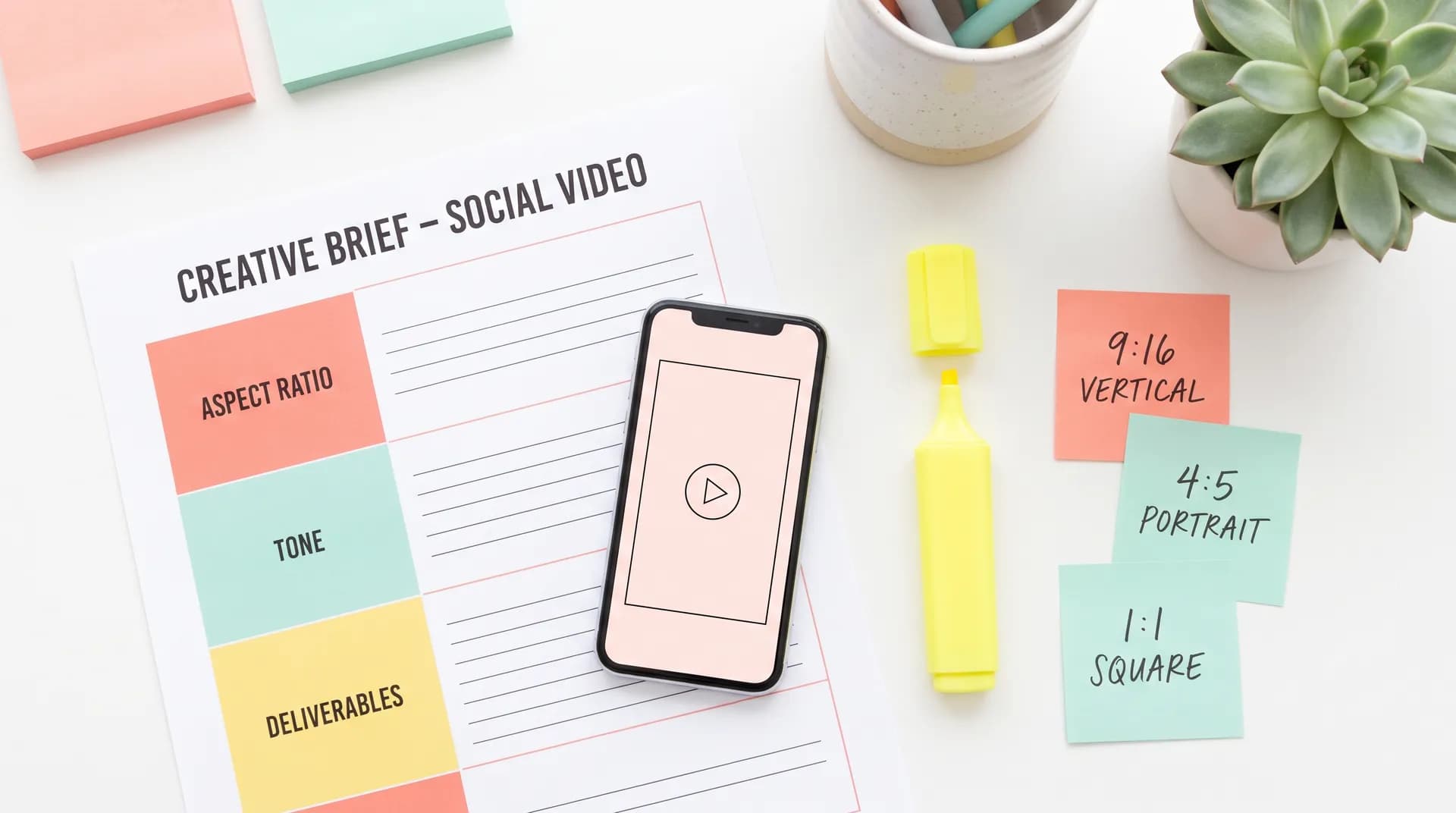
- 9:16 (1080×1920) — TikTok, Meta Stories, Meta Reels, YouTube Shorts
- 4:5 (1080×1350) — Meta Feed (this is often overlooked and extremely high-performing)
- 1:1 (1080×1080) — Meta Feed fallback, sometimes Pinterest
The smart move: brief creators to film everything in 9:16 with the subject centered. A centered 9:16 shot can be cropped to 4:5 and 1:1 in post without losing the key visual. A 4:5 shot cannot be turned into a clean 9:16. Film wide, crop tight — not the other way around.
If you're running creator whitelisting on Meta or TikTok Spark Ads, the native aspect ratio of the creator's organic post also matters — brief for that separately.
Required variations: this is where most briefs completely fail
One video is not a creative test. One video is a coin flip.
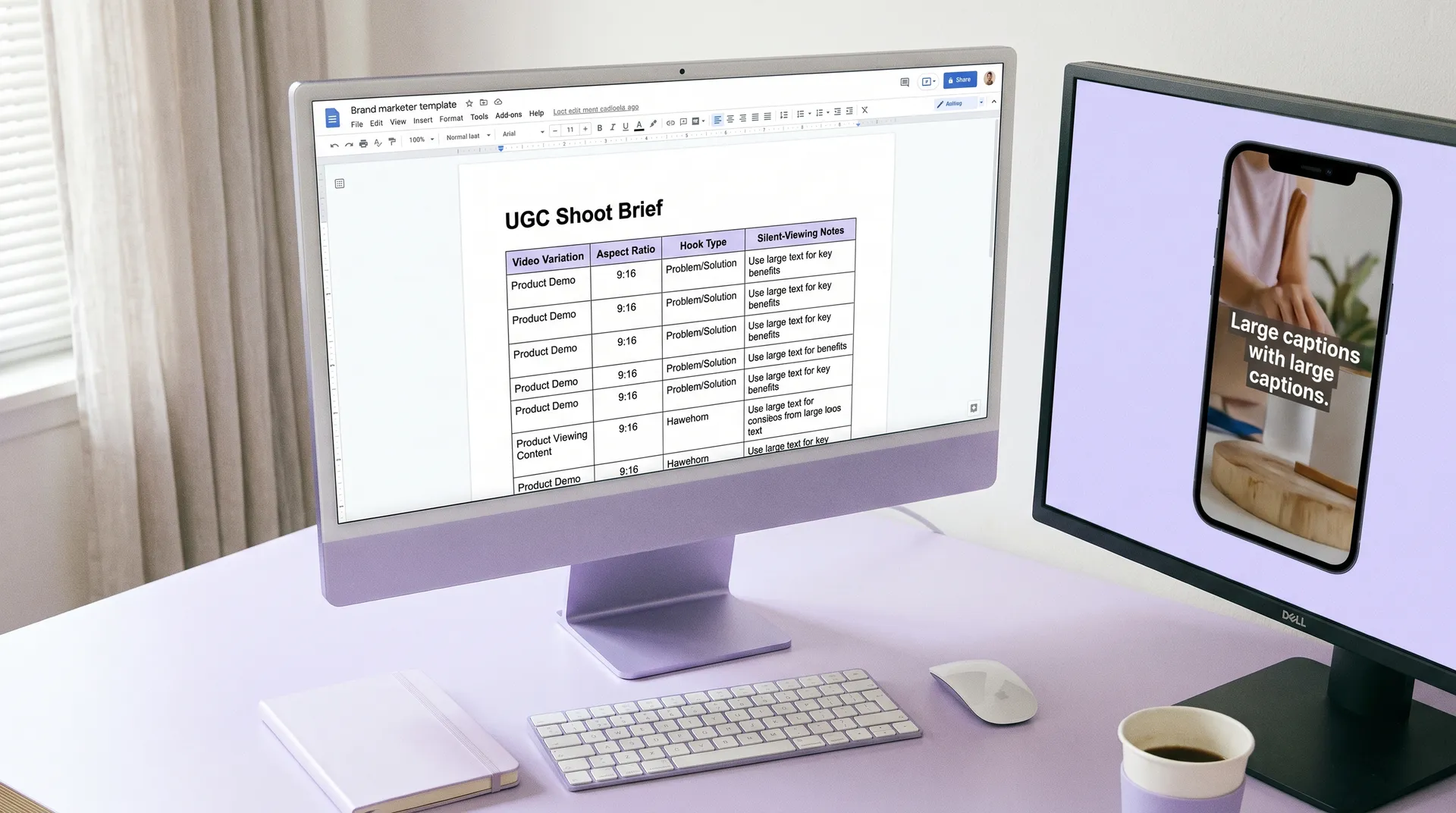
The whole point of UGC for paid social is volume and variation — you need enough distinct creative angles to actually run A/B testing and identify what resonates with different audience segments. Your brief needs to specify this explicitly or you'll get one polished video that the creator is proud of and you can't do anything useful with.
Here's the variation structure I use when briefing creators for performance campaigns:
Hook variations (minimum 3):
- Hook A: Problem-led ("I've tried every [product category] and nothing worked until...")
- Hook B: Curiosity/pattern interrupt ("This changed how I think about [problem]")
- Hook C: Social proof/result ("I've been using this for 30 days and here's what happened")
Each hook should be filmed as a standalone cold open — no intro, no "hey guys," no context-setting. The hook is the ad's first 2–3 seconds and it gets replaced, mixed, and tested independently.
CTA variations (minimum 2):
- Direct ("Link in bio, use code [X] for 20% off")
- Soft ("If you want to try it, I'll link it below")
Product interaction variations:
- Unboxing or first-touch moment
- In-use shot with clear product visibility
- Result or outcome moment
Brief these as specific deliverables, not suggestions. If you don't name them, you won't get them.
One practical note: brief creators to film each variation as its own separate clip, not as one long take that you'll try to chop up later. Editors can't manufacture natural pauses or reset energy mid-video. Discrete clips = usable footage.
For more on what the creator sees on their side of this brief, how to read a performance creative brief as a UGC creator covers their perspective in detail.
Silent-viewing optimization: most brands skip this entirely
85% of Facebook video is watched without sound. The TikTok number is lower — closer to 40% — but still significant. If your UGC ad relies entirely on spoken audio to communicate value, you're losing roughly half your potential audience before they even decide to engage.
Your brief needs to address this directly. Don't assume creators know what silent-viewing optimization means. Spell it out.
What to include in your silent-viewing brief section:
"Please assume at least 40% of viewers will watch with sound off. The video should communicate the core benefit visually even without audio. This means:
- Show the product being used, not just talked about
- Demonstrate results or transformation on-screen
- Do not rely on spoken words alone to explain the key benefit — show it"
On-screen text is your other tool here. Brief creators to leave room for text overlay in post — or if you want them to film with on-screen text already added (common for TikTok-native UGC), specify exactly where it should appear, what font style aligns with the brand, and what it should say.
The UGC text overlay guide for TikTok, Reels, and Shorts goes deep on the platform-by-platform specs if you need to send creators a reference.
The music and audio rules section (non-negotiable)
This is the single clause that prevents the most expensive mistakes.
Your brief must include a clear, explicit music policy. Here's the language I use:
"Do NOT add any background music to your deliverables. Submit all videos with clean audio only — your voice and ambient sound are fine, but no music tracks, trending audio, or sound effects baked into the video file. We will add licensed or royalty-free music in post-production based on platform requirements. Videos submitted with music embedded cannot be used for paid advertising without legal risk."
Why so strong? Because copyrighted music in paid ads is a violation — not just a TikTok policy issue, but a legal liability. A creator might use a trending audio that's fine for organic TikTok (covered under the platform's creator license) but the moment that audio runs in a paid ad, the license doesn't cover it. Meta's ad account gets flagged, you dispute it, you lose a week.
Royalty-free is also not automatically safe. Platforms like Epidemic Sound have specific commercial licensing tiers — and a creator's personal subscription doesn't cover brand ad usage. Always add music in post with proper licensing, never import it from the creator.
The one exception: if you're capturing a deliberate "silent" or "ASMR-style" video where ambient sound IS the creative concept. Brief that explicitly and separately.
Deliverable format and handoff: don't leave this vague
The brief isn't done until you've told creators exactly how to submit. Ambiguity here creates back-and-forth that eats time.
Specify:
- File format: MP4 (H.264 codec), not MOV, not compressed iPhone exports
- Minimum resolution: 1080×1920 for 9:16 content
- Minimum frame rate: 24fps (30fps preferred)
- No auto-generated captions burned into the file
- No filters or color grading unless you've specifically approved a style
- How to send: Google Drive folder, Dropbox, or your platform of choice
- File naming convention:
[BrandName]_[CreatorName]_[VariationType]_[Date].mp4
That last one seems trivial until you're managing 8 creators across a campaign and your editor opens a folder full of files named video_final_FINAL2.mp4.
When you're pulling everything together into Meta Ads Manager, the UGC campaign setup guide walks through exactly how assets should be organized for launch.
A note on what not to over-specify
There's a balance. Over-briefing kills the authenticity that makes UGC work.
Tell creators the technical constraints, the variations you need, and the core message. Don't script every sentence, don't prescribe every camera angle, and don't tell them how to feel about the product. The reason UGC outperforms polished studio ads is that it sounds like a real person — and real people don't follow teleprompters.
Give them the structure. Let them fill it with their actual personality.
If you want to understand why that authenticity gap matters so much for ad performance, why UGC content beats polished ads on Meta and TikTok has the data behind it.
Frequently Asked Questions
What should a UGC shoot brief include for paid social ads?
What aspect ratio should UGC creators film in for paid ads?
Can UGC creators use background music in ad content?
How many video variations should I ask for in a UGC brief?
What does silent-viewing optimization mean in a UGC brief?
What file format should UGC creators deliver for paid ads?
Related reading
- UGC ads: the complete performance creative guide
- Creative brief examples for UGC hook A/B testing
- How to read a performance creative brief as a UGC creator
- Creator whitelisting for Meta ads: what you need to know
- TikTok Spark Ads: creator authorization setup guide
- Meta ads library to launch: UGC campaign setup guide
- Why UGC content beats polished ads on Meta and TikTok
- UGC ad creative fatigue: spot it and fix it fast