How to set up a UGC creator profile that gets replies
Learn how to set up a UGC creator profile on TikTok and Instagram that signals value to brands — bio framing, niche, and contact info covered.

Your UGC creator profile is the first thing a brand manager sees when they click your name. Before your portfolio loads, before they read your pitch, before they check your rates — they've already judged you on a two-second bio scan.
Most beginners get this completely wrong. They either leave their profile looking like a personal account ("dog mom 🐾 coffee obsessed ✨") or they slap "UGC creator" in their bio and call it done. Neither of those gets replies.
Setting up a proper ugc creator profile takes about 20 minutes. It's not complicated. But the framing decisions you make here will determine whether a brand DM goes into your inbox or into the void.
What your UGC creator profile actually needs to do
Here's the thing most beginners miss: your TikTok and Instagram profiles aren't for audience growth. They're sales pages. A brand manager shouldn't have to guess what you do, who you make content for, or how to contact you. That information needs to be front and center.
You're not an influencer trying to go viral. UGC creators and influencers operate completely differently — your follower count is irrelevant to a brand buying ad creative. What matters is whether your profile reads as professional and relevant to their product category.
Think of it like a freelancer's homepage. Clear service, clear niche, clear CTA. That's the whole job.
Before you touch your bio, make sure you actually know what niche you're positioning in. If you haven't figured that out yet, the beginner's guide to choosing your UGC niche covers exactly how to pick one that brands are actually spending money in.
How to write a brand-facing UGC creator bio
Your bio has 80–150 characters on TikTok and 150 on Instagram. That's not a lot of room, so every word earns its place.
The formula I'd use:
- What you make (UGC videos / ad creative)
- Who you make it for (your niche — skincare, fitness, home goods, etc.)
- What brands get from working with you (optional but powerful)
- How to contact you
Here's what that looks like in practice:
Weak bio: "UGC creator | Content creator | Lifestyle 🌿"
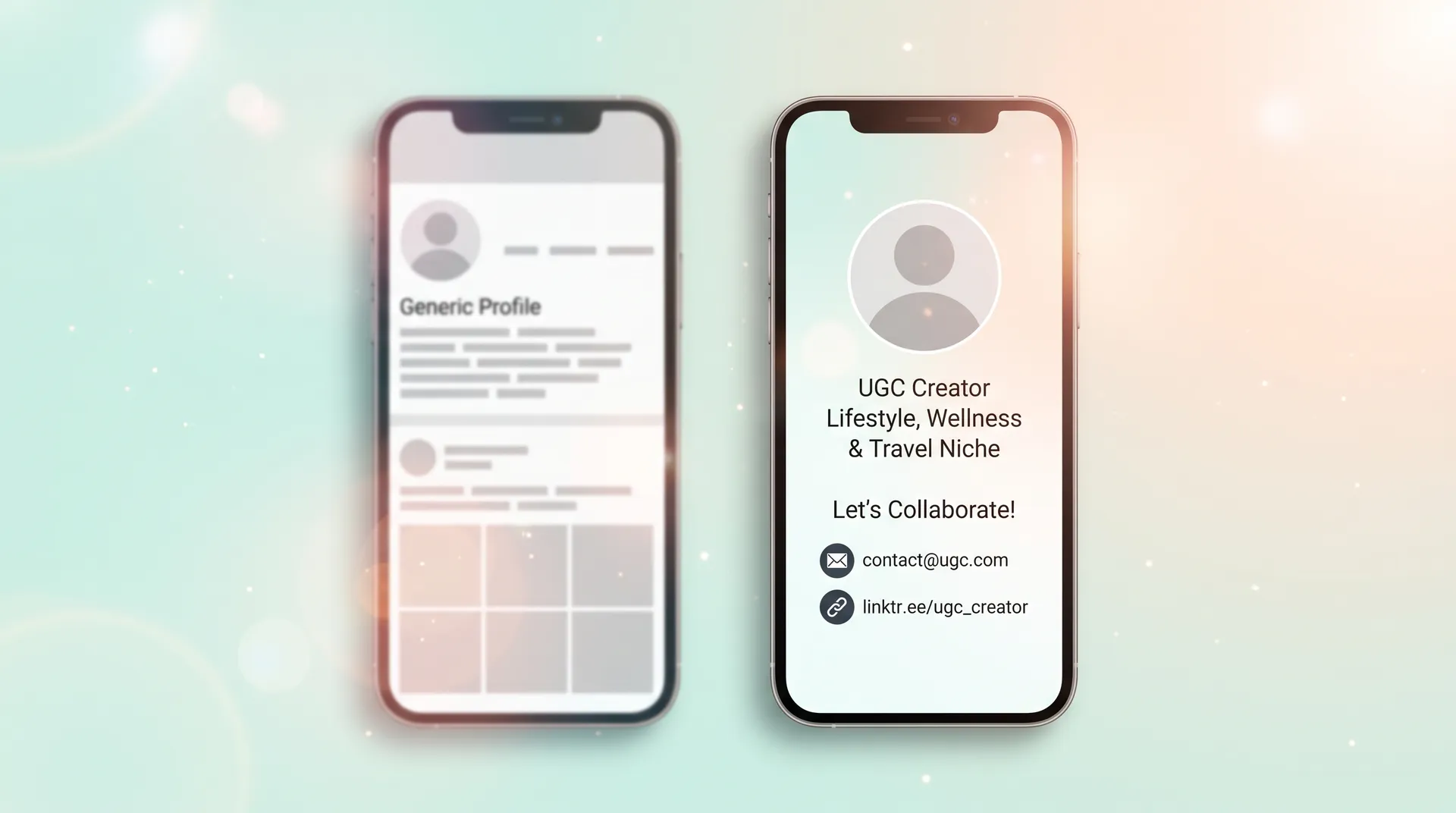
Stronger bio: "UGC creator | Skincare & wellness content for brands | Deliverables in 48hrs | 📩 Link below"
The weak version tells a brand nothing useful. The stronger one tells them your niche, a competitive differentiator (fast turnaround), and exactly what to do next. Notice there's no follower count flex, no vague "✨vibes✨", no list of personal hobbies.
A few things to avoid:
- "Available for collabs" — sounds too influencer-coded. Brands who want UGC don't think in "collabs."
- Listing every niche you can cover — pick one or two. "Skincare, fitness, food, tech, travel, pets" reads as unfocused.
- Emoji overload — one or two max. You're positioning as a professional vendor, not a personal account.
On TikTok specifically, your display name matters too. Many UGC creators add their niche or the term "UGC" directly into their display name (e.g., "Sarah | Skincare UGC Creator") because it shows up in search and immediately signals intent before someone even clicks your profile.
Platform-specific profile setup: TikTok vs. Instagram
You don't need to be on every platform. But TikTok and Instagram are the two that matter most for brand outreach right now, and they have slightly different priorities.
TikTok profile setup
Switch to a Creator or Business account — not a personal account. This unlocks analytics, which brands may ask for, and it signals that you're serious.
Your profile photo should be a clean, well-lit shot of your face (or your branded logo if you're doing faceless UGC). Brands are buying you as a creative asset, so a blurry selfie or a cartoon avatar isn't doing you favors.
Add your contact info in the bio link — either a Linktree, a Notion portfolio page, or your Flare profile. The bio link on TikTok is only available once you hit 1,000 followers, but you can add your email directly in the bio text until then.
One thing I see beginners skip: pinned videos. Pin two or three of your best UGC practice videos to the top of your profile. This turns your TikTok into a mini-portfolio the moment someone lands on it. Brands won't scroll 47 posts deep — show them your best work immediately.
Instagram profile setup
Switch to a Professional account (Creator type). Same reasoning: unlocks insights and reads as more professional.
Instagram gives you slightly more bio real estate and also a Category label that shows under your name — set this to "Content Creator" or "Digital Creator." It's a small signal, but it matters.
The link in bio is critical on Instagram. This is where you point brands to your full portfolio. If you don't have a standalone portfolio site yet, a single-page Notion doc or a platform like Flare that hosts your work is totally fine. The important thing is that there's somewhere for a brand to go after they read your bio.
Your Instagram grid should look intentional. You don't need 100 posts — you need 9–12 posts that look cohesive and demonstrate what your content looks like. If your grid is a mix of vacation photos, memes, and old selfies, take 30 minutes to film some practice content and post that instead.
Contact information — the thing everyone gets wrong
I'm going to be blunt: if a brand manager can't figure out how to contact you within 10 seconds of landing on your profile, you've already lost that deal.
Your contact path should be:
- Email in bio (or "📩 DM for rates" if you're early and have no link yet)
- Link in bio → portfolio → contact email or inquiry form
That's it. Don't make them hunt. Don't make them fill out a vague contact form with no response time listed. The faster you can get a brand from "I found this creator" to "I have their email open," the better your conversion rate on inbound interest.
Your business email should look professional. ugccreator_sarah@gmail.com is fine. sarahxoxo_unicorn99@hotmail.com is not. If you're serious about this, spend 10 minutes setting up a clean email address specifically for brand work.
The profile check before you start outreach
Before you start sending cold pitches — and if you want to get those right, the guide on how to pitch brands for UGC in our full creator playbook is worth reading — run through this quick checklist:
- Professional account (Creator/Business) on both platforms
- Clean headshot or branded profile photo
- Bio clearly states: UGC creator + niche + one differentiator + contact CTA
- Display name includes "UGC" or your niche keyword (TikTok especially)
- Link in bio goes somewhere — portfolio, Linktree, or email
- 3+ pinned videos showing practice UGC content (TikTok)
- 9–12 grid posts that look intentional (Instagram)
- Contact email is professional and easy to find
If you can check all of those off, your profile is doing its job. It's not going to guarantee deals — your UGC portfolio and outreach do the heavy lifting there — but it means you won't lose opportunities because your profile looked like you weren't serious.
One more thing. Brands will Google you. Seriously. If your only online presence is an empty TikTok account with three videos, that can raise flags. Consistency across TikTok and Instagram — same bio framing, same name, same niche signal — makes you look established even if you're brand new.
As you grow into this and start thinking about what the day-to-day of UGC creation actually looks like, this breakdown of the UGC content creator workflow gives you a realistic picture of where the profile fits into the bigger business.
Frequently Asked Questions
What should I put in my UGC creator bio?
Do I need a lot of followers to set up a UGC creator profile?
Should I use TikTok or Instagram for my UGC creator profile?
What account type should I use for UGC on TikTok and Instagram?
Do I need a website for my UGC creator profile?
What should my UGC creator display name be on TikTok?
Related reading
- How to become a UGC creator: the complete guide
- How to choose your UGC niche (beginner's guide)
- How to film your first UGC video (practice shoot guide)
- UGC creator vs. influencer: what's the real difference?
- How to Build a UGC Portfolio That Wins Campaigns
- UGC creator equipment: what you actually need (and what you don't)