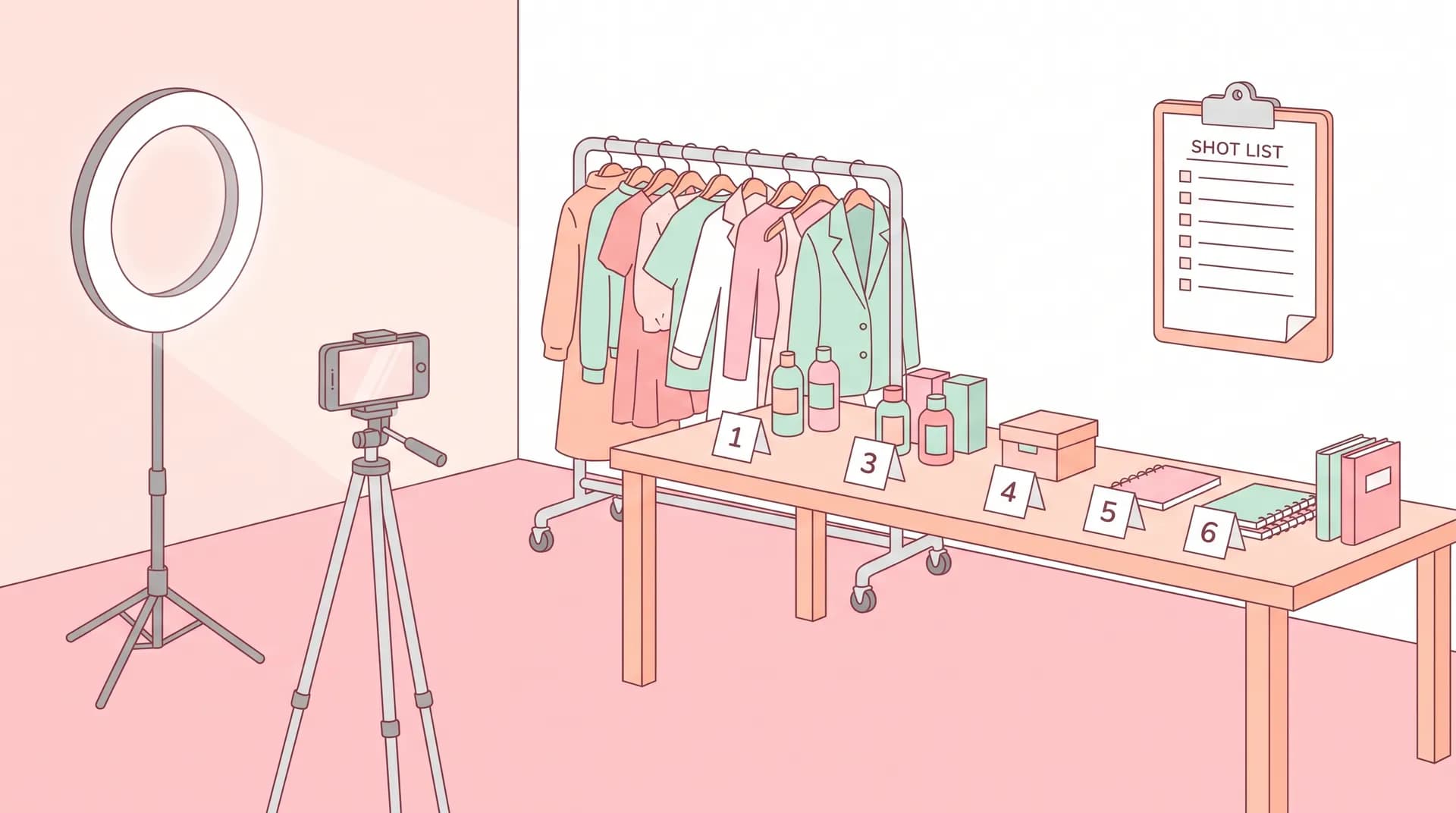
How to Batch Film UGC Content in One Shoot Day
Learn how to batch film UGC content in a single session with a real production plan — wardrobe, lighting resets, shot-list order, and energy management.

I used to burn an entire Saturday filming one UGC video. One. By the time I had it in the can, I'd wrecked the light, forgotten what I said in the hook, and had zero energy left to film anything else. That's not a business — that's a hobby with invoicing.
Then I started batch filming, and everything changed. Now a single four-hour shoot day gets me 8-12 finished deliverables across 3-4 brands. Same apartment, same phone, same me. The difference wasn't better gear or more talent. It was a production plan that treats the shoot day like an actual shoot, not a series of one-off vibes sessions.
If you're still filming one video per sitting, you're leaving money on the table and burning hours you don't have. Here's exactly how I structure a batch day so I walk out with a month of content instead of one clip.
How to Batch Film UGC Content Without Losing Your Mind
Batching isn't just "film a bunch of stuff in a row." Done wrong, it's actually slower than filming one video at a time, because you're constantly resetting lighting, losing your train of thought on scripts, and running back and forth changing clothes. Done right, it's a sequenced system where every swap — wardrobe, location, product, energy — happens in a specific order that minimizes resets.
The core idea: group everything by what stays the same, not by what brand it's for. If three deliverables use the same lighting setup and the same room, film all three back to back before you touch anything. If two videos need the same energy level (hyped, calm, conversational), film those together too. You're not organizing by client. You're organizing by physical and emotional continuity.
This only works if you've already nailed the fundamentals of shooting solid UGC on your own — if you haven't, go read our full guide on how to film UGC content that converts first. Everything below assumes you already know how to frame a shot and deliver a line. This is about sequencing multiple shoots, not shooting one.
Build the Shot List Before You Touch Your Phone
The single biggest batch-day killer is figuring out your plan while the camera's already rolling. Don't do it.
The night before, I write out every deliverable I'm filming with three columns: location/setup, wardrobe, and script beats. Something like:
- Kitchen counter, casual top, product demo for skincare brand (3 takes)
- Kitchen counter, same wardrobe, unboxing for a different skincare-adjacent brand (2 takes)
- Bedroom mirror, changed outfit, testimonial-style talking head for a supplement brand (2 takes)
- Living room couch, cozy outfit, before-and-after story format (3 takes)
Notice how I grouped by location and wardrobe, not by brand or due date. That's the whole trick. Order your shot list so wardrobe changes and lighting resets happen as rarely as possible — ideally just once or twice across the whole day.
If you're filming multiple product demo videos, our post on how to film a UGC product demo that actually converts is worth reviewing before batch day, since demo pacing differs a lot from testimonial pacing and you don't want to blur the two on the fly.
Sequence by Setup, Not by Brand
Here's the sequencing logic I use every time:
- Same room, same light, same outfit — knock out every video that fits this bucket first. This might be 3-5 deliverables.
- Same room, new outfit — do a fast wardrobe swap, keep the light and background identical.
- New room, new light — this is your one full reset. Batch every deliverable that needs this setup together so you only do it once.
- B-roll pass — film all the supporting cutaways, product close-ups, and hand shots for every video at once, at the very end.
That last point matters more than people think. If you scatter b-roll shooting throughout the day, you'll forget which clips go with which video. Batch b-roll as its own block, and label clips on your phone immediately after each one. Our guide on how to shoot b-roll for UGC videos that sell covers exactly what shots to grab in this pass — product-in-hand, texture close-ups, packaging shots, the works.
Wardrobe, Lighting, and Scene Resets That Don't Kill Your Momentum
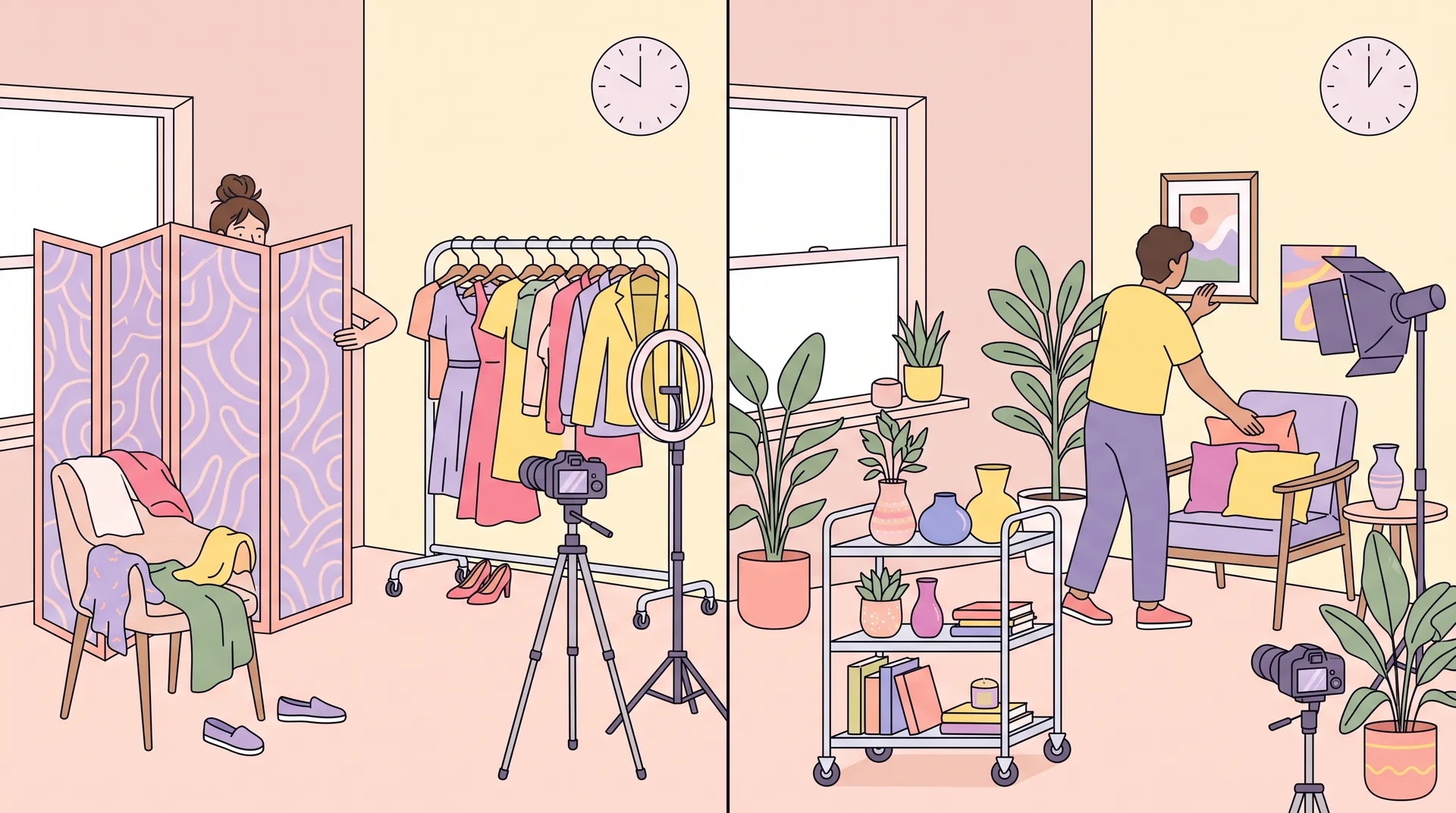
Wardrobe changes are the number one time-suck on a batch day. Here's how I keep them under two minutes each.
Pre-stage outfits in shoot order, not closet order. The night before, I lay out every outfit on the bed or a rolling rack in the exact sequence I'll wear them. No digging through drawers mid-shoot. This alone probably saves me 30 minutes across a full day.
Keep jewelry and hair simple between changes. If your hook video needs a different look than your demo video, decide that in advance and pick styling choices that transition fast — swap a jacket, not a whole hairstyle.
Reuse your lighting setup across as many outfits as possible. If natural light is working for you, don't touch the blinds until you've filmed everything that setup can support. Check our post on filming UGC videos with natural light at any time of day if you're trying to stretch one window's light across a longer session — the angle changes faster than you'd think, especially past midday.
If you're using a ring light or LED panel instead, resist the urge to move it between every video. Pick 2-3 fixed positions for the day and batch your deliverables around those positions, not the other way around. We go deeper on setup choices in our budget lighting comparison if you're still deciding what gear to buy.
Snap a reference photo of each lighting setup on your phone before you strike it. When you come back to that spot later in the day (or the following week), you'll match it in seconds instead of eyeballing it.
Scene resets should happen in one motion, not piecemeal. When you switch from kitchen to bedroom, move everything you need — phone, tripod, mic, product, script notes — in a single trip. Sounds obvious. It's the thing everyone skips, and it's why "quick resets" turn into fifteen-minute wanders around the apartment.
Managing Energy So Video Eight Doesn't Sound Like Video One's Tired Cousin
Nobody talks about this part, but it's the reason batch days fail creatively even when they succeed logistically.
Your energy degrades across a shoot day. Video one, you're fresh and enthusiastic. Video six, you sound like you're reading a grocery list. Brands notice. And if your entire month of content was filmed in one afternoon, that fatigue shows up across everything you deliver that cycle.
Here's how I manage it:
Film your highest-energy hooks first. Excited unboxings, hyped "you need this" openers, anything that requires big vocal energy — get those done in the first 90 minutes while you've still got it. Save calmer formats like testimonials or slow-paced before-and-afters for later in the day when your voice is naturally more relaxed anyway. If you need a refresher on hook energy specifically, our post on UGC video hooks that stop the scroll breaks down what different hook styles actually require from your delivery.
Take a real break every 90 minutes. Not a scroll-your-phone break. Step outside, eat something, drink water. Talking on camera for hours straight dries out your voice and flattens your affect, and viewers can hear it even if they can't name what's wrong.
Re-read the script out loud before every take, even the tenth one. By video seven you'll be tempted to wing it because you "basically know the beats." That's exactly when deliveries start blurring together and sounding robotic. If your scripts follow a structure like our Problem-Agitate-Solve framework, a quick read-through keeps the emotional arc intact instead of flattening into a monotone list of features.
Watch your first take back before moving to takes two and three. This catches energy drop-off early, before you've locked in a low-energy pattern across the whole block.
If you notice your voice getting flat or your pacing speeding up because you're rushing to finish, stop and take the full break. Pushing through tired footage means reshoots later — which costs you more time than the break would have.
Realistic Time Math for a Batch Day
A good rule of thumb: budget 20-30 minutes per finished deliverable when you're grouped well, including takes and a bit of buffer. That means an 8-video batch day realistically takes 3.5-4 hours of active filming, plus setup and breakdown time on either end.
If you're doing wardrobe or location resets, add 15-20 minutes per reset. This is why grouping matters so much — two resets across an 8-video day costs you 40 minutes; five resets costs you nearly two hours.
Don't try to cram more than 10-12 deliverables into a single day unless you've done this a bunch of times already. Quality drops fast past that point, and you'll spend next week reshooting the ones that didn't land. I'd rather have 8 great videos than 14 mediocre ones I'm embarrassed to submit.
Struggling to source enough deliverable variety to make a full batch day worth it? Check our list of 12 high-converting UGC video formats — mixing in unboxings, before-and-afters, and testimonials alongside straight demos gives you more grouping flexibility on shoot day.
This whole framework is about the physical act of filming — sequencing, wardrobe, energy, resets. If you're also trying to batch the writing, editing, or captioning side of your workflow using AI tools, that's a separate conversation entirely — we cover that in our AI batching workflow guide.
Your Batch Day Checklist
Before you hit record, run through this:
- Shot list written and sequenced by setup, not by brand
- Wardrobe pre-staged in shooting order
- Lighting positions decided and locked (2-3 max for the day)
- Scripts printed or pulled up, ready for quick read-throughs
- B-roll shots listed separately for a dedicated end-of-day pass
- Snacks and water within arm's reach
- Phone storage cleared, batteries charged, backup battery pack ready
Miss any one of these and you'll feel it around video five, when you're digging through your closet mid-shoot wondering where you put that cardigan.
FAQ
Frequently Asked Questions
How many UGC videos can I realistically batch film in one day?
Should I batch film by brand or by setup?
How do I stop my energy from dropping during a long shoot?
How much time should I budget per deliverable when batching?
Do I need different lighting setups for a batch day?
Is batch filming different from batching UGC content with AI tools?
Related reading
- How to film UGC content that converts (full guide)
- How to shoot b-roll for UGC videos that sell
- UGC lighting on a budget: natural light vs. ring light vs. LED panel
- UGC video ideas: 12 high-converting formats with examples
- How to batch UGC content using AI tools (full workflow)
- UGC scripting: the Problem-Agitate-Solve framework