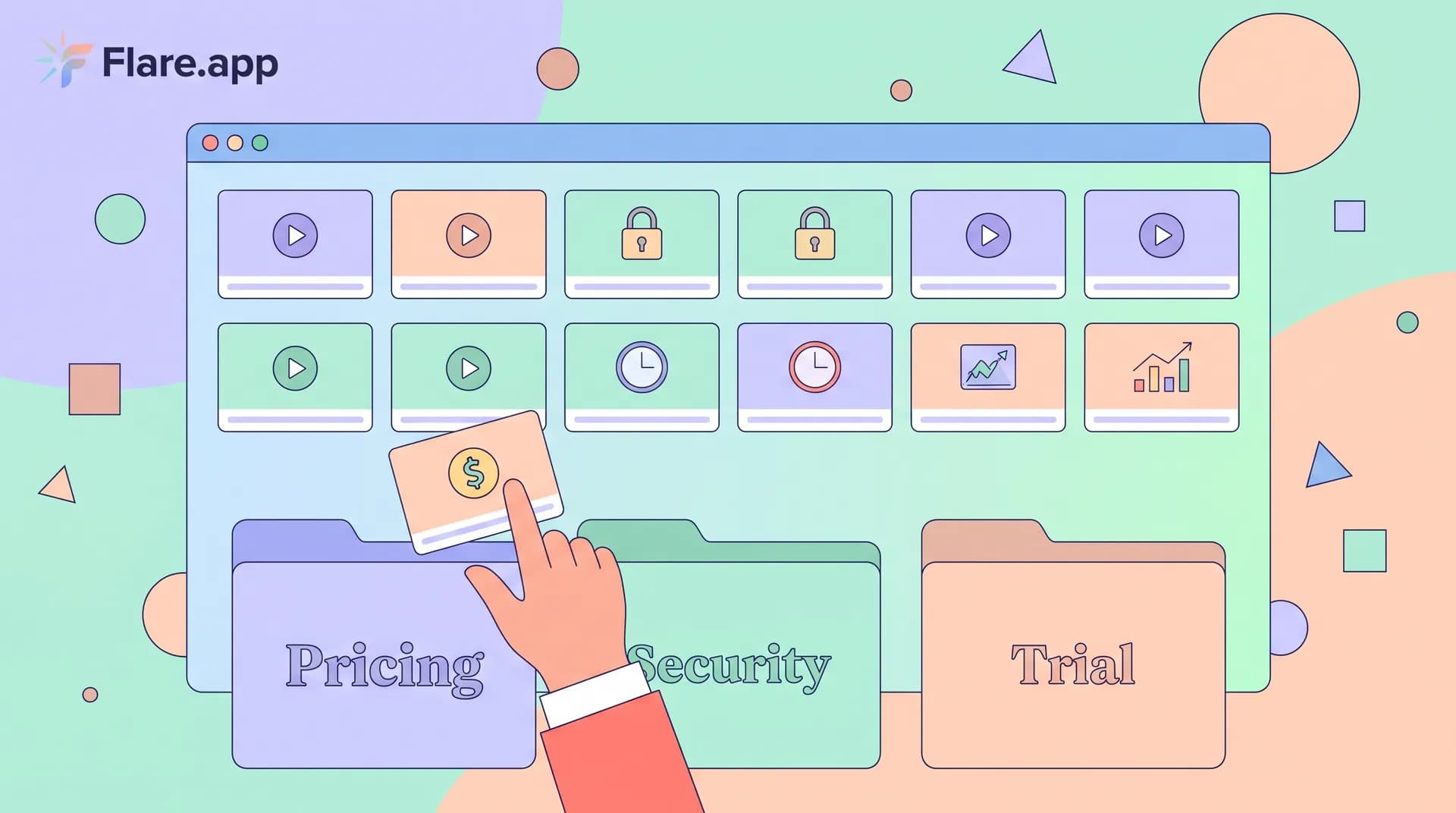
Matching Video Testimonials to Your Buyers' Objections
Learn how to tag video testimonials by objection type—pricing, security, trial length—so sales reps can pull the right clip at the right moment.

Most of the video testimonials sitting in your company's Google Drive are being wasted. Not because they're bad — because nobody can find the right one in under thirty seconds, so reps default to generic case study PDFs instead. I've watched this happen at three different companies now, including my own.
Here's the thing about video testimonials: a library of twenty great clips is worthless if your AE can't pull up "a customer who had the same security concern this prospect just raised" while they're still on the call. By the time they've scrolled through a shared folder looking for the right one, the moment's gone and the deal's moving forward on vibes instead of proof.
The fix isn't filming more testimonials. It's tagging the ones you have against the objections that actually kill deals, so the right clip surfaces in seconds.
Why Video Testimonials Fail Without Objection Tagging
I used to think the hard part of a testimonial program was getting customers to say yes to being filmed. It's not. The hard part is making sure the footage gets used after it's filmed.
Most teams treat testimonials like trophies. They post them on a wall of logos page, maybe drop one on the homepage, and call it done. That's fine for brand credibility, but it does almost nothing for your sales cycle. Sales doesn't need "customers love us" — sales needs "here's someone exactly like you who had your exact hesitation and got past it."
If you've already read my post on how to build a customer video testimonial program for SaaS, you know I'm a believer in filming often and filming real. But filming is step one of three. Step two is organizing by objection. Step three is getting reps to actually use the clips in live deals. Skip step two and step three never happens — reps won't dig through forty unsorted MP4s mid-call.
The three objections that kill most SaaS deals
In my experience running sales enablement content for Flare and talking to dozens of other SaaS founders, almost every stalled deal comes down to one of three objections:
- Trial/implementation risk — "Will this actually work for a team like ours, or will we waste a month setting it up?"
- Pricing — "Why does this cost more than [competitor], and will we see ROI fast enough to justify it?"
- Security/compliance — "Can your platform pass our IT review, and what happens to our data?"
Everything else is a variant of these three. "Will my team adopt it" is a trial objection wearing a different hat. "Is this worth the switching cost" is pricing. "What's your SOC 2 status" is security. If you tag your testimonial library against just these three buckets, you'll cover 80%+ of what's actually stalling deals.
How to Tag Testimonial Clips by Objection
This doesn't require fancy tooling. It requires discipline during the interview and discipline afterward.
Ask objection-specific questions during the interview
You can't tag a clip for an objection the customer never addressed. This is why your interview questions matter so much — if you're not intentionally prompting for pricing pushback or security concerns, you'll end up with twenty clips that all say "the onboarding was great" and nothing that speaks to the objections actually stalling your pipeline.
I covered this in detail in testimonial questions that get quotable SaaS answers, but the short version: ask customers directly what almost stopped them from buying. "What was your biggest hesitation before signing?" "Did price come up internally — how did you justify it?" "Did your security team have concerns, and how did we address them?" These questions produce the exact soundbites you need to tag.
Build a simple tagging taxonomy
Don't overengineer this. A spreadsheet with four columns works better than a fancy CMS nobody updates:
- Clip name/link — where the video lives (Flare, Loom, Vimeo, whatever)
- Objection tag — trial, pricing, security, or "general trust"
- Buyer persona — who this customer resembles (industry, company size, role)
- Quote snippet — the exact 10-15 second soundbite, transcribed
That persona column matters more than people think. A testimonial addressing pricing from a 20-person startup won't land the same way with an enterprise buyer worried about per-seat costs at 500 seats. Tag for both dimensions — objection type and buyer similarity — and you can match almost any sales situation.
Cut clips to the objection, not the whole interview
A 90-second clip where someone talks for 20 seconds about their onboarding experience before finally addressing pricing is a clip nobody will send. Cut it down. Each tagged clip should be 15-45 seconds and should open directly on the objection.
If you're worried about editing distorting what the customer actually said, I wrote a full breakdown on editing testimonials without changing meaning — the short answer is you can trim aggressively around pauses and tangents as long as you preserve the customer's actual claims and context.
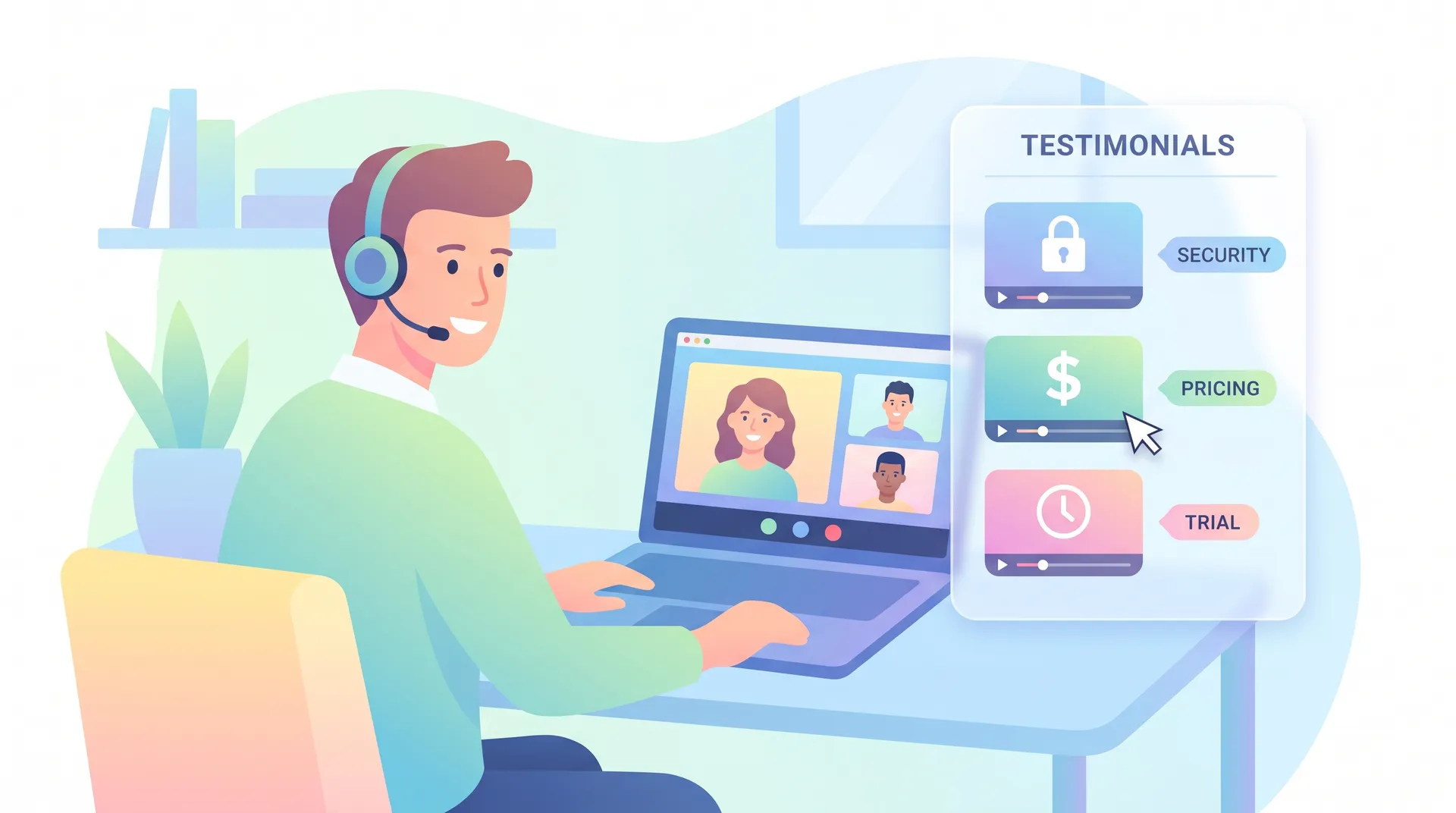
Putting Tagged Clips Into the Sales Cycle
Tagging only pays off if reps actually use the clips. Here's where I've seen it work and where I've seen it flop.
Embed clips in your CRM at the objection stage
If your CRM lets you tag deal stages or flag specific objections raised in notes (most do), build a simple playbook: when a rep logs "pricing pushback" as a call note, a linked testimonial clip should be one click away. Don't make them go hunting. The friction between "I need proof" and "here's proof" needs to be near zero or it won't happen in real time.
Use them in follow-up emails, not just calls
A lot of objection handling doesn't happen live — it happens in the 48 hours after a call when the prospect is looping in their boss or their security team. This is honestly where tagged testimonials do the most work. Drop a 30-second security-objection clip directly into a follow-up email instead of a generic case study PDF. It's specific, it's fast to watch, and it answers the exact question that's stalling the deal.
Keep a "greatest hits" tagged clip for each objection type pinned at the top of your sales enablement doc. Reps are busy — if finding the right clip takes more than one click, most won't bother.
Pair testimonials with your own objection scripts
Testimonials work best alongside a strong founder-delivered objection response, not instead of one. I wrote about the actual language for this in handling objections in sales video: a founder's script — the pattern that works is: founder or rep names the objection directly, then hands off to 20 seconds of a customer who had that exact concern. One-two punch. The founder shows you're not avoiding the hard question; the customer proves it's not a dealbreaker in practice.
Don't skip the security bucket even if you think your product is "too simple" to trigger it. I've seen five-figure deals stall for weeks over a single data retention question that a 20-second customer clip could have answered on the spot.
Keeping the Library Fresh
Objections shift. What stalled deals a year ago (maybe integration concerns) might be a non-issue now, while a new objection (AI data usage, for example) has emerged as the top blocker. Review your tagged library quarterly against your actual win/loss notes. If sales reports a new recurring objection with no matching clip, that's your next filming priority — not a random "happy customer" testimonial.
This also means your testimonial cadence shouldn't be a one-time project. If you haven't nailed down when in the customer lifecycle to actually ask for these clips, I'd read how to ask for testimonials: timing by lifecycle stage next — asking too early gets you fluff, asking at the right moment gets you the specific, objection-addressing answers this whole system depends on.
A library of ten well-tagged clips that reps actually use beats fifty untagged ones sitting in a folder nobody opens. Treat tagging as part of the production process, not an afterthought you'll "get to later."
FAQ
Frequently Asked Questions
What's the best way to organize video testimonials by sales objection?
How long should a testimonial clip be for sales use?
Should testimonials replace case studies in the sales process?
How do I get customers to address objections on camera?
How often should I update my testimonial objection library?
Related reading
- How to Build a Customer Video Testimonial Program for SaaS
- How to Choose the Right Customers for Video Testimonials
- Testimonial Questions That Get Quotable SaaS Answers
- How to Ask for Testimonials: Timing by Lifecycle Stage
- Customer Testimonial Videos: Editing Without Changing Meaning
- Handling Objections in Sales Video: A Founder's Script