Updating Onboarding Videos After UI Changes (Without Panic)
A practical review cadence and versioning system for updating onboarding videos after UI changes, so your onboarding library never lies to new users.

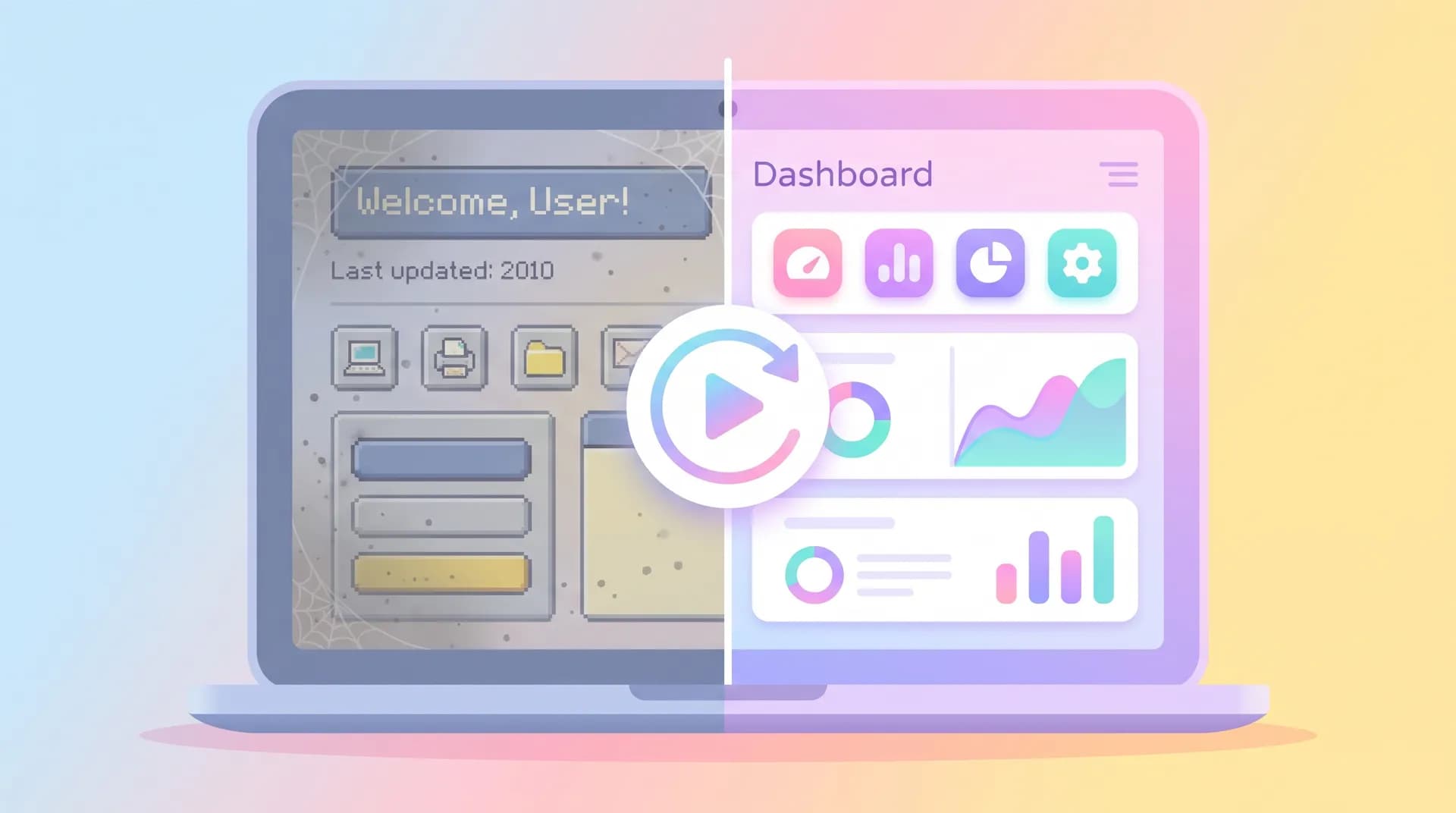
Three weeks after we shipped a redesigned dashboard at Flare, a support ticket came in that stopped me cold: "Your onboarding video tells me to click a button that doesn't exist." We'd moved it. The video was six weeks old. Six weeks, and it was already lying to new users.
That's the dirty secret nobody tells you about onboarding videos. Everyone obsesses over scripting them, shooting them, getting the first useful outcome right. Almost nobody plans for what happens the day your design team ships a redesign. Updating onboarding videos after UI changes isn't an edge case — it's a recurring maintenance job, and if you don't treat it that way, your "best" onboarding asset quietly becomes your worst one.
Why updating onboarding videos after UI changes matters more than making them
A video that's wrong is worse than no video at all. If a new user can't find a button, they assume they're confused. If a video tells them to click a button that moved, they assume you're confused — and that doubt bleeds into trust for the whole product.
I've watched this play out in our own activation numbers. When one of our in-app walkthrough clips fell out of sync with a settings redesign, completion rates on that step didn't just stall — they dropped below what we saw with no video at all. Users would pause, rewind, get stuck, and bounce. The video actively made onboarding worse because it introduced friction that didn't exist before.
This is the part that catches most teams off guard. Your product ships updates constantly — that's the whole point of SaaS. Continuous deployment is a feature for your engineering team and a liability for every screen-recorded asset you've ever made. If you've already invested in a SaaS onboarding video strategy for activation, the ROI of that investment depends entirely on whether the video still matches reality six months from now.
The compounding cost of stale videos
Here's the math nobody runs. Say your onboarding video gets 500 views a month and your product ships a UI update every 3-4 weeks (pretty normal cadence for an active SaaS team). If even 20% of those updates touch something visible in your video — a renamed button, a moved nav item, a redesigned modal — you're accumulating small inaccuracies fast.
Each inaccuracy doesn't just confuse one user. It confuses every user who watches that video until someone catches it and fixes it. I've seen stale onboarding clips run for 4+ months before anyone flagged them, because nobody owned the "watch this after every release" job.
Build a review cadence, not a fire drill
The fix isn't "re-record everything constantly." That's expensive and unnecessary. The fix is a cadence that matches your actual release rhythm, with clear triggers for when a video needs attention versus when it doesn't.
Here's the system we landed on after that embarrassing support ticket:
Trigger-based reviews, not calendar-only reviews. Every PR or release note that touches a UI element gets tagged if it affects onboarding, signup, or any screen your videos reference. That tag kicks off a quick check: does any existing video show this screen?
A lightweight monthly audit as a backstop. Even with trigger tags, things slip through — especially when design tweaks ship without a formal ticket. Once a month, someone spends 30 minutes clicking through your 5-10 most-watched onboarding videos next to the live product. This catches the drift that trigger-based reviews miss.
A severity scale, so you don't over-react. Not every UI change needs a re-shoot. We use three tiers:
- Cosmetic (color, spacing, minor copy) — no action needed, video still functional
- Structural (button moved, renamed, relocated to a different menu) — needs a quick patch, often just a re-record of one segment
- Workflow-breaking (the entire flow shown in the video no longer exists) — full re-shoot, treat it like a new video brief
This mirrors the thinking in picking one milestone for your first useful outcome — you're not trying to perfectly document every pixel, you're protecting the handful of moments that actually drive activation. Spend your review energy there first.
Version your videos like you version your code
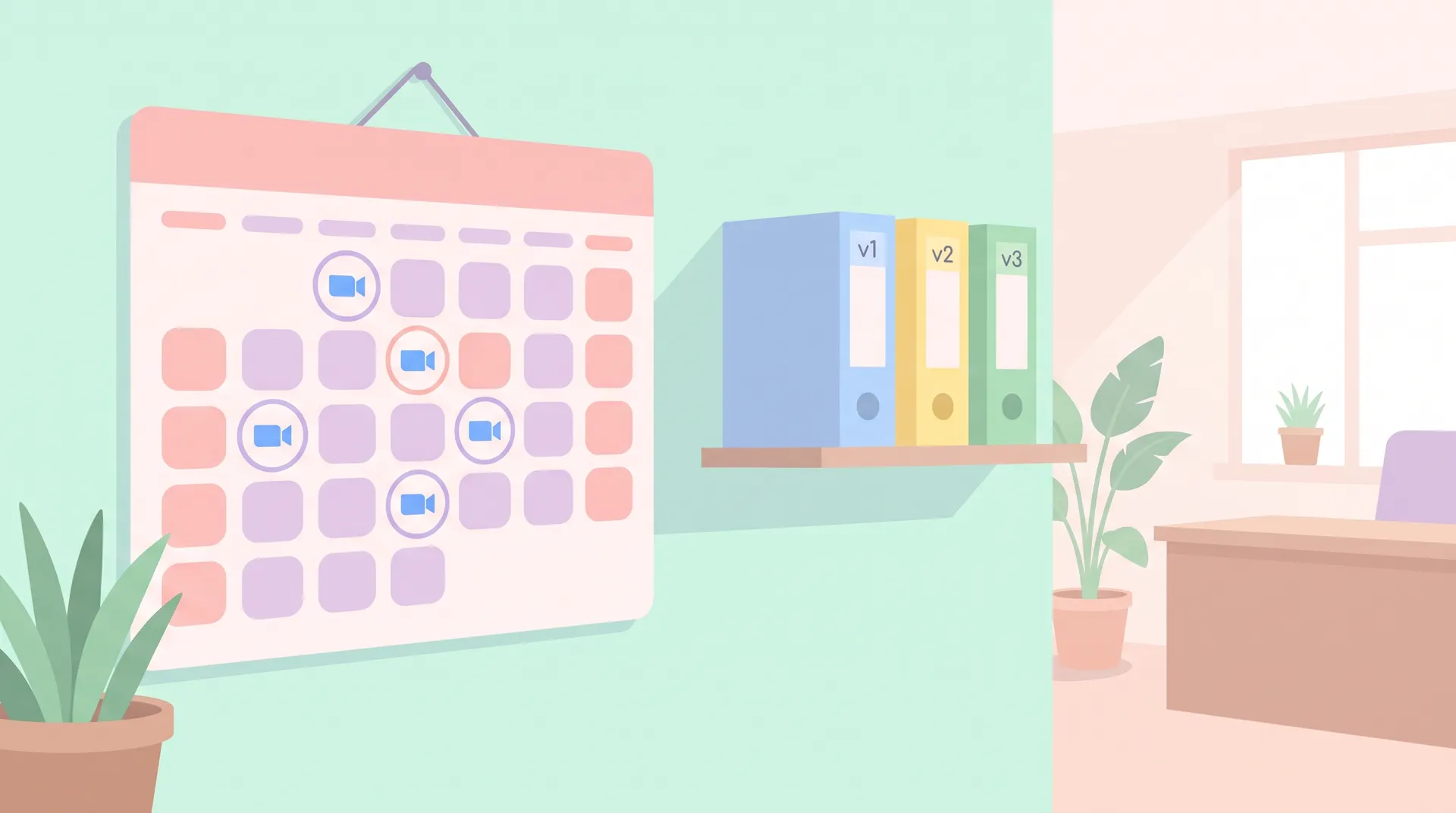
The other half of this problem is purely organizational. If you don't know which version of a video is live, where the source files are, or what UI state it was shot against, you can't maintain anything — you can only rebuild from scratch every time, which is slower and more expensive than it needs to be.
Treat your onboarding video library the way your engineers treat a codebase.
Tag every video with the product version it was shot against. Even something as simple as a filename convention — signup-flow_v3_2024-11.mp4 — tells your team instantly whether a video is stale the next time your app ships a major release.
Keep source files and screen recordings, not just the final export. When a button moves but the surrounding flow is identical, you want to re-record 8 seconds and drop it into the existing edit — not re-shoot the whole thing because you only have the final MP4.
Log what changed and why, every time you update a video. A simple changelog — even a shared doc — saves you from re-litigating the same questions every quarter. "Why does this version skip the old settings page?" Answer's right there.
Assign explicit ownership. Someone on your team — not "whoever notices" — owns the onboarding video library the same way a PM owns a roadmap. Without a named owner, review cadences die within two quarters. I've seen it happen on our own team before we fixed it.
Store a lightweight spec sheet next to each video: which screens it shows, which features it depends on, and the last verified date. It takes ten minutes per video and saves hours of detective work later.
Know which videos are highest priority to fix first
You almost never have time to audit everything at once, so prioritize by where stale videos do the most damage.
Start with anything referenced in your human-presenter or screen-recorded onboarding flows that sits at the very front of the user journey — the welcome video, the first-task walkthrough, anything embedded in your first email after signup. These get the most views and the least user patience. A mismatch here costs you activation, not just mild annoyance.
Next, prioritize based on where you're seeing a stall point in your onboarding funnel. If completion rates on a specific step have quietly dropped since your last redesign, check whether the video tied to that step is the cause before you assume it's a product problem.
Deprioritize anything buried in a help center or rarely-viewed tutorial. Those can wait for your monthly audit cycle instead of an emergency fix.
Don't let "we'll fix it in the next big content refresh" become your default answer. Structural UI changes that break a workflow-critical video should get patched within days, not quarters — every day it sits broken is lost activation.
Make the fix cheap, not heroic
The teams that handle this well don't have more time than you — they've just made the fix lightweight by design.
Shoot onboarding videos in modular segments from the start, so a UI change to one screen only requires re-recording one segment, not the whole sequence. This is the single biggest lever for cutting maintenance cost. A video stitched together from five 10-15 second clips is far cheaper to patch than one continuous seven-minute take.
Keep screen recordings at a consistent resolution and browser zoom level so new segments drop in cleanly next to old ones without a jarring visual seam.
Use your design team's Figma or component library as your early warning system. If you can get onboarding video review added as a checklist item on major design handoffs, you catch breaking changes before they ship instead of after a user complains.
And when in doubt about whether something needs a video or a lighter-weight alternative, compare it against a product walkthrough you can update text-only. Interactive walkthroughs built on your live DOM don't go stale the same way video does — they're worth using for screens that change often, saving video for the moments that don't.
If a screen changes every few weeks, it's probably not a good candidate for video at all. Save video budget for stable, high-value moments and let interactive or text-based guidance handle the volatile parts of your UI.
FAQ
Frequently Asked Questions
How often should I update onboarding videos after UI changes?
Do I need to re-shoot the whole video for every small UI change?
Who should own keeping onboarding videos accurate?
What's the fastest way to tell if a video is outdated?
Should I use interactive walkthroughs instead of video for fast-changing screens?
What happens if I don't update onboarding videos after a redesign?
Related reading
- SaaS Onboarding Videos: Driving Real User Activation
- SaaS Onboarding First Useful Outcome: Pick One Milestone
- Onboarding video vs product walkthrough: pick per step
- SaaS User Onboarding Drop-Off: Find the Exact Stall Point
- Saas Onboarding Activation Metrics: Stop Counting Views
For reference on how fast-moving product teams think about documentation decay, the folks at Intercom's resource library and Nielsen Norman Group's usability research both cover related territory on keeping user-facing guidance trustworthy. And if you're mapping version control practices from engineering onto content workflows, Atlassian's guide to release management is a solid parallel to borrow from.