Where to Place Video Testimonials in Sales and Onboarding
A practical map of where video testimonials actually move the needle across sales calls, onboarding, and lifecycle emails — not just your homepage.

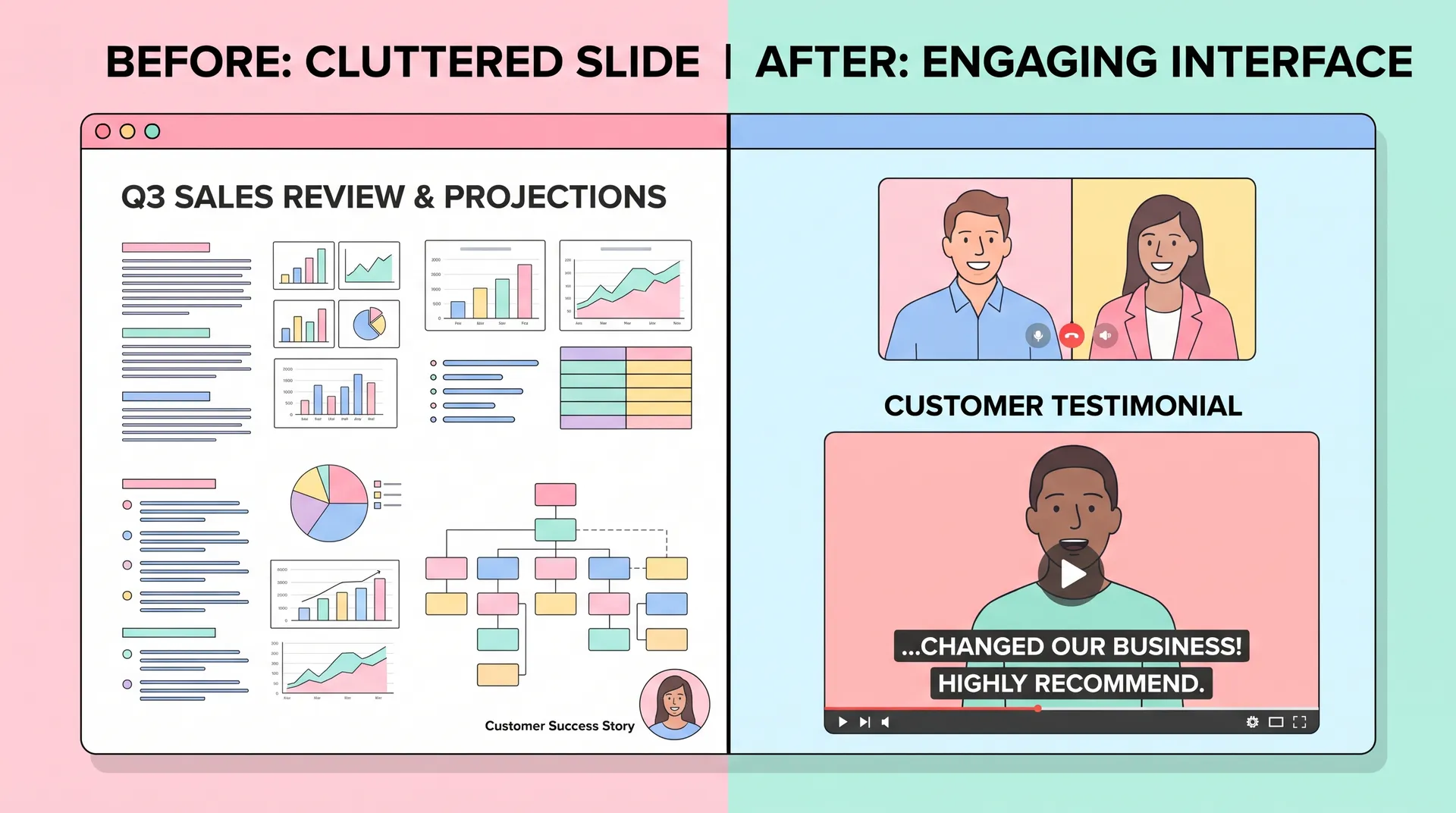
I once watched a sales rep scroll through 40 slides to find a single testimonial buried in an appendix nobody ever reached. Meanwhile, the prospect on the call was asking the exact question that testimonial answered. That's the moment I realized most teams treat video testimonials like decorations instead of tools. They collect them, post one or two on the homepage, and call it done.
That's a waste. A good testimonial is leverage — wait, let me rephrase that, it's proof that does the selling for you when it's sitting in the right spot at the right moment. The problem isn't that teams lack testimonials. It's that they only ever think to put them in one place.
This post is a map, not a how-to. If you're starting from zero and need the full build-out — how to recruit customers, structure the program, and manage rights — go read How to Build a Customer Video Testimonial Program for SaaS first. This one assumes you already have footage. The question here is simpler and more overlooked: where does it actually belong?
Video testimonials belong in more than one place
Most companies default to a single destination: the website. Testimonials get dumped into a carousel on the homepage, maybe a dedicated "customers" page nobody visits organically. Then the team moves on.
But a buyer doesn't make one decision. They make a string of small ones — should I take this call, should I sign up for a trial, should I actually finish setup, should I renew. Each of those micro-decisions has its own doubt attached to it, and a testimonial addressing that specific doubt, placed at that specific moment, converts way better than the same clip sitting on a page they'll never scroll to.
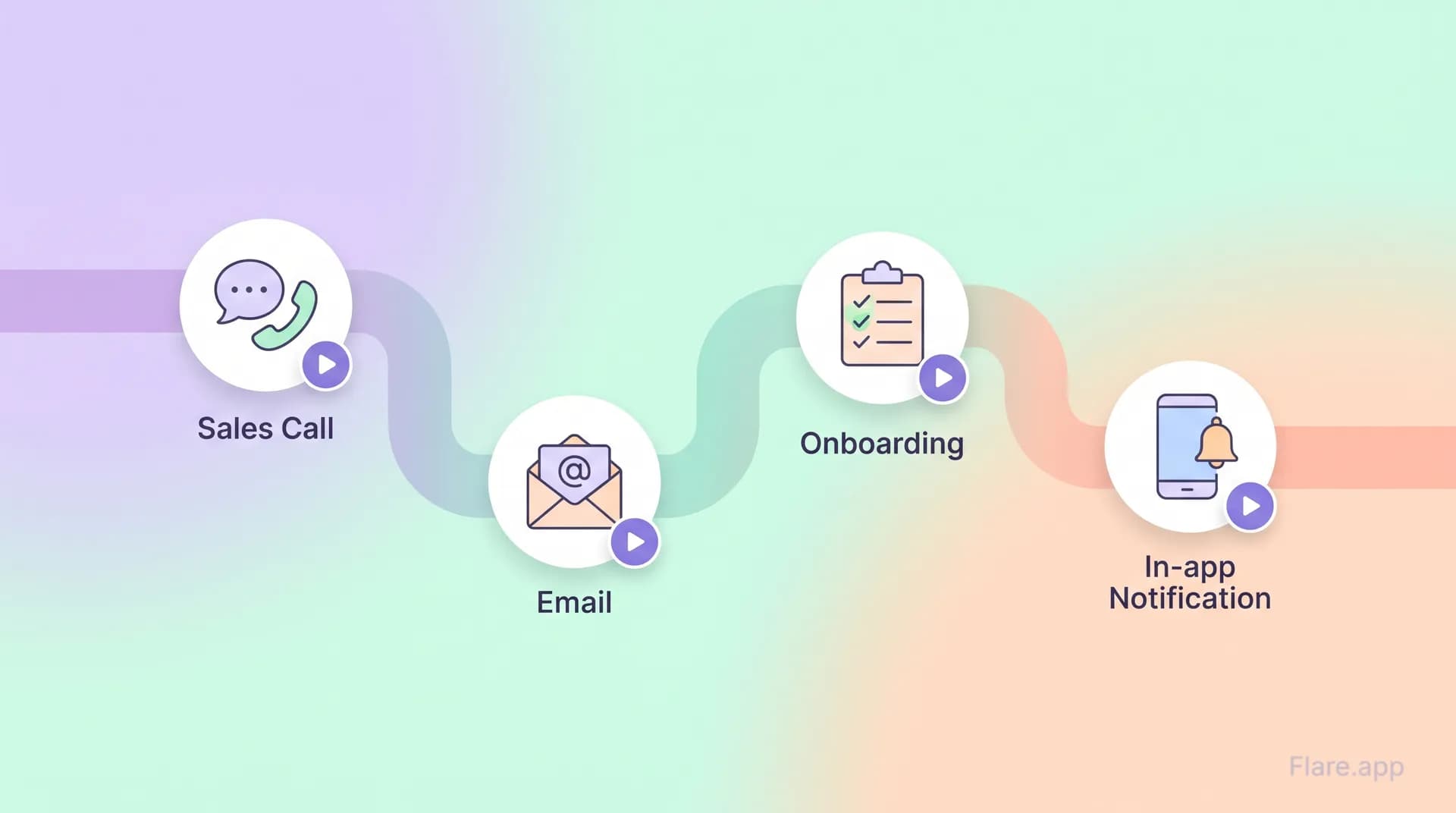
I think of testimonial placement in three buckets: pre-sale (discovery through demo), active sale (proposal through close), and post-sale (onboarding through renewal). Each bucket needs different clips, different lengths, and different delivery mechanisms.
Pre-sale: discovery and research
This is where short clips do the heavy lifting. Prospects googling your category, comparing you against two competitors, reading reviews — they're not going to sit through a three-minute testimonial. They want 20 to 40 seconds that answers "does this actually work for someone like me?"
Good spots:
- Embedded in comparison or alternative pages, next to the specific claim being made
- In retargeting ads running to people who visited pricing but didn't convert
- Linked from G2/Capterra review responses, since buyers cross-reference review sites constantly
If you're still figuring out who to even ask for these clips, How to Choose the Right Customers for Video Testimonials walks through matching the customer profile to the objection you're trying to solve. That matters more at this stage than at any other, because a mismatched testimonial (enterprise customer talking to a solo-founder prospect) actively hurts you here.
Active sale: demo calls, proposals, and follow-up emails
This is the most underused placement, full stop. Sales reps have the testimonial in their arsenal but never pull it out mid-conversation because it's buried in a shared drive labeled "marketing assets - final - v3."
Fix that. Build a short, searchable library tagged by objection: price, integration complexity, switching risk, support quality. When a prospect says "we tried something like this before and it didn't stick," the rep should be able to pull up a 45-second clip of a similar customer saying exactly that and explaining what changed. That's not a nice-to-have. That's the single highest-leverage placement in the entire buyer journey, because it happens live, in context, with a real objection on the table.
I wrote a longer breakdown on this exact matching exercise in Matching Video Testimonials to Your Buyers' Objections — worth reading if your sales team keeps asking marketing for "more proof" without being specific about what kind.
Beyond the call itself: attach a relevant clip to the follow-up email after a demo. Not the whole library — one clip, chosen for the specific hesitation that came up on the call. Reps who do this close noticeably faster, because the prospect isn't just taking the rep's word for it anymore.
Onboarding: the forgotten testimonial placement
Here's the part everyone skips. The deal closes, the contract's signed, and testimonials disappear from the conversation entirely — right when the buyer is at their most anxious. They just spent budget and political capital on a decision, and now they're second-guessing whether they made the right call. This is called buyer's remorse for a reason, and it kills renewals before the product even gets used properly.
A short testimonial dropped into the welcome email or the first in-app message — one that says "here's how someone just like you got value in week one" — does something sales pages can't: it reassures the buyer after the decision, not before. That reduces early churn more than people expect.
Specific onboarding placements that work:
- Welcome email, right after signup, paired with the first setup step
- Inside the product, triggered after a user completes (or stalls on) a key milestone
- In onboarding call agendas, as the opener — "before we start, here's how another customer approached this"
If you haven't nailed down when in the lifecycle to even ask customers for these clips, that's a separate problem worth solving — How to Ask for Testimonials: Timing by Lifecycle Stage covers the ask side in depth. This post is about placement, not collection, but the two are linked: a testimonial collected at month six about "early setup wins" is exactly what you want queued up for new signups a year later.
Post-sale: renewal, expansion, and advocacy
Past onboarding, testimonials shift purpose again. Now they're not reducing doubt, they're building a case for expansion. A customer success manager heading into a renewal or upsell conversation benefits from a recent testimonial showing ROI realized, not just promised. Pair it with usage data if you have it. "Here's what another team in your industry did with the feature you're about to add" is a much stronger pitch than a generic case study PDF.
This is also where quality control matters most, because these clips get reused across quarters. If you're cutting footage down for different placements, make sure you're not distorting what the customer actually said — I covered the line between tightening a clip and misrepresenting someone in Customer Testimonial Videos: Editing Without Changing Meaning. Nothing torches trust faster than a customer seeing their own quote taken out of context in your sales deck.
Build a simple tagging system for your testimonial library: objection addressed, buyer stage, industry, and clip length. A rep or CSM should be able to find the right 30-second clip in under a minute. If it takes longer than that, it won't get used.
A few placement mistakes I keep seeing
One clip trying to do everything. A five-minute testimonial covering the whole customer journey gets used nowhere, because it's too long for ads, too generic for sales calls, and too unfocused for onboarding. Cut it into pieces tagged for specific moments instead.
No home for sales enablement. Marketing makes the videos, sales never gets trained on when to use them. If your CRM doesn't have a field or playbook step for "attach relevant testimonial," the videos rot in a shared folder.
Testimonials only live on the marketing site. If the only place a prospect sees a testimonial is your customers page, you're relying on them to go looking for proof instead of putting it in front of them when the doubt actually surfaces.
Don't recycle the same two or three testimonials across every single touchpoint. Sales teams and prospects both notice when it's the same face and the same quote everywhere — it starts to feel staged, even if it's genuine.
Building the actual map
Here's a rough version of what I'd sketch out for most SaaS teams:
- Discovery stage — 20-30 second clips on comparison pages and retargeting ads
- Demo/proposal stage — objection-tagged clips in a searchable library for reps, plus one clip per follow-up email
- Signed/onboarding stage — a milestone-triggered clip in-app or in the welcome sequence
- Renewal/expansion stage — a recent, outcome-focused clip paired with usage data for CSMs
None of this requires more footage than most teams already have sitting unused. It requires actually mapping where the doubts live and matching clips to them — which is a sequencing problem, not a production problem.
If you're still deciding between a full testimonial versus a tighter case study or creator-led demo for a given spot, Testimonial vs Case Study vs Creator Demo: Pick Right is a good next read — not every touchpoint needs the same format.
Frequently Asked Questions
Where should video testimonials go besides the homepage?
Should sales reps use video testimonials during live calls?
Do video testimonials help after the sale closes, during onboarding?
How long should a video testimonial be for sales use?
How many video testimonials does a sales team actually need?
Should the same testimonial be used across every touchpoint?
Related reading
- How to Build a Customer Video Testimonial Program for SaaS
- How to Choose the Right Customers for Video Testimonials
- Matching Video Testimonials to Your Buyers' Objections
- How to Ask for Testimonials: Timing by Lifecycle Stage
- Customer Testimonial Videos: Editing Without Changing Meaning
- Testimonial vs Case Study vs Creator Demo: Pick Right
For more on how buyer psychology and proof interact more broadly, CXL's research on social proof is worth a read, as is Gartner's B2B buying journey research, and HubSpot's breakdown of video marketing statistics if you need numbers to justify the production budget internally.