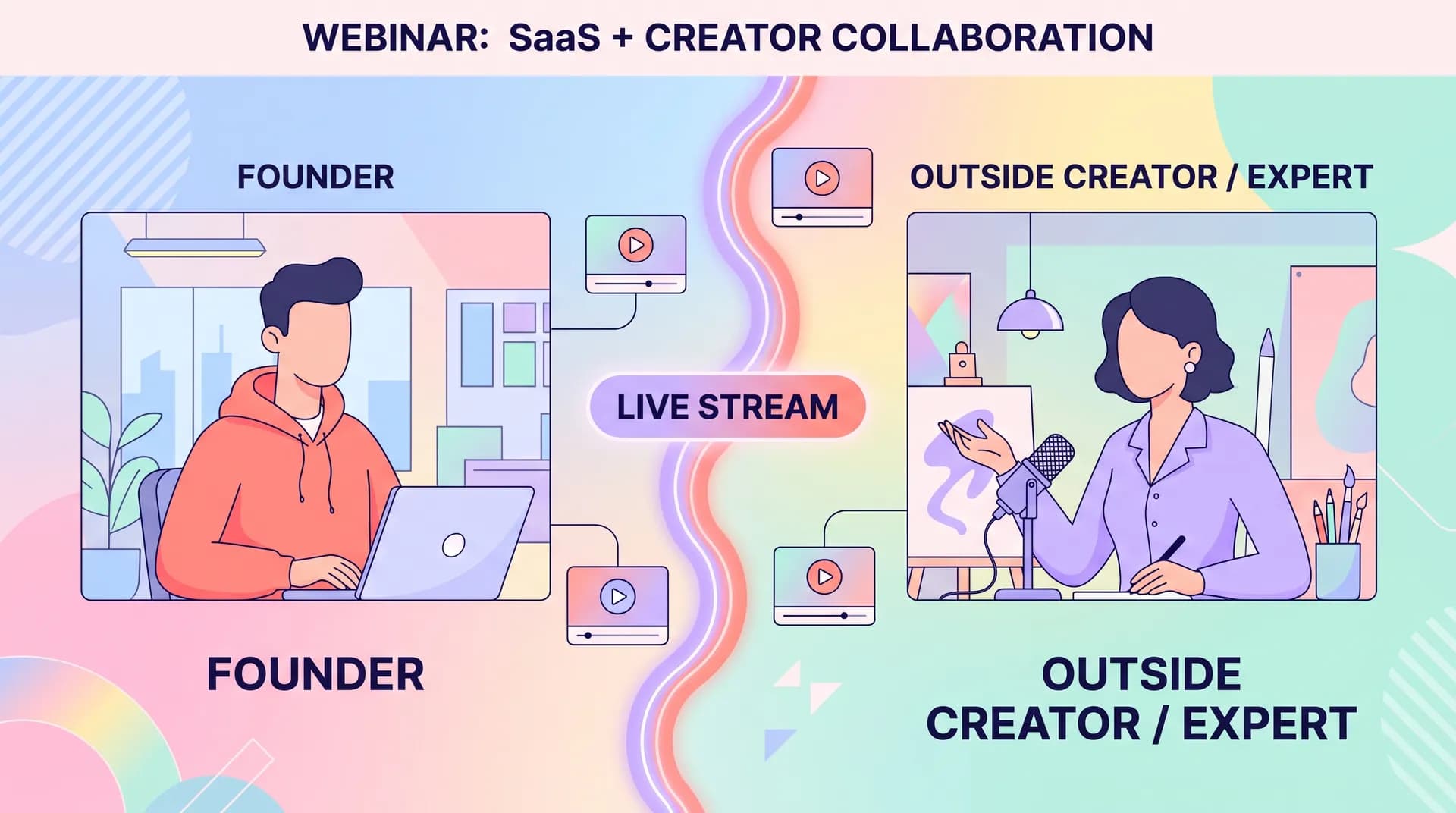
Co-Created Webinar Content: Pairing Creators With Live Formats
Learn how to structure co-created webinar content with outside creators and repurpose every session into weeks of short clips for distribution.

We ran a webinar last quarter that pulled in 340 registrants and maybe 90 live attendees. Nothing special there — that's a pretty normal B2B webinar outcome. What made it worth the effort was the six weeks of short clips we pulled out of that one hour of recorded video. Those clips outperformed the live event by a factor of ten in total views. That's the real argument for co-created webinar content: the webinar itself is just the raw material.
Most SaaS teams treat webinars like a one-off event. Book a date, send some emails, hope 50 people show up, move on. If you're doing co-created webinar content with an outside creator or practitioner, you're wasting most of the value if you stop there. The live session is maybe 20% of the output. The other 80% is what you cut out of it afterward.
I've run probably two dozen of these with outside experts and creators over the last few years at Flare. Some flopped. A few became our best-performing content of the quarter. Here's what separates the two.
Why co-created webinar content beats solo webinars
A webinar hosted entirely by your own team has a ceiling. Your audience already knows your angle. They've heard your pitch. Bringing in an outside voice — a practitioner, an analyst, a creator with real audience trust in your niche — changes the math in three ways.
First, distribution. The co-host has their own list, their own following, their own channel. You're not just reaching your database, you're reaching theirs too. Second, credibility. When a third party who isn't on your payroll says your approach solves a real problem, that lands differently than your own VP of Marketing saying it. Third, content diversity. A guest brings perspective, disagreement, war stories — things your internal team can't manufacture because they're too close to the product.
This is the same logic behind most B2B influencer marketing work, which I've written about at length in B2B Influencer Marketing: Building Creator Partnerships. Webinars are just one format inside that bigger strategy, but they're underrated because they produce long-form raw footage that nothing else does. A sponsored LinkedIn post gives you one asset. A 45-minute co-hosted webinar gives you one asset plus a dozen more hiding inside it.
Picking the right co-host
Don't default to the biggest name you can book. Follower count is a vanity metric here — what matters is whether the person has actually used tools like yours or solved the problem you're talking about. I'd rather have 8,000 followers and ten years of hands-on experience than 80,000 followers and a general interest in the category.
This matters enough that I wrote a separate piece on it: Finding Practitioner Creators for Your B2B Influencer Marketing Strategy. The short version — look for people who've done the job your buyer does, not people who talk about it from the outside. Before you book anyone, run them through a quick product-knowledge filter. We outline a version of this in B2B Creator Vetting Process: Test Product Knowledge First, and it saves you from a guest who freezes up when asked a direct question about implementation.
Structuring the live session for maximum repurposing
Here's the mistake most teams make: they structure the webinar like a lecture. Thirty minutes of slides, ten minutes of Q&A, done. That format is terrible for clipping because it's all setup and context, with the actual insight buried in long explanations.
Structure it instead as a conversation with clear, self-contained moments. I plan every co-created webinar around 5-7 "clippable beats" — specific questions or prompts designed to generate a complete thought in 60-90 seconds. Things like:
- "What's the biggest mistake you see teams make with [topic]?"
- "Walk me through the exact moment this strategy failed for you."
- "If you had to redo this in one week, what would you cut?"
- "What's one number that changed how you think about this?"
Each of these produces a standalone answer that works as a clip without any extra editing context. Compare that to an open-ended "tell me about your experience with X" prompt, which usually rambles for four minutes and produces nothing cuttable.
Send your co-host the clippable-beat questions ahead of time — not a script, just the prompts. A guest who's thought about the answer for 10 minutes gives you a tighter, more quotable response than one improvising live. You lose a little spontaneity but gain a lot of usable footage.
Keep the webinar itself to 30-40 minutes. Long webinars don't get more attendance, they just get worse completion rates. A tight session with a good co-host beats an hour-long sprawl every time. And if the conversation naturally turns into a product walkthrough moment, treat that segment with the same discipline you'd use for a software workflow demo brief — one workflow, one clear outcome, no meandering.
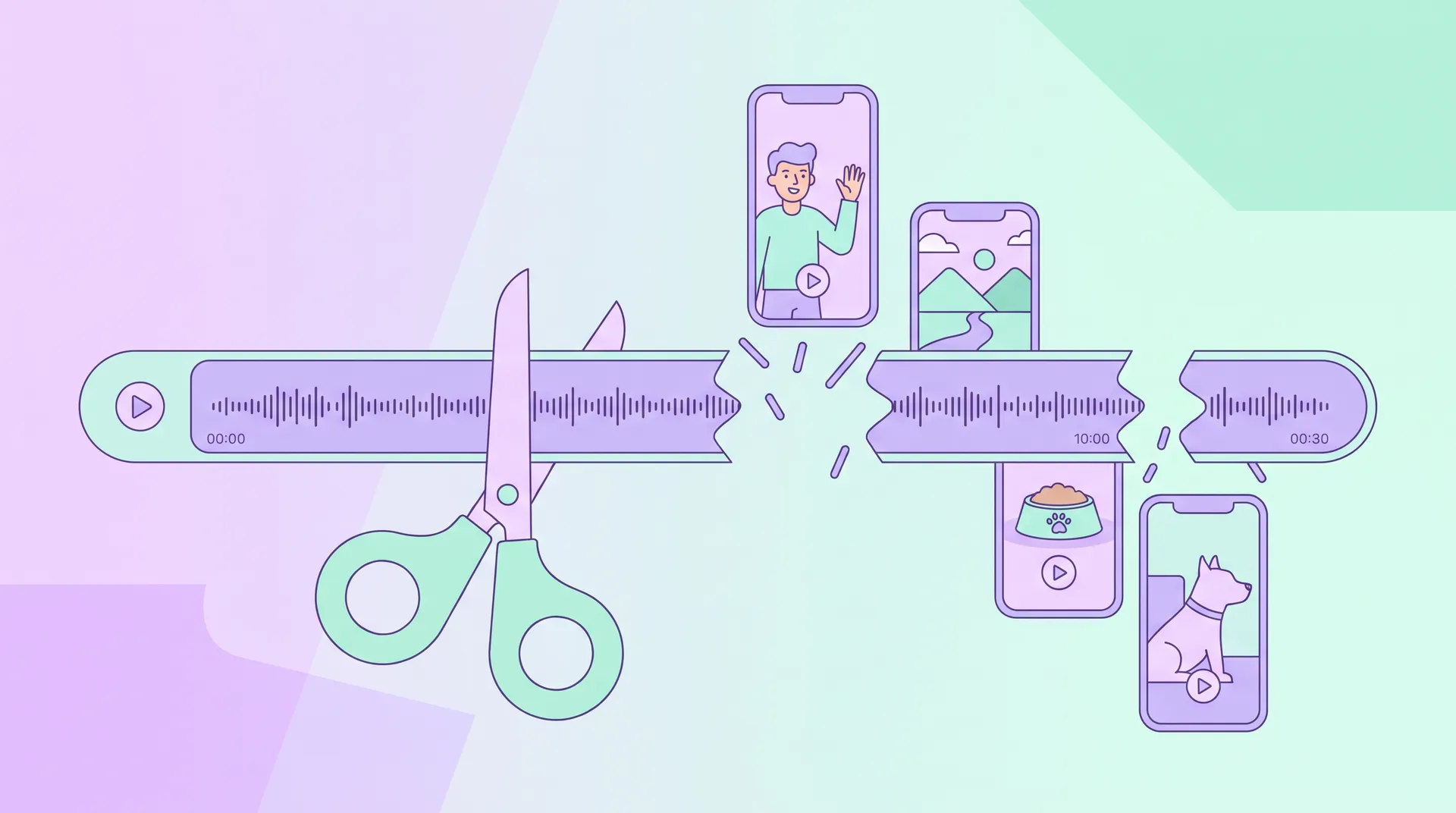
Turning one webinar into a month of short clips
This is where most teams drop the ball. They record the webinar, post the replay link, and call it done. The replay gets maybe 15% of the views the live session got. Nobody watches a 40-minute recording of a webinar they weren't even registered for.
Short clips are how you actually extend the shelf life. From a single 35-minute session with a good co-host, you should be able to pull:
- 4-6 vertical clips (60-90 seconds) for LinkedIn, Instagram Reels, and YouTube Shorts — each built around one clippable beat
- 1-2 longer clips (3-4 minutes) for YouTube, going deeper on the most substantive exchange
- A text carousel or quote graphic pulling the single best line from the co-host, for platforms where video underperforms
- An audio-only cut for a podcast feed, if you run one
- A written recap summarizing the key points, linking back to the full replay
The clips do more work than the original webinar because they match how people actually consume content — in short bursts, between meetings, on their phone. A good clip with a punchy hook performs the same way organic creator content does elsewhere; if you've read our piece on creative brief examples for UGC hook A/B testing, the same hook principles apply here. The first three seconds of the clip need to state the stakes or the surprise, not ease into context.
Credit the co-host visibly on every clip — name, title, and a link to their channel. This isn't just fair, it's strategic. When they share the clips themselves, their audience sees their own face and words, which drives way more engagement than a brand reposting generic content. We've found co-hosts share clips roughly 3x more often when they're clearly credited versus when the brand logo dominates the frame.
Budget your editing time realistically. A 35-minute session with 6 planned clippable beats takes roughly 4-6 hours to cut into a full clip package, assuming you're also doing captions and basic motion graphics. If you're doing this weekly, that's a real resourcing decision, not a side project.
Distribution sequencing matters more than volume
Don't dump all your clips at once. Stagger them over 3-4 weeks post-webinar. Week one, release the strongest 2-3 clips while the topic is still fresh and the co-host is still actively promoting. Weeks two through four, drip the remaining clips, mixing in the longer YouTube cut and the written recap. This keeps the webinar generating impressions long after the live date, and it gives you a steady content calendar without needing a new shoot every week.
If your co-host is also a customer or a product user, consider whether some of the webinar content overlaps with testimonial territory — in which case it's worth thinking about which objections the clips are actually addressing, similar to the framework in Matching Video Testimonials to Your Buyers' Objections.
What a realistic ROI conversation looks like
I won't pretend every co-created webinar is a hit. Some guests don't promote afterward despite agreeing to. Some topics just don't have enough tension to produce good clips. But when the format works, the math is genuinely good: one session, one honorarium or revenue share for the co-host, and 4-6 weeks of distributable content across five platforms. Compare that to commissioning five separate pieces of content from scratch — the cost per asset drops substantially.
Platforms like Zoom Webinar and GoToWebinar both support easy local recording in formats that make downstream editing simple, so there's no technical excuse for skipping the repurposing step. The bottleneck is almost always planning, not tooling.
Frequently Asked Questions
What is co-created webinar content?
How long should a co-created webinar be?
How many short clips can you get from one webinar?
How do you find the right creator to co-host a B2B webinar?
Should the co-host be paid, and how?
What's the biggest mistake brands make with webinar repurposing?
Related reading
- B2B Influencer Marketing: Building Creator Partnerships
- Finding Practitioner Creators for Your B2B Influencer Marketing Strategy
- B2B Creator Vetting Process: Test Product Knowledge First
- Job Roles Over Follower Counts: SaaS Influencer Marketing
- Software Workflow Demo Brief: Brief Workflows, Not Scripts
- Creator-Led Product Education: Turning Expertise Into Onboarding